1,编写自定义过滤器并注册
创建目录
Test/app5/templatetags
分别创建文件
Test/app5/templatetags/init.py
Test/app5/templatetags/myfilter.py
添加过滤器脚本
Test/app5/templatetags/myfilter.py
from django import template
register = template.Library()
@register.filter
def show_title(value, n):
    if len(value) > n:
        return f'{value[:n]}...'
    else:
        return value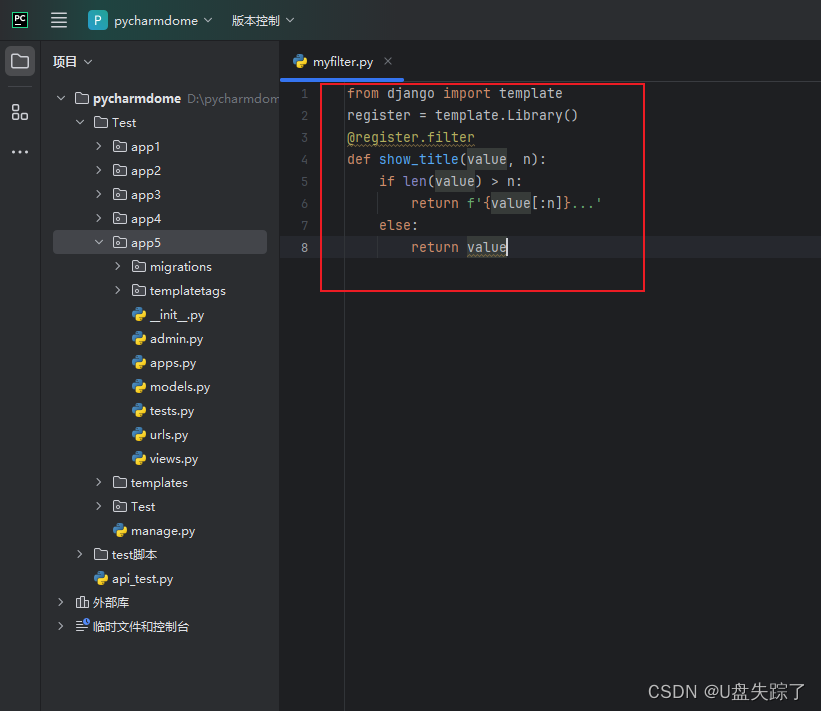
2,添加视图函数
Test/app5/views.py
from django.shortcuts import render

# Create your views here.
import datetime

def filter(request):
    str1 = 'abcdefg'
    str2 = 'ABCDEFGHIJKLMNO'
    str3 = '123456789'

    time_str = datetime.datetime.now()
    return render(request, '5/filter.html', {'str1':str1, 'str2':str2, 'str3':str3, 'time_str':time_str})


def html_filter(request):
    html_addr = """
        <table border='2'>
            <tr>
                <td>
                这是表格A
                </td>
                <td>
                这是表格B
                </td>
            </tr>
        </table>
    """

    html_script = """
        <script language='JavaScript'>
            document.write('非法执行');
        </script>
    """

    return render(request, '5/html_filter.html', {"html_addr":html_addr, "html_script":html_script})


def diy_filter(request):
    dict1 = {'标题': '学习Django天天加班,熬到深夜,沉迷学习无法自拔!'}
    dict2 = {'标题': '学习java天天加班,熬到深夜,沉迷学习无法自拔!'}
    dict3 = {'标题': '学习C++天天加班,熬到深夜,沉迷学习无法自拔!'}
    lists = [dict1, dict2, dict3]
    return render(request, '5/diy_filter.html', {"lists":lists})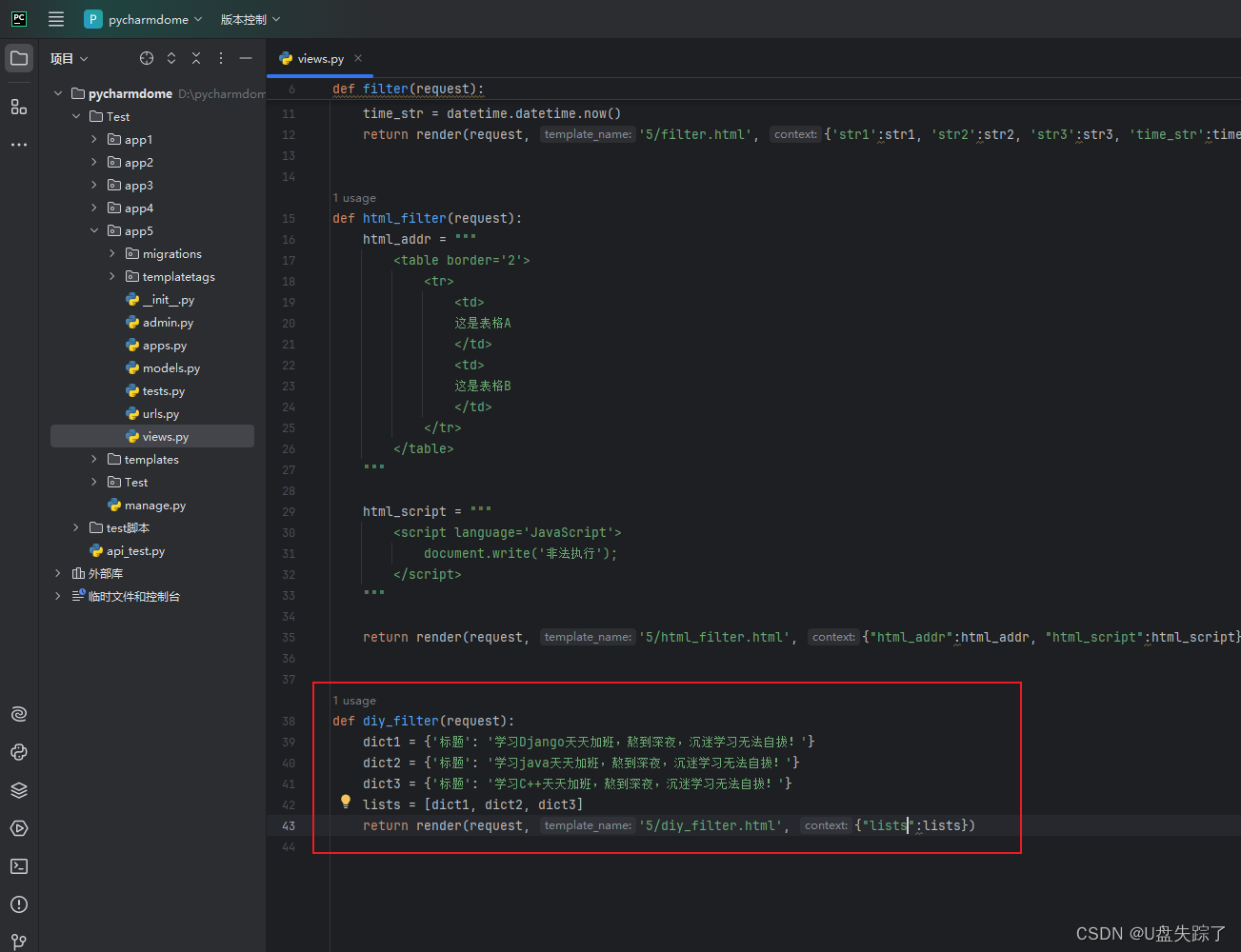
3,添加路由
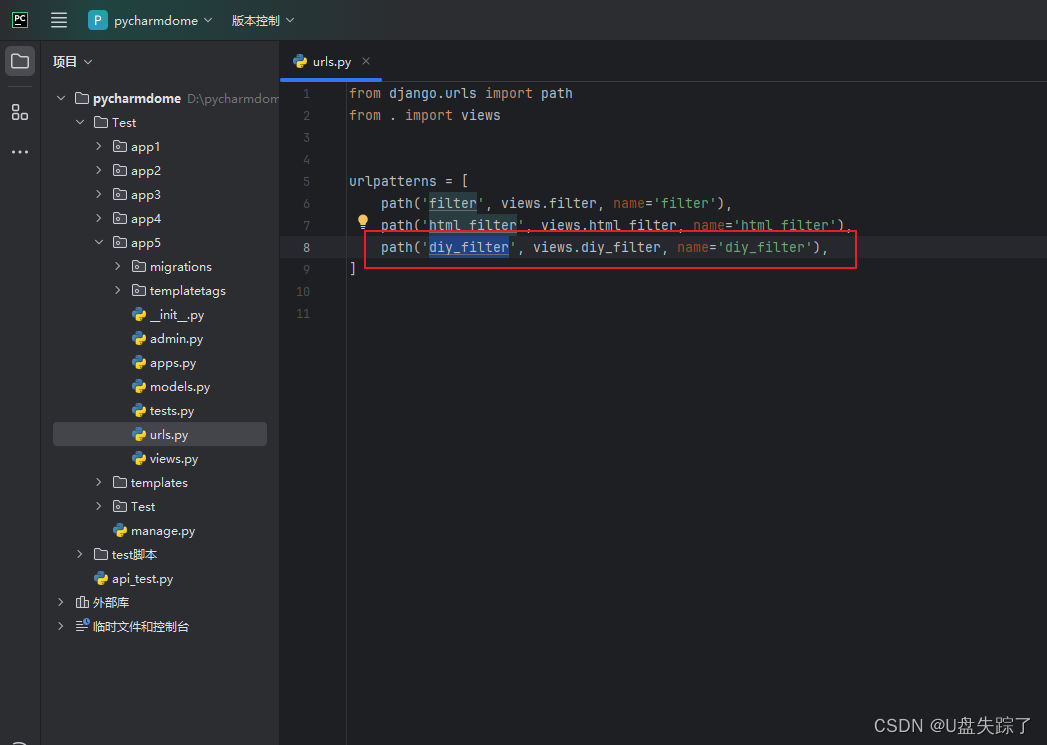
Test/app5/urls.py
from django.urls import path
from . import views


urlpatterns = [
    path('filter', views.filter, name='filter'),
    path('html_filter', views.html_filter, name='html_filter'),
    path('diy_filter', views.diy_filter, name='diy_filter'),
]
4,添加HTML代码
Test/templates/5/diy_filter.html
<!DOCTYPE html>
<html lang="en">
<head>
    <meta charset="UTF-8">
    <title>Title</title>
</head>
<body>

{% load myfilter %} <!-- 使用半角字符 -->
<table border="1" style="width: 300px">
    {% for list in lists %}
    <tr>
        <td>
            {{ list.标题|show_title:10 }} <!-- 假设 show_title 过滤器接收一个参数 -->
        </td>
    </tr>
    {% endfor %}
</table>

</body>
</html>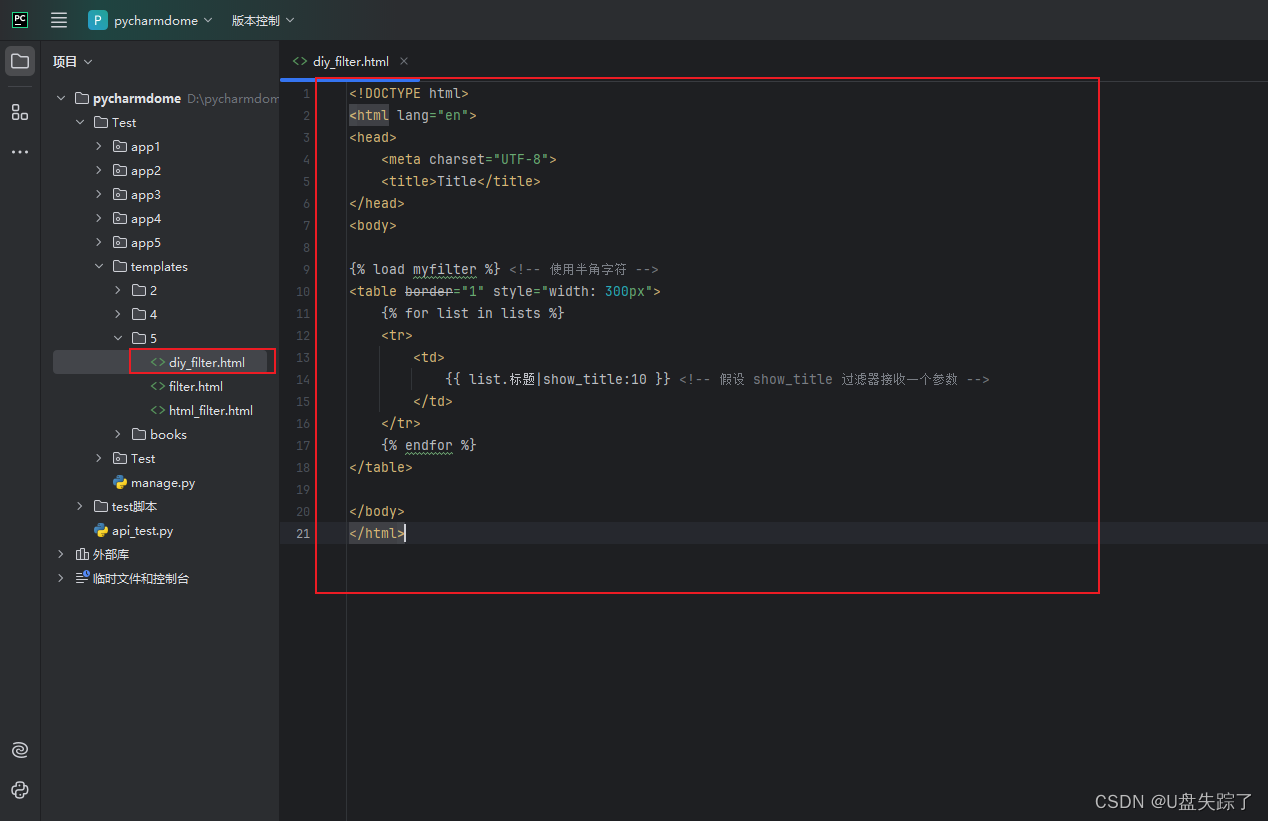
5,访问页面
http://127.0.0.1:8000/app5/diy_filter
