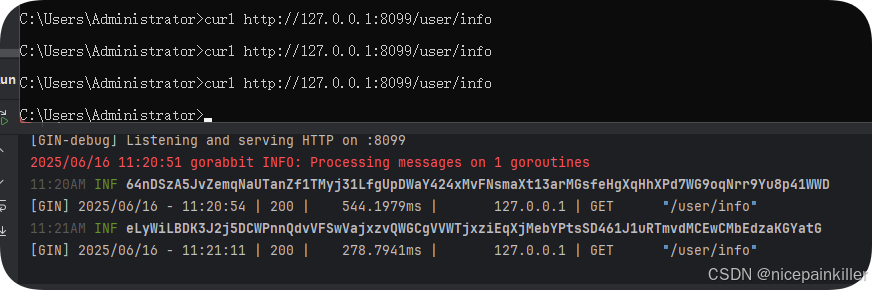
我们采用 Rust 开发智能合约,并通过 Web3 和 Go 实现合约调用。通过Solana Playground | Solana IDE 编写智能合约
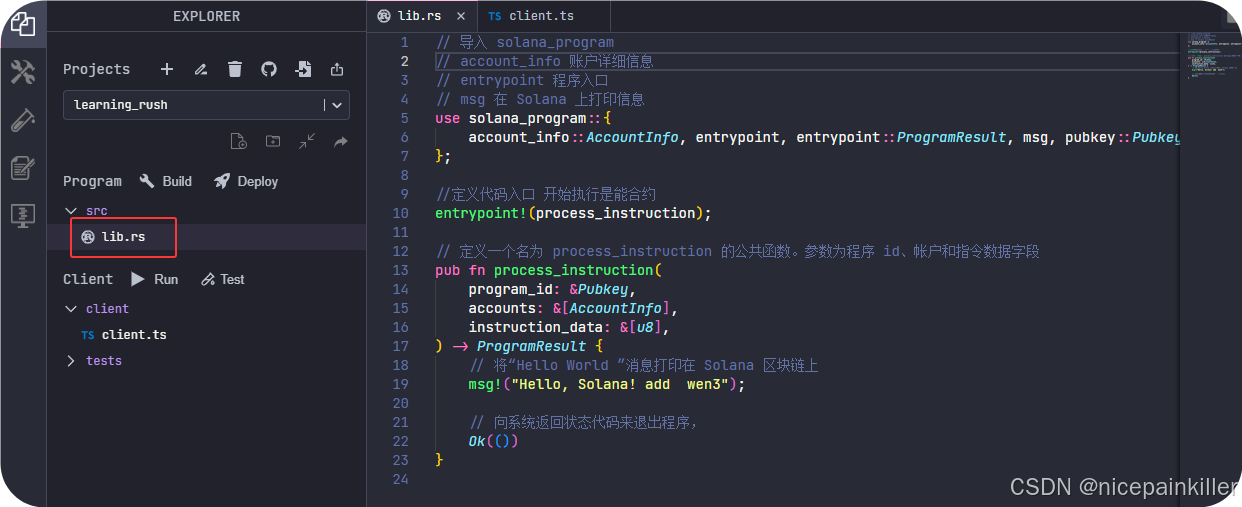
1.使用 rust 编写一个
这个智能合约 内容就是输出一行文字
// 导入 solana_program
// account_info 账户详细信息
// entrypoint 程序入口
// msg 在 Solana 上打印信息
use solana_program::{
    account_info::AccountInfo, entrypoint, entrypoint::ProgramResult, msg, pubkey::Pubkey,
};

//定义代码入口 开始执行是能合约
entrypoint!(process_instruction);

// 定义一个名为 process_instruction 的公共函数。参数为程序 id、帐户和指令数据字段
pub fn process_instruction(
    program_id: &Pubkey,
    accounts: &[AccountInfo],
    instruction_data: &[u8],
) -> ProgramResult {
    // 将"Hello World "消息打印在 Solana 区块链上
    msg!("Hello, Solana! add  wen3");

    // 向系统返回状态代码来退出程序,
    Ok(())
}
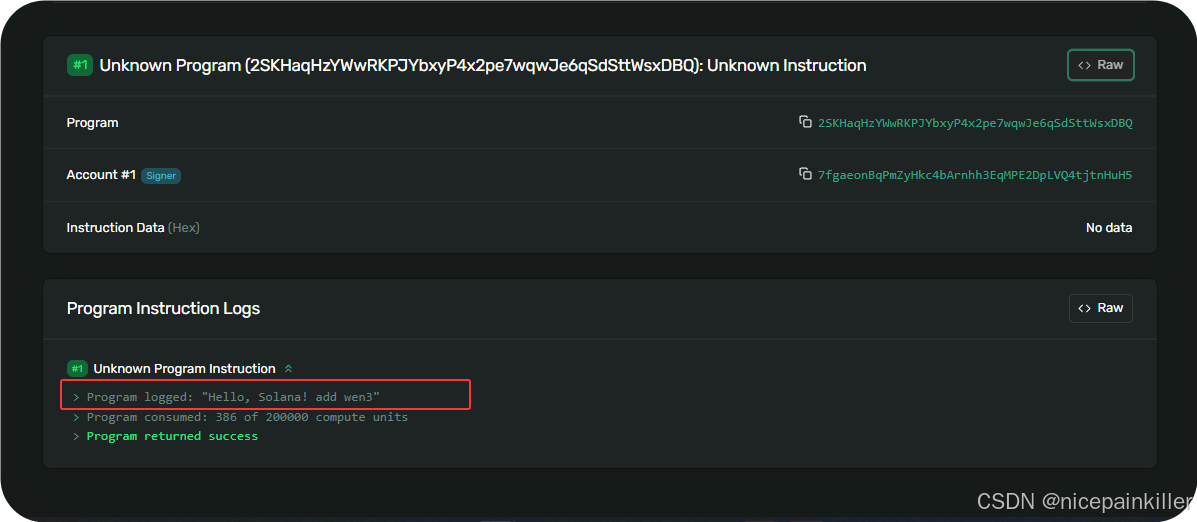
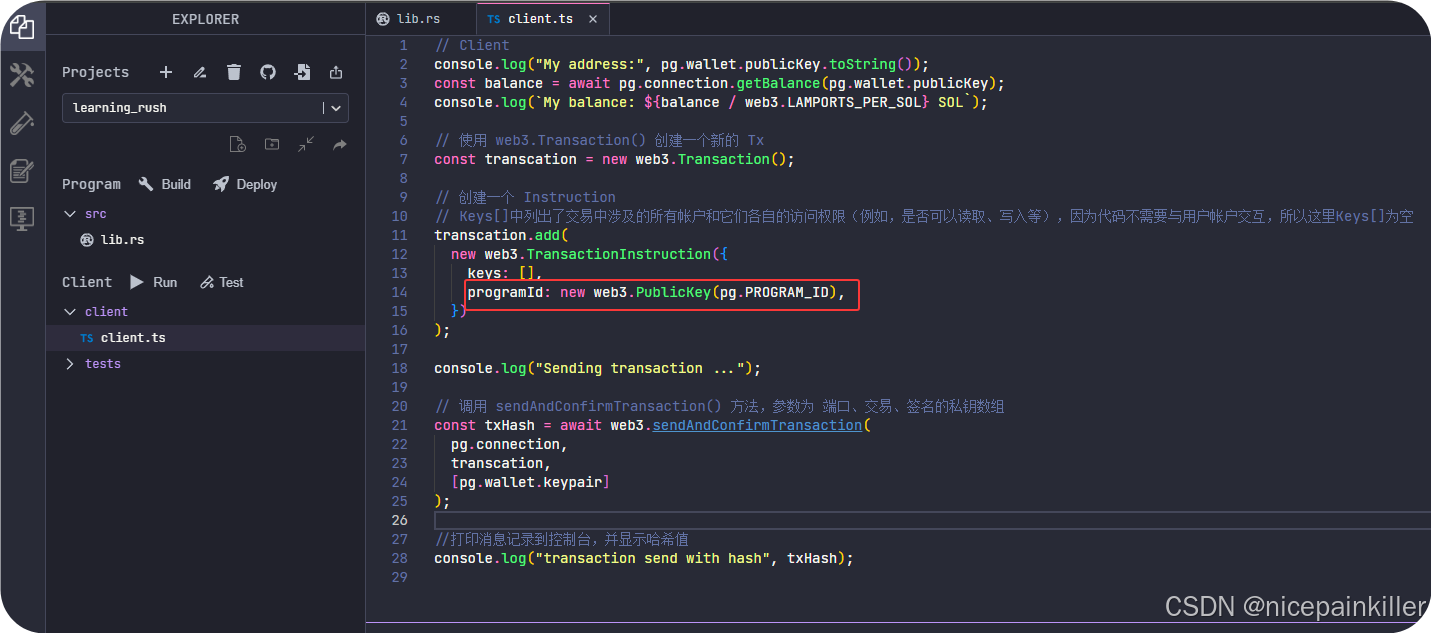
2.内置 的 web3 来调用
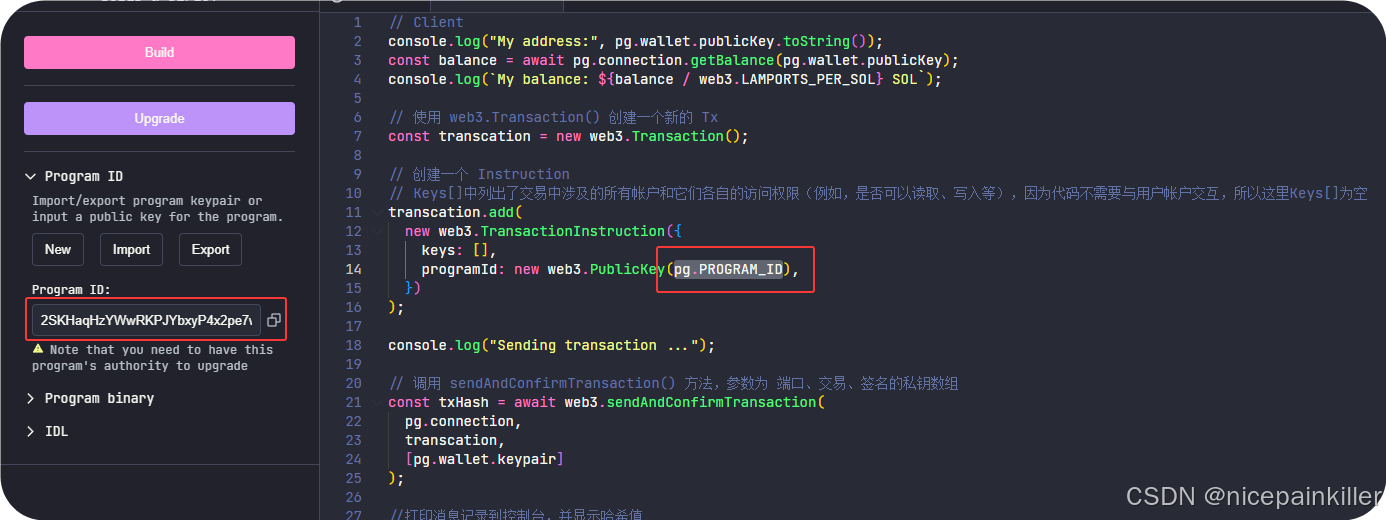
这个就是 web3 调用 智能 合约的, pg.PROGRAM_ID 就是这个编辑器内置的一个 变量。也就是我们发布的 智能合约地址
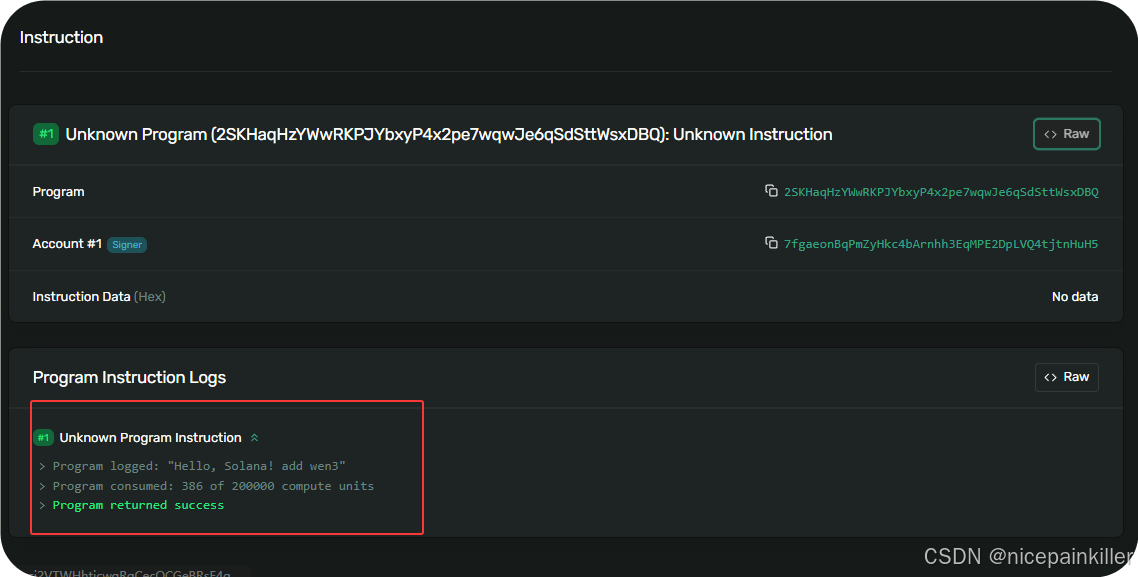
TypeScript// Client console.log("My address:", pg.wallet.publicKey.toString()); const balance = await pg.connection.getBalance(pg.wallet.publicKey); console.log(`My balance: ${balance / web3.LAMPORTS_PER_SOL} SOL`); // 使用 web3.Transaction() 创建一个新的 Tx const transcation = new web3.Transaction(); // 创建一个 Instruction // Keys[]中列出了交易中涉及的所有帐户和它们各自的访问权限(例如,是否可以读取、写入等),因为代码不需要与用户帐户交互,所以这里Keys[]为空 transcation.add( new web3.TransactionInstruction({ keys: [], programId: new web3.PublicKey(pg.PROGRAM_ID), }) ); console.log("Sending transaction ..."); // 调用 sendAndConfirmTransaction() 方法,参数为 端口、交易、签名的私钥数组 const txHash = await web3.sendAndConfirmTransaction( pg.connection, transcation, [pg.wallet.keypair] ); //打印消息记录到控制台,并显示哈希值 console.log("transaction send with hash", txHash);调用成功 这个就有输出:
3. 使用 go for solana-go-sdk 调用
这是SDK 地址, 里面分装了很多功能,使用起来比 官方的方便。
Gofunc Info(con *gin.Context) { c := client.NewClient(appSolana.RpcClientType()) //最近的一个区块地址 res, err := c.GetLatestBlockhash(context.Background()) if err != nil { logger.Error().Msg(err.Error()) } //拼接合约调用 tx, err := types.NewTransaction(types.NewTransactionParam{ Message: types.NewMessage(types.NewMessageParam{ FeePayer: appSolana.FeedWallet.PublicKey, RecentBlockhash: res.Blockhash, Instructions: []types.Instruction{ //智能合约 地址 应为我们目前不需要参数 和 其他地址 types.Instruction{ ProgramID: common.PublicKeyFromString("2SKHaqHzYWwRKPJYbxyP4x2pe7wqwJe6qSdSttWsxDBQ"), //调用合约的地址 }, }, }), Signers: []types.Account{appSolana.FeedWallet}, }) if err != nil { logger.Error().Msg(err.Error()) } txHash, errHash := c.SendTransaction(context.Background(), tx) if errHash != nil { logger.Error().Msg(errHash.Error()) } logger.Info().Msg(txHash) }