首先需要有gitbash
在gitbash中,cd想要上传的文件目录,需要用\
bash
cd E:\\bupt\\20250630aic\\code
git init
git add DataGenerate/ (文件夹名)
git commit -m 'version 1' (注释)
git remote add origin  https://github.com/sylviiiiiia/line_chart_generation.git (add一个叫origin的远程)
git pull --rebase origin main (远程仓库里main的分支)
git push origin main(首次推送并建立跟踪关系)
如果最后报错
bash
hint: Updates were rejected because the remote contains work that you do not
hint: have locally. This is usually caused by another repository pushing to
hint: the same ref. If you want to integrate the remote changes, use
hint: 'git pull' before pushing again.
hint: See the 'Note about fast-forwards' in 'git push --help' for details.
是因为远程仓库已经存在内容(比如 README、LICENSE 或 .gitignore),而本地没有这些提交,所以 Git 拒绝直接覆盖。
强制覆盖:
bash
git push -f origin main或者先把远程的改动拉下来合并,再推送
bash
# 拉取远程 main 并自动与本地的 main 做合并
git pull origin main --rebase

# 如果没有冲突,直接推送
git push -u origin main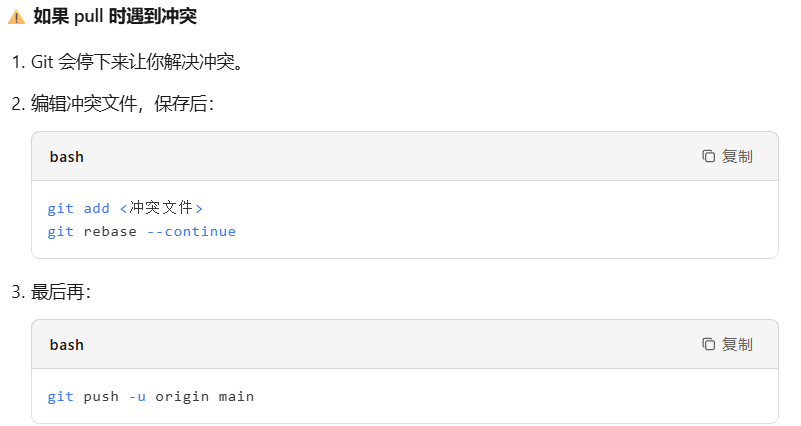
成功后确认
bash
git log --oneline -5