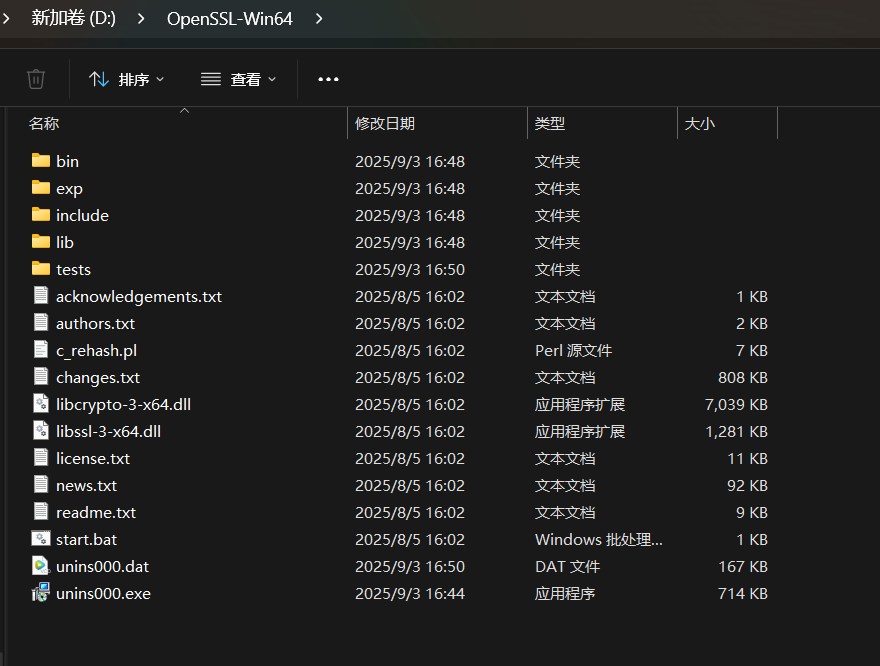
Win64OpenSSL-3_5_2.exe【安装步骤】

官网下载

注意:科学上网,可以加速下载速度!

Win32/Win64 OpenSSL Installer for Windows - Shining Light Productions
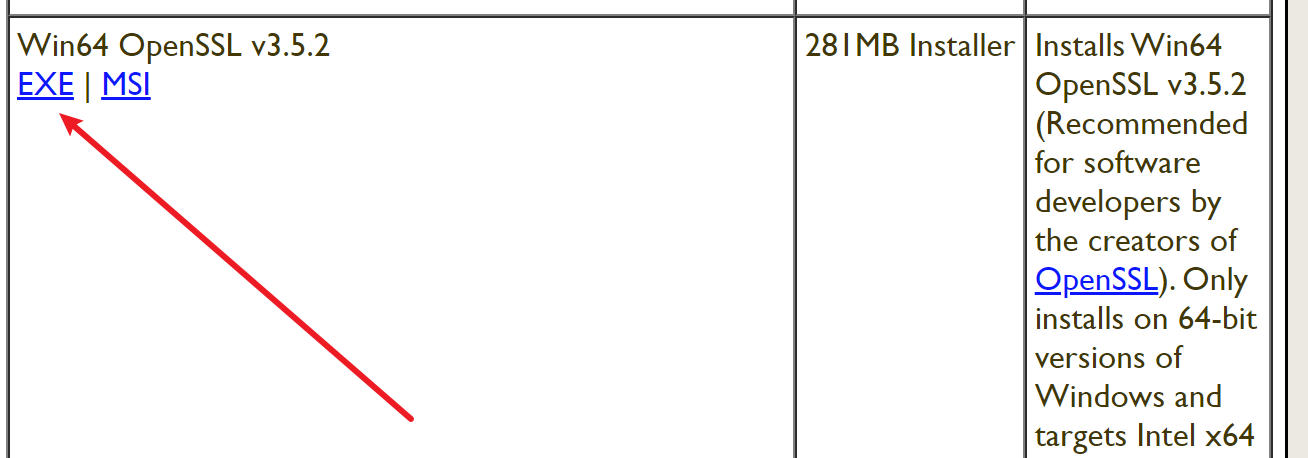
下载后得到:Win64OpenSSL-3_5_2.exe

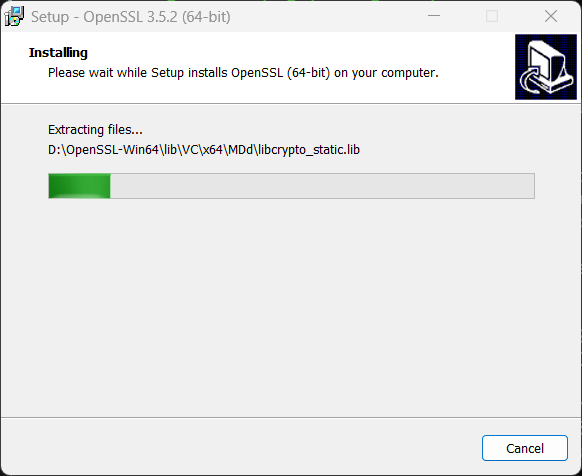
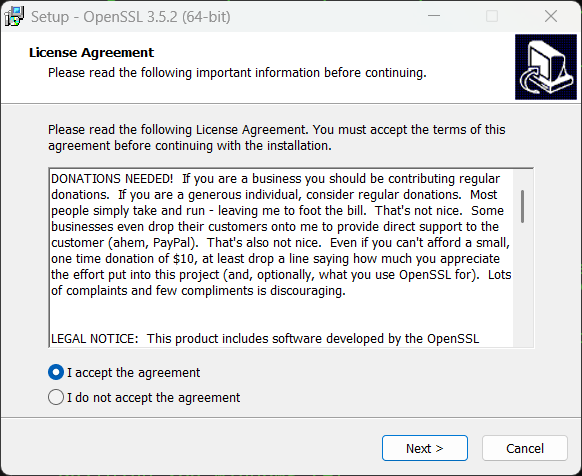
双击安装
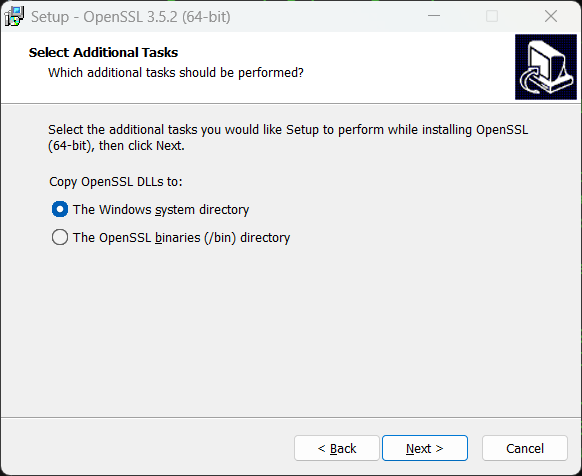
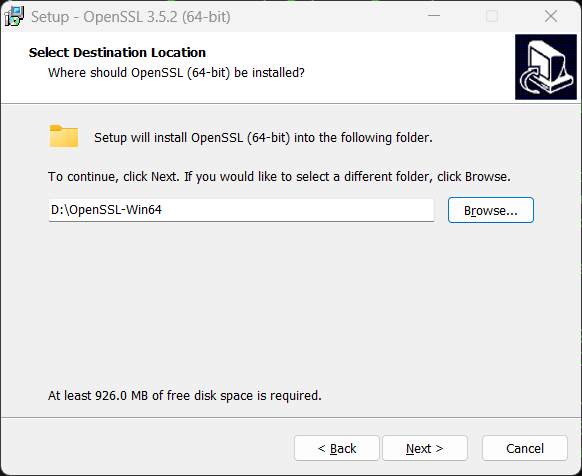
修改安装路径:
默认就选择第一个。

重要提醒​​

  • 如果你选择了 "The OpenSSL binaries (/bin) directory"​ ,需要:
    • 将 C:\OpenSSL-Win64\bin添加到系统 PATH 环境变量
    • 或者将 DLL 文件手动复制到你的项目输出目录
  • ​​推荐直接选择 "The Windows system directory"​​,这样最省事,避免后续的配置麻烦。

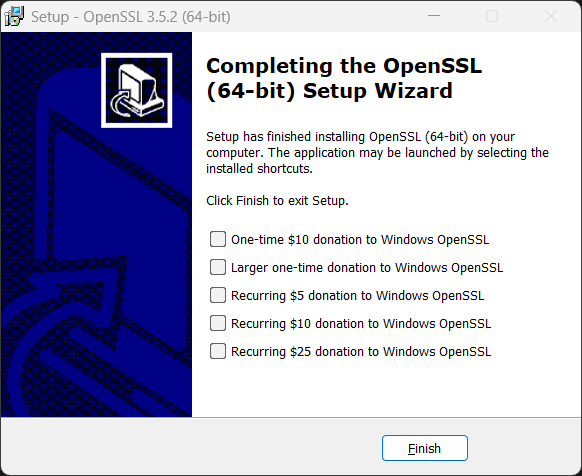
OpenSSL 3.5.2 (64位)已经成功安装到系统中。现在可以在项目中使用OpenSSL库了。

在Visual Studio项目中的配置步骤:

  1. ​添加包含目录​ :
    • 项目属性 → C/C++ → 常规 → 附加包含目录
    • 添加:C:\OpenSSL-Win64\include(默认安装路径)
  2. ​添加库目录​ :
    • 项目属性 → 链接器 → 常规 → 附加库目录
    • 添加:C:\OpenSSL-Win64\lib
  3. ​添加依赖库​ :
    • 项目属性 → 链接器 → 输入 → 附加依赖项
    • 添加:libssl.lib和 libcrypto.lib
相关推荐
Lsetea1 天前
curl设置SSL_CERT_FILE仍报60:CURL_CA_BUNDLE与CA路径优先级排查
linux·https·ssl证书·openssl·curl
Lsetea2 天前
OpenSSL报certificate rejected:error 28与CA辅助信任属性排查
linux·https·ssl证书·openssl·证书链
Lsetea3 天前
OpenSSL报certificate revoked:error 23与CRL吊销层级排查
linux·https·ssl证书·openssl·crl
Lsetea4 天前
OpenSSL报certificate chain too long:error 22与verify_depth深度排查
linux·https·ssl证书·openssl·证书链
Lsetea5 天前
OpenSSL读取加密私钥报bad decrypt:passin与口令来源排查
linux·https·ssl证书·openssl·私钥
Lsetea5 天前
OpenSSL报CA signature digest algorithm too weak:error 68与签名摘要排查
https·ssl证书·openssl·签名算法·证书链
Lsetea6 天前
curl报91 No OCSP response received:cert-status与OCSP装订排查
https·ssl证书·openssl·curl·ocsp
Lsetea6 天前
OpenSSL报self-signed certificate in certificate chain:error 19与信任根排查
https·ssl证书·openssl·curl·证书链
Lsetea7 天前
curl报58 unable to set private key file:客户端证书与私钥加载排查
运维·https·ssl证书·openssl·curl