sudo apt install libimage-exiftool-perl
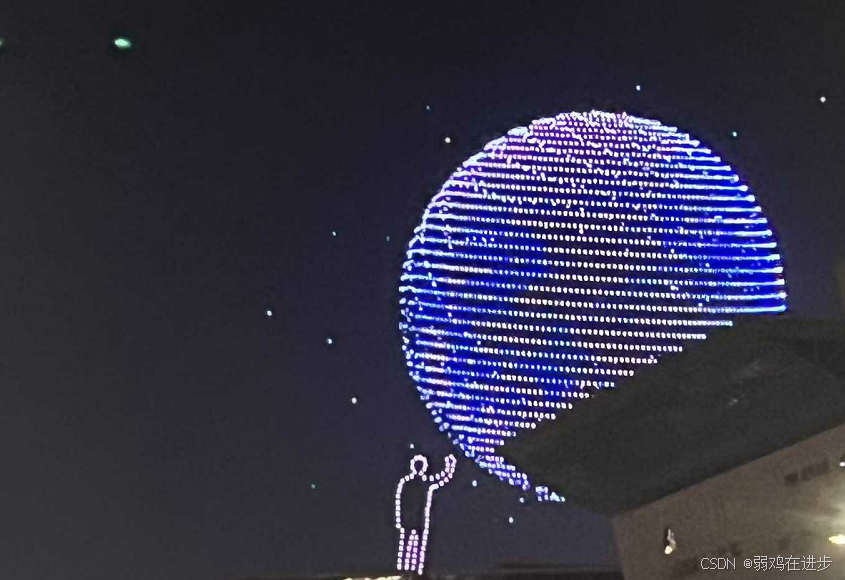
exiftool  1.jpg
ExifTool Version Number         : 12.40
File Name                       : 1.jpg
Directory                       : .
File Size                       : 3.7 MiB
File Modification Date/Time     : 2025:09:05 21:04:46+08:00
File Access Date/Time           : 2025:09:05 22:26:22+08:00
File Inode Change Date/Time     : 2025:09:05 22:25:51+08:00
File Permissions                : -rwxrw-r--
File Type                       : JPEG
File Type Extension             : jpg
MIME Type                       : image/jpeg
JFIF Version                    : 1.01
Resolution Unit                 : None
X Resolution                    : 1
Y Resolution                    : 1
Exif Byte Order                 : Little-endian (Intel, II)
Orientation                     : Rotate 90 CW
Profile CMM Type                : Apple Computer Inc.
Profile Version                 : 4.0.0
Profile Class                   : Display Device Profile
Color Space Data                : RGB
Profile Connection Space        : XYZ
Profile Date Time               : 2022:01:01 00:00:00
Profile File Signature          : acsp
Primary Platform                : Apple Computer Inc.
CMM Flags                       : Not Embedded, Independent
Device Manufacturer             : Apple Computer Inc.
Device Model                    :
Device Attributes               : Reflective, Glossy, Positive, Color
Rendering Intent                : Perceptual
Connection Space Illuminant     : 0.9642 1 0.82491
Profile Creator                 : Apple Computer Inc.
Profile ID                      : ecfda38e388547c36db4bd4f7ada182f
Profile Description             : Display P3
Profile Copyright               : Copyright Apple Inc., 2022
Media White Point               : 0.96419 1 0.82489
Red Matrix Column               : 0.51512 0.2412 -0.00105
Green Matrix Column             : 0.29198 0.69225 0.04189
Blue Matrix Column              : 0.1571 0.06657 0.78407
Red Tone Reproduction Curve     : (Binary data 32 bytes, use -b option to extract)
Chromatic Adaptation            : 1.04788 0.02292 -0.0502 0.02959 0.99048 -0.01706 -0.00923 0.01508 0.75168
Blue Tone Reproduction Curve    : (Binary data 32 bytes, use -b option to extract)
Green Tone Reproduction Curve   : (Binary data 32 bytes, use -b option to extract)
Image Width                     : 4032
Image Height                    : 3024
Encoding Process                : Baseline DCT, Huffman coding
Bits Per Sample                 : 8
Color Components                : 3
Y Cb Cr Sub Sampling            : YCbCr4:2:0 (2 2)
Image Size                      : 4032x3024
Megapixels                      : 12.2
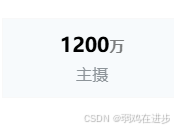
12 百万 // 1200万像素 4032X3024分辨率