1.直接安装ubuntu arm64,无法成功安装
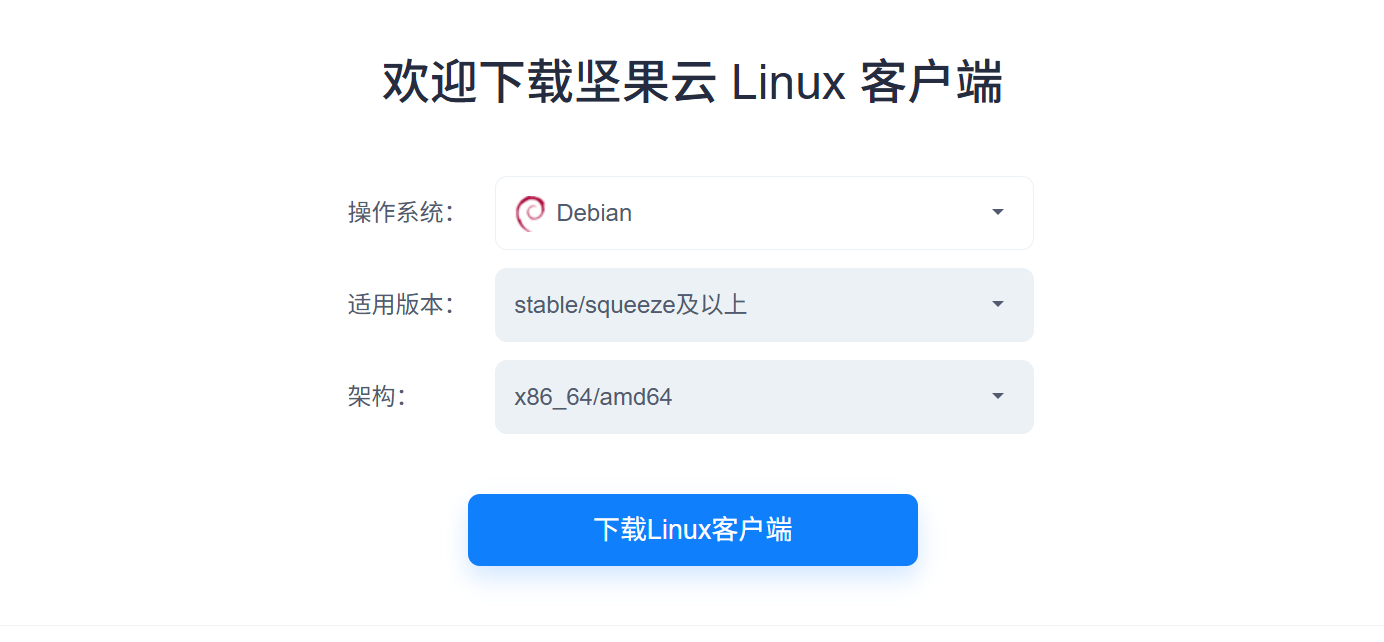
Termux 中安装了debian 12,想要在debian中安装坚果云,然而官网只有amd架构的没有arm架构的,比较烦。
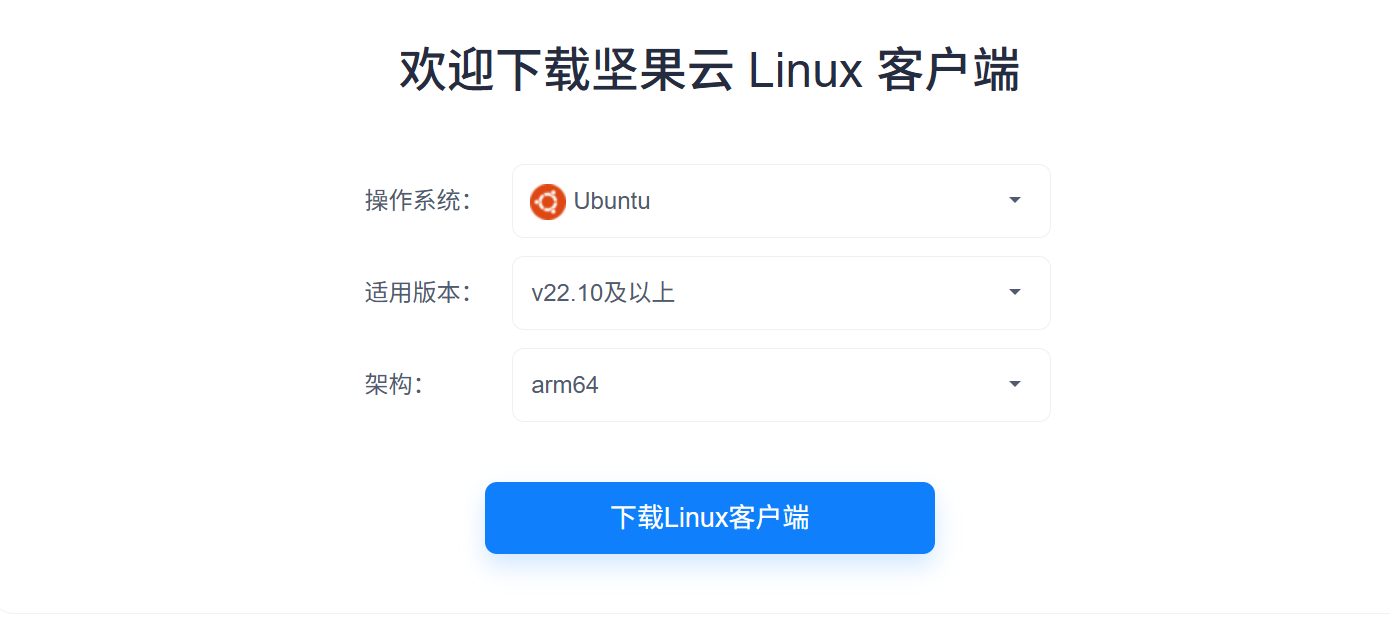
选择ubuntu arm64架构也不行,debian下有软件包冲突,无法安装成功,好在坚果云有源码,所以选择源码安装!
2.源码编译
安装依赖
bash
sudo apt-get install libglib2.0-dev libgtk2.0-dev libnautilus-extension-dev python3-gi autoconf libtool pkg-config注意还需要一个包:gir1.2-appindicator3-0.1,这个包debian官方源没有,需要从其他地方下载:
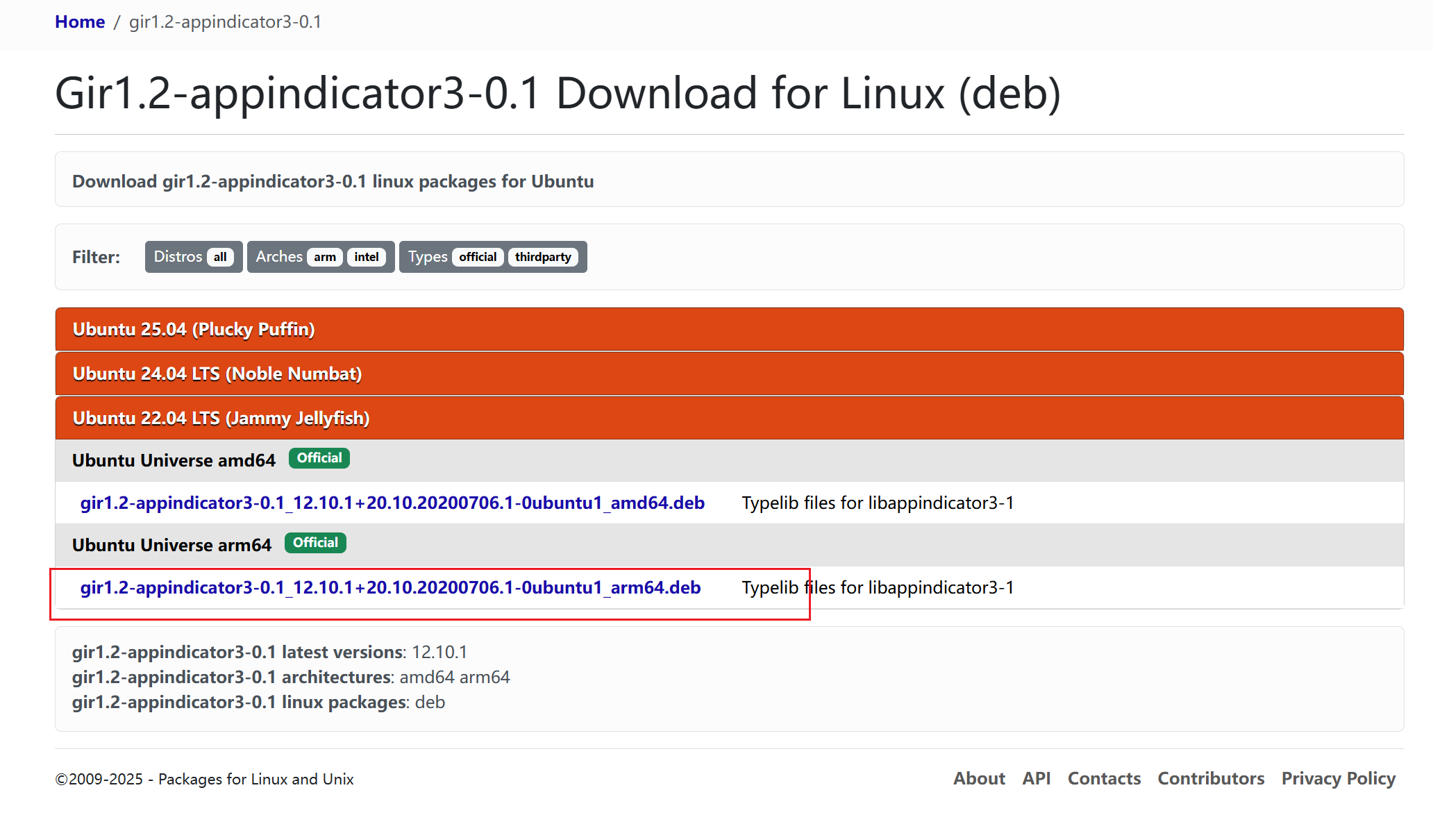
下载地址:Gir1.2-appindicator3-0.1 Download (DEB)
选择 ubuntu 22.04 LTS 下的这个arm64包:
下载后直接安装
bash
sudo dpkg -i gir1.2-appindicator3-0.1_12.10.1+20.10.20200706.1-0ubuntu1_arm64.deb编译源码:
bash
wget https://www.jianguoyun.com/static/exe/installer/nutstore_linux_src_installer.tar.gz
tar zxf nutstore_linux_src_installer.tar.gz
cd nutstore_linux_src_installer
./update-toolchain.sh
./configure
make
sudo make install
#自动下载和安装坚果云其他二进制组件
./runtime_bootstrap选择1
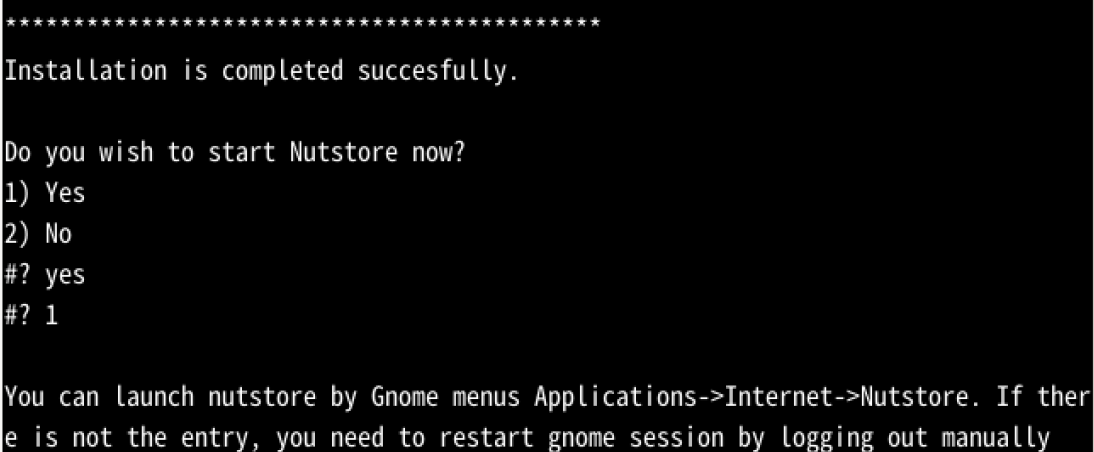
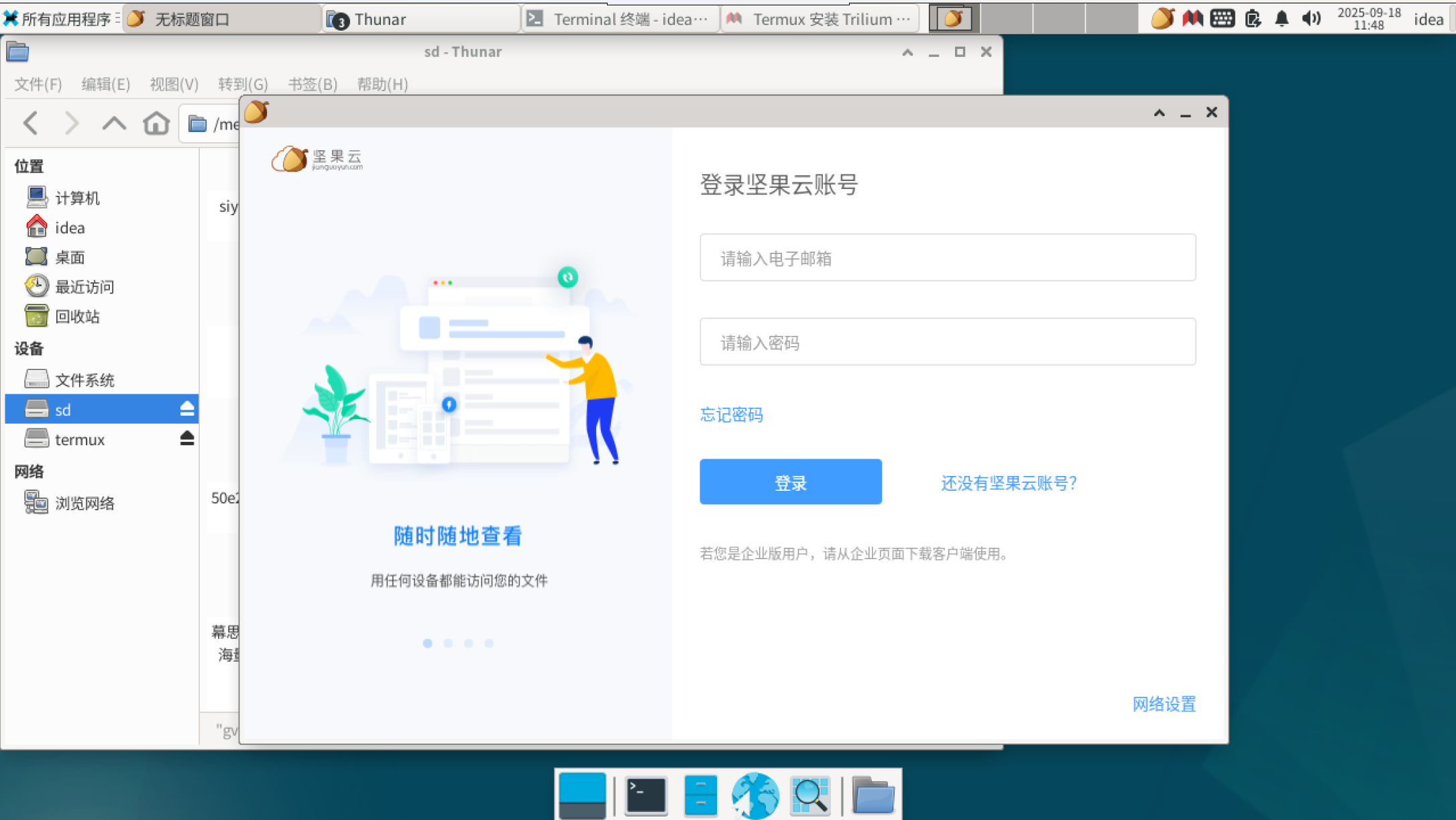
成功运行
3.注意!!!(可选)
以上如果没有编译成功,缺少某些软件包时,再安装以下包:
下载 gvfs-bin:https://debian.pkgs.org/11/debian-main-arm64/gvfs-bin_1.46.2-1_arm64.deb.html
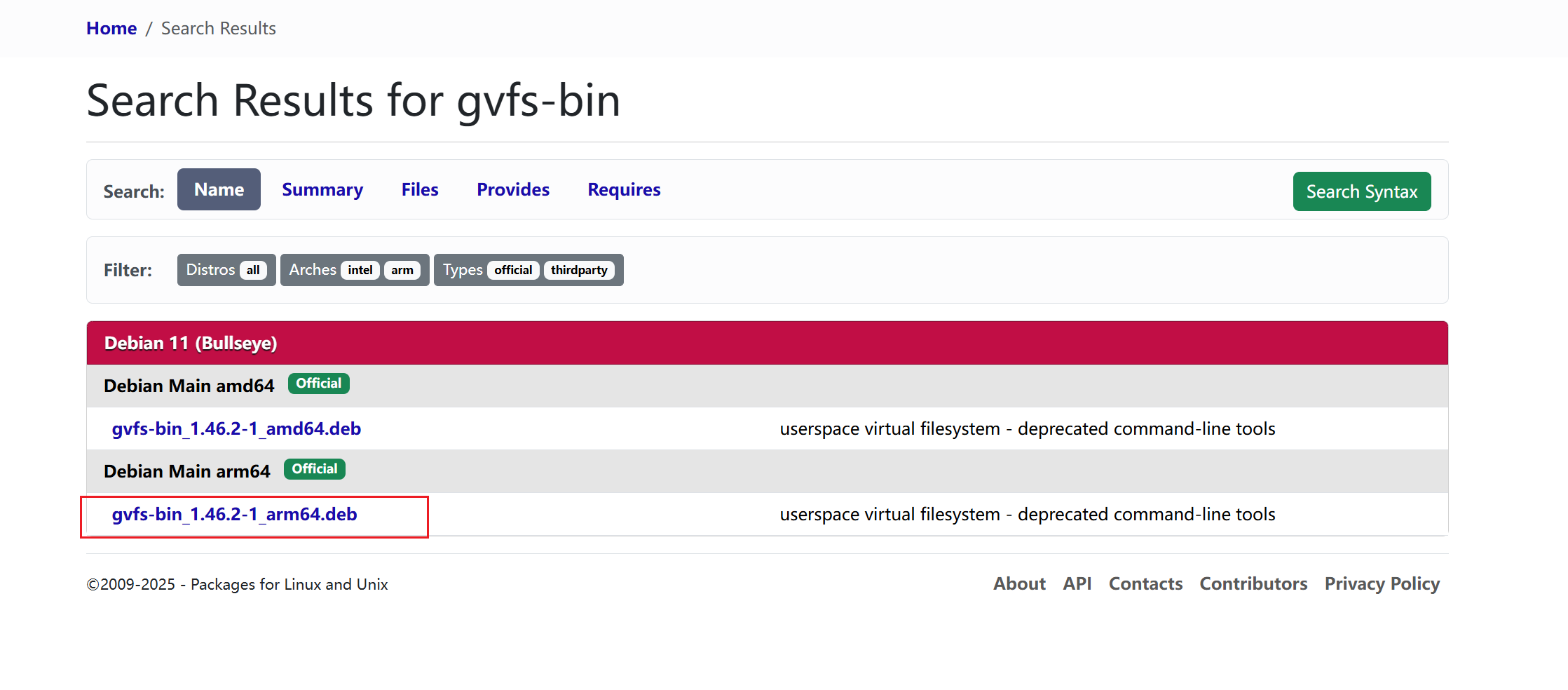
再安装gvfs-bin
bash
sudo apt install libwebkit2gtk-4.0-37 libwebkit2gtk-4.1-0