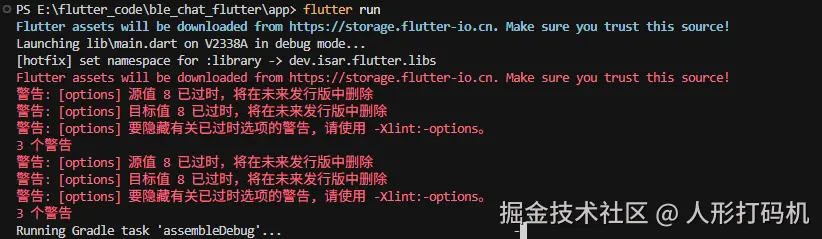
问题
在运行 Flutter Android 项目遇到启动问题提示 Namespace not specified 相关异常,一般的这种异常通常是插件或者 gradle 配置与 APG 不匹配导致
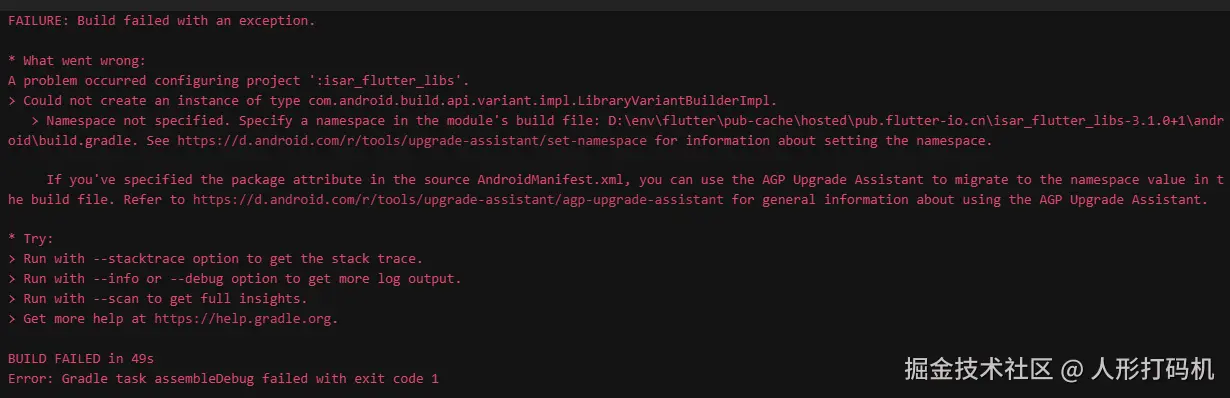
A problem occurred configuring project ':isar_flutter_libs
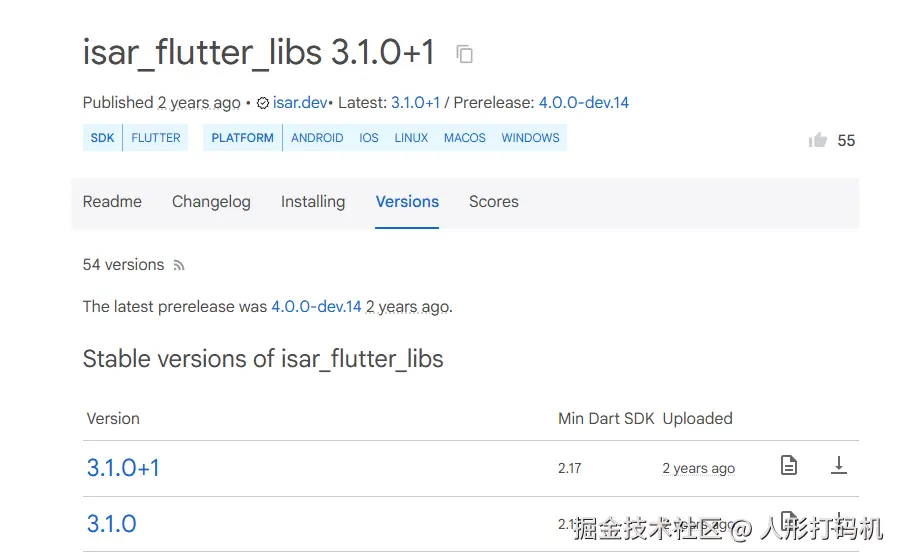
这次的问题是 isar_flutter_libs 插件没有支持最新的 AGP 适用,这个库最后停止在两年前,看起来想更新他支持最新 APG 短期不太现实
解决
解决思路就是要么对 AGP 降级,要么在 Android 配置中增加动态属性设置
app\android\build.gradle.kts
groovy
// === HOTFIX_AGP8_NAMESPACE_isar_flutter_libs ===
// 动态为三方库模块注入 namespace(AGP 8+)。
subprojects {
    if (name == "isar_flutter_libs") {
        plugins.withId("com.android.library") {
            val ext = extensions.findByName("android")
            val setter = ext?.javaClass?.methods?.firstOrNull { it.name == "setNamespace" && it.parameterTypes.size == 1 }
            val getter = ext?.javaClass?.methods?.firstOrNull { it.name == "getNamespace" && it.parameterTypes.isEmpty() }
            val hasNs = try { getter?.invoke(ext) != null } catch (_: Throwable) { false }
            if (!hasNs && setter != null) {
                setter.invoke(ext, "dev.isar.flutter.libs")
                println("[hotfix] set namespace for :isar_flutter_libs -> dev.isar.flutter.libs")
            }
        }
    }
}
重新清除依赖运行 看到日志里有如下更新表明注入已生效
csharp
[hotfix] set namespace for :isar_flutter_libs -> dev.isar.flutter.libs然后又遇到其他问题
flutter_local_notifications(以及其依赖链)在低于 Android 8.0(API 26)设备上使用了 Java 8+ 核心库 API;AGP 会在:app:checkDebugAarMetadata阶段检查到未开启 desugaring 直接失败。
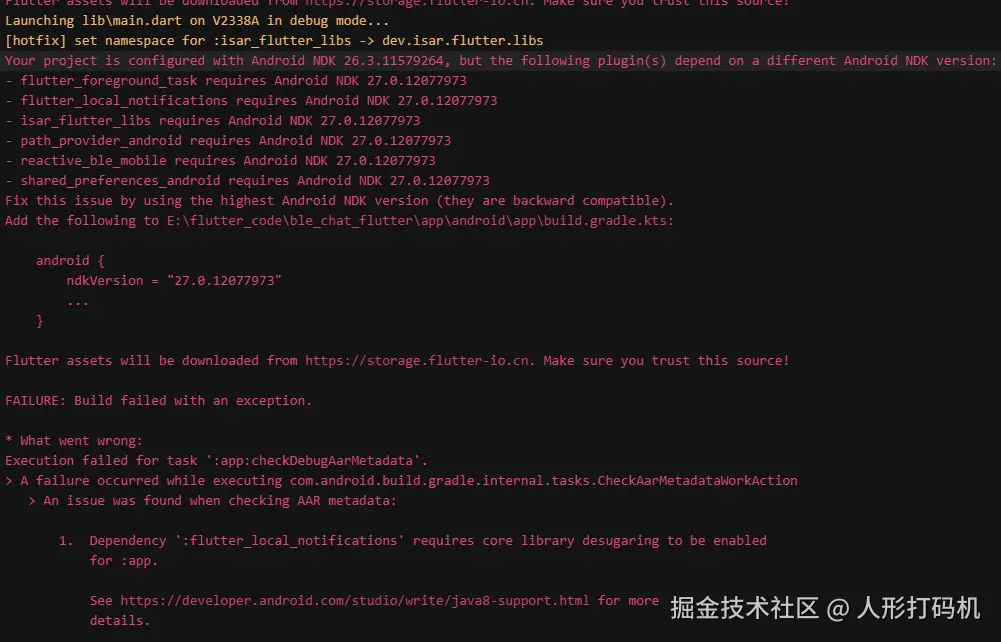
app\android\app\build.gradle.kts 增加如下声明
android 配置增加
groovy
android {
    namespace = "com.example.ble_chat_flutter"
    compileSdk = flutter.compileSdkVersion
  + ndkVersion = "27.0.12077973"

    compileOptions {
        sourceCompatibility = JavaVersion.VERSION_11
        targetCompatibility = JavaVersion.VERSION_11
      + isCoreLibraryDesugaringEnabled = true
    }
defaultConfig 配置增加
groovy
    defaultConfig {
        // TODO: Specify your own unique Application ID (https://developer.android.com/studio/build/application-id.html).
        applicationId = "com.example.monorepo"
        // You can update the following values to match your application needs.
        // For more information, see: https://flutter.dev/to/review-gradle-config.
      + minSdk = 23
末尾加
groovy
+ dependencies {
+     coreLibraryDesugaring("com.android.tools:desugar_jdk_libs:2.0.4")
+ }
整体完成插件适配, groovy 通过预编译