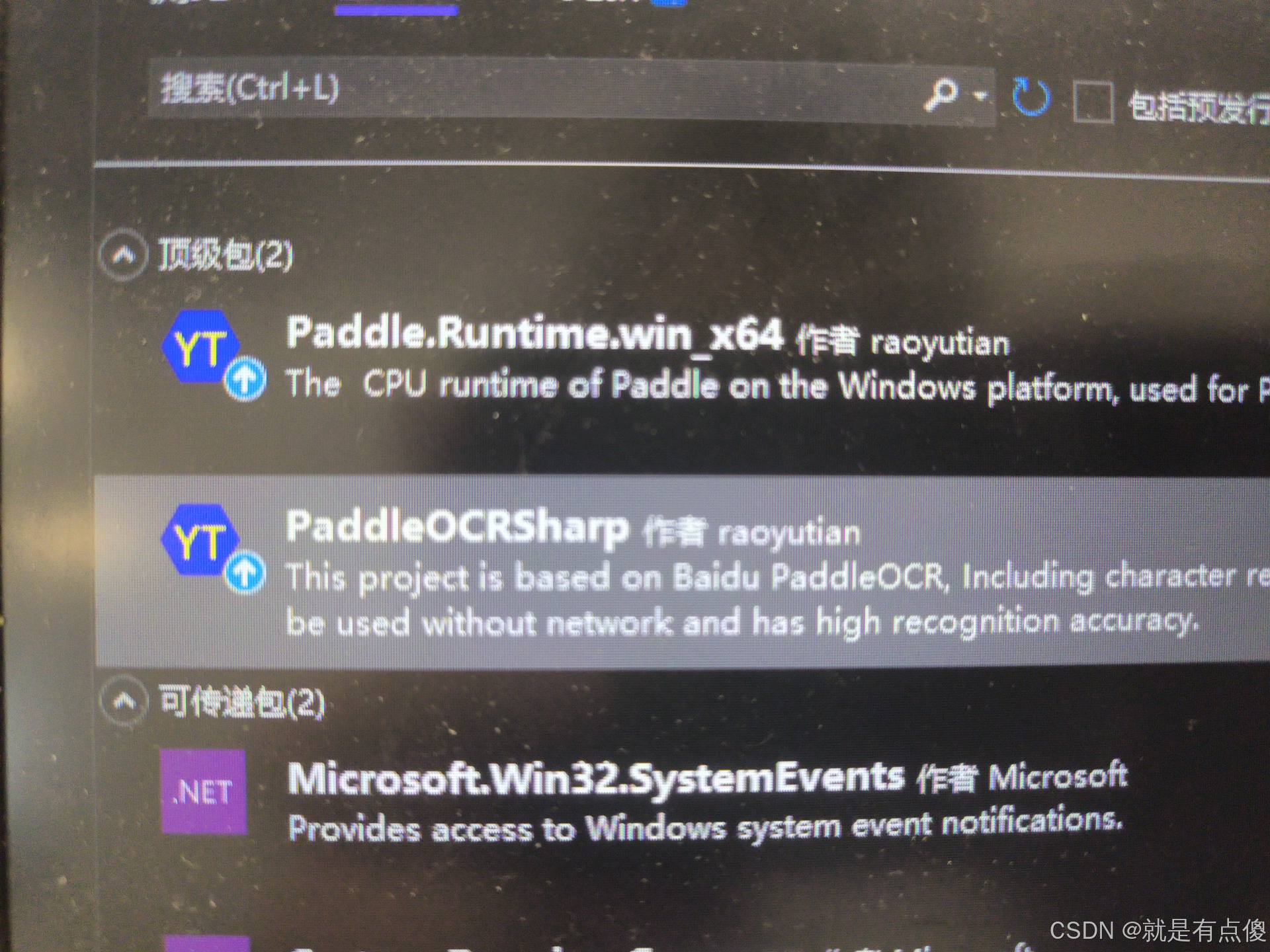
1.安装PaddleOCRSharp第三方库
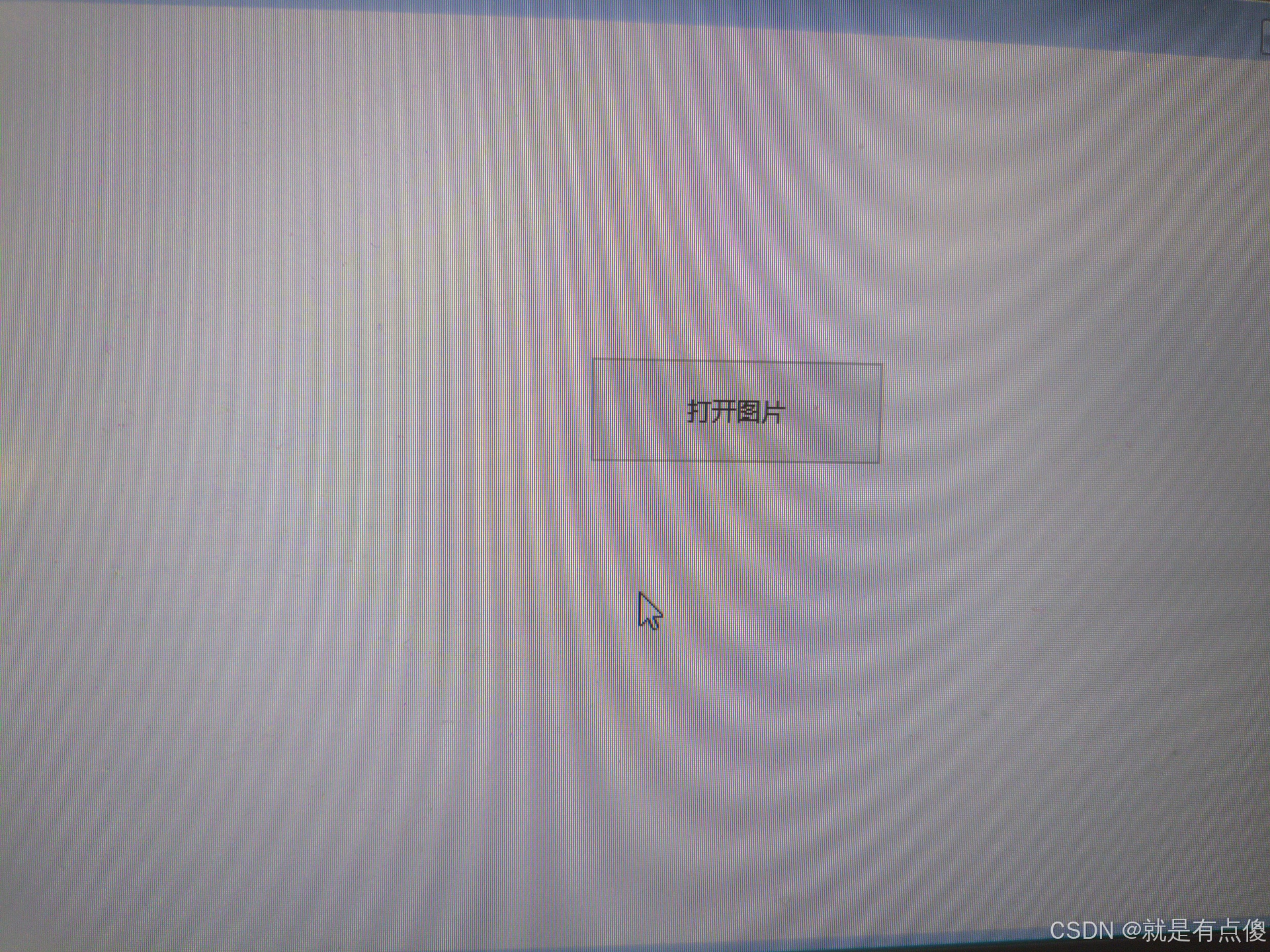
页面如下 只有一个普通的按钮
2.使用PaddleOCRSharp进行文字识别
cs
using PaddleOCRSharp;
using System.Drawing.Imaging;

namespace WordTest
{
    public partial class Form1 : Form
    {
        public string ImagePath { get; set; }
        private OCRModelConfig config = null;
        private OCRParameter oCRParameter = null;
        private PaddleOCREngine engine = null;

        public Form1()
        {
            InitializeComponent();
            InitializeOCR();
        }

        private void InitializeOCR()
        {
            try
            {
                // ========== 选择其中一种模型配置 ==========

                // 选项1: 使用自带轻量版中英文模型 (推荐)
                config = null;

                // 选项2: 使用英文和数字模型
                // config = new OCRModelConfig();
                // string root = Environment.CurrentDirectory;
                // string modelPathroot = Path.Combine(root, "en");
                // config.det_infer = Path.Combine(modelPathroot, "ch_PP-OCRv2_det_infer");
                // config.cls_infer = Path.Combine(modelPathroot, "ch_ppocr_mobile_v2.0_cls_infer");
                // config.rec_infer = Path.Combine(modelPathroot, "en_number_mobile_v2.0_rec_infer");
                // config.keys = Path.Combine(modelPathroot, "en_dict.txt");

                // 选项3: 服务器中英文模型
                // config = new OCRModelConfig();
                // string root = Environment.CurrentDirectory;
                // string modelPathroot = Path.Combine(root, "inferenceserver");
                // config.det_infer = Path.Combine(modelPathroot, "ch_ppocr_server_v2.0_det_infer");
                // config.cls_infer = Path.Combine(modelPathroot, "ch_ppocr_mobile_v2.0_cls_infer");
                // config.rec_infer = Path.Combine(modelPathroot, "ch_ppocr_server_v2.0_rec_infer");
                // config.keys = Path.Combine(modelPathroot, "ppocr_keys.txt");

                // OCR 参数配置
                oCRParameter = new OCRParameter()
                {
                    cpu_math_library_num_threads = 4,
                    enable_mkldnn = true,
                    cls = false,
                    use_angle_cls = false,
                    max_side_len = 2000,
                    det_db_score_mode = true,
                    det_db_unclip_ratio = 1.6f
                };

                // 初始化引擎
                engine = new PaddleOCREngine(config, oCRParameter);

                // 更新界面状态
                UpdateUIStatus("OCR引擎初始化成功", true);
            }
            catch (Exception ex)
            {
                string errorMsg = $"OCR初始化失败: {ex.Message}";
                MessageBox.Show(errorMsg, "初始化错误", MessageBoxButtons.OK, MessageBoxIcon.Error);
                UpdateUIStatus("OCR引擎初始化失败", false);
            }
        }

        private void btn_OpenFile_Click(object sender, EventArgs e)
        {
            using (OpenFileDialog openFileDialog = new OpenFileDialog())
            {
                openFileDialog.Title = "选择图片";
                openFileDialog.Filter = "图片文件|*.jpg;*.png;*.bmp;*.jpeg;*.tiff";
                openFileDialog.InitialDirectory = Environment.GetFolderPath(Environment.SpecialFolder.MyDocuments);
                openFileDialog.Multiselect = false;

                if (openFileDialog.ShowDialog() == DialogResult.OK)
                {
                    ImagePath = openFileDialog.FileName;

                    // 显示选择的图片
                    DisplaySelectedImage(ImagePath);

                    // 执行文字识别
                    RecognizeText(ImagePath);
                }
            }
        }

        private void DisplaySelectedImage(string imagePath)
        {
            try
            {
                if (File.Exists(imagePath))
                {
                    // 如果有 PictureBox 控件可以显示图片
                    // pictureBox1.Image = Image.FromFile(imagePath);
                    // pictureBox1.SizeMode = PictureBoxSizeMode.Zoom;
                }
            }
            catch (Exception ex)
            {
                Console.WriteLine($"显示图片失败: {ex.Message}");
            }
        }

        private void RecognizeText(string imagePath)
        {
            if (engine == null)
            {
                MessageBox.Show("OCR引擎未初始化,请检查初始化状态", "错误", MessageBoxButtons.OK, MessageBoxIcon.Error);
                return;
            }

            if (!File.Exists(imagePath))
            {
                MessageBox.Show("选择的图片文件不存在", "错误", MessageBoxButtons.OK, MessageBoxIcon.Error);
                return;
            }

            try
            {
                // 显示识别中状态
                UpdateUIStatus("识别中...", false);

                // 方法1: 直接使用文件字节数组
                var imagebyte = File.ReadAllBytes(imagePath);
                OCRResult ocrResult = engine.DetectText(imagebyte);

                // 方法2: 或者使用 Bitmap (根据你的需要选择)
                // using (Bitmap bitmap = new Bitmap(imagePath))
                // {
                //     ocrResult = engine.DetectText(bitmap);
                // }

                if (ocrResult != null && !string.IsNullOrEmpty(ocrResult.Text))
                {
                    // 显示识别结果
                    ShowRecognitionResult(ocrResult.Text);
                    UpdateUIStatus("识别完成", true);
                }
                else
                {
                    MessageBox.Show("未识别到文字", "识别结果", MessageBoxButtons.OK, MessageBoxIcon.Information);
                    UpdateUIStatus("未识别到文字", true);
                }
            }
            catch (Exception ex)
            {
                string errorMsg = $"识别失败: {ex.Message}";
                MessageBox.Show(errorMsg, "识别错误", MessageBoxButtons.OK, MessageBoxIcon.Error);
                UpdateUIStatus("识别失败", false);
            }
        }

        private void ShowRecognitionResult(string text)
        {
            // 方法1: 使用 MessageBox 显示结果
            MessageBox.Show(text, "识别结果", MessageBoxButtons.OK, MessageBoxIcon.Information);

            // 方法2: 如果有文本框控件,可以显示在文本框中
            // txtResult.Text = text;

            // 方法3: 复制到剪贴板
            // Clipboard.SetText(text);
            // MessageBox.Show("识别结果已复制到剪贴板", "提示", MessageBoxButtons.OK, MessageBoxIcon.Information);
        }

        private void UpdateUIStatus(string status, bool isReady)
        {
            // 更新状态标签(如果有的话)
            // lblStatus.Text = status;

            // 更新按钮状态
            btn_OpenFile.Enabled = isReady;

            // 可以添加状态栏更新等
            Console.WriteLine($"状态: {status}");
        }

        // 窗体关闭时释放资源
        protected override void OnFormClosed(FormClosedEventArgs e)
        {
            try
            {
                // 释放OCR引擎资源
                engine?.Dispose();
                engine = null;

                Console.WriteLine("OCR引擎资源已释放");
            }
            catch (Exception ex)
            {
                Console.WriteLine($"释放资源时出错: {ex.Message}");
            }

            base.OnFormClosed(e);
        }

        // 添加重新初始化OCR的功能
        private void btn_Reinitialize_Click(object sender, EventArgs e)
        {
            try
            {
                // 先释放原有引擎
                engine?.Dispose();
                engine = null;

                // 重新初始化
                InitializeOCR();
            }
            catch (Exception ex)
            {
                MessageBox.Show($"重新初始化失败: {ex.Message}", "错误", MessageBoxButtons.OK, MessageBoxIcon.Error);
            }
        }
    }
}
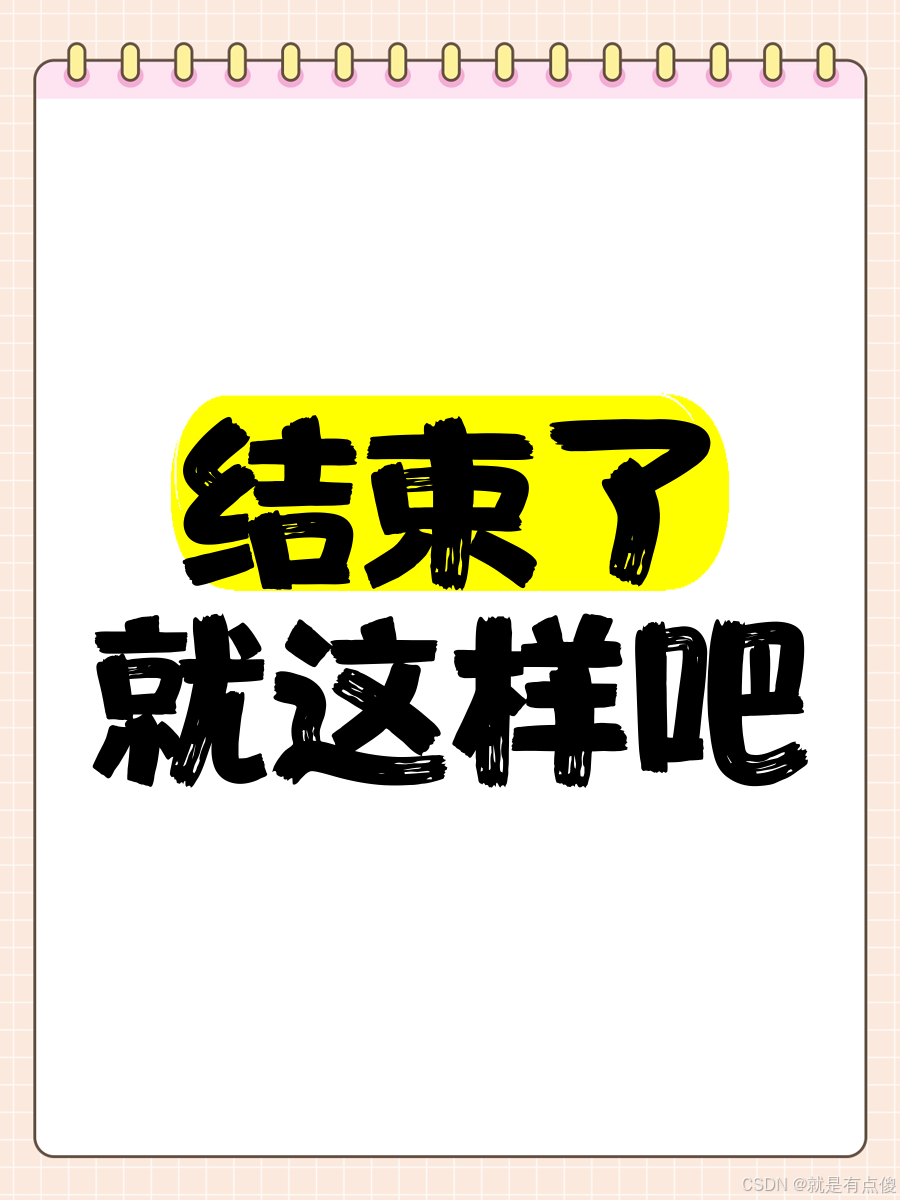
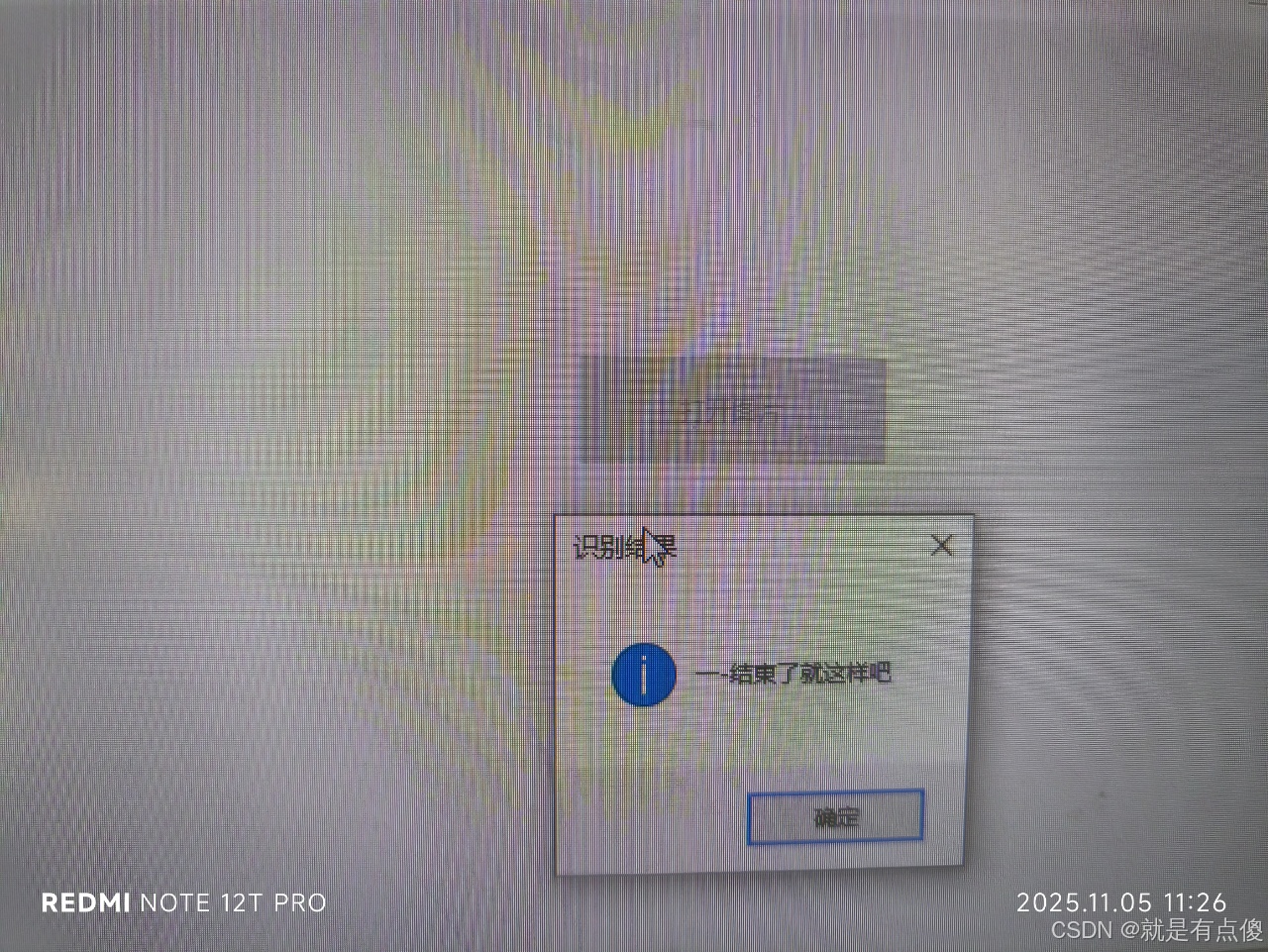
使用其识别图片如下:
注意: 要使用C#中的X64运行程序 本项目中PaddleOCR.dll文件是基于开源项目PaddleOCR的C++代码修改而成的C++动态库,基于opencv的x64编译而成的。