开发过程中如何让整个网页 或者 网页中某一部分支持下载成pdf格式文件
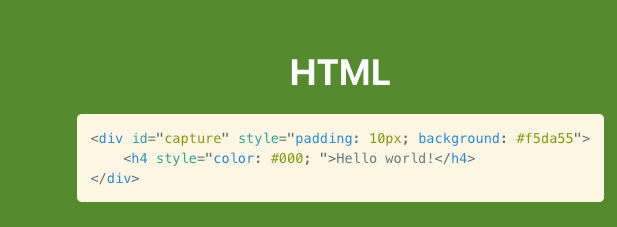
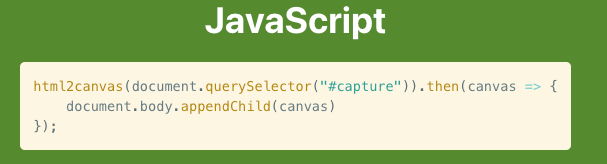
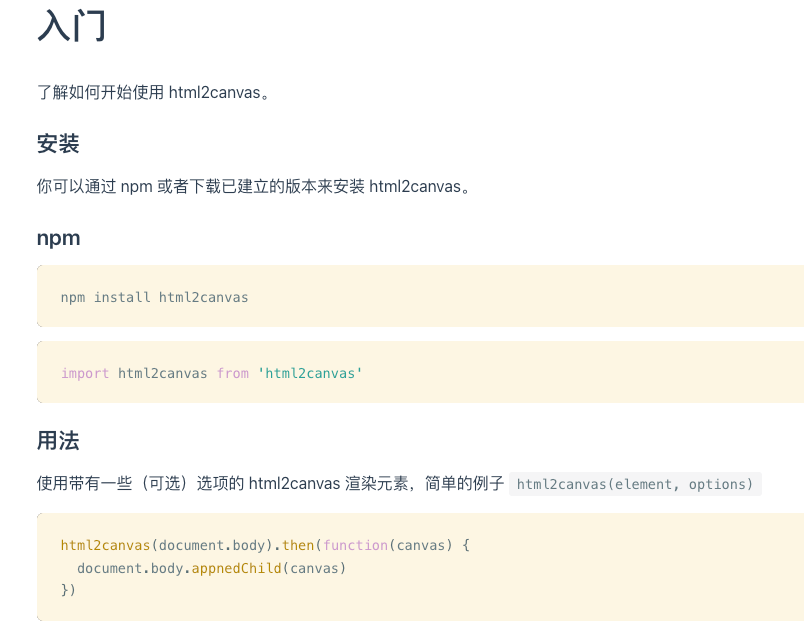
以vue 为例 html2canvas
1.安装好 html2canvas 和 jspdf
2.页面引入
js
<template>
  <div class="contract-form">
   xxxxxxx
   xxxxx
   xxxxx
   <button @click="downloadAsPDF" class="download-button">下载为PDF</button>
   </div>
 </template>

import html2canvas from 'html2canvas';
import jsPDF from 'jspdf';

<script>


downloadAsPDF() {
      const element = document.querySelector('.contract-form');
      const button = document.querySelector('.download-button');

      // 临时隐藏下载按钮
      button.style.display = 'none';

      // 临时缩小内容样式
      const originalStyles = {
        fontSize: element.style.fontSize,
        padding: element.style.padding,
        maxWidth: element.style.maxWidth
      };
      element.style.fontSize = '1px';
      element.style.padding = '30px';
      element.style.maxWidth = '1000px';

      const options = {
        scale: 2, // 保持高清晰度
        useCORS: true,
        allowTaint: true,
        logging: true,
        scrollX: 0,
        scrollY: 0,
        windowWidth: element.scrollWidth,
        windowHeight: element.scrollHeight,
        ignoreElements: (el) => {
          return false;
        },
        onclone: (clonedDoc) => {
          // 确保所有内容在渲染时可见
          clonedDoc.querySelector('.contract-form').style.overflow = 'visible';
        }
      };

      // 临时调整页面布局以确保所有内容可见
      const originalOverflow = element.style.overflow;
      element.style.overflow = 'visible';

      html2canvas(element, options).then(canvas => {
        const imgData = canvas.toDataURL('image/png');
        const pdf = new jsPDF('p', 'mm', 'a4');
        const imgProps = pdf.getImageProperties(imgData);
        const pdfWidth = pdf.internal.pageSize.getWidth();
        const pdfHeight = (imgProps.height * pdfWidth) / imgProps.width;

        // 单页导出
        pdf.addImage(imgData, 'PNG', 0, 0, pdfWidth, pdfHeight);
        pdf.save('委托检验合同书.pdf');

        // 恢复原始布局
        element.style.overflow = originalOverflow;
        button.style.display = 'block';
      });
    }
根据自己的需求 把对应的DOM 和值设置好直接可以生成pdf
功能 - 了解 html2canvas 支持的不同功能
以下是所有支持的 CSS 属性和值的列表。
background
background-clip (不支持 text)
background-color
background-image
url()
linear-gradient()
radial-gradient()
background-origin
background-position
background-size
border
border-color
border-radius
border-style (只支持 solid)
border-width
bottom
box-sizing
content
color
display
flex
float
font
font-family
font-size
font-style
font-variant
font-weight
height
left
letter-spacing
line-break
list-style
list-style-image
list-style-position
list-style-type
margin
max-height
max-width
min-height
min-width
opacity
overflow
overflow-wrap
padding
position
right
text-align
text-decoration
text-decoration-color
text-decoration-line
text-decoration-style (只支持 solid)
text-shadow
text-transform
top
transform (Limited support)
visibility
white-space
width
word-break
word-spacing
word-wrap
z-index
不支持的 CSS 属性 这些 CSS 属性当前版本还不支持
background-blend-mode
border-image
box-decoration-break
box-shadow
filter
font-variant-ligatures
mix-blend-mode
object-fit
repeating-linear-gradient()
writing-mode
zoom