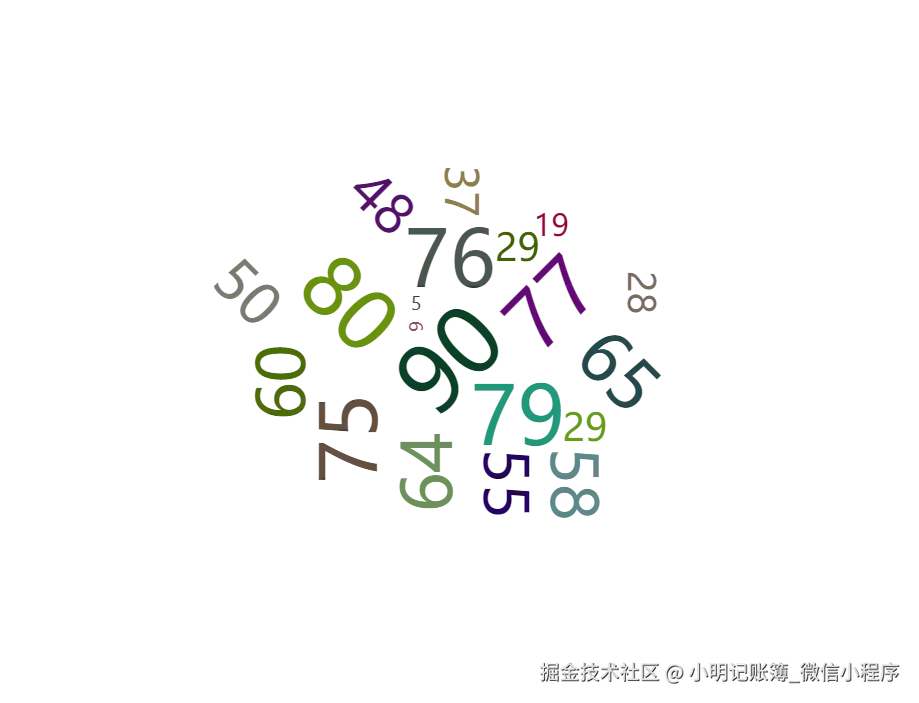
安装依赖
js
npm install echarts
npm i echarts-wordcloud
完整代码
js
<template>
  <div id="chart-container"></div>
</template>

<script>
import * as echarts from "echarts";
import "echarts-wordcloud";

export default {
  data() {
    return {
      chart: null,
    };
  },
  mounted() {
    this.initChart();
  },
  beforeDestroy() {
    if (!this.chart) {
      return;
    }
    this.chart.dispose();
    this.chart = null;
  },
  methods: {
    initChart() {
      this.chart = echarts.init(document.getElementById("chart-container"));
      var keywords = [];
      for (let index = 0; index < 20; index++) {
        let random = Math.floor(Math.random() * 100);
        keywords.push({
          name: random,
          value: random,
        });
      }
      var option = {
        series: [
          {
            type: "wordCloud",
            sizeRange: [12, 60],
            rotationRange: [-90, 90],
            rotationStep: 45,
            gridSize: 15,
            shape: "pentagon",
            width: "100%",
            height: "100%",
            drawOutOfBound: true,
            textStyle: {
              color: function () {
                return (
                  "rgb(" +
                  [
                    Math.round(Math.random() * 160),
                    Math.round(Math.random() * 160),
                    Math.round(Math.random() * 160),
                  ].join(",") +
                  ")"
                );
              },
            },
            emphasis: {
              textStyle: {
                shadowBlur: 10,
                shadowColor: "#333",
                color: "red",
              },
            },
            data: keywords,
          },
        ],
      };
      this.chart.setOption(option);
    },
  },
};
</script>
<style scoped>
#chart-container {
  height: 100%;
}
</style>
配置说明
shape:要绘制的"云"的形状。可以是表示为回调函数或存在的关键字。可用的礼物是circle
(默认),cardioid(苹果或心形曲线,最著名的极坐标方程),diamond(正方形)、triangle-forward、triangle(三角形)、star(星形)、pentagon (五边形)。
maskImage:词云轮廓图,图片需转成base64。
left、top、right、bottom:词云的位置,默认是 center。
width、height:词云的宽高,默认是 75%、80%。
sizeRange:词云的文字字号范围,默认是12, 60。
rotationRange:文本旋转范围和步长。文本将通过旋转步骤45在-90,90范围内随机旋转。
gridSize:每个词之间的间距。
drawOutOfBound:是否允许词云在边界外渲染。
textStyle:全局文本样式。
emphasis:鼠标悬浮样式。
data :数组,必须包含name、value属性,也可以有textStyle、emphasis等 。