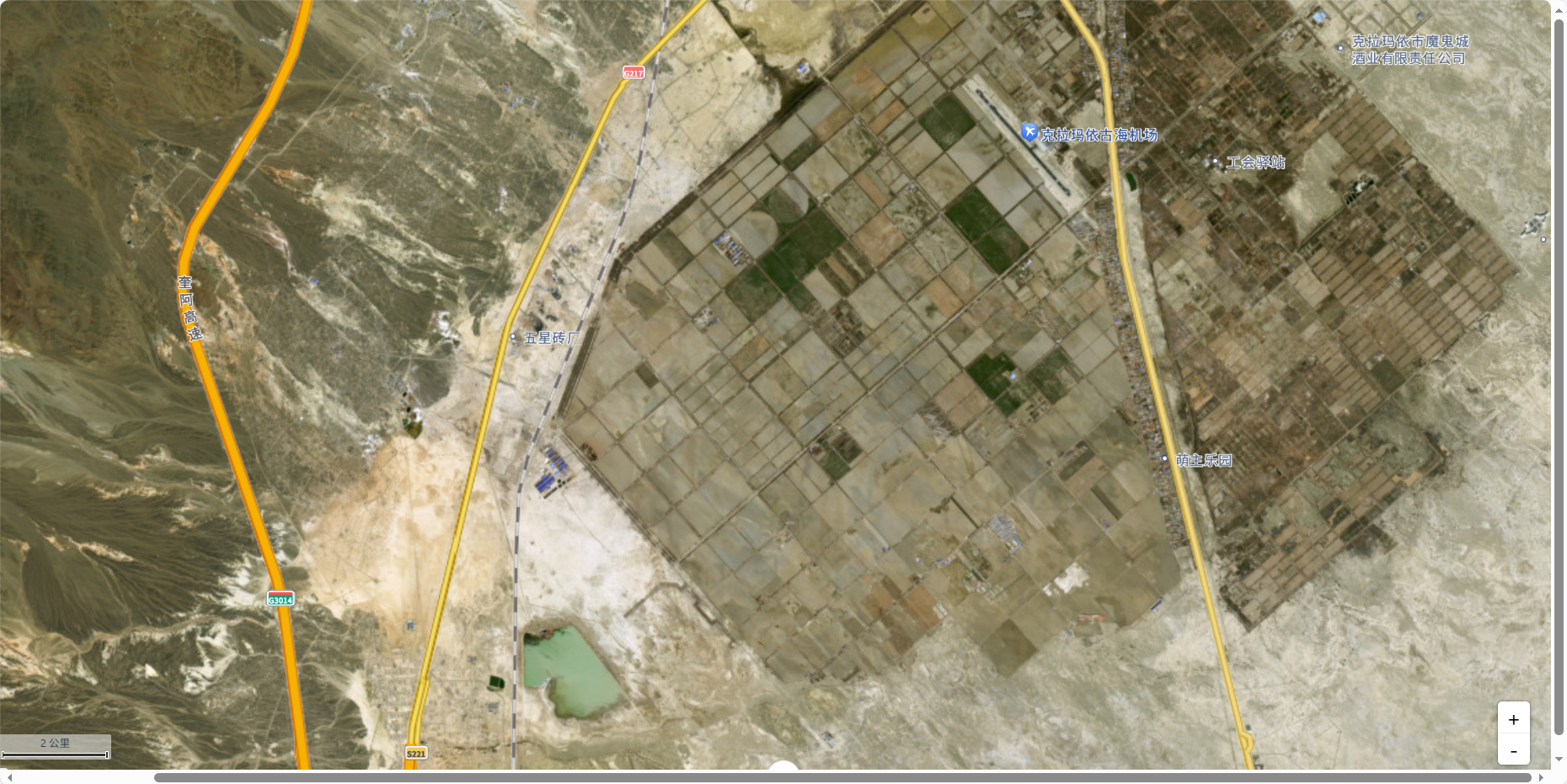
一、准备工作
1. 获取高德地图 Key
- 登录 高德开放平台
- 创建应用 → 获取 Web 端 JS API Key
二、安装依赖
bash
npm install @amap/amap-jsapi-loader
# 或
yarn add @amap/amap-jsapi-loader
不要直接通过
<script>引入 CDN,避免与 Vue 响应式冲突。
三、封装高德地图 Hook
创建 hooks/useAmap.js:
javascript
import { onMounted, onUnmounted, ref } from 'vue'
import AMapLoader from '@amap/amap-jsapi-loader'

const useAmap = (containerId, options = {}) => {
  const map = ref(null)
  const AMap = ref(null)

  const initMap = async () => {
    try {
      // 加载高德地图 SDK
      const amap = await AMapLoader.load({
        key: '', // 替换为你的 key
        version: '2.0', // 推荐 2.0+
        plugins: [
          'AMap.Geolocation',
          'AMap.Marker',
          'AMap.InfoWindow',
          'AMap.Polyline',
          'AMap.Circle',
          'AMap.Scale',
          'AMap.ToolBar',
        ],
      })

      AMap.value = amap

      // 初始化地图
      const mapInstance = new amap.Map(containerId, {
        zoom: options.zoom || 16,
        center: options.center || [116.397428, 39.90923], // 默认北京
        viewMode: '3D',
        layers: [new amap.TileLayer.Satellite(), new amap.TileLayer.RoadNet()],
        visible: true,
        resizeEnable: true,
        zooms: [2, 20],
      })

      map.value = mapInstance

      // 可选:添加缩放控件等
      mapInstance.addControl(new amap.ToolBar())
      mapInstance.addControl(new amap.Scale())

      return mapInstance
    } catch (error) {
      console.error('高德地图加载失败:', error)
    }
  }

  onMounted(() => {
    initMap()
  })

  onUnmounted(() => {
    if (map.value) {
      map.value.destroy()
    }
  })

  return {
    map,
    AMap,
    initMap,
  }
}

export default useAmap
四、在组件中使用
javascript
<template>
  <div id="amap-container" class="map-container"></div>
</template>

<script setup>
import { onMounted } from 'vue'
import useAmap from '@/hooks/useAmap'

const { map, AMap, initMap } = useAmap('amap-container', {
  zoom: 13,
  center: [84.920629, 45.417129],
})
onMounted(() => {
  initMap()
})
</script>

<style scoped>
.map-container {
  width: 100%;
  height: 600px;
  border-radius: 8px;
  box-shadow: 0 2px 10px rgba(0, 0, 0, 0.1);
}
</style>
五、实现效果