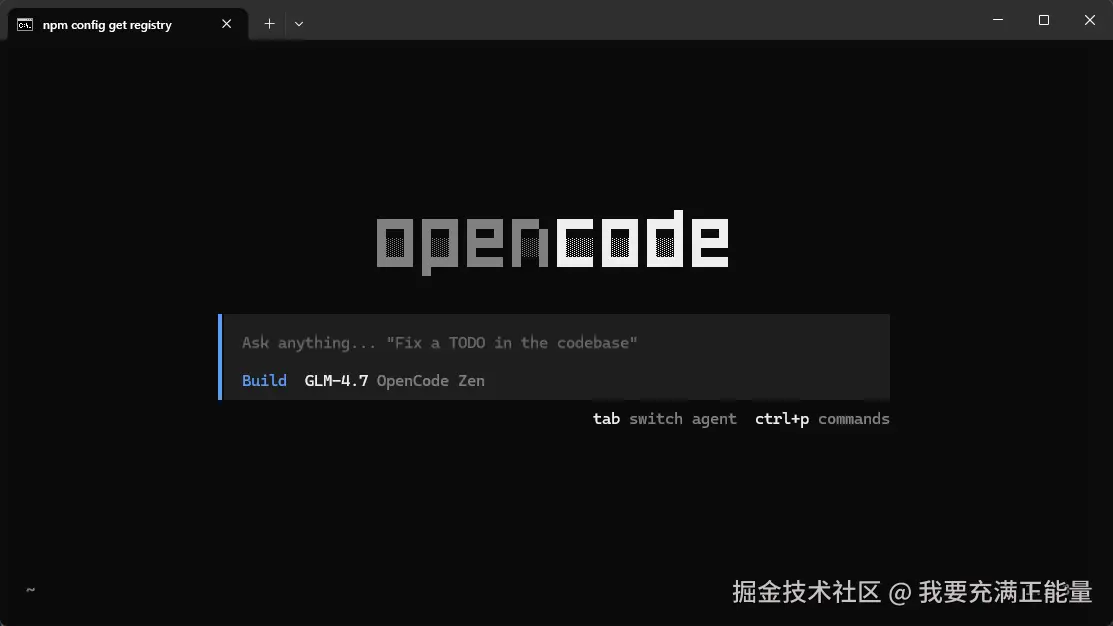
Opencode CLI 安装成功,但是启动失败
运行报错:It seems that your package manager failed to install the right version of the opencode CLI for your platform. You can try manually installing the "opencode-windows-x64" package
原因:镜像源配置问题
问题描述
在使用 npm 安装 opencode AI 工具时,遇到了安装完成后无法正常运行的问题。具体表现为:
安装命令:
bash
npm install -g opencode-ai运行时错误:
java
It seems that your package manager failed to install the right version of the opencode CLI for your platform. You can try manually installing the "opencode-windows-x64" package翻译:错误提示包管理器无法为当前平台安装正确版本的 opencode CLI,并建议手动安装 opencode-windows-x64 包。(我后面就去下载了桌面版,其实cli版我用得更习惯,就继续找问题了)
原因分析
经过排查,发现问题根源在于 npm 镜像仓库配置 。当前 npm 使用的是淘宝镜像源(https://registry.npm.taobao.org),该镜像源可能存在以下问题:
-
包版本同步延迟:第三方镜像仓库在同步官方 npm 仓库的包时,可能存在一定的时间延迟,导致无法获取最新版本的 opencode 包。
-
包完整性问题:部分镜像仓库在同步过程中可能出现包文件不完整或损坏的情况,影响包的正常使用。
-
平台特定包分发问题:某些平台特定的二进制包(如 opencode-windows-x64)在镜像同步过程中可能出现分发问题。
解决方案
步骤一:检查当前镜像源
在解决问题之前,建议先确认当前的 npm 镜像配置:
bash
npm config get registry如果返回结果为 https://registry.npm.taobao.org/,说明当前使用的是淘宝镜像源。
步骤二:使用官方源重新安装
通过 --registry 参数指定使用官方 npm 镜像源进行安装:
bash
npm install -g opencode-ai --registry=https://registry.npmjs.org步骤三:验证安装结果
安装完成后,运行以下命令验证安装是否成功:
bash
opencode --version或直接启动程序:
bash
opencode如果程序正常启动且无报错信息,说明安装成功。