本地部署阿里最新开源的Z-Image
一、参考网站:
Z-Image是阿里最新开源的文生图大模型。
参考网站:https://github.com/Tongyi-MAI/Z-Image
二、环境准备
bash
cd /data4/

conda create -n zimage python=3.10
conda activate zimage

#安装diffuser,记住从源码安装,具体原因参见官网(https://github.com/Tongyi-MAI/Z-Image)
git clone https://github.com/huggingface/diffusers.git
cd diffusers
pip install -e .

#安装pytorch
nvcc --version
#根据cuda版本,去https://pytorch.org/get-started/locally/选择对应的参数,拷贝安装指令执行即可。
#因为我本机的cuda版本是12.1,所以安装的指令是:
pip3 install torch torchvision --index-url https://download.pytorch.org/whl/cu121

#安装transformers
pip install transformers
因为此模型开源近2-3天,文档不是很齐全,环境准备过程不是很顺畅。
三、下载模型
huggingface的模型下载需要科学上网,这里从modelscope下载。
bash
pip install modelscope
modelscope download --model Tongyi-MAI/Z-Image-Turbo
下载目录其实在 /root/.cache/modelscope/hub/models/Tongyi-MAI/Z-Image-Turbo
四、代码 zwplayer.py
目的:让Z-image给生成一个zwplayer播放器(https://www.zwplayer.cn/)的海报。
python
import torch
from diffusers import ZImagePipeline

# 1. Load the pipeline
# Use bfloat16 for optimal performance on supported GPUs
pipe = ZImagePipeline.from_pretrained(
    "/root/.cache/modelscope/hub/models/Tongyi-MAI/Z-Image-Turbo",
    torch_dtype=torch.bfloat16,
    low_cpu_mem_usage=False,
)
pipe.to("cuda")

prompt="""深蓝色科技感背景,中央居中放置一个现代扁平化风格的播放器图标,图标右方清晰显示文字:"zwplayer",使用无衬线科技字体,白色发光效果。图标正上方横向排列大号加粗文字:"让视频播放更简单",其中"让视频播放"的字体为蓝色,"更"为黄色字体,"简单"为蓝色字体,轻微投影增强可读性。图标周围以极简线条和微光粒子构成抽象数据流动视觉,象征"全协议、易集成、多功能、低延时、零成本"五大特性,每个特性以小型标签形式环绕图标分布,分别标注:"全协议"、"易集成"、"多功能"、"低延时"、"零成本",字体为浅灰色半透明白色描边。页面底部右侧角落放置公众号标识,文字内容为:"公众号:zwplayer",使用较小字号,置于半透明黑色圆角矩形底板上,确保清晰可辨。整体构图对称,光影柔和,突出中央主体,无多余装饰元素。"""


# 2. 生成图片,记得修改参数里面的宽高
image = pipe(
    prompt=prompt,
    height=720,
    width=1280,
    num_inference_steps=9,  # This actually results in 8 DiT forwards
    guidance_scale=0.0,     # Guidance should be 0 for the Turbo models
    generator=torch.Generator("cuda").manual_seed(42),
).images[0]

image.save("zwplayer.png")


# 官网给的例子
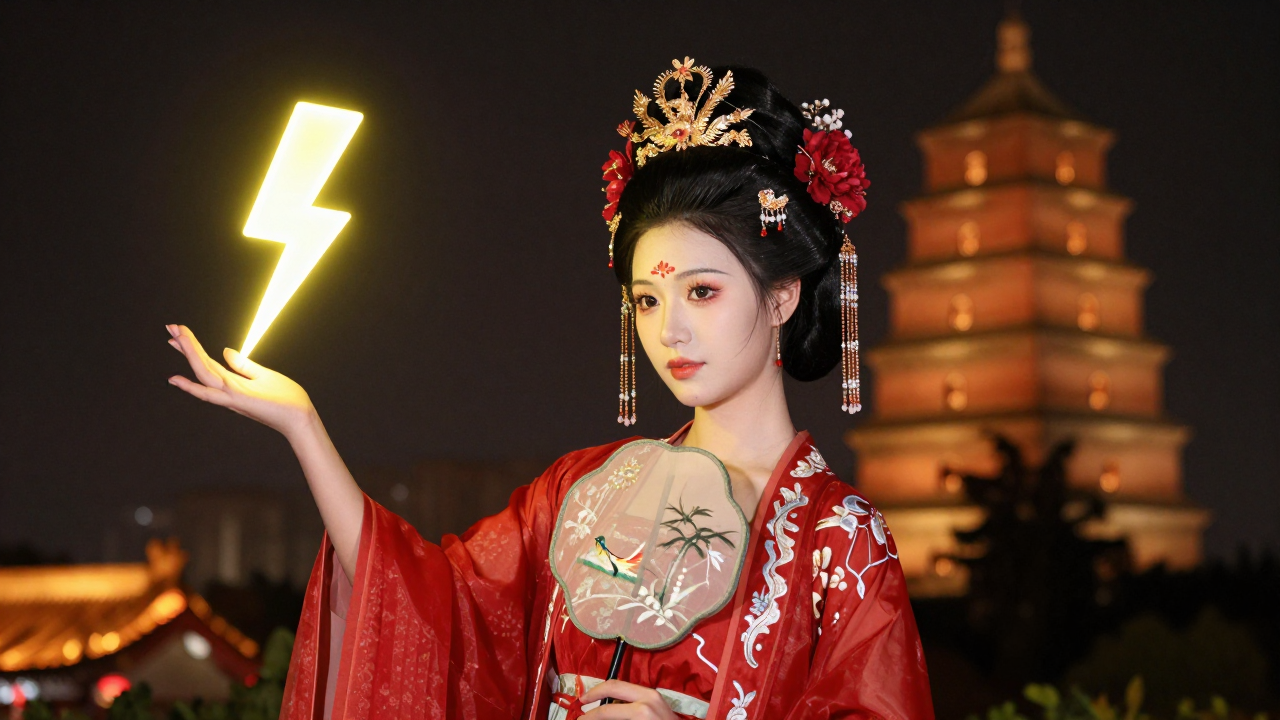
prompt2 = "Young Chinese woman in red Hanfu, intricate embroidery. Impeccable makeup, red floral forehead pattern. Elaborate high bun, golden phoenix headdress, red flowers, beads. Holds round folding fan with lady, trees, bird. Neon lightning-bolt lamp (⚡️), bright yellow glow, above extended left palm. Soft-lit outdoor night background, silhouetted tiered pagoda (西安大雁塔), blurred colorful distant lights."

image = pipe(
    prompt=prompt2,
    height=720,
    width=1280,
    num_inference_steps=9,  # This actually results in 8 DiT forwards
    guidance_scale=0.0,     # Guidance should be 0 for the Turbo models
    generator=torch.Generator("cuda").manual_seed(42),
).images[0]

image.save("girl.png")
五、测试
CUDA_VISIBLE_DEVICES=0 python zwplayer.py
如果报错,则按照提示安装对应的库,比如:
pip install transformers -U
然后继续执行CUDA_VISIBLE_DEVICES=0 python zwplayer.py
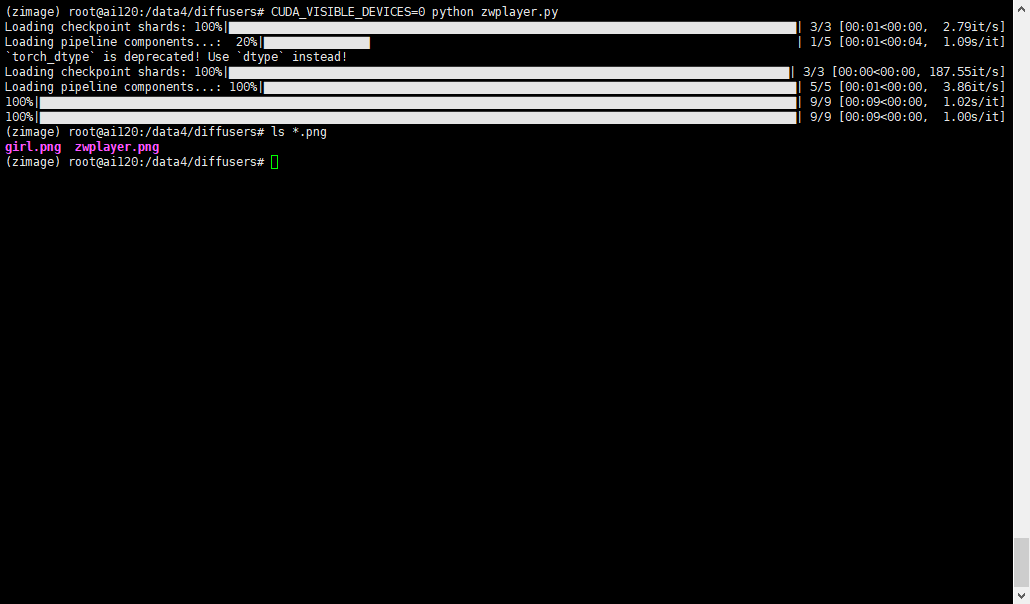
GPU差不多需要22G
输出的zwplayer.png如下所示:

输出的女孩图片如下所示:
六、问题
有的汉字渲染不正确,但是瑕不掩瑜,总的来说,速度快,能正确理解提示词,算是很不错的一个文生图大模型了。关键是能本地部署!
如果不是本地部署,仅仅是尝鲜或者使用,可以移步这里:AIGC