本文实现通过基于selenium框架的python自动化脚本,实现长篇历史小说《大秦帝国》本地化下载,效果如下:
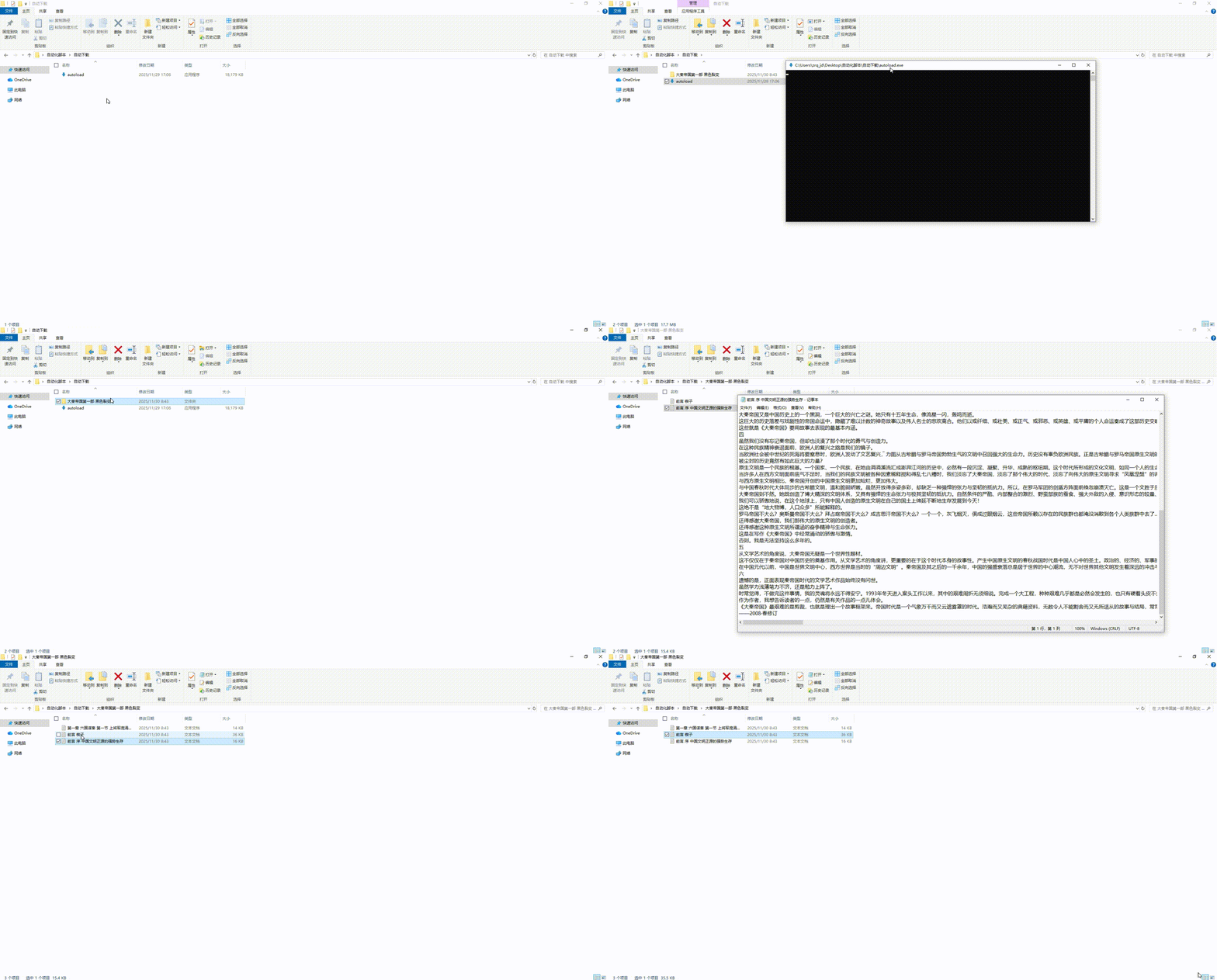
其中,requests和selenium是python爬虫过程中经常使用的。
requests较为简单,效率较高,比较适合简单的网站后台,通过模拟发送报文,接受并分析接受报文。
selenium有点复杂,效率比较低,耗费的本地资源较大,主要针对网站后台的反爬机制使用,通过模拟一个浏览器,调用浏览器,实现数据的发送和接受,并对接受报文进行解析。
爬虫过程中,优先使用requests,如果发现网站有地址或数据的访问限制,再使用selenium。
具体分析如下:
首先,分析URL变化。效果如下:
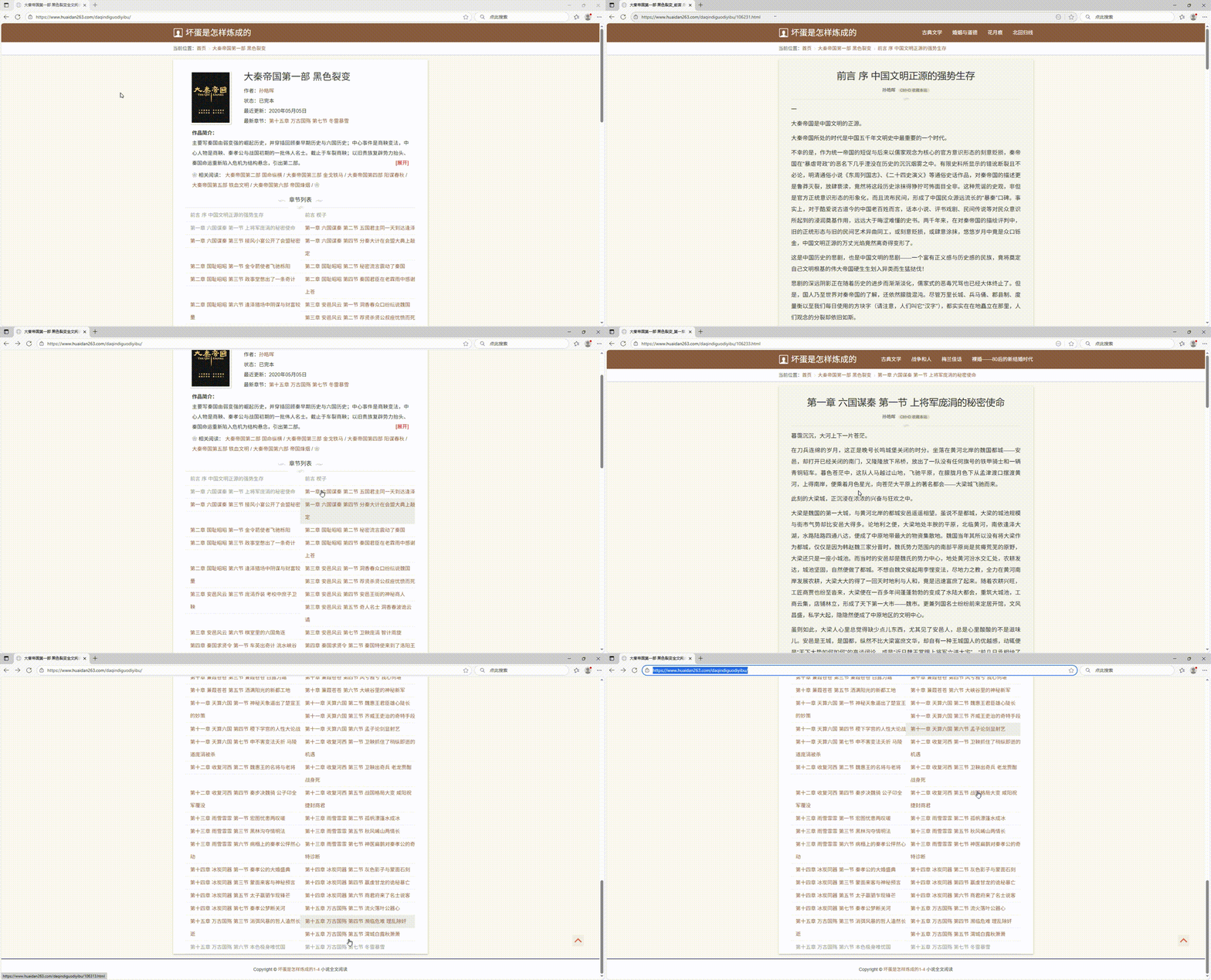
分析发现,不同的URL前半部分相同,后半部分是连续的数字+".html"组成。有规律就可以通过代码实现。
代码如下:
python
for index in range(106231,106317):
    loadmsg('https://www.huaidan263.com/daqindiguodiyibu/'+str(index)+'.html',root_path)
其次,分析网页内容。效果如下:
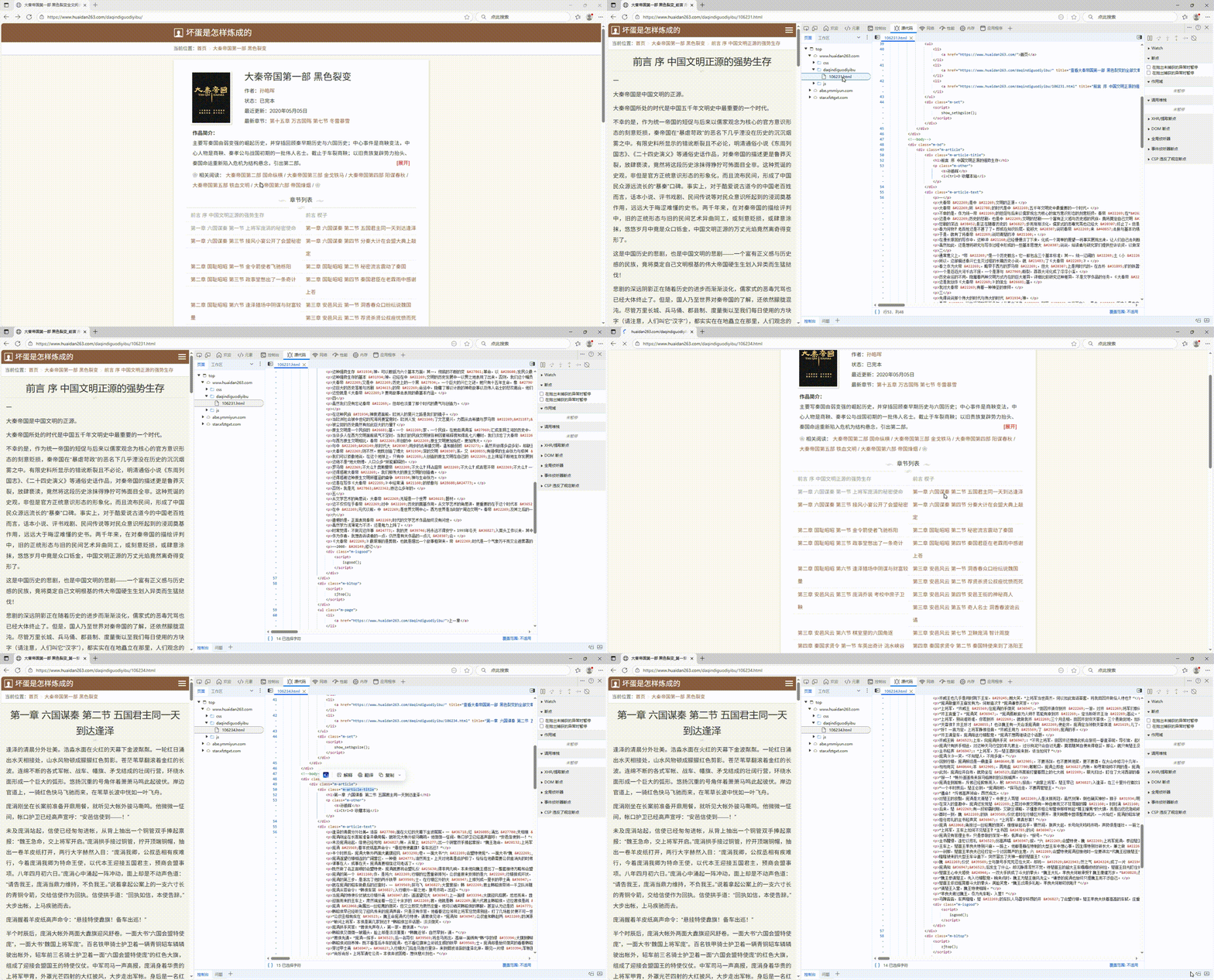
分析发现,章节的标题在class为"m-article-title"的div标签下,章节的内容在class为"m-article-text"的div标签下,有规律即可成码。
代码如下:
python
driver = webdriver.Edge()

driver.get(url)

element_title = driver.find_element(by=By.CLASS_NAME, value='m-article-title')
element_title = element_title.find_element(by=By.TAG_NAME,value='h1')
element_text = driver.find_element(by=By.CLASS_NAME, value='m-article-text')

# 关闭浏览器
driver.quit()
最后,保存到本地。创建章节标题为文件名的文件,将章节内容保存到本地即可。
代码如下:
python
full_path = os.path.join(root_path,element_title.text+'.txt')
with open(full_path, 'w',encoding='utf-8') as f:
    f.write(element_text.text)
完整代码如下:
python
from selenium import webdriver

from selenium.webdriver.common.by import By  # 导入 By 模块
import os

def loadmsg(url,root_path):
    # 或者使用 Edge 浏览器
    driver = webdriver.Edge()

    driver.get(url)

    element_title = driver.find_element(by=By.CLASS_NAME, value='m-article-title')
    element_title = element_title.find_element(by=By.TAG_NAME,value='h1')
    element_text = driver.find_element(by=By.CLASS_NAME, value='m-article-text')

    full_path = os.path.join(root_path,element_title.text+'.txt')
    with open(full_path, 'w',encoding='utf-8') as f:
        f.write(element_text.text)

    print(element_title.text)
    #print(element_text.text)

    # 关闭浏览器
    driver.quit()
    return

root_path = '大秦帝国第一部 黑色裂变'
# 创建目录
os.makedirs(root_path, exist_ok=True)
for index in range(106231,106317):
    loadmsg('https://www.huaidan263.com/daqindiguodiyibu/'+str(index)+'.html',root_path)