实验:
1.防火墙不能关闭,让其开放http协议https协议
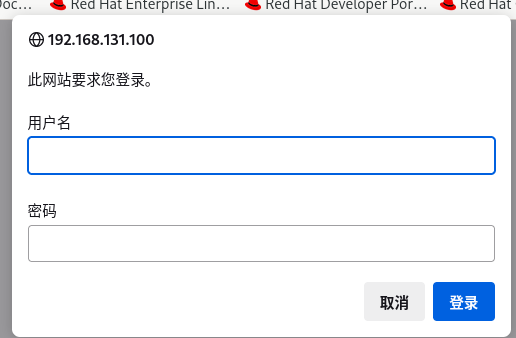
2.该网站具备账户验证
3.测试https的搭建
创建虚拟主机的发布目录
root@server \~# mkdir -p /web/dsj
root@server \~# echo "Welcome" > /web/dsj/index.html
创建证书
创建非对称加密使用的私钥文件(可直接将证书安装到对应服务目录下)
root@server \~# openssl genrsa -out dsj.key
通过私钥文件生成证书文件
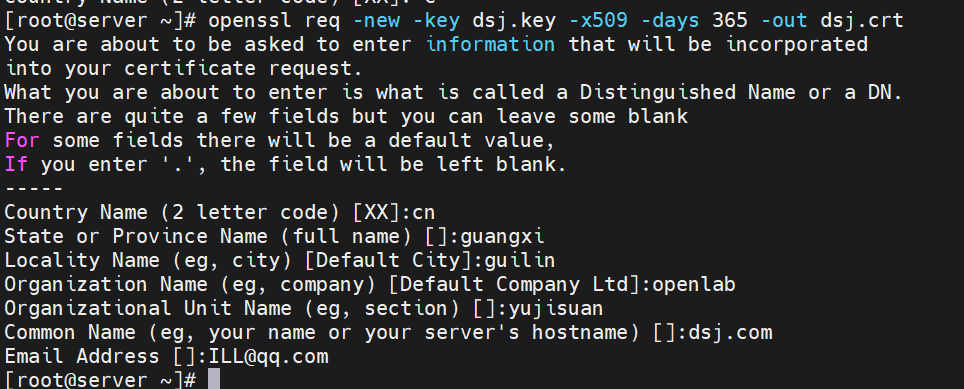
root@server \~# openssl req -new -key dsj.key -x509 -days 365 -out dsj.crt
req:申请创建证书(request);
-new:新的证书;
-key dsj.key:使用dsj.key这个密钥;
-509:此为测试证书;
-days:证书有效期
搭建一个https网站
将生成生成证书移动到nginx配置目录中
root@server \~# mv dsj.crt dsj.key /etc/nginx/
绑定虚拟主机和证书
root@server \~# vim /etc/nginx/nginx.conf
server{
listen 443 ssl;
server_name 192.168.131.100;
root /web/dsj;
ssl_certificate /etc/nginx/dsj.crt;
ssl_certificate_key /etc/nginx/dsj.key;
}
检查配置文件,然后加载配置文件
root@server \~# nginx -t
nginx: the configuration file /etc/nginx/nginx.conf syntax is ok
nginx: configuration file /etc/nginx/nginx.conf test is successful
root@server \~# nginx -s reload
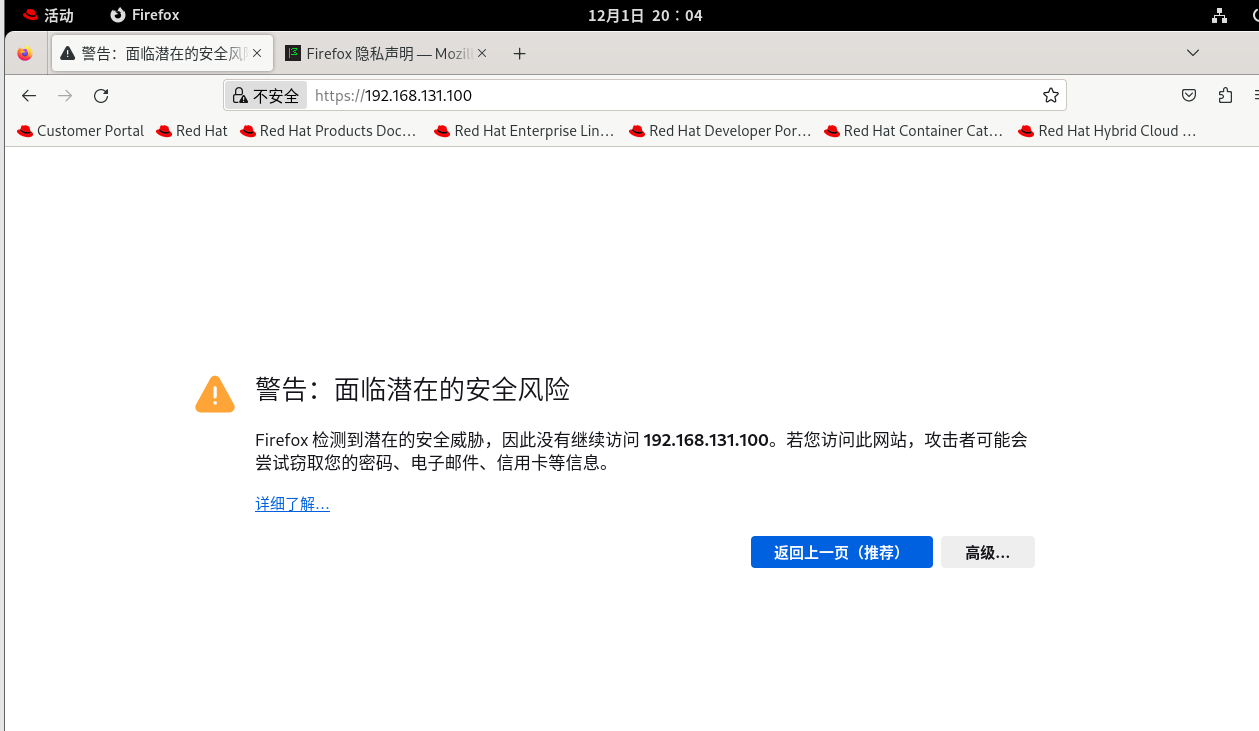
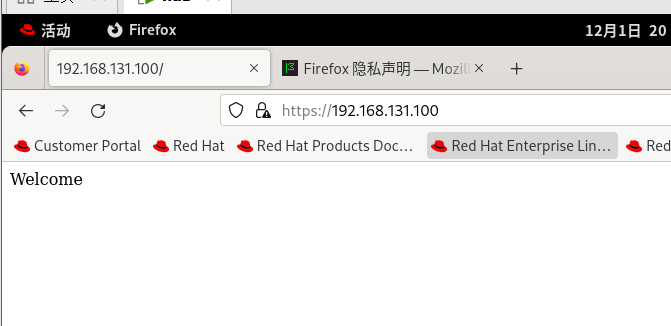
浏览器验证
搭建账户验证功能的网站
安装工具:httpd-tools
root@server \~# dnf install nginx httpd-tools -y
使用htpasswd关联dsj和网站
root@server \~# htpasswd -c /etc/nginx/passswd dsj
New password:
Re-type new password:
Adding password for user dsj
修改nginx的配置文件
root@server \~# vim /etc/nginx/nginx.conf
auth_basic "please input your passwd"; #登录提示
auth_basic_user_file /etc/nginx/passwd; #管理网站和密码文件
检查配置文件,然后加载配置文件
root@server \~# nginx -t
nginx: the configuration file /etc/nginx/nginx.conf syntax is ok
nginx: configuration file /etc/nginx/nginx.conf test is successful
root@server \~# nginx -s reload
浏览器验证