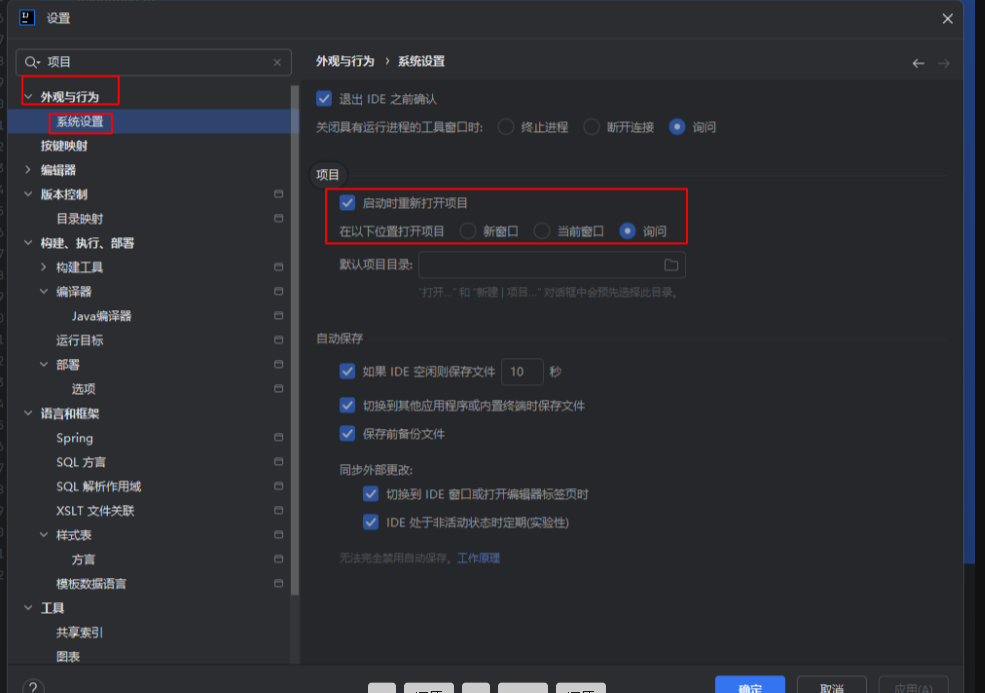
修改全局设置(适用于后续所有操作)
1.进入设置界面:
Windows/Linux:File > Settings
macOS:IntelliJ IDEA > Preferences
调整项目打开方式:
2.导航到 Appearance & Behavior > System Settings > Project
找到 Project Opening 部分:
勾选 ✔️ Open projects in new window。
取消勾选 ✔️ Confirm window to open project in(可选,避免每次询问)。