z-paging
【z-paging下拉刷新、上拉加载】高性能,全平台兼容。支持虚拟列表,分页全自动处理
非常好用, 必须点赞。
uniapp 官方的下拉刷新好像有好多问题,具体是什么忘记了,反正神坑无比。
z-paging 挺好用的, 不过好像会和局部的 scroll-view 组件冲突,现象就是下拉刷新会一跳一跳的, 不知道怎么解决, 不过问题不是很大, 将就用吧。
下拉刷新使用
vue
<ZPaging
    ref="pagingRef"
    :fixed="false"
    refresher-only
    @onRefresh="onRefresh"
    refresher-default-text="下拉刷新"
    refresher-pulling-text="释放刷新"
    refresher-refreshing-text="刷新中..."
    refresher-complete-text="刷新完成"
    :refresher-title-style="{ fontSize: '14px' }"
>
    <view>
            <Total @onRefresh="onRefreshed"></Total>
            <City @onRefresh="onRefreshed"></City>
            <Brand @onRefresh="onRefreshed"></Brand>
    </view>
</ZPaging>

// import ZPaging from "@/uni_modules/z-paging/components/z-paging/z-paging.vue";
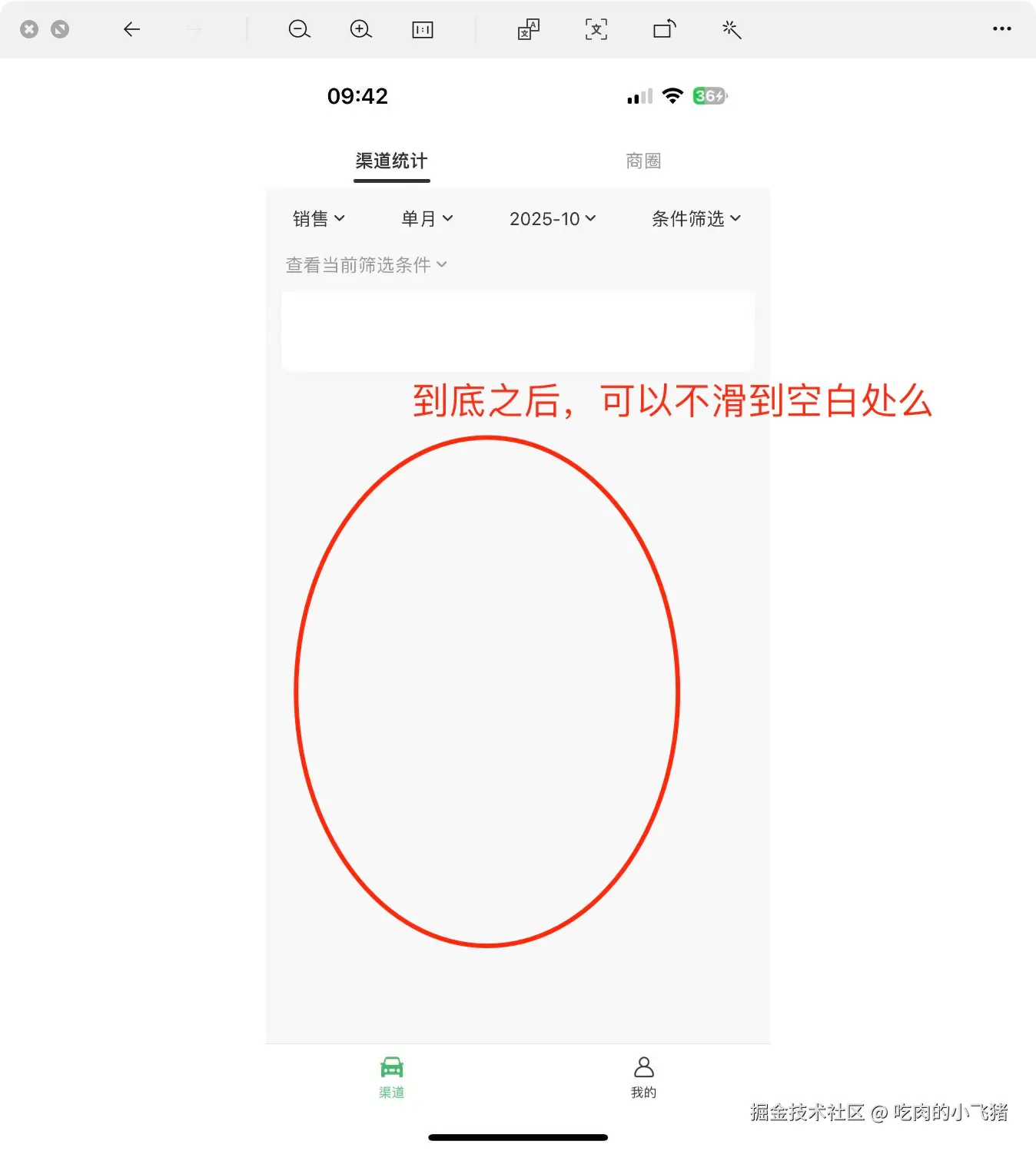
有一个问题在线求助, 就是在底部会出现大面积留白
ai 聊天组件
对话内容和输入框都可以自定义。非常方便。具体的官方有示例。
vue
<z-paging
      ref="pagingRef"
      :fixed="false"
      :refresher-enabled="false"
      :refresher-default-style="'none'"
      v-model="chatHistories"
      use-chat-record-mode
      :safe-area-inset-bottom="false"
      bottom-bg-color="#FBFAFA"
      :calcKeyboardHeight="calcKeyboardHeight"
    >
      <!-- for循环渲染聊天记录列表 -->
      <view
        v-for="(chatItem, index) in chatHistories"
        :key="chatItem.id"
        style="position: relative"
      >
        <!-- style="transform: scaleY(-1)"必须写,否则会导致列表倒置 -->
        <!-- 注意不要直接在chat-item组件标签上设置style,因为在微信小程序中是无效的,请包一层view -->
        <view style="transform: scaleY(-1)">
          <!-- 对话消息组件 -->
          <ChatItem :message="chatItem" @onSelectOption="handleSelectOption" />
        </view>
      </view>
      <!-- 底部聊天输入框 -->
      <template #bottom>
        <view class="chat-input-container">
          <Question
            :status="networkStatus"
            :question="userMsg"
            @onSend="(params: any) => doSend(params.question)"
            @onCancel="handleCancel"
          />
        </view>
      </template>
    </z-paging>