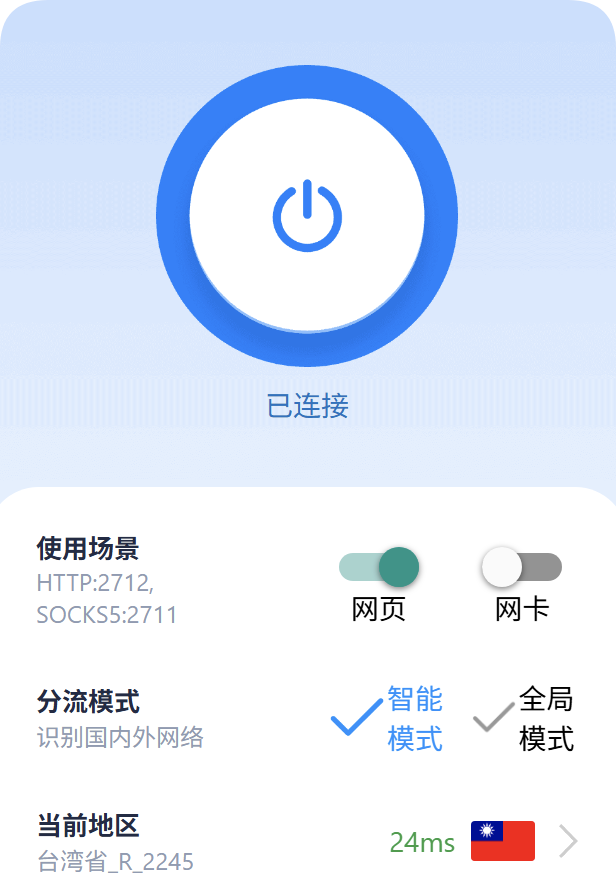
启用proxy
创建chromium文件夹并进入该文件夹,然后克隆depot_tools
bash
# 1. 创建目录并克隆 depot_tools
mkdir chromium
cd chromium
git clone https://chromium.googlesource.com/chromium/tools/depot_tools.git

# 2. 添加 depot_tools 到系统 PATH
# 将 depot_tools 路径添加到用户环境变量 PATH 开头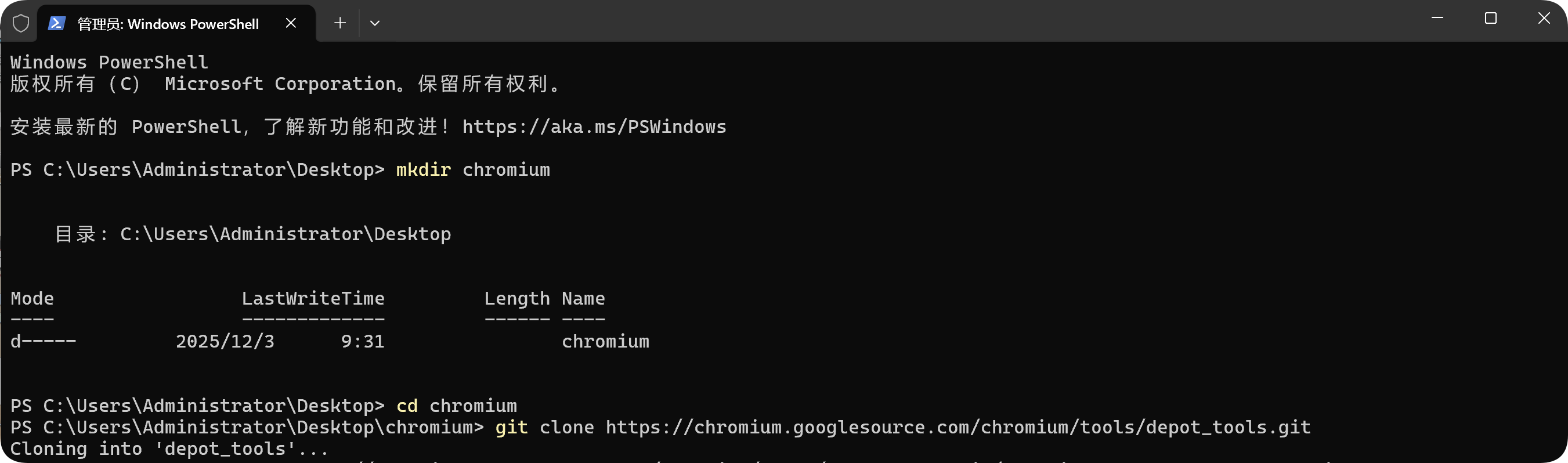
出现错误fatal: unable to access 'https://chromium.googlesource.com/chromium/tools/depot_tools.git/': Failed to connect to chromium.googlesource.com port 443 after 21257 ms: Could not connect to server解决:
设置git proxy

bash
# 设置 HTTP/HTTPS 代理
git config --global http.proxy http://127.0.0.1:2712
git config --global https.proxy http://127.0.0.1:2712

# 设置 socks5 代理
git config --global http.proxy socks5://127.0.0.1:2711
git config --global https.proxy socks5://127.0.0.1:2711
设置PowerShell proxy
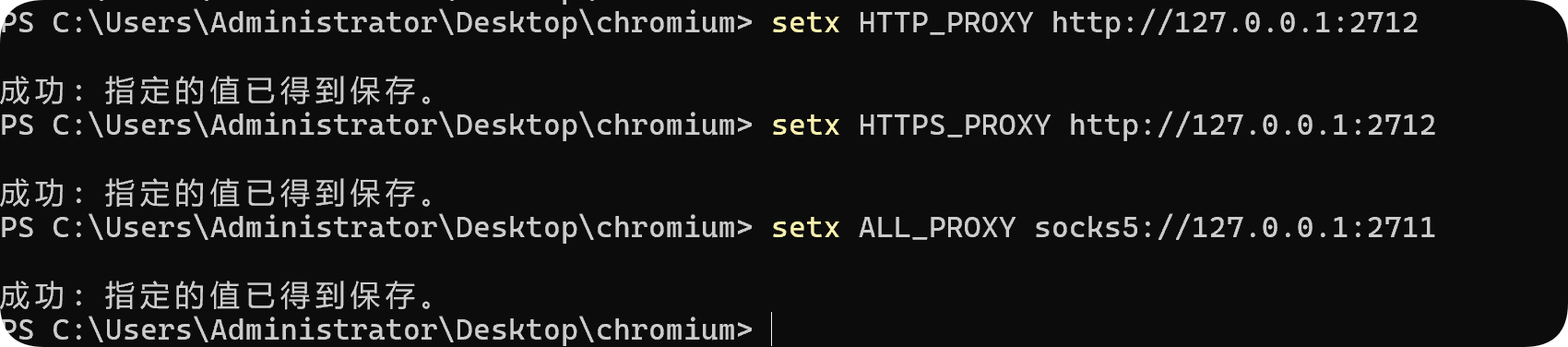
bash
# 设置 HTTP 代理
setx HTTP_PROXY http://127.0.0.1:2712
setx HTTPS_PROXY http://127.0.0.1:2712

# 或者设置 socks5 代理
setx ALL_PROXY socks5://127.0.0.1:2711
再次运行克隆命令
bash
git clone https://chromium.googlesource.com/chromium/tools/depot_tools.git成功克隆depot_tools

添加depot_tools到环境变量PATH
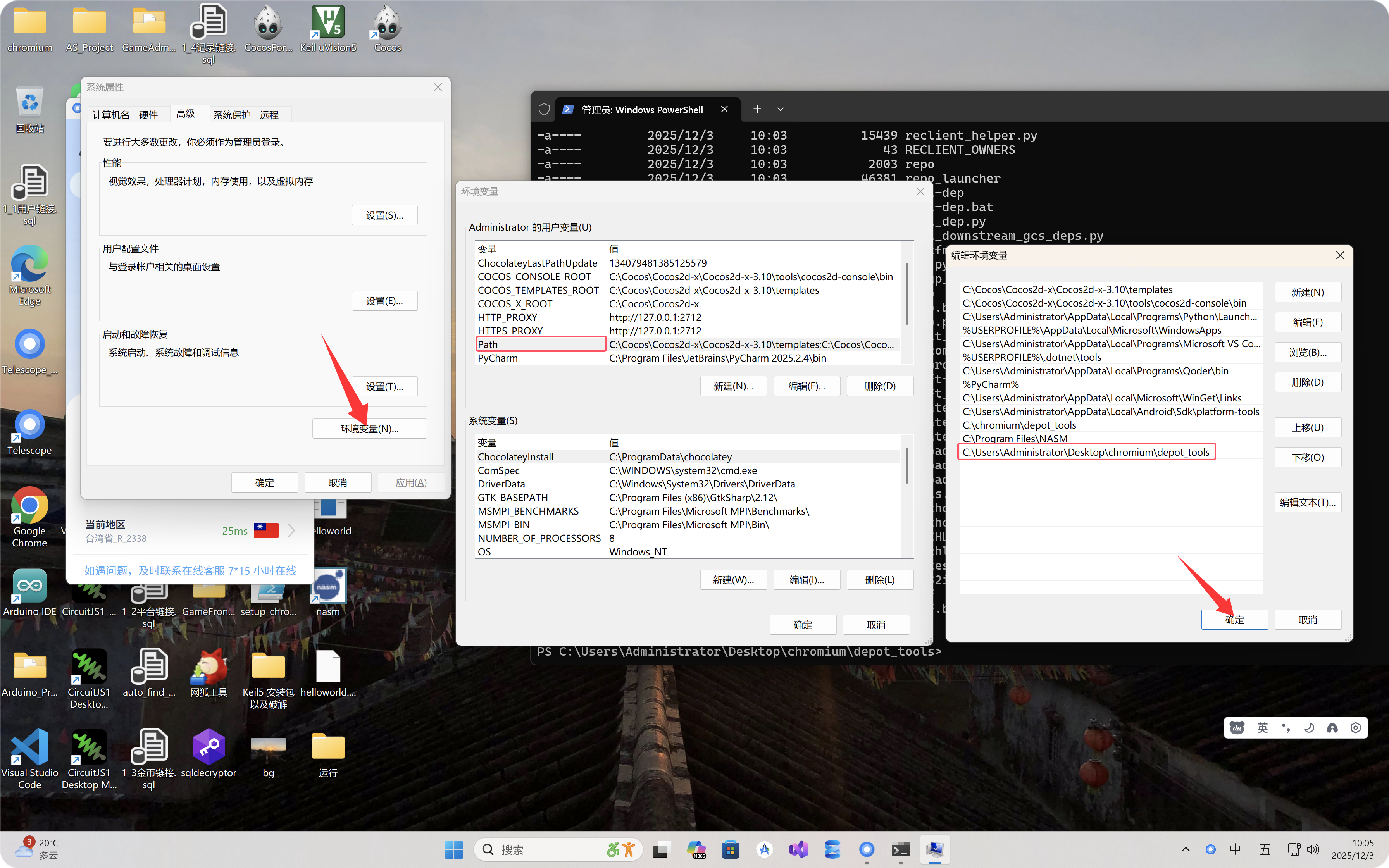
执行下面命令后,重启终端
bash
setx DEPOT_TOOLS_WIN_TOOLCHAIN 0
重启终端后配置下面git属性
bash
git config --global core.autocrlf false
git config --global core.filemode false
git config --global branch.autosetuprebase always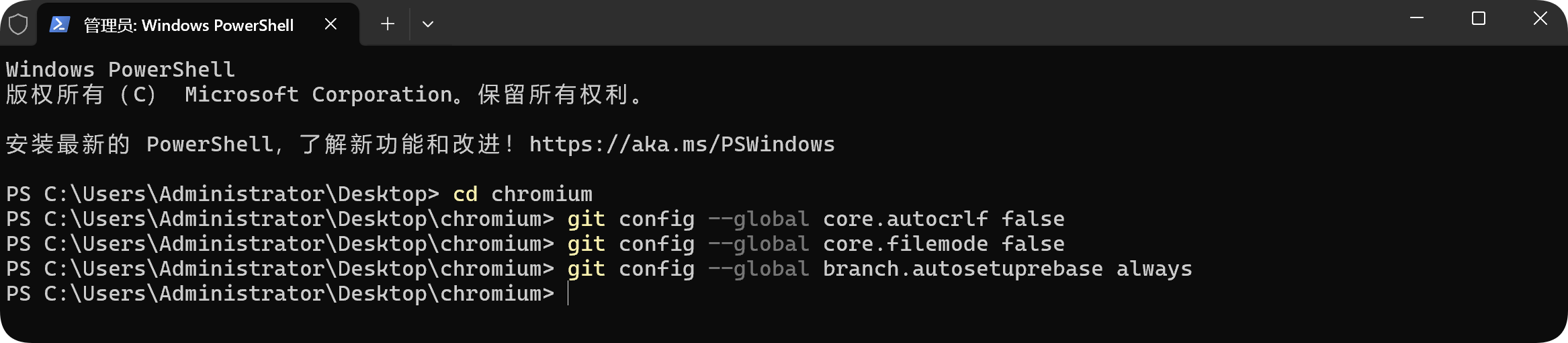
开始下载chromium源码
bash
fetch chromium源码开始下载中...
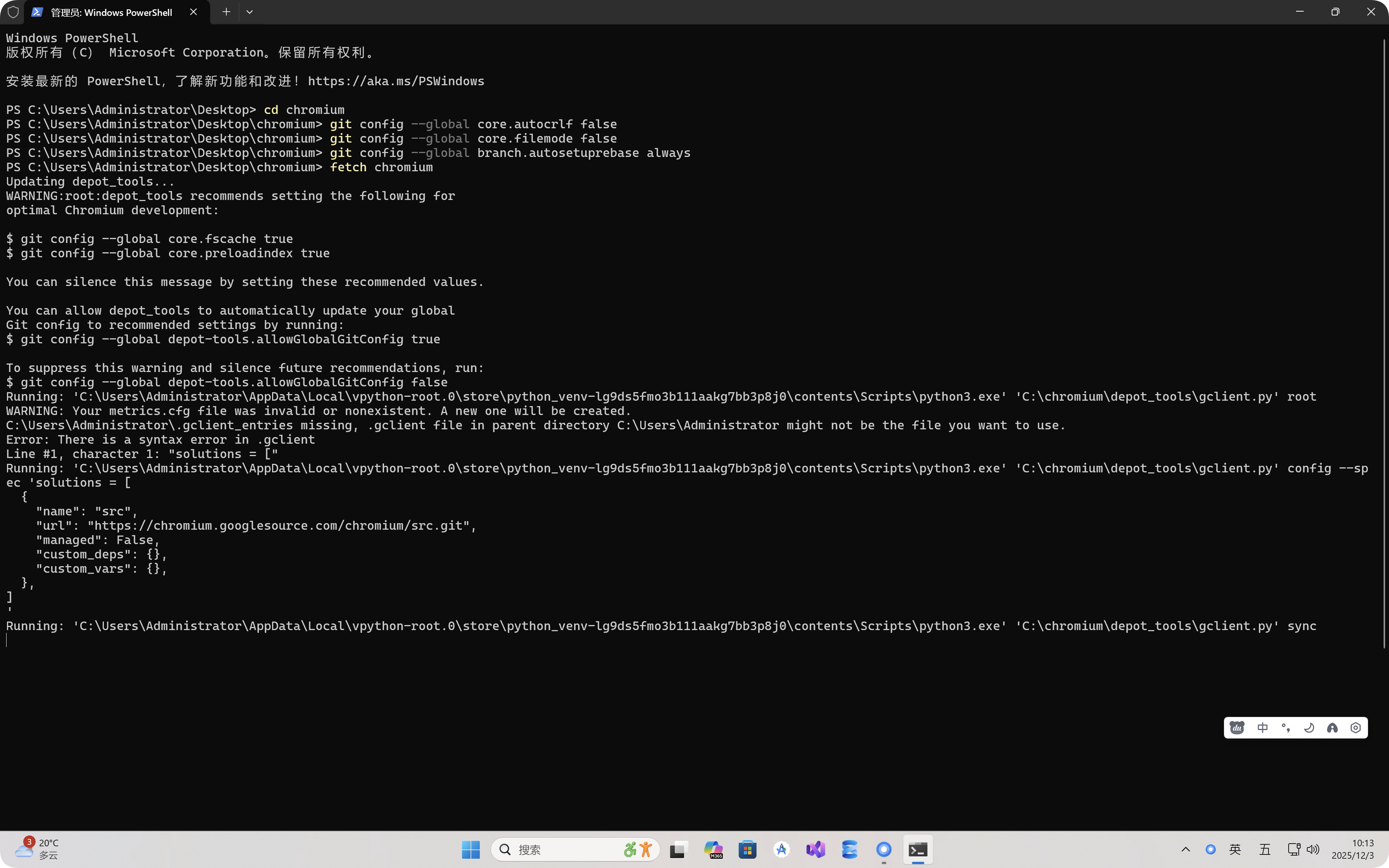
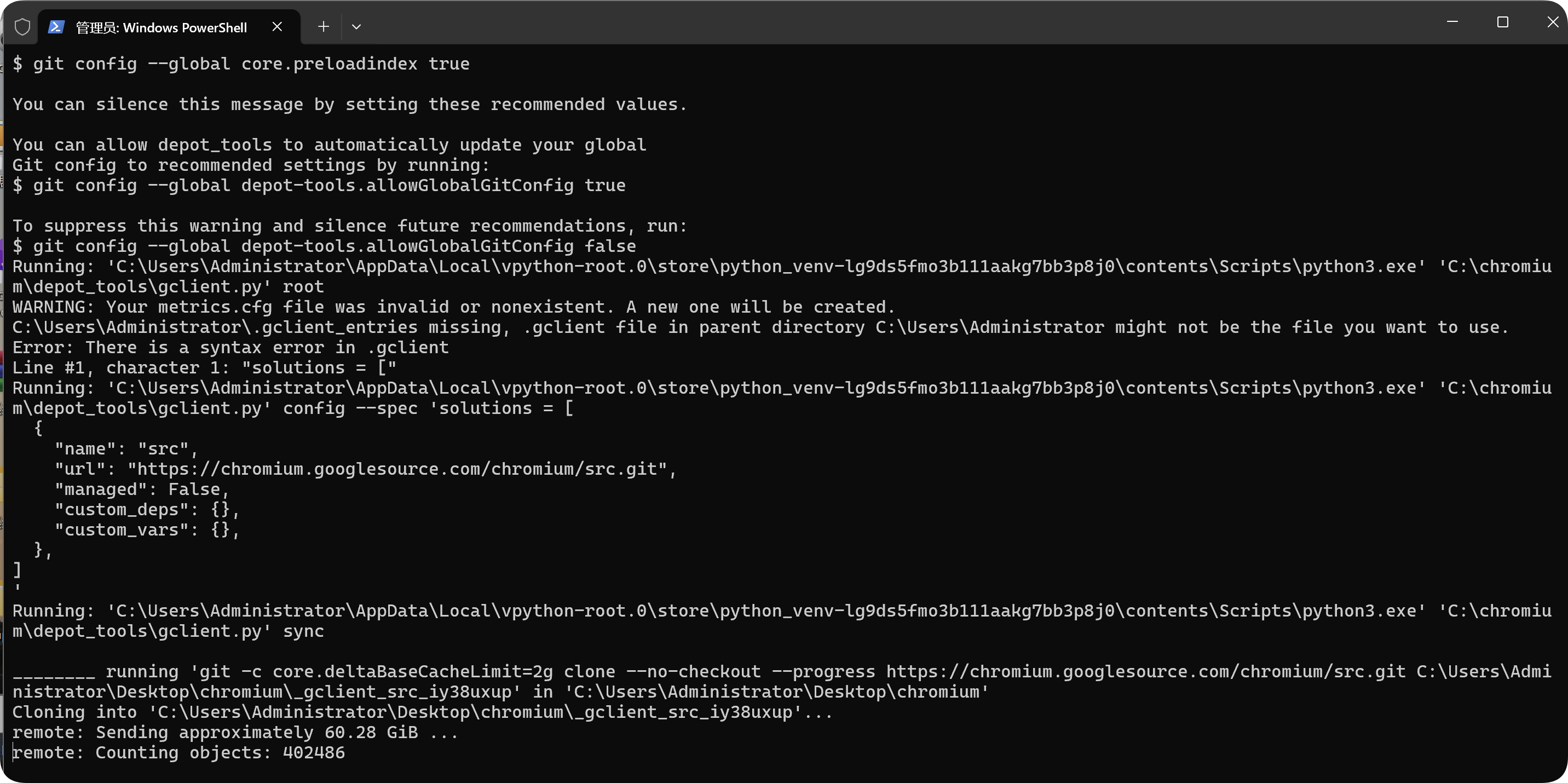
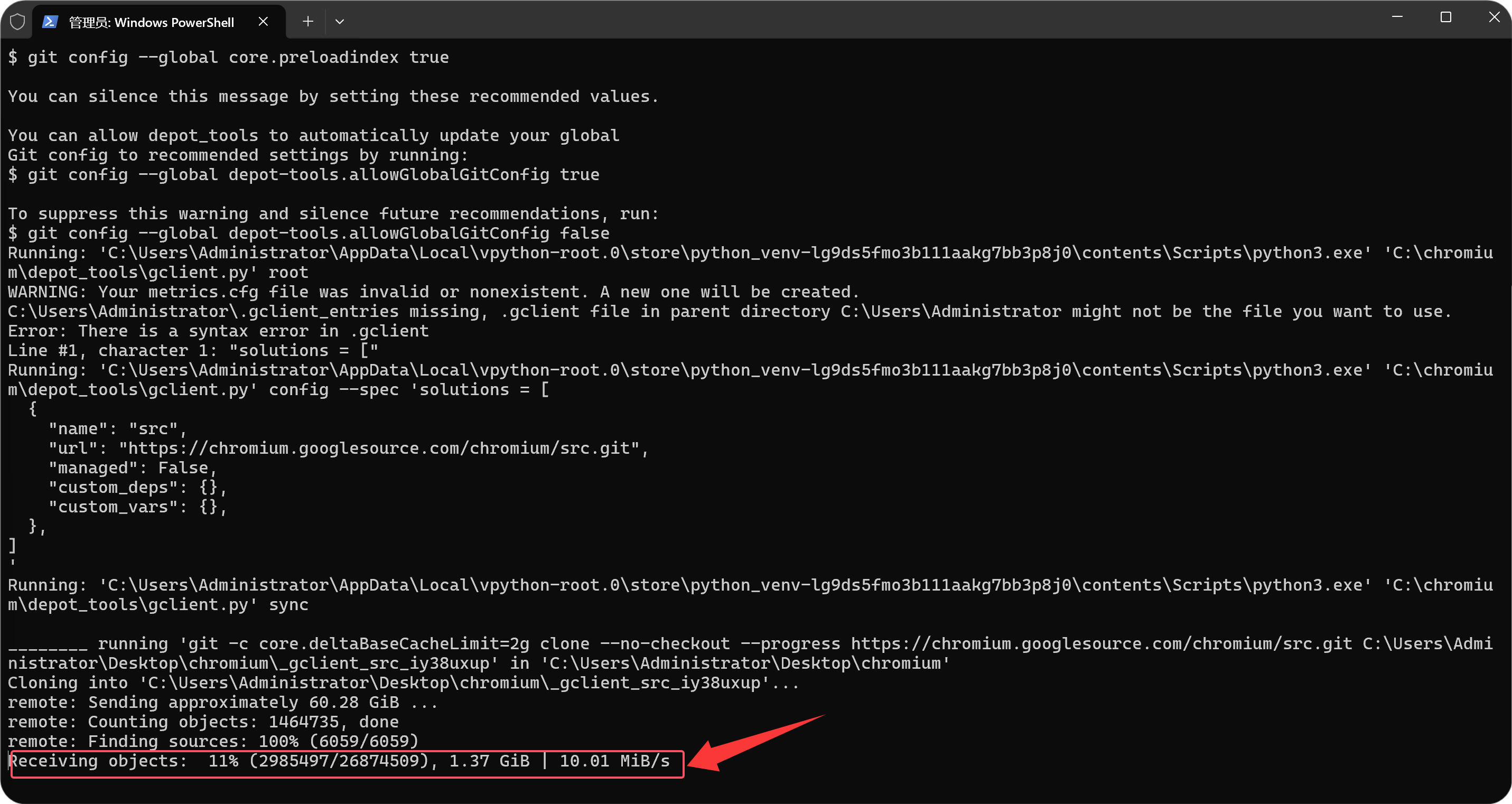
一共需要下载60.28GB
开始接收中...
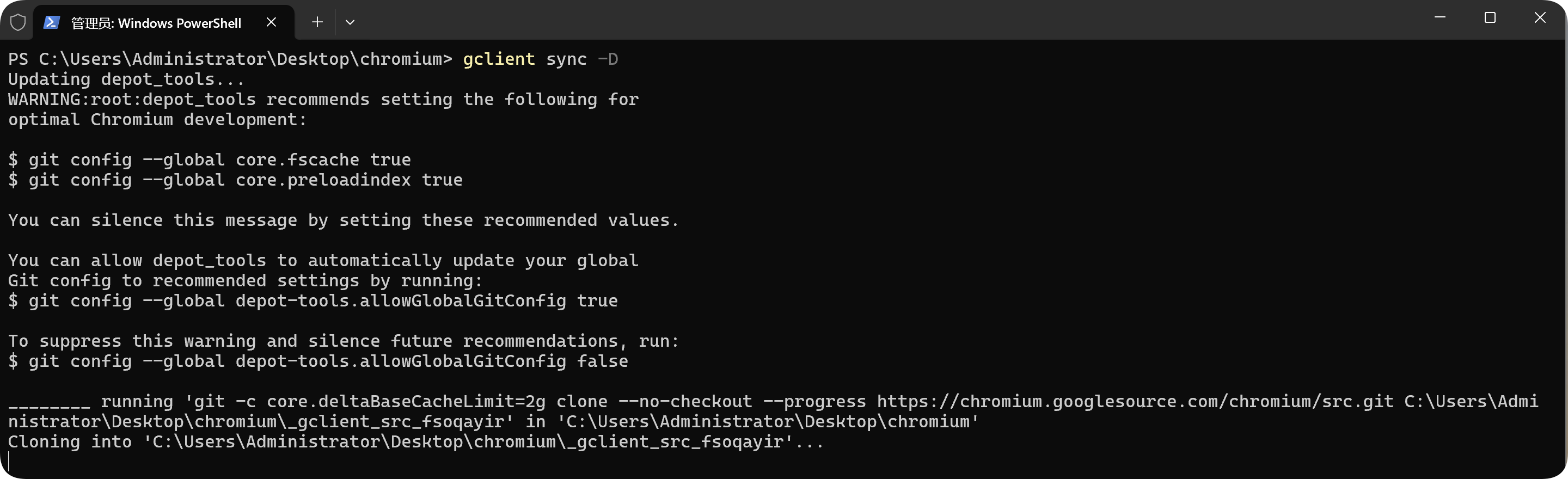
中途网络问题,同步失败时,运行gclient sync -D重新同步
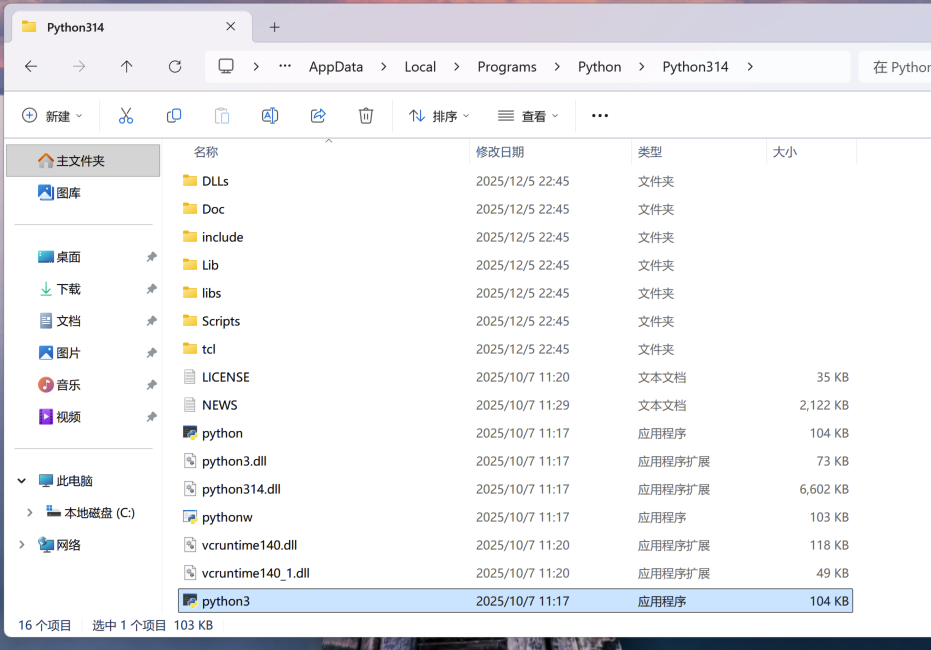
复制python为python3
继续同步
bash
gclient sync --verbose --no-history同步完成
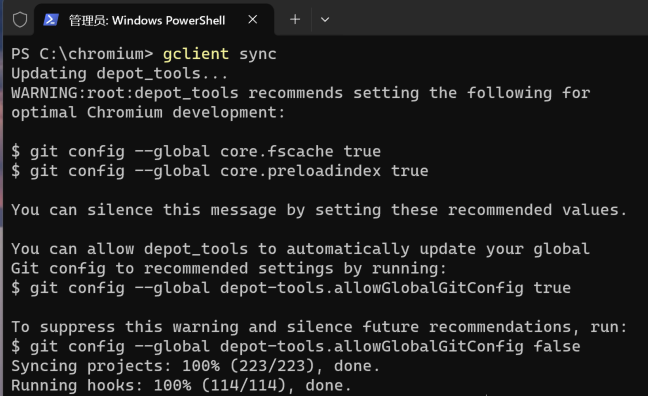
同步完成后安装VS2026
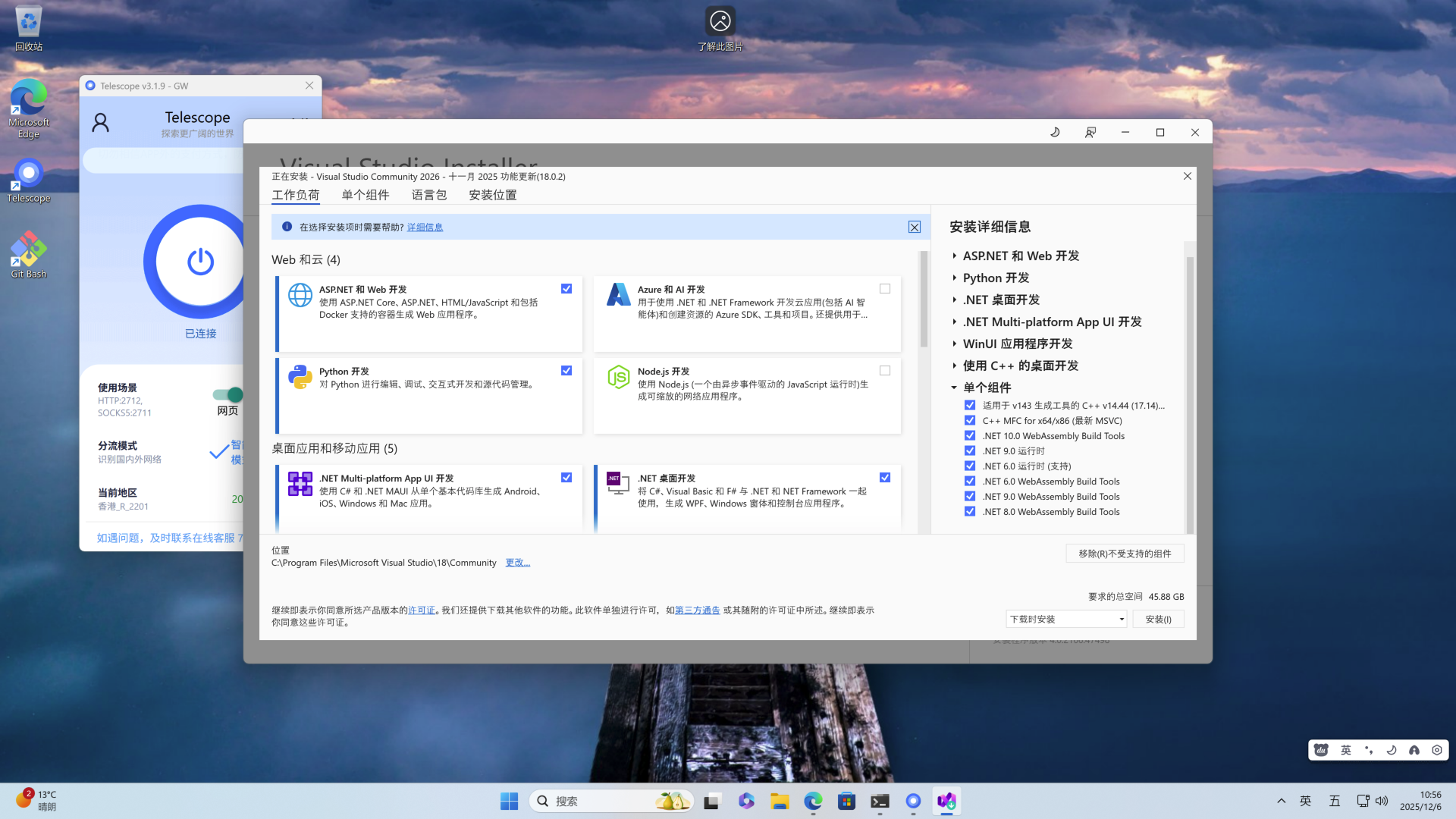
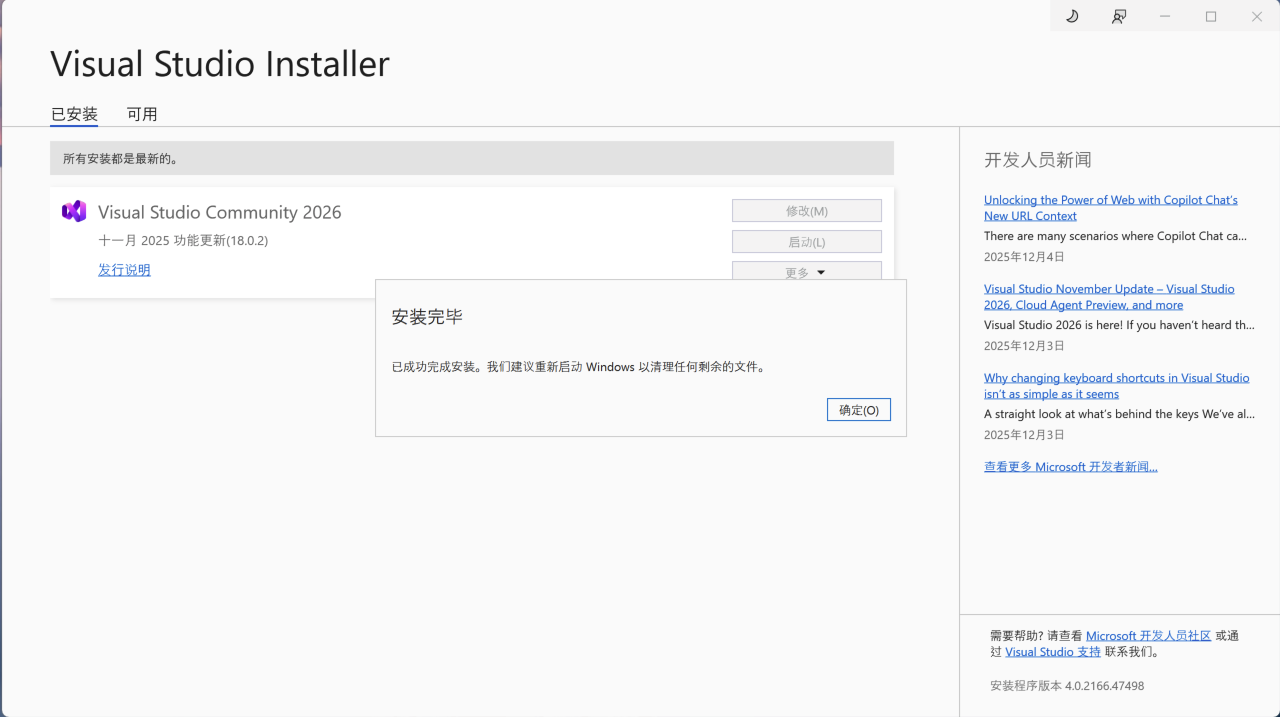
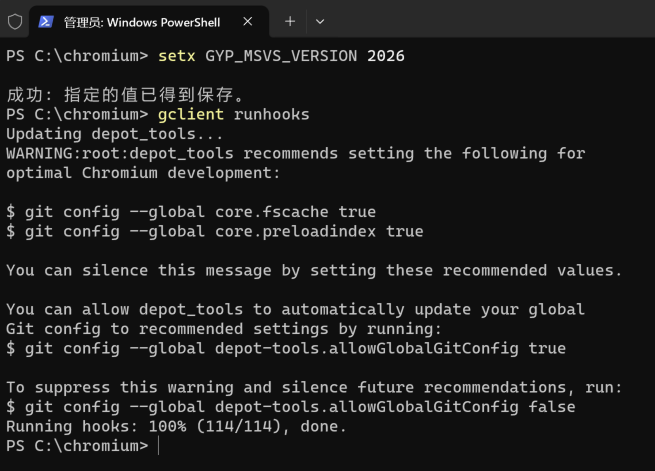
设置环境变量
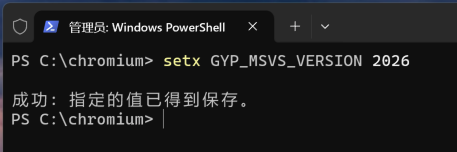
运行gclient runhooks
开始编译
进入src目录,创建编译输出目录out/Default
bash
mkdir -p out/Default编写构建文件
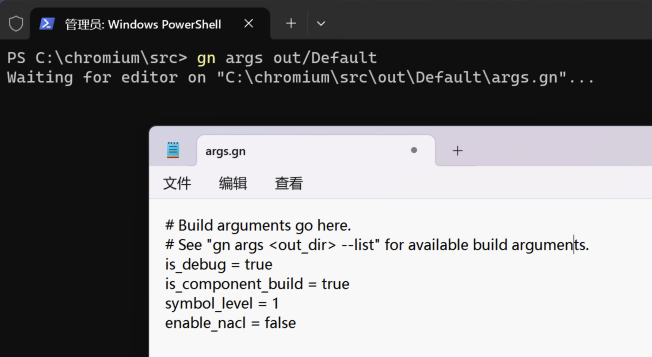
gn args out\Default添加内容并保存
出现下面错误表示没有安装vs2022
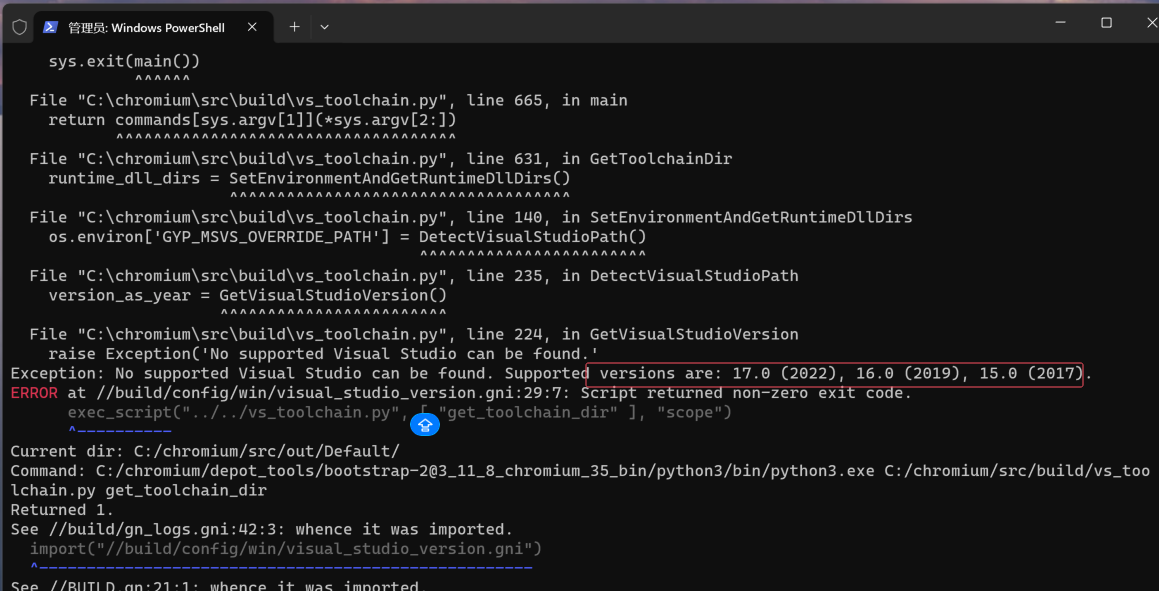
安装VS2022

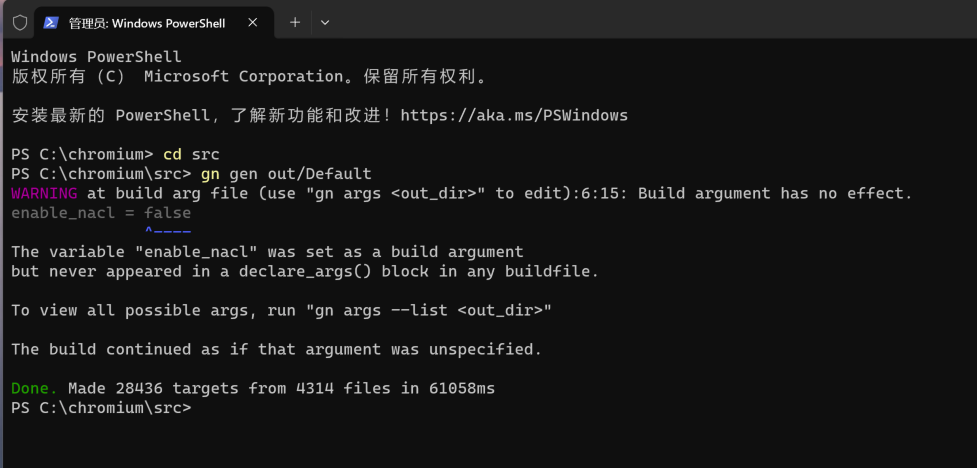
生成编译配置
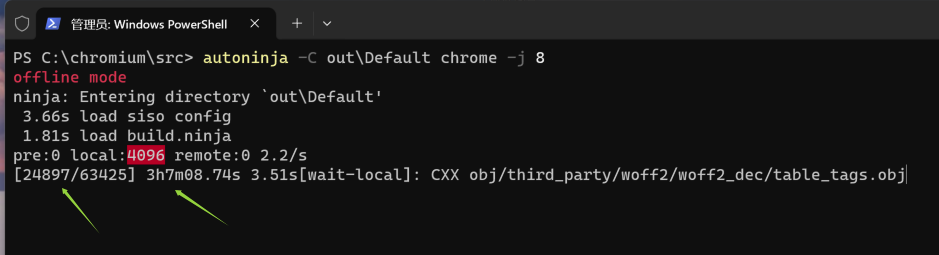
开始构建...
bash
autoninja -C out\Default chrome -j 8构建中...

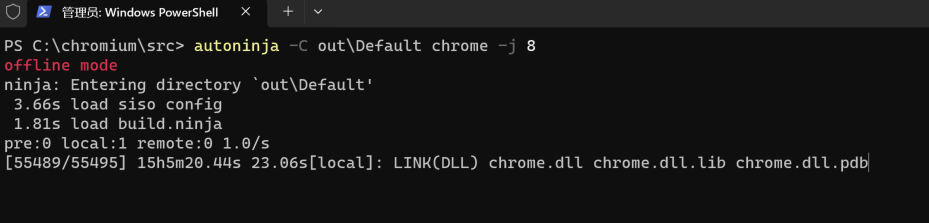
正在链接中
构造成功,大约花费15个小时左右
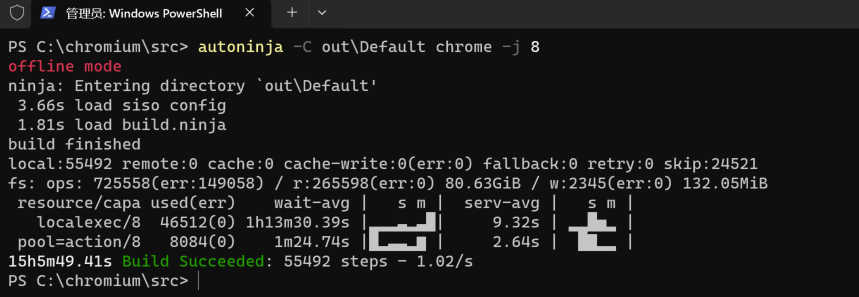
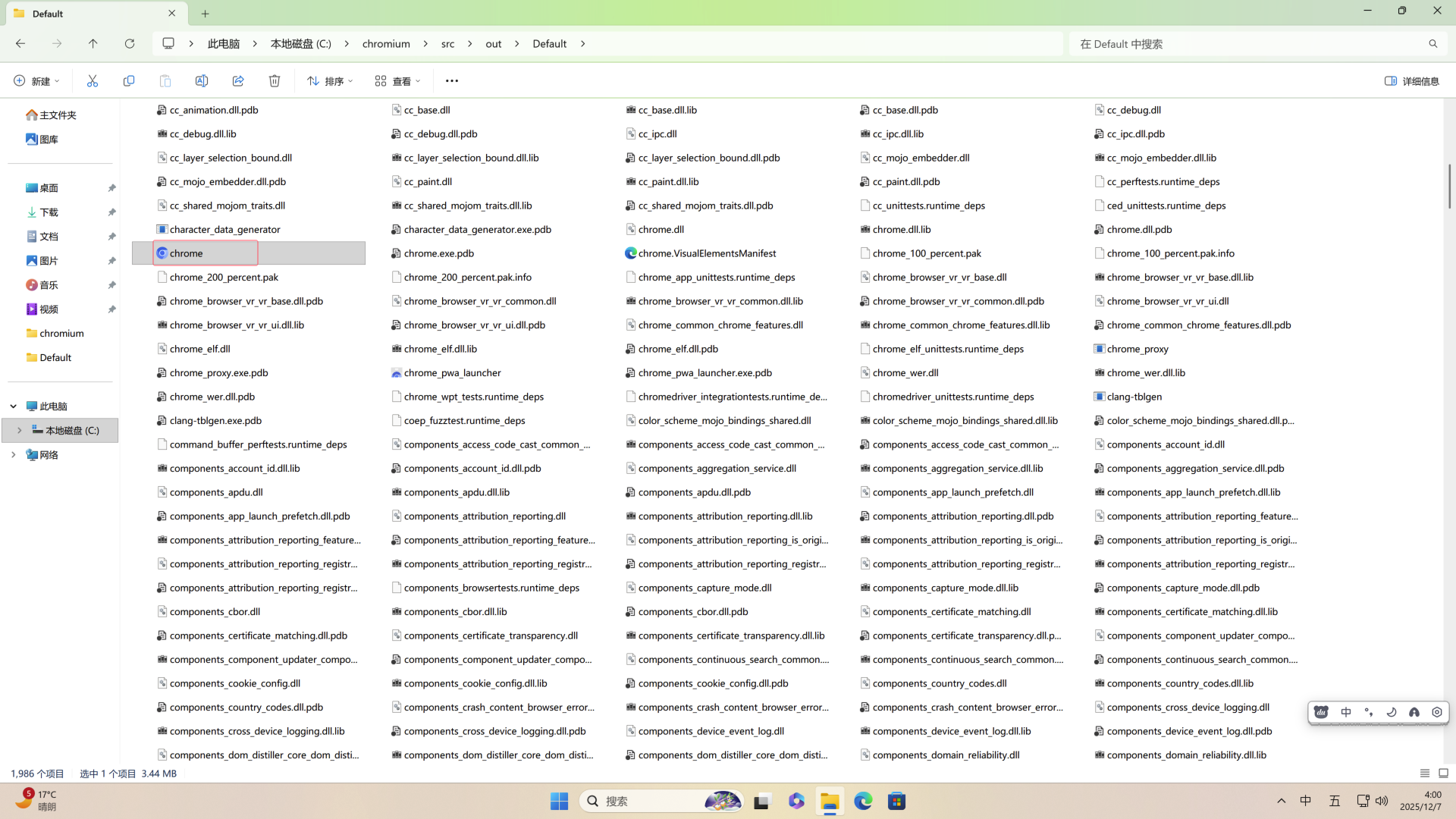
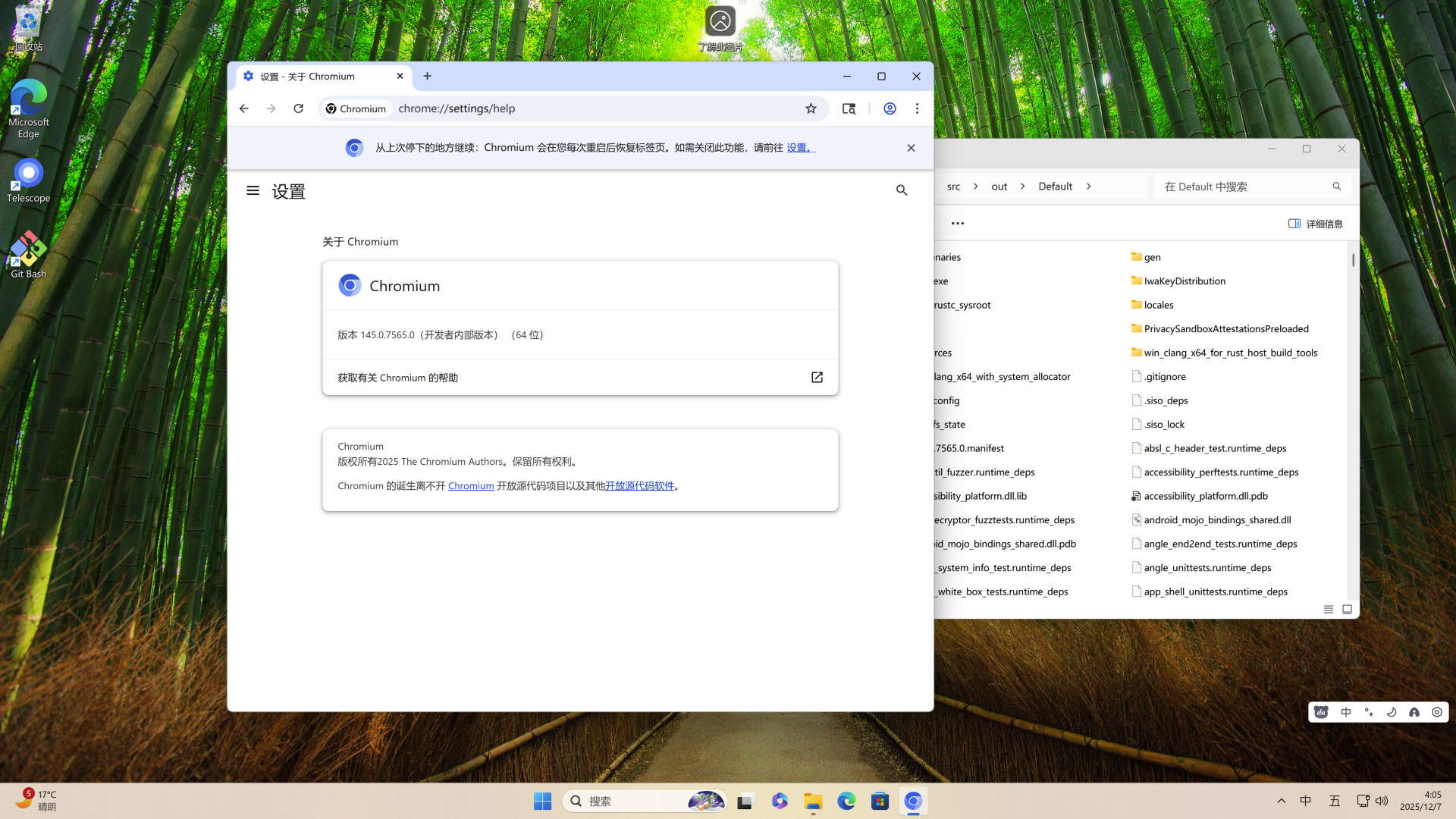
成功生成chrome