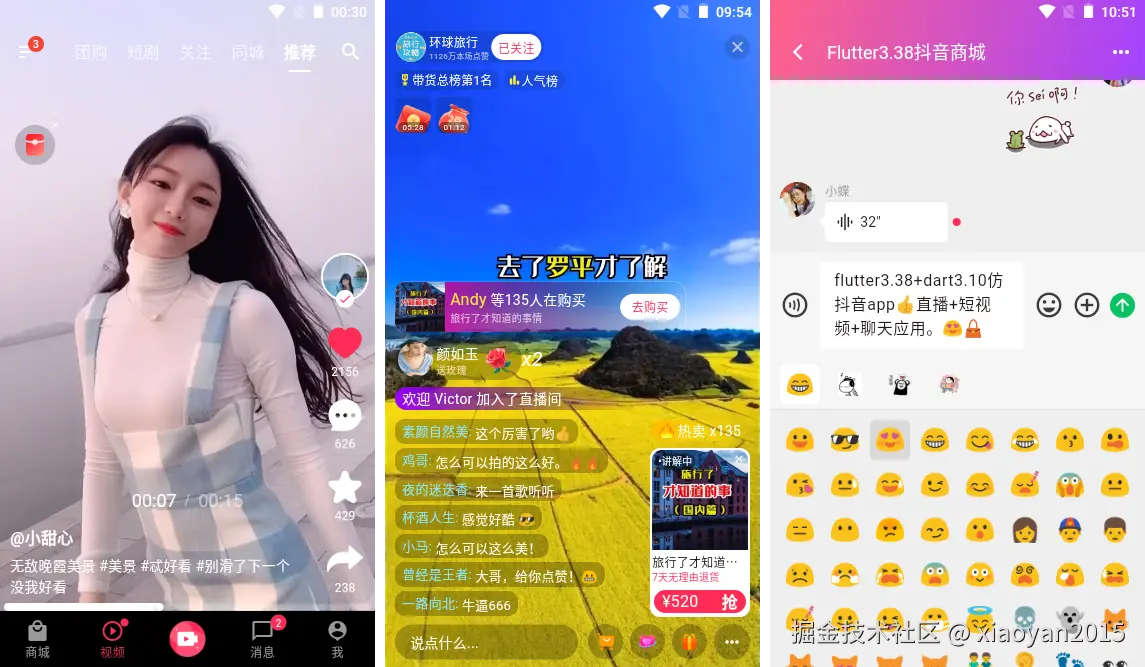
经过半个月高强度研发,最新款Flutter3.38+Dart3.10打造短视频+直播+聊天应用,正式完结了。

运用技术
- 编码工具:VScode
- 跨平台框架:Flutter3.38.2+Dart3.10.0
- 状态管理:get: ^4.7.3
- 缓存服务:get_storage: ^2.1.1
- 瀑布流组件:flutter_staggered_grid_view^0.7.0
- 轮播图组件:card_swiper^3.0.1
- toast弹窗组件:shirne_dialog^4.8.6
- 视频套件:media_kit: ^1.2.3
- svg图片:flutter_svg: ^2.2.3
- 缓存图片:cached_network_image: ^3.4.1


flutter3实现一个类似抖音app首页上下左右联动效果。上下滚动切换短视频、左右滚动切换页面模块。

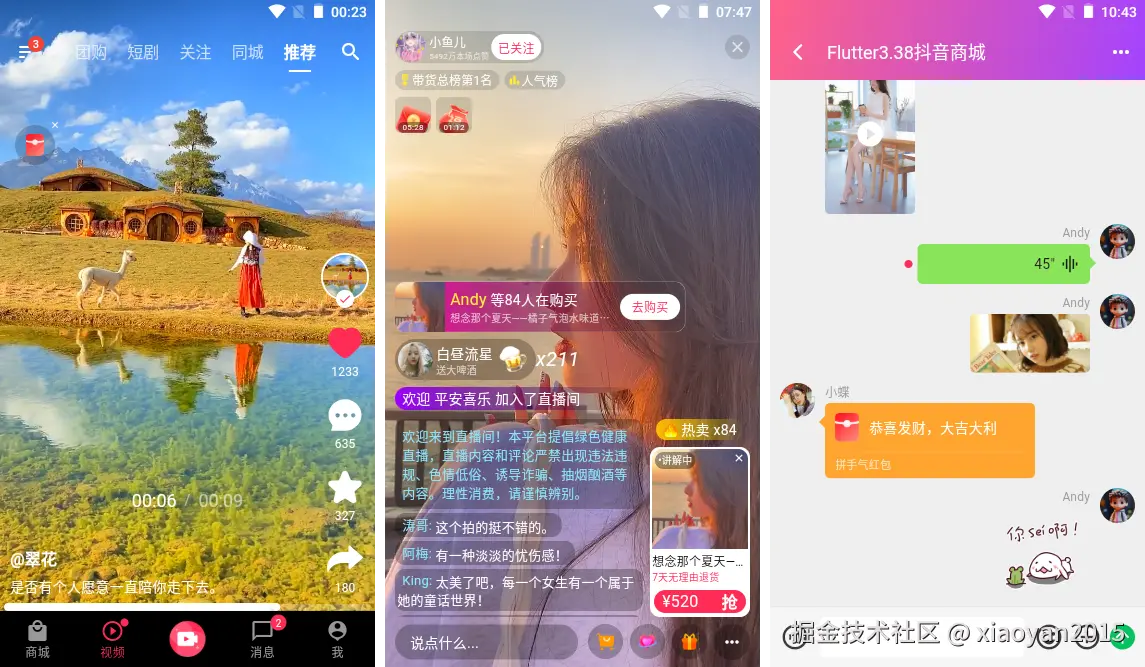
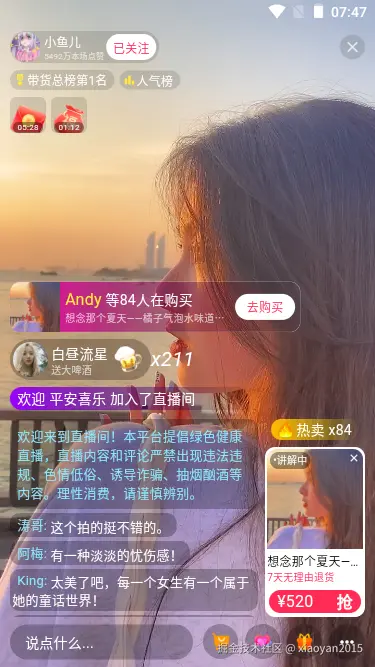
直播页面实现右侧滑入直播进场/左侧滑入礼物提示动效、商品列表、礼物、商品讲解、弹幕消息等功能。
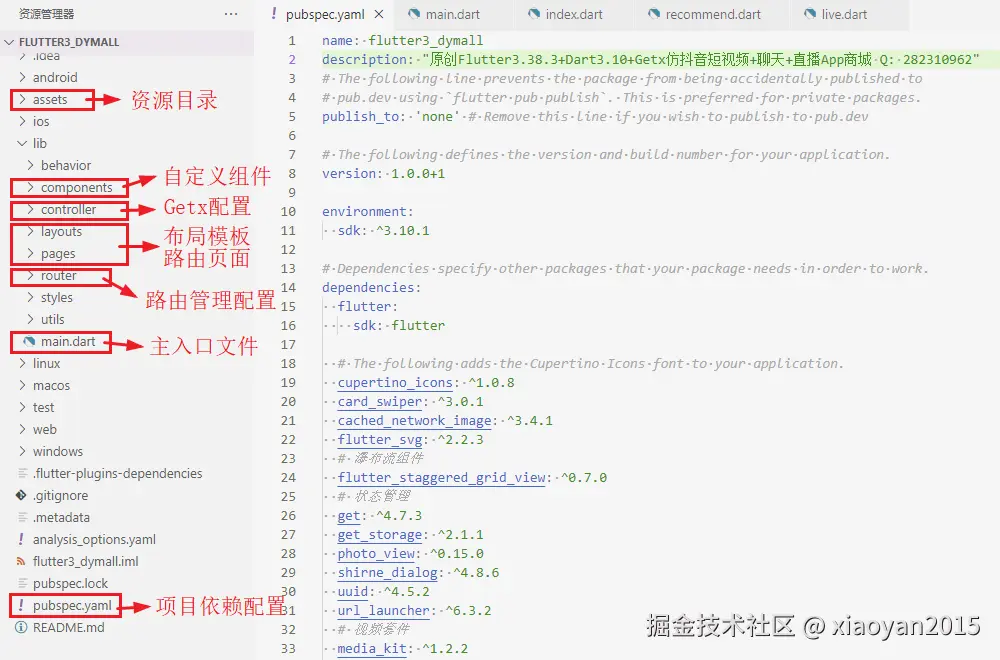
项目结构目录
flutter3-douyin使用最新跨平台框架flutter3.38.2构建项目模板。
『flutter3.38抖音app』短视频+聊天+直播入场-礼物侧边滑进动效 - bilibili



项目入口配置
dart
import 'package:flutter/foundation.dart';
import 'package:flutter/material.dart';
import 'package:get/get.dart';
import 'package:get_storage/get_storage.dart';
import 'package:media_kit/media_kit.dart';
import 'package:shirne_dialog/shirne_dialog.dart';

import 'utils/common.dart';

// 引入布局页面
import 'layouts/index.dart';

// 引入路由配置
import 'router/index.dart';

void main() async {
  // 初始化get_storage存储
  await GetStorage.init();

  // 初始化media_kit视频套件
  WidgetsFlutterBinding.ensureInitialized();
  MediaKit.ensureInitialized();

  runApp(const MyApp());
}

class MyApp extends StatelessWidget {
  const MyApp({super.key});

  @override
  Widget build(BuildContext context) {
    // 是否windows平台
    bool isWindows() {
      if (kIsWeb) return false;

      final platform = Theme.of(context).platform;
      return platform == TargetPlatform.windows;
    }

    return GetMaterialApp(
      title: 'Flutter3 DYMALL',
      debugShowCheckedModeBanner: false,
      theme: ThemeData(
        colorScheme: ColorScheme.fromSeed(seedColor: const Color(0xFFFF2C55)),
        useMaterial3: true,
        // 修复windows下字体不一致情况 - Web 平台特殊处理
        // fontFamily: Platform.isWindows ? 'Microsoft YaHei' : null
        fontFamily: isWindows() ? 'Microsoft YaHei' : null
      ),
      home: const Layout(),
      // 初始化路由
      initialRoute: Common.isLogin() ? '/' : '/login',
      // 路由页面
      getPages: routePages,
      // 初始化弹窗key
      navigatorKey: MyDialog.navigatorKey,
    );
  }
}

flutter3自定义抖音app首页模块联动
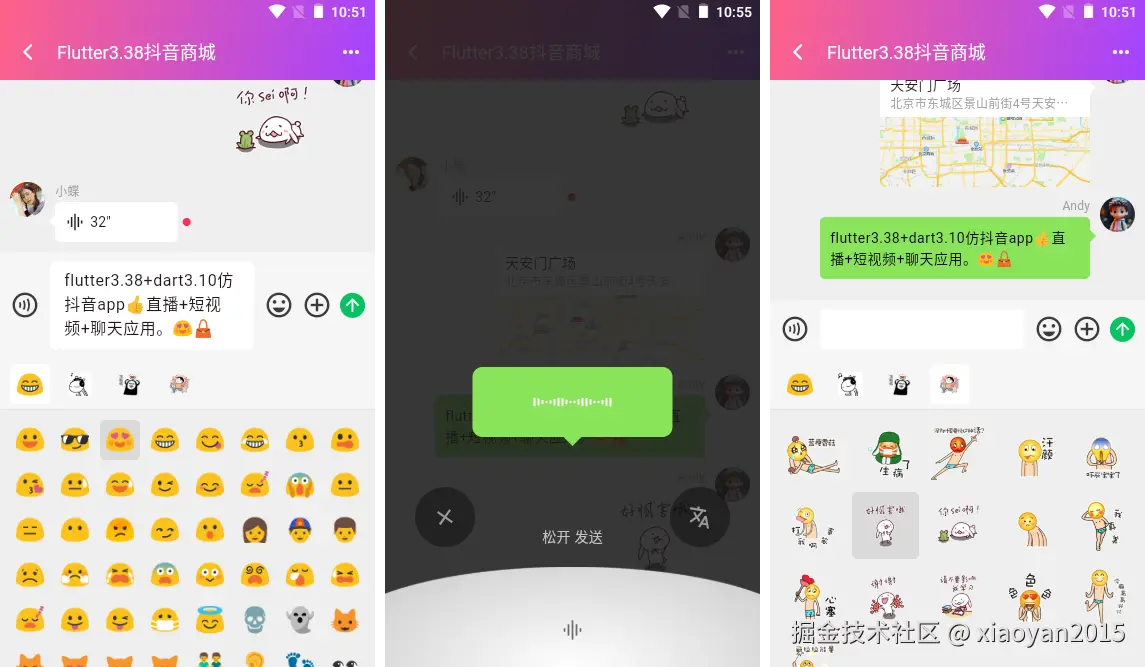
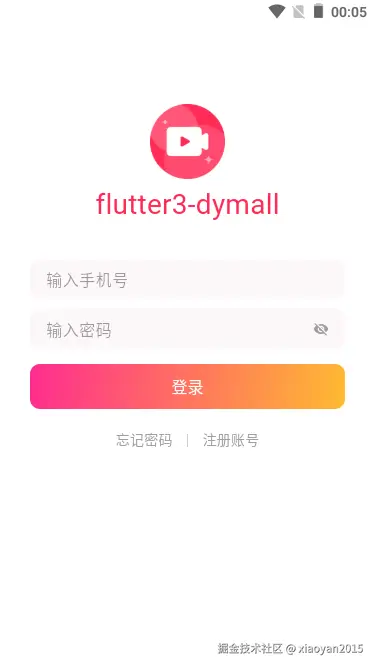
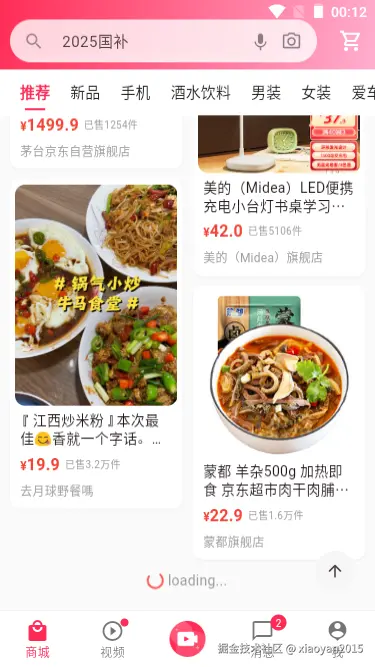
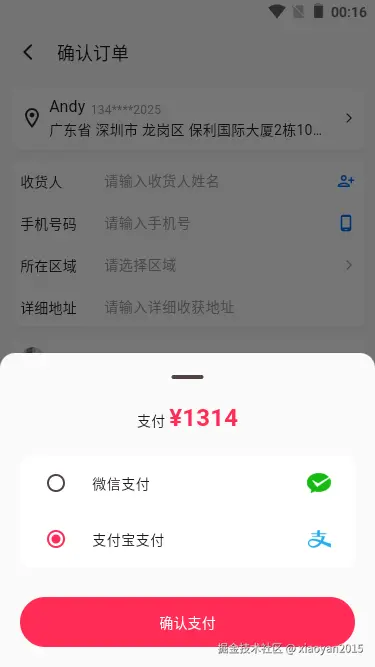
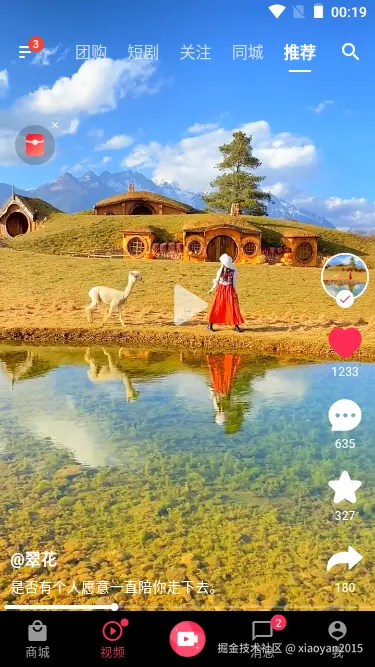
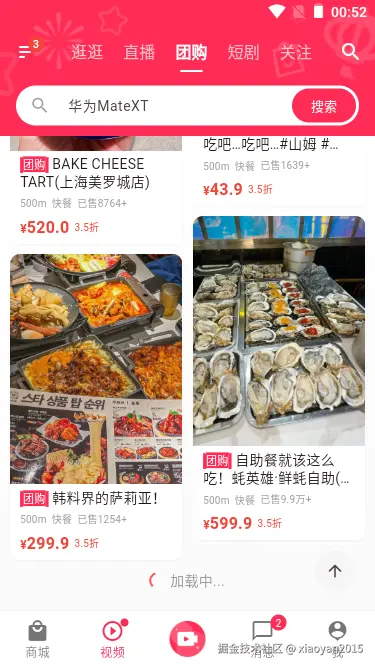
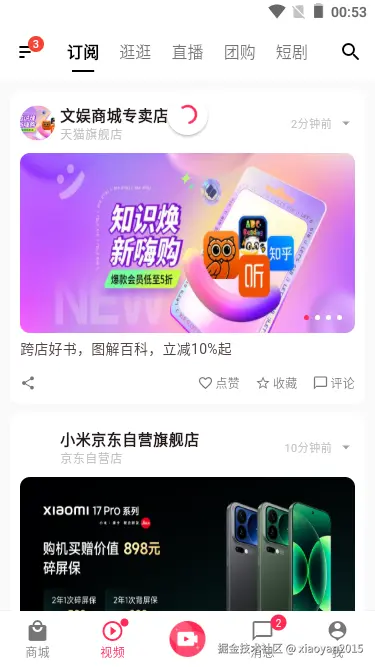
如下图:实现一个类似抖音app首页左右切换页面,上下切换短视频效果。且顶部状态栏+Tab菜单+底部导航栏一起联动效果。

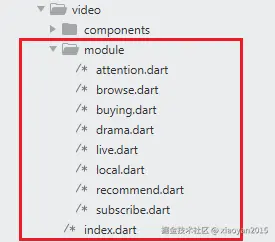
各个tab页面模板
dart
@override
Widget build(BuildContext context) {
  return Scaffold(
    key: scaffoldKey,
    extendBodyBehindAppBar: true,
    appBar: AppBar(
      forceMaterialTransparency: true,
      backgroundColor: [0, 1, 4, 5].contains(videoModuleController.videoTabIndex.value) ? null : Colors.transparent,
      foregroundColor: [0, 1, 4, 5].contains(videoModuleController.videoTabIndex.value) ? Colors.black : Colors.white,
      titleSpacing: 1.0,
      leading: Obx(() => IconButton(
        icon: Badge.count(
          backgroundColor: Colors.red,
          count: 6,
          child: Icon(Icons.sort_rounded, color: tabColor(),),
        ),
        onPressed: () {
          // 自定义打开右侧drawer
          scaffoldKey.currentState?.openDrawer();
        },
      )),
      title: Obx(() {
        return ScrollConfiguration(
          behavior: CustomScrollBehavior().copyWith(scrollbars: false),
          child: TabBar(
            ...
          ),
        );
      }),
      actions: [
        Obx(() => IconButton(icon: Icon(Icons.search_rounded, color: tabColor(),), onPressed: () {},),),
      ],
    ),
    body: ScrollConfiguration(
      behavior: CustomScrollBehavior().copyWith(scrollbars: false),
      child: PageView(
        controller: pageController,
        onPageChanged: (index) {
          videoModuleController.updateVideoTabIndex(index);
          setState(() {
            tabController.animateTo(index, duration: Duration(milliseconds: 200), curve: Curves.easeInOut);
          });
        },
        children: [
          ...tabModules
        ],
      ),
    ),
    // 侧边栏
    drawer: Drawer(
      shape: RoundedRectangleBorder(borderRadius: BorderRadius.horizontal(right: Radius.circular(15.0))),
      clipBehavior: Clip.antiAlias,
      width: 300,
      child: Container(
        ...
      ),
    ),
  );
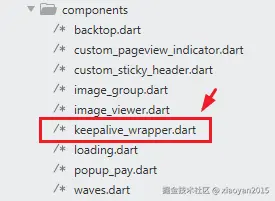
}左右切换长列表页面,保持切换Tab使得页面滚动状态保持不变 ,页面开启缓存功能。
dart
GlobalKey<ScaffoldState> scaffoldKey = GlobalKey();

VideoModuleController videoModuleController = Get.put(VideoModuleController());

late TabController tabController = TabController(initialIndex: videoModuleController.videoTabIndex.value, length: tabList.length, vsync: this);
late PageController pageController = PageController(initialPage: videoModuleController.videoTabIndex.value, viewportFraction: 1.0);

List<String> tabList = ['订阅', '逛逛', '直播', '团购', '短剧', '关注', '同城', '精选'];
final tabModules = [
  KeepAliveWrapper(child: SubscribeModule()),
  KeepAliveWrapper(child: BrowseModule()),
  KeepAliveWrapper(child: LiveModule()),
  KeepAliveWrapper(child: BuyingModule()),
  KeepAliveWrapper(child: DramaModule()),
  AttentionModule(),
  LocalModule(),
  RecommendModule()
];
dart
class KeepAliveWrapper extends StatefulWidget {
  final Widget child;
  const KeepAliveWrapper({super.key, required this.child});

  @override
  State<KeepAliveWrapper> createState() => _KeepAliveWrapperState();
}

class _KeepAliveWrapperState extends State<KeepAliveWrapper> with AutomaticKeepAliveClientMixin {
  @override
  Widget build(BuildContext context) {
    super.build(context);
    return widget.child;
  }

  @override
  bool get wantKeepAlive => true;
}



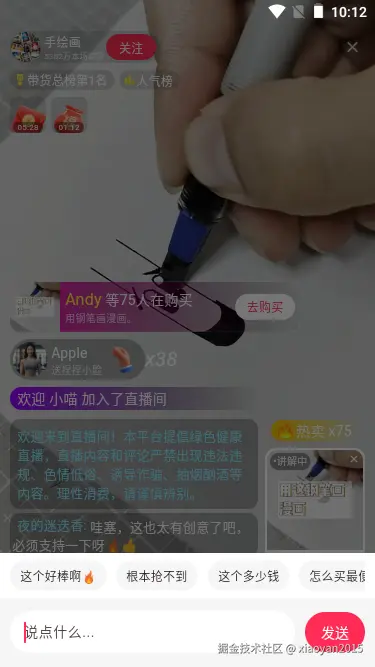



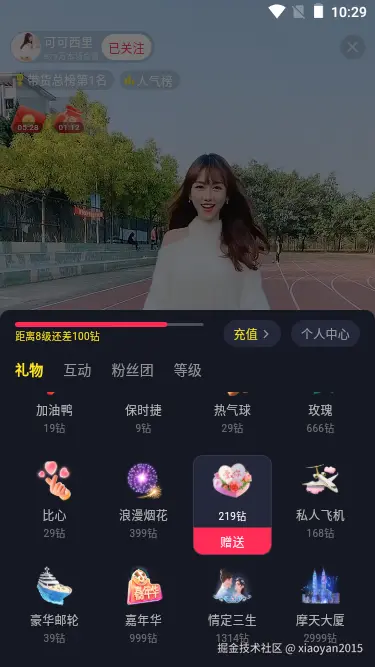
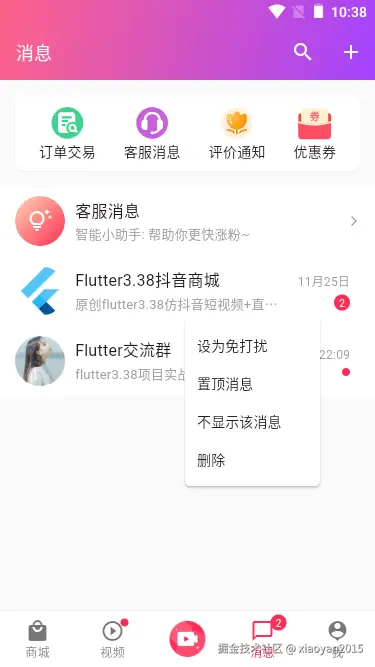

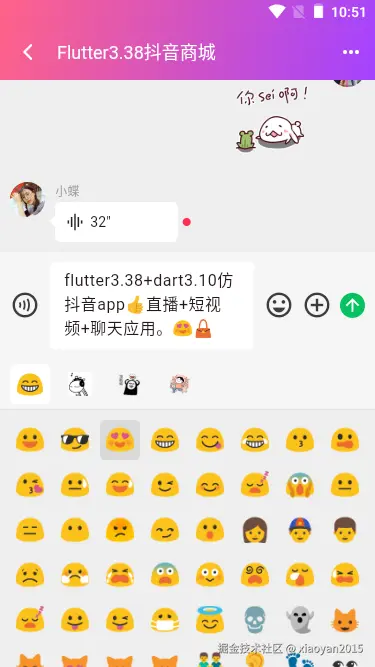
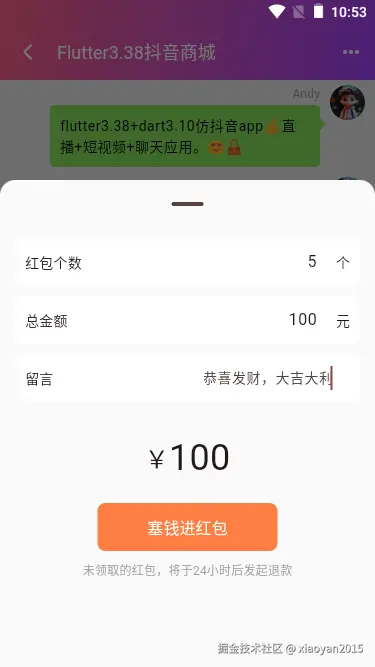
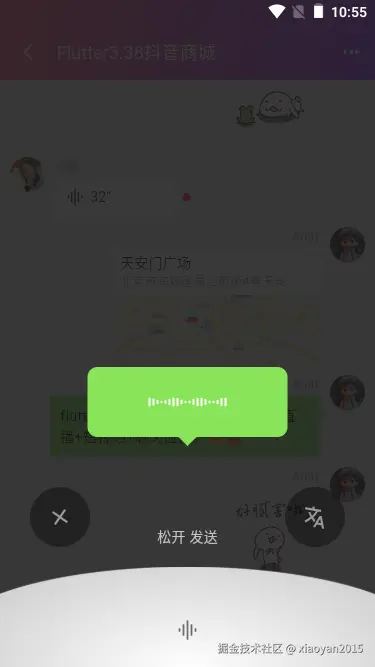
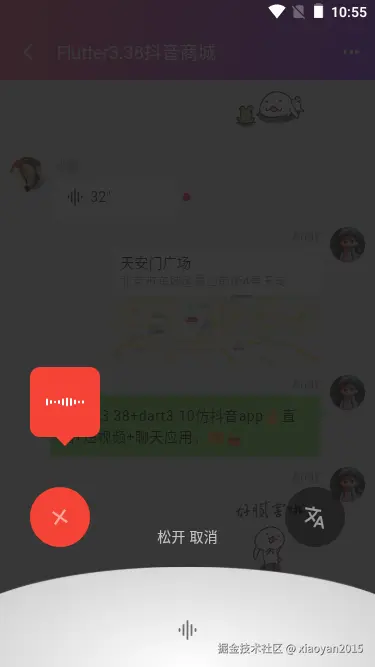
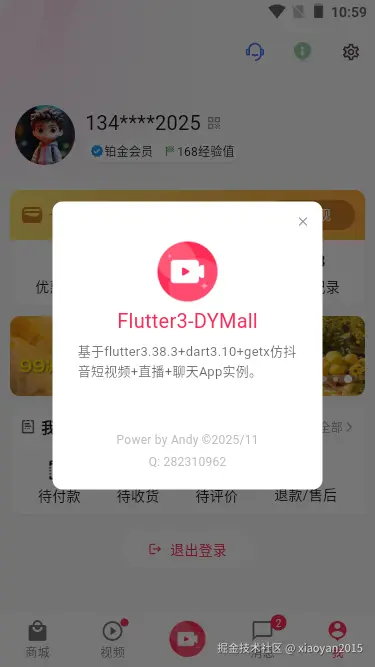
flutter3实现短视频功能

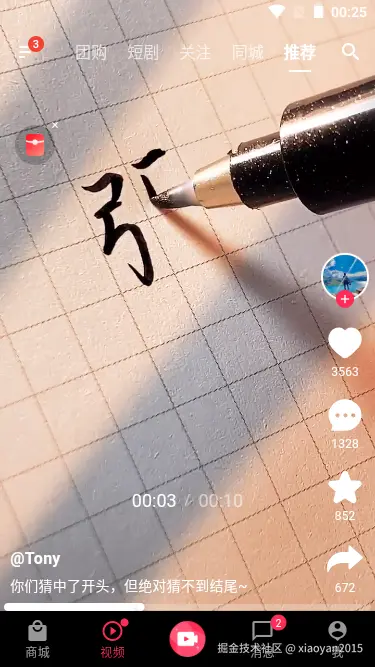
如上图:tab菜单悬浮在短视频页面上,短视频页面采用全屏沉浸式并延伸到状态栏。
底部播放进度条支持拖拽、点击、显示视频时长。
dart
@override
Widget build(BuildContext context) {
  return Container(
    color: Colors.black,
    child: Column(
      children: [
        Expanded(
          child: Stack(
            children: [
              PageView.builder(
                scrollDirection: Axis.vertical,
                controller: pageController,
                onPageChanged: (index) async {
                  // ...
                },
                itemCount: videoList.length,
                itemBuilder: (context, index) {
                  return Stack(
                    children: [
                      // 视频区域
                      Positioned(
                        top: 0,
                        left: 0,
                        right: 0,
                        bottom: 0,
                        child: GestureDetector(
                          child: Stack(
                            children: [
                              // 短视频插件
                              Visibility(
                                visible: videoModuleController.videoPlayIndex.value == index && position > Duration.zero,
                                child: Video(
                                  controller: videoController,
                                  fit: BoxFit.cover,
                                ),
                              ),
                              // 播放/暂停按钮
                              StreamBuilder(
                                stream: player.stream.playing,
                                builder: (context, playing) {
                                  return Visibility(
                                    visible: playing.data == false,
                                    child: Center(
                                      child: IconButton(
                                        padding: EdgeInsets.zero,
                                        onPressed: () {
                                          player.playOrPause();
                                        },
                                        icon: Icon(
                                          playing.data == true ? Icons.pause : Icons.play_arrow_rounded,
                                          color: Colors.white60,
                                          size: 80,
                                        ),
                                        style: ButtonStyle(
                                          backgroundColor: WidgetStateProperty.all(Colors.black.withAlpha(15))
                                        ),
                                      ),
                                    ),
                                  );
                                },
                              ),
                            ],
                          ),
                          onTap: () {
                            player.playOrPause();
                          },
                        ),
                      ),
                      // 右侧操作栏
                      Positioned(
                        bottom: 15.0,
                        right: 6.0,
                        child: Column(
                          spacing: 15.0,
                          children: [
                            ...
                          ],
                        ),
                      ),
                      // 底部信息区域
                      Positioned(
                        bottom: 15.0,
                        left: 10.0,
                        right: 80.0,
                        child: Column(
                          ...
                        ),
                      ),
                      // mini播放进度条
                      Positioned(
                        bottom: 0.0,
                        left: 6.0,
                        right: 6.0,
                        child: Visibility(
                          visible: videoModuleController.videoPlayIndex.value == index && position > Duration.zero,
                          child: Listener(
                            child: SliderTheme(
                              data: SliderThemeData(
                                trackHeight: sliderDraging ? 6.0 : 2.0,
                                thumbShape: RoundSliderThumbShape(enabledThumbRadius: 4.0), // 调整滑块的大小
                                overlayShape: RoundSliderOverlayShape(overlayRadius: 0), // 去掉Slider默认上下边距间隙
                                inactiveTrackColor: Colors.white24, // 设置非活动进度条的颜色
                                activeTrackColor: Colors.white, // 设置活动进度条的颜色
                                thumbColor: Colors.white, // 设置滑块的颜色
                                overlayColor: Colors.transparent, // 设置滑块覆盖层的颜色
                              ),
                              child: Slider(
                                value: sliderValue,
                                onChanged: (value) async {
                                  // debugPrint('当前视频播放时间$value');
                                  setState(() {
                                    sliderValue = value;
                                  });
                                  // 跳转播放时间
                                  await player.seek(duration * value.clamp(0.0, 1.0));
                                },
                                onChangeEnd: (value) async {
                                  setState(() {
                                    sliderDraging = false;
                                  });
                                  // 继续播放
                                  if(!player.state.playing) {
                                    await player.play();
                                  }
                                },
                              ),
                            ),
                            onPointerMove: (e) {
                              setState(() {
                                sliderDraging = true;
                              });
                            },
                          ),
                        ),
                      ),
                      // 播放位置指示器
                      Positioned(
                        bottom: 100.0,
                        left: 10.0,
                        right: 10.0,
                        child: Visibility(
                          visible: sliderDraging,
                          child: DefaultTextStyle(
                            style: TextStyle(color: Colors.white54, fontSize: 18.0, fontFamily: 'Arial'),
                            child: Row(
                              mainAxisAlignment: MainAxisAlignment.center,
                              spacing: 8.0,
                              children: [
                                Text(position.label(reference: duration), style: TextStyle(color: Colors.white)),
                                Text('/', style: TextStyle(fontSize: 14.0)),
                                Text(duration.label(reference: duration)),
                              ],
                            ),
                          )
                        ),
                      ),
                    ],
                  );
                },
              ),
              /// 固定层
              // 红包广告
              Ads(),
            ],
          ),
        ),
      ],
    ),
  );
}
综上就是flutter3.38仿写抖音app的一些知识分享,整个项目包含了短视频+直播+聊天功能模块,运用到的知识点还是非常多的,希望对大家有所帮助哈!
electron38.2-vue3os系统|Vite7+Electron38+Pinia3+ArcoDesign桌面版OS管理系统
基于electron38+vite7+vue3 setup+elementPlus电脑端仿微信/QQ聊天软件
2025最新款Electron38+Vite7+Vue3+ElementPlus电脑端后台admin系统
2025原创研发Tauri2.9+Vite7.2+Vue3+ArcoDesign客户端OS管理系统Exe
2025最新版Tauri2.8+Vite7.1+Vue3+ElementPlus客户端聊天软件Exe
最新自创Tauri2.9+Vite7.1+Vue3+ElementPlus桌面端通用后台系统管理Exe模板
基于flutter3.32+window_manager仿macOS/Wins风格桌面os系统
flutter3.27+bitsdojo_window电脑端仿微信Exe应用
最新版Vite7+Vue3+Pinia3+ArcoDesign网页版webos后台管理系统
基于uniapp+vue3+uvue仿抖音app短视频+聊天+直播app系统
基于uniapp+vue3+deepseek+markdown搭建app版流式输出AI模板
vue3.5+deepseek+arco+markdown搭建web版流式输出AI模板