下载 Git 安装包
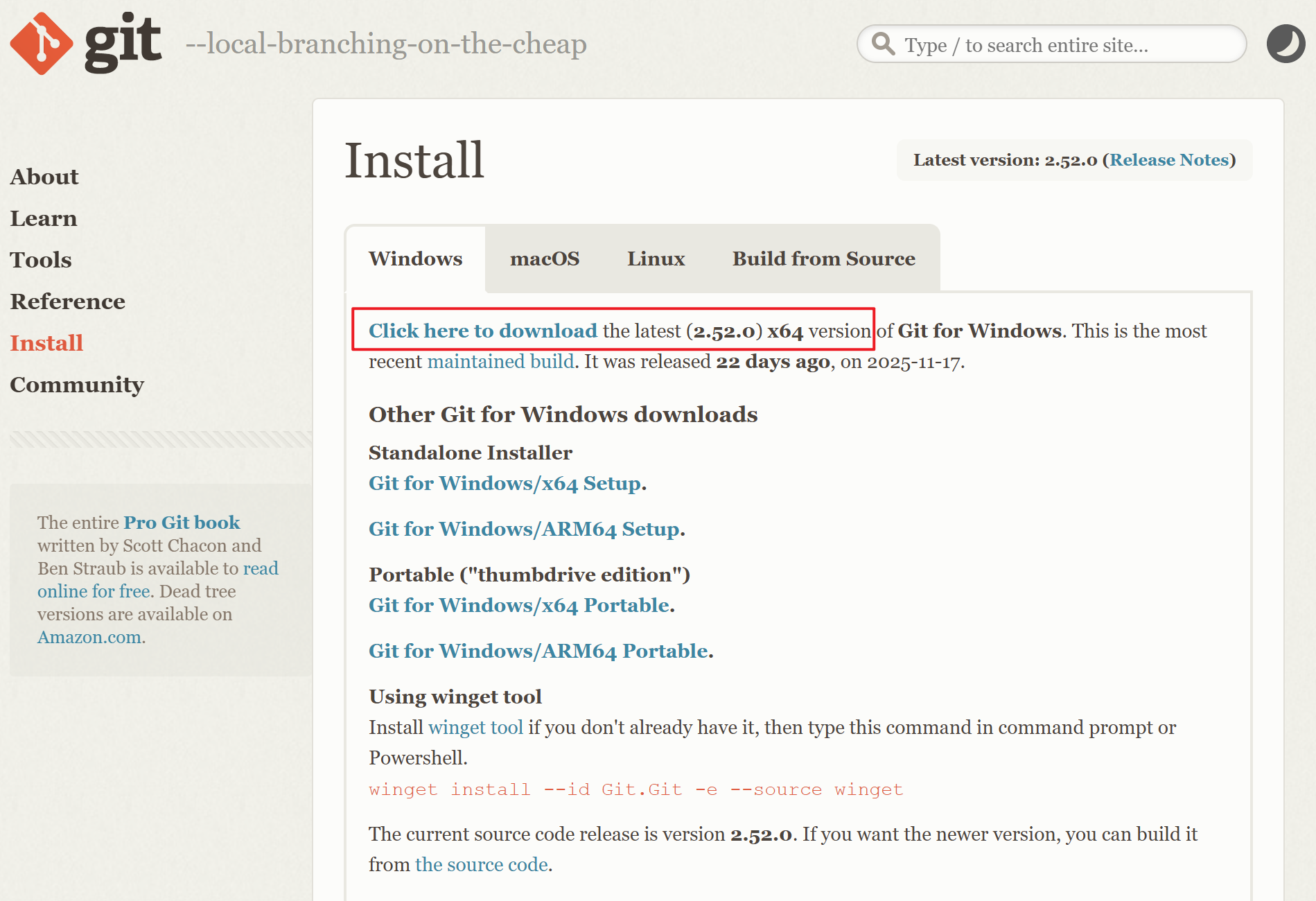
访问 Git 官方下载页面(https://git-scm.com),选择适用于 Windows 的安装包。通常会自动推荐最新版本的 64 位安装程序(如 Git-2.52.0-64-bit.exe)。
运行安装程序
双击下载的安装包启动安装向导。安装过程中会提示选择安装路径,默认路径为 D:\develop\Git,可保持默认或自定义路径。
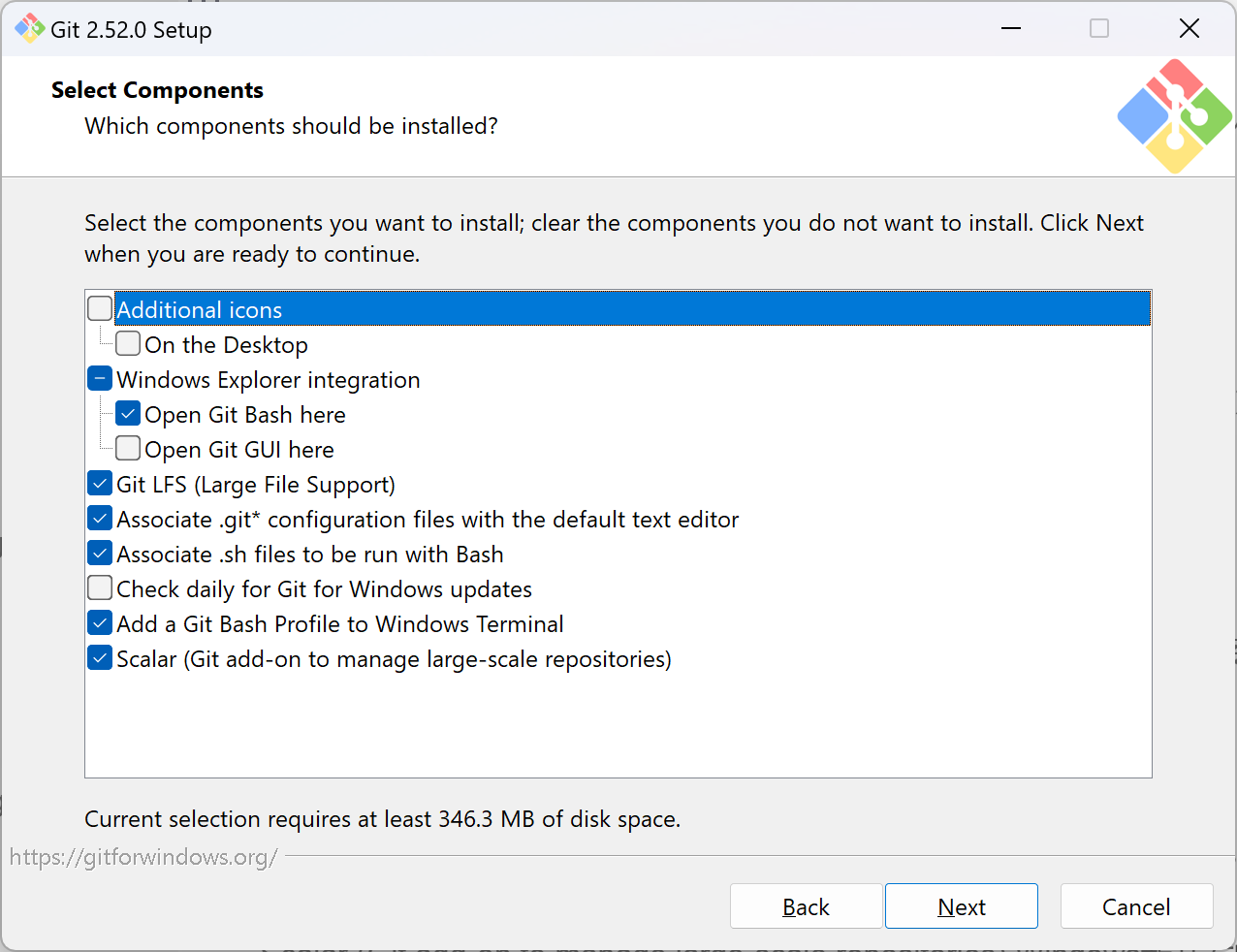
选择安装组件:
Additional Icons 添加桌面图标
On the Desktop
Windows Explorer integration 可以右键选择使用Git Bash和Git GUI两种方式的客户端
Git Bash Here
Git GUI Here
Git LFS (Large File Support)大文件支持
Associate .git* configuration files with the default text editor 关联.git后缀文件
Associate .sh files to be run with Bash 关联.sh文件
Check daily for Git for Windows updates 每天检查版本更新
Add a Git Bash Profile to Windows Terminal 将Git Bash添加到Windows Terminal中
Scalar (Git add-on to manage large-scale repositories) Windows新开发的一种大规模仓库管理
然后都是默认,点击下一步就行。
完成安装
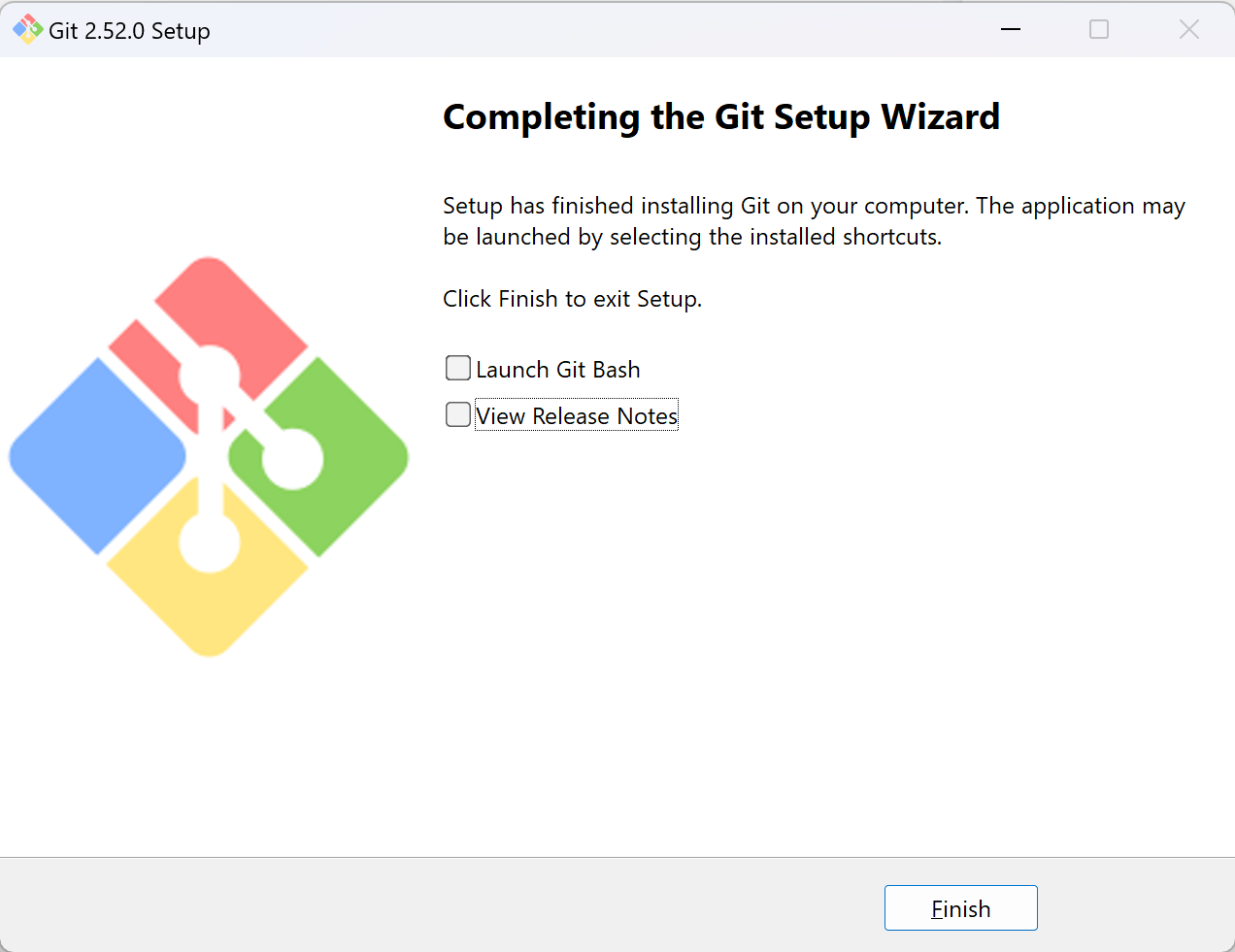
点击 Install 开始安装,等待进度条完成。安装结束后取消勾选 View Release Notes ,直接点击 Finish 退出向导。
验证安装
打开终端(Git Bash / 系统终端),输入以下命令验证 Git 安装信息:
bash
# 查看Git版本
git version

# 查看Git路径
where git
若显示版本号(如 git version 2.52.0.windows.1),则安装完成。
clone项目到指定目录
bash
git clone https://xxx.git "E:\project\Frontend"安装详情可以点我跳转参考。