wiki
https://ai.pydantic.dev/graph/#stateful-graphs
code
python
from __future__ import annotations

import asyncio
from dataclasses import dataclass

from rich.prompt import Prompt

from pydantic_graph import BaseNode, End, Graph, GraphRunContext

# 状态
@dataclass
class MachineState:
    user_balance: float = 0.0       # 用户投币总额
    product: str | None = None      # 选择的商品


@dataclass
class InsertCoin(BaseNode[MachineState]):
    async def run(self, ctx: GraphRunContext[MachineState]) -> CoinsInserted:
        return CoinsInserted(float(Prompt.ask('Insert coins')))


@dataclass
class CoinsInserted(BaseNode[MachineState]):
    amount: float

    async def run(
        self, ctx: GraphRunContext[MachineState]
    ) -> SelectProduct | Purchase:
        ctx.state.user_balance += self.amount
        if ctx.state.product is not None:
            # 商品还有则继续购买
            return Purchase(ctx.state.product)
        else:
            # 选择的商品为空则重新选择商品
            return SelectProduct()


@dataclass
class SelectProduct(BaseNode[MachineState]):
    async def run(self, ctx: GraphRunContext[MachineState]) -> Purchase:
        # 获取用户想买的商品
        return Purchase(Prompt.ask('Select product'))

# 商品价格表
PRODUCT_PRICES = {
    'water': 1.25,
    'soda': 1.50,
    'crisps': 1.75,
    'chocolate': 2.00,
}


@dataclass
class Purchase(BaseNode[MachineState, None, None]):
    product: str

    async def run(
        self, ctx: GraphRunContext[MachineState]
    ) -> End | InsertCoin | SelectProduct:
        if price := PRODUCT_PRICES.get(self.product):
            ctx.state.product = self.product
            if ctx.state.user_balance >= price:
                # 金额足够
                ctx.state.user_balance -= price
                return End(None)
            else:
                # 金额不足
                diff = price - ctx.state.user_balance
                print(f'Not enough money for {self.product}, need {diff:0.2f} more')
                #> Not enough money for crisps, need 0.75 more
                return InsertCoin()
        else:
            # 商品表找不到该商品
            print(f'No such product: {self.product}, try again')
            return SelectProduct()


vending_machine_graph = Graph(
    nodes=[InsertCoin, CoinsInserted, SelectProduct, Purchase]
)


async def main():
    state = MachineState()
    await vending_machine_graph.run(InsertCoin(), state=state)
    print(f'purchase successful item={state.product} change={state.user_balance:0.2f}')
    #> purchase successful item=crisps change=0.25


print(vending_machine_graph.mermaid_code(start_node=InsertCoin))
输出
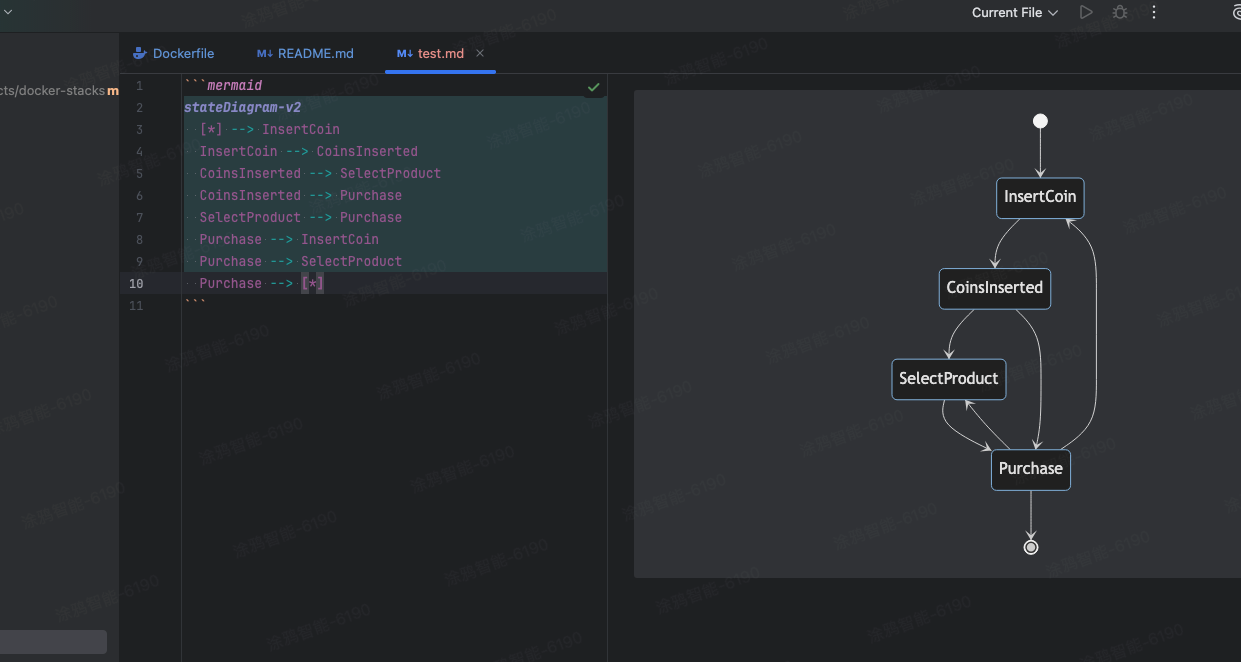
mermaid语法.
python
---
title: vending_machine_graph
---
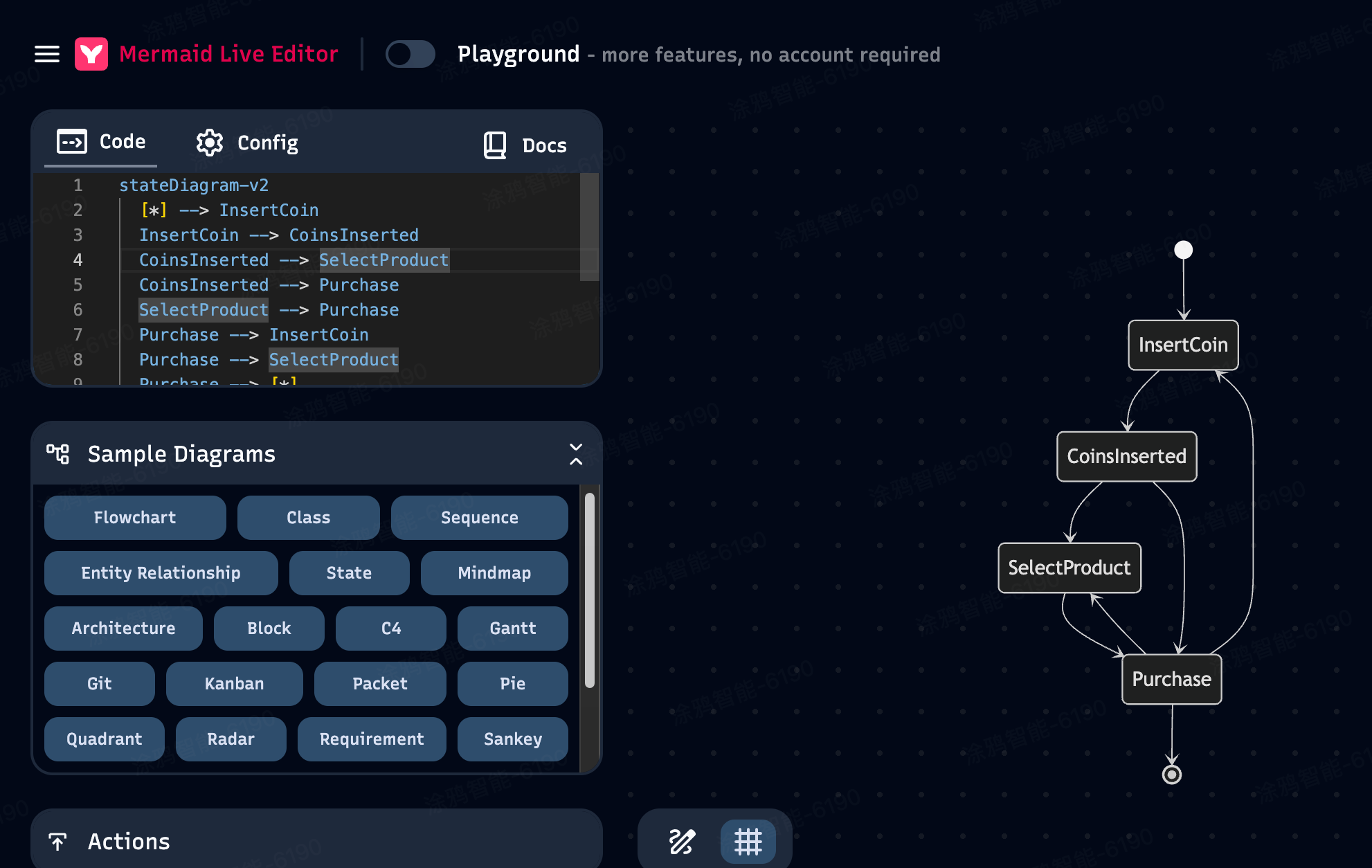
stateDiagram-v2
  [*] --> InsertCoin
  InsertCoin --> CoinsInserted
  CoinsInserted --> SelectProduct
  CoinsInserted --> Purchase
  SelectProduct --> Purchase
  Purchase --> InsertCoin
  Purchase --> SelectProduct
  Purchase --> [*]
拷贝到在线网址渲染
mermaid pycharm markdown中渲染