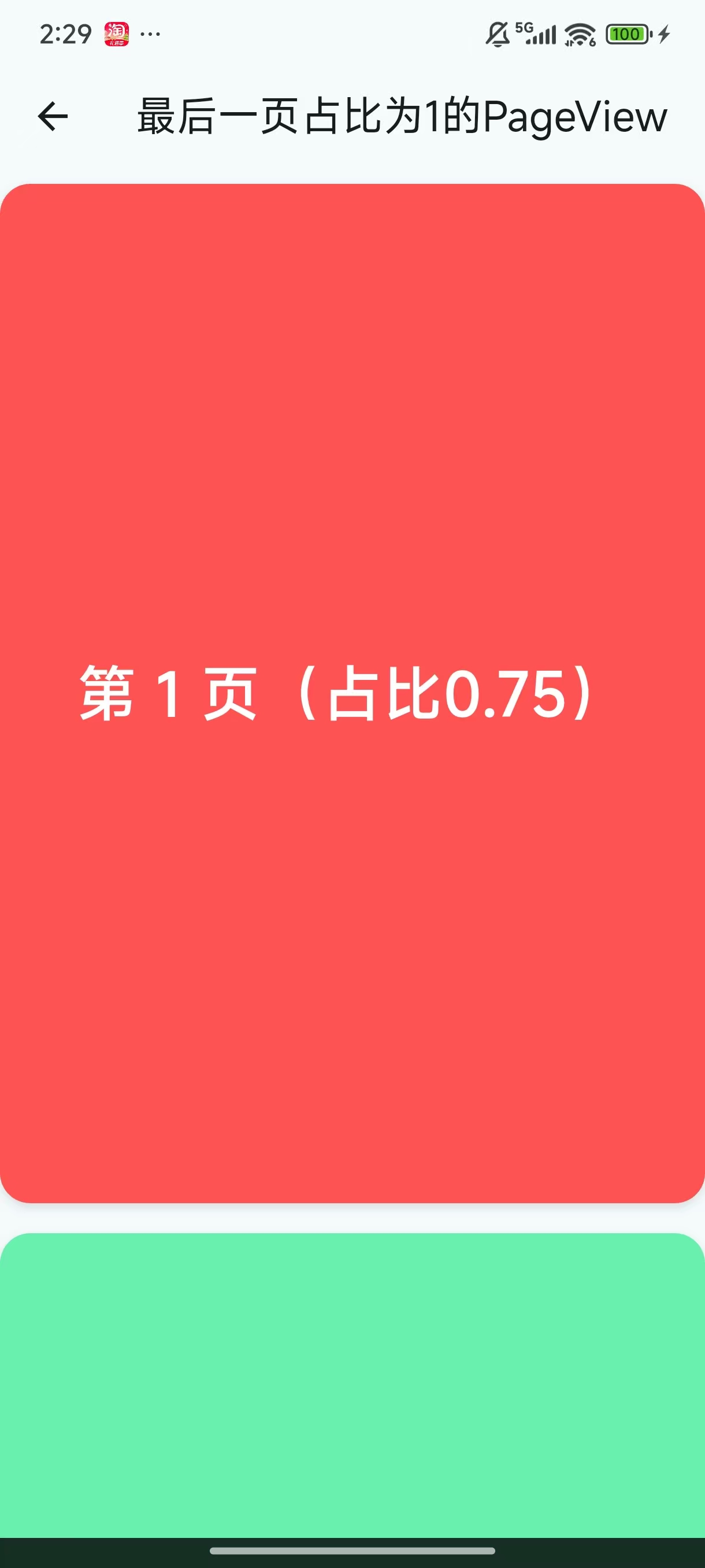
import 'package:flutter/material.dart';

class VerticalPageViewDemo extends StatefulWidget {
  const VerticalPageViewDemo({super.key});

  @override
  State<VerticalPageViewDemo> createState() => _VerticalPageViewDemoState();
}

class _VerticalPageViewDemoState extends State<VerticalPageViewDemo> {
  late PageController _pageController;
  int _currentPageIndex = 0;
  double _viewportFraction = 0.75; // 初始视口占比

  List<Color> pageColors = const [
    Colors.redAccent,
    Colors.greenAccent,
    Colors.blueAccent,
    Colors.yellowAccent,
    Colors.purpleAccent,
  ];

  @override
  void initState() {
    super.initState();
    // 初始化页面控制器
    _pageController = PageController(
      viewportFraction: _viewportFraction,
    );
  }

  @override
  void dispose() {
    _pageController.dispose();
    super.dispose();
  }

  // 动态切换视口占比
  void _updateViewportFraction(int newIndex) {
    int lastPageIndex = pageColors.length - 1;
    double targetFraction = newIndex == lastPageIndex ? 1.0 : 0.75;

    if (_viewportFraction != targetFraction) {
      setState(() {
        _viewportFraction = targetFraction;
      });

      // 重新创建控制器并保持当前页面位置,避免跳动
      _pageController.dispose();
      _pageController = PageController(
        viewportFraction: _viewportFraction,
        initialPage: newIndex,
      );

      // 平滑滚动到当前页面(可选,增强体验)
      WidgetsBinding.instance.addPostFrameCallback((_) {
        _pageController.animateToPage(
          newIndex,
          duration: const Duration(milliseconds: 200),
          curve: Curves.ease,
        );
      });
    }
  }

  @override
  Widget build(BuildContext context) {
    double screenHeight = MediaQuery.of(context).size.height;
    int lastPageIndex = pageColors.length - 1;

    return Scaffold(
      appBar: AppBar(title: const Text('最后一页占比为1的PageView')),
      body: PageView.builder(
        controller: _pageController,
        padEnds: false,
        allowImplicitScrolling: true,
        scrollDirection: Axis.vertical,
        itemCount: pageColors.length,
        onPageChanged: (index) {
          setState(() {
            _currentPageIndex = index;
          });
          // 页面切换时更新视口占比
          _updateViewportFraction(index);
        },
        itemBuilder: (context, index) {
          bool isLastPage = index == lastPageIndex;

          return Container(
            margin: const EdgeInsets.symmetric(vertical: 8),
            decoration: BoxDecoration(
              color: pageColors[index],
              borderRadius: BorderRadius.circular(16),
              boxShadow: [
                BoxShadow(
                  color: Colors.black12,
                  blurRadius: 4,
                  offset: const Offset(0, 2),
                )
              ],
            ),
            alignment: Alignment.center,
            child: Text(
              '第 ${index + 1} 页${isLastPage ? "(占比1)" : "(占比0.75)"}',
              style: const TextStyle(
                fontSize: 32,
                color: Colors.white,
                fontWeight: FontWeight.bold,
              ),
            ),
          );
        },
      ),
    );
  }
}