官网
下载链接:
https://github.com/git-for-windows/git/releases/download/v2.52.0.windows.1/Git-2.52.0-64-bit.exe
当前版本下载的文件:Git-2.52.0-64-bit.exe
可以直接点击下载安装,也可以适用命令行安装,如下面描述。
Using winget tool
Install winget tool if you don't already have it, then type this command in command prompt or Powershell.
winget install --id Git.Git -e --source winget
安装过程:

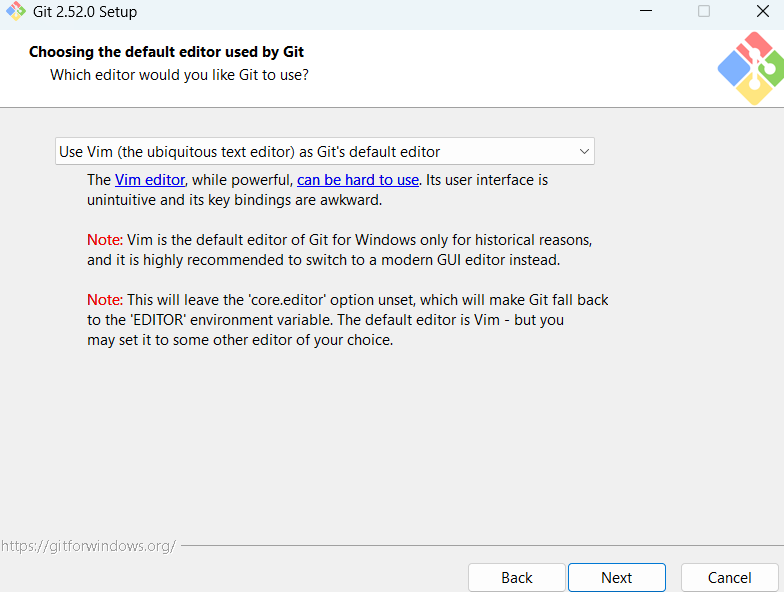
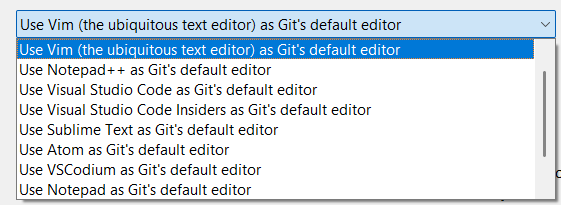
选择编辑器这里,根据需要选择。
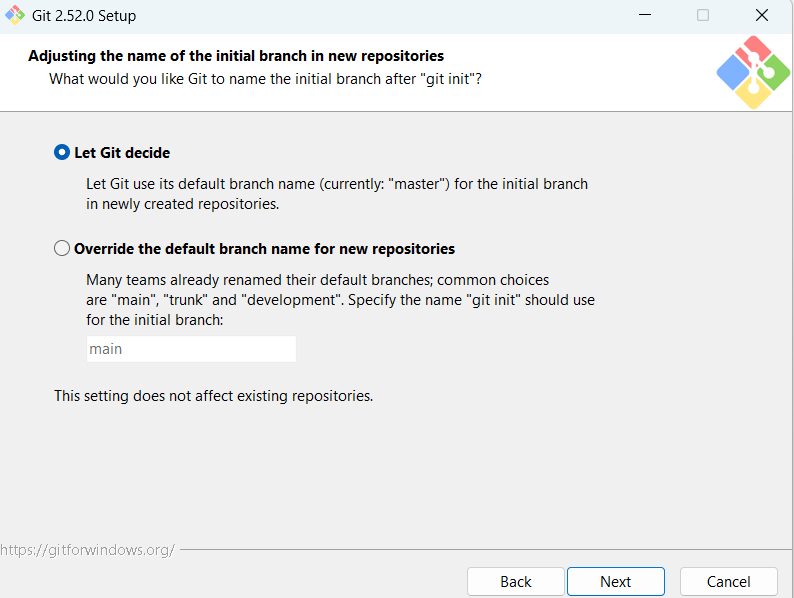
设置Git初始化的默认分支名称。
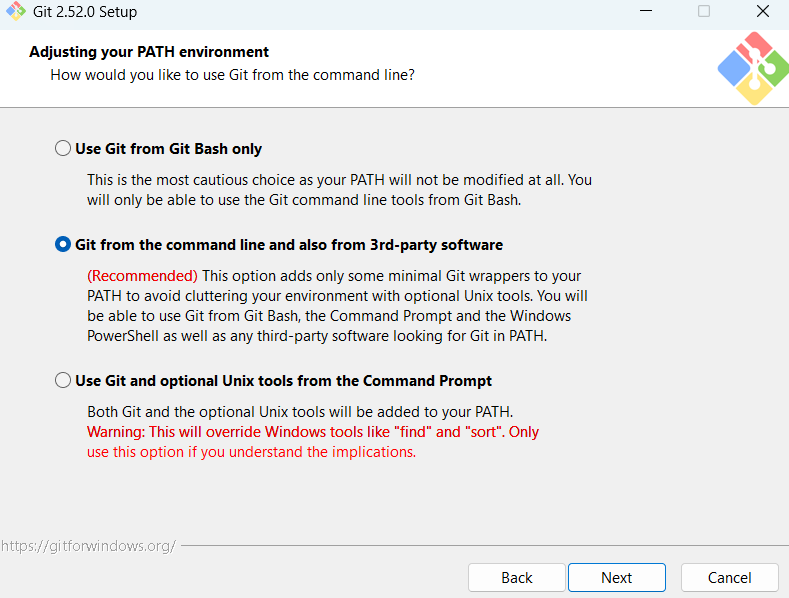
在Path中包含Git命令。
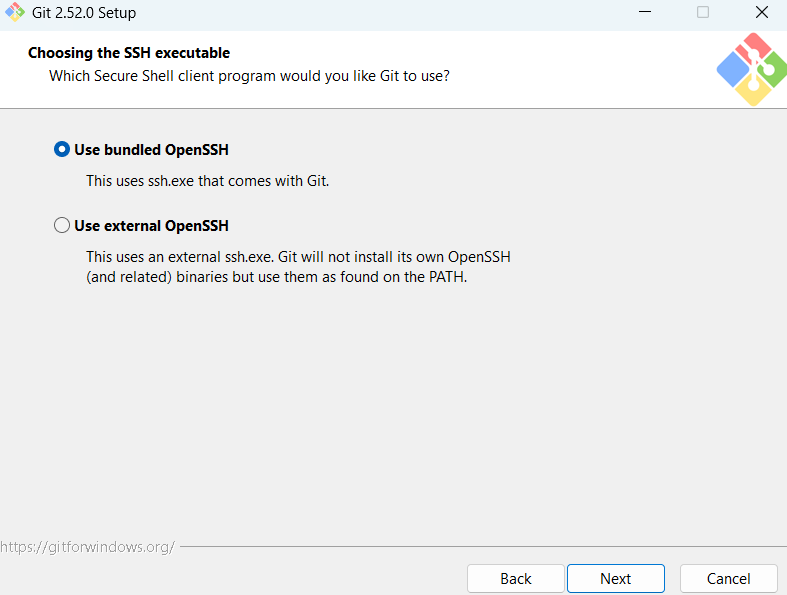
使用Git安装时自带的OpenSSH - ssh.exe。
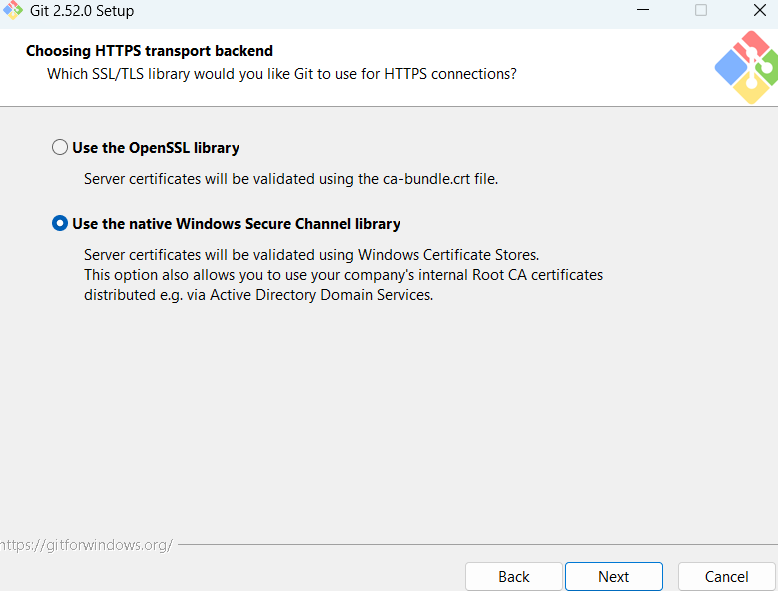
选择HTTPS认证方式。
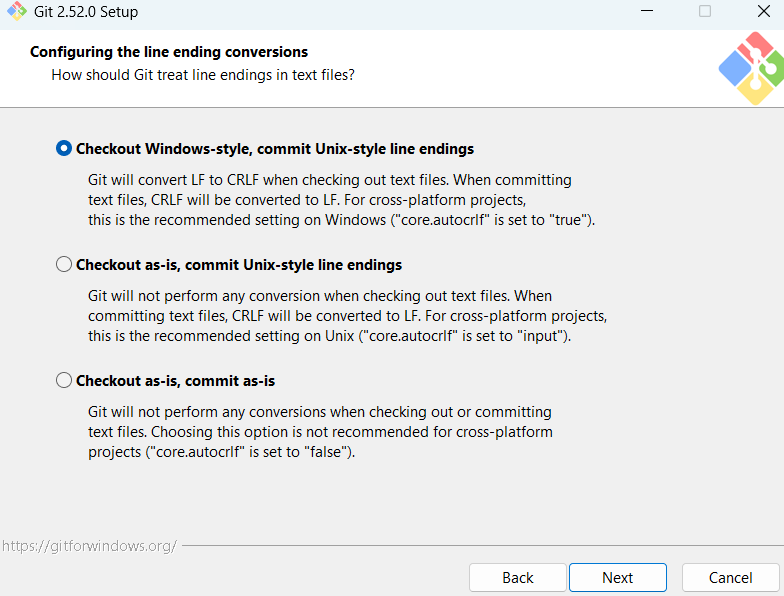
换行符转换设置。

设置操作终端。
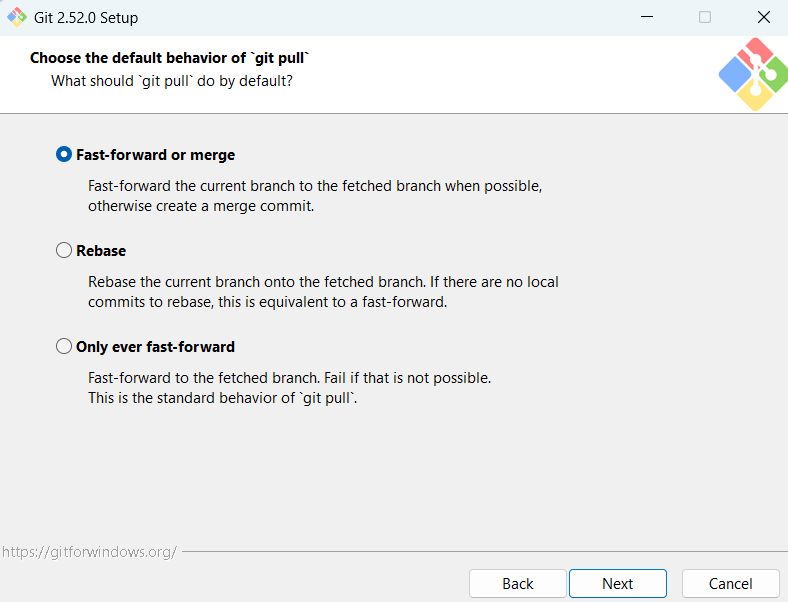
设置git pull的操作行为。
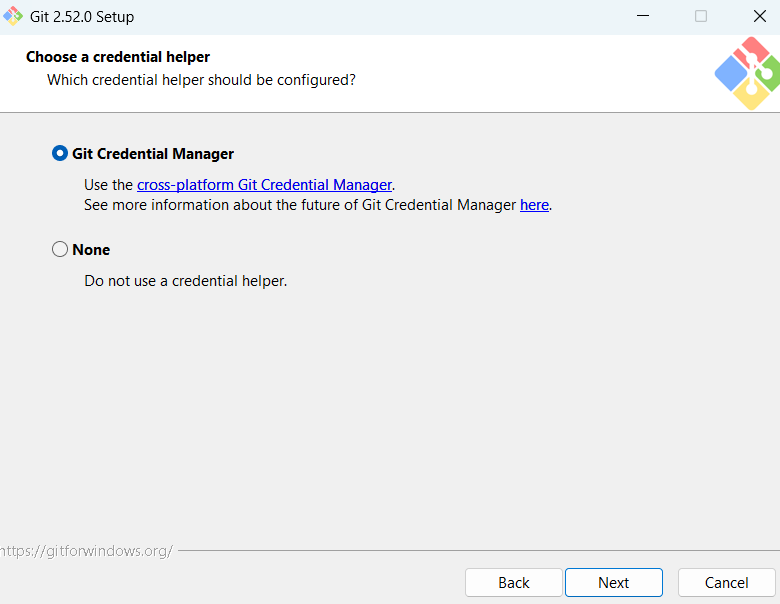
信任证书管理。
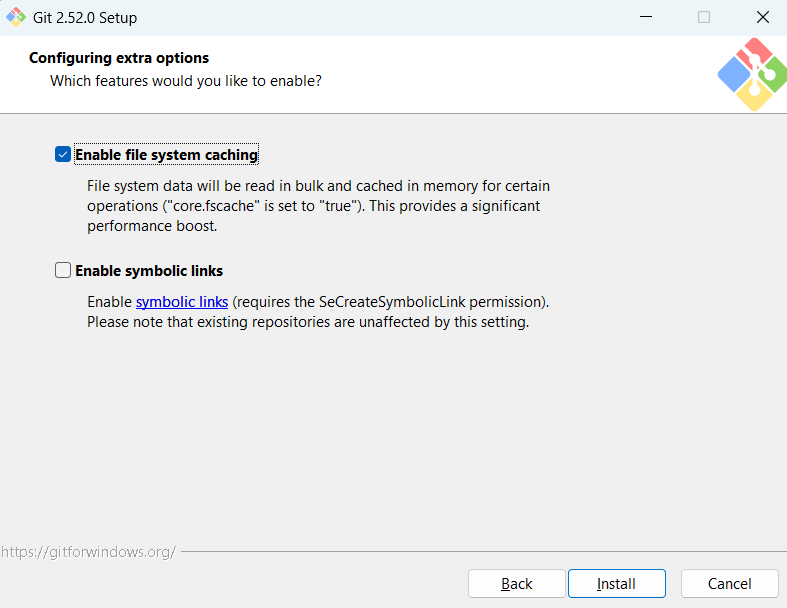
其他选项。
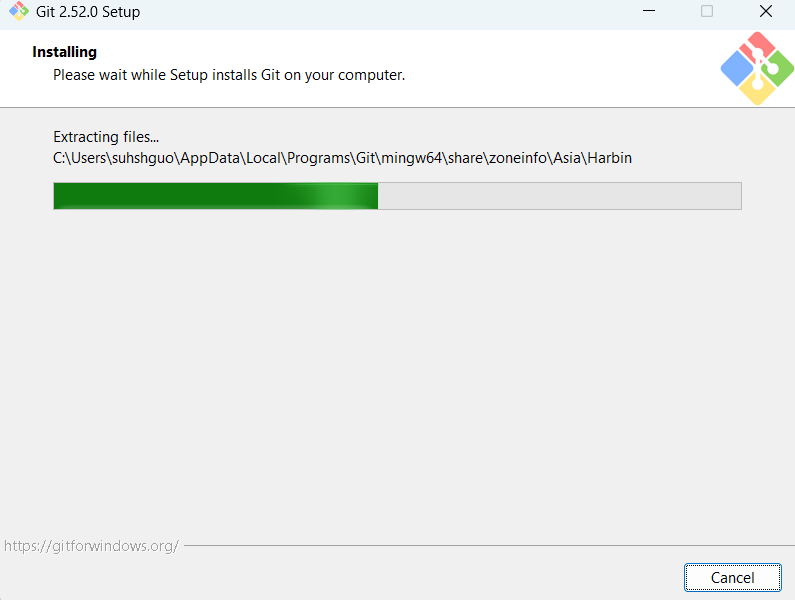
开始安装,安装时按住标题栏或者截图中,安装过程是暂停的。
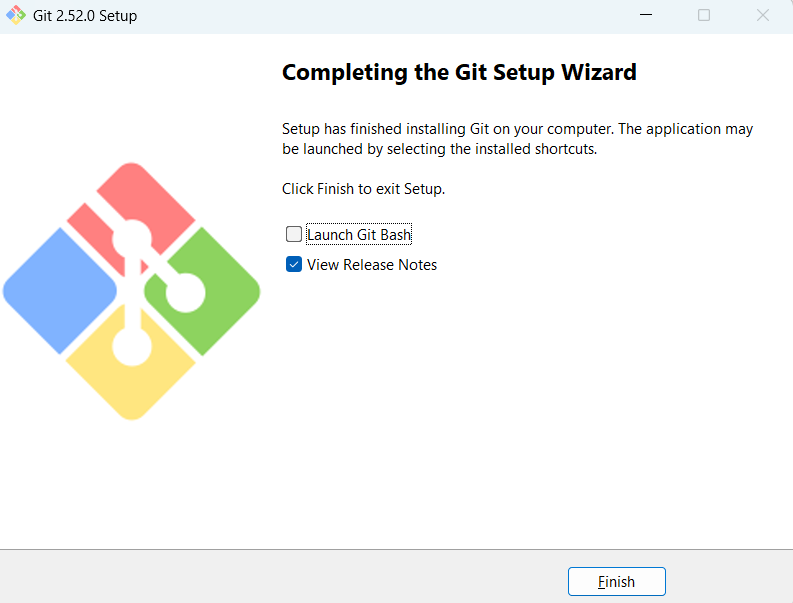
安装完成。
ReleaseNotes.html
file:///C:/Users/suhshguo/AppData/Local/Programs/Git/ReleaseNotes.html
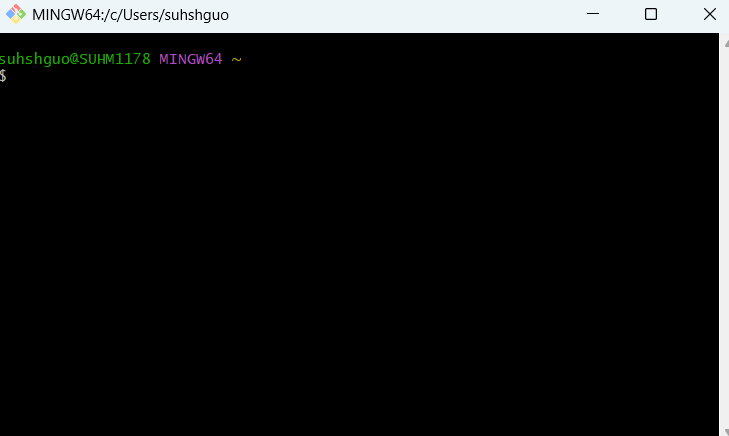
启动bash。
Windows启动菜单栏:
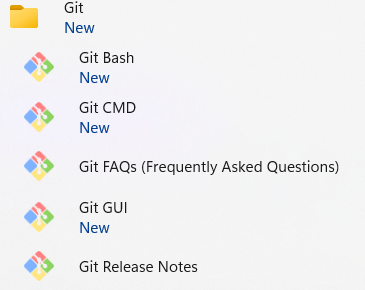
Git for Windows
Git for Windows focuses on offering a lightweight, native set of tools that bring the full feature set of the Git SCM ( https://git-scm.com/ ) to Windows while providing appropriate user interfaces for experienced Git users and novices alike.
Git BASH
Git for Windows provides a BASH emulation used to run Git from the command line. *NIX users should feel right at home, as the BASH emulation behaves just like the "git" command in LINUX and UNIX environments.
Git GUI
As Windows users commonly expect graphical user interfaces, Git for Windows also provides the Git GUI, a powerful alternative to Git BASH, offering a graphical version of just about every Git command line function, as well as comprehensive visual diff tools.
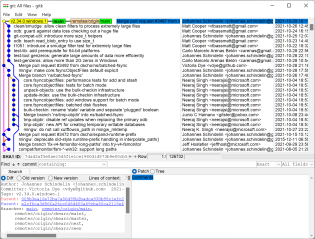
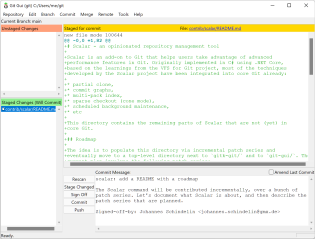
Shell Integration
Simply right-click on a folder in Windows Explorer to access the BASH or GUI.
Git Credential Manager
Git Credential Manager provides secure credential storage with authentication to GitHub, Azure Repos, and other popular Git hosting services.
https://github.com/git-ecosystem/git-credential-manager