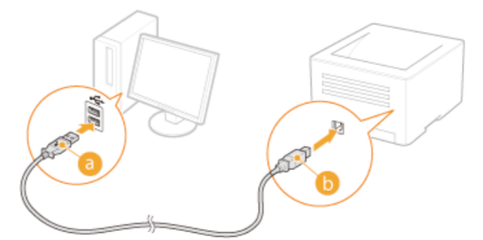
Before driver installation just check the USB cable is connected between printer and Mac computer.
- Please download and installHP Printer drivers for MacOS from the next link:
-
And go to System Preferences > Printers thenAdd the printer.
-
Follow steps from the next video of Printer Guruji
* Click YES to say thank you,
* Click Accepted Solutionwhen question is answered.
some more resources from apple website for references:https://support.apple.com/en-us/106385