背景
有一个定义了文本样式的style
xml
<style name="font40">
    <item name="android:textSize">40sp</item>
    <item name="android:lineHeight">56dp</item>
</style>
代码中如下使用
scss
setHintTextColor(Color.RED);
setTextAppearance(R.style.font40);
设置之后,会神奇的发现,hintTextColor不生效
原因
问了下豆包,豆包解释如下
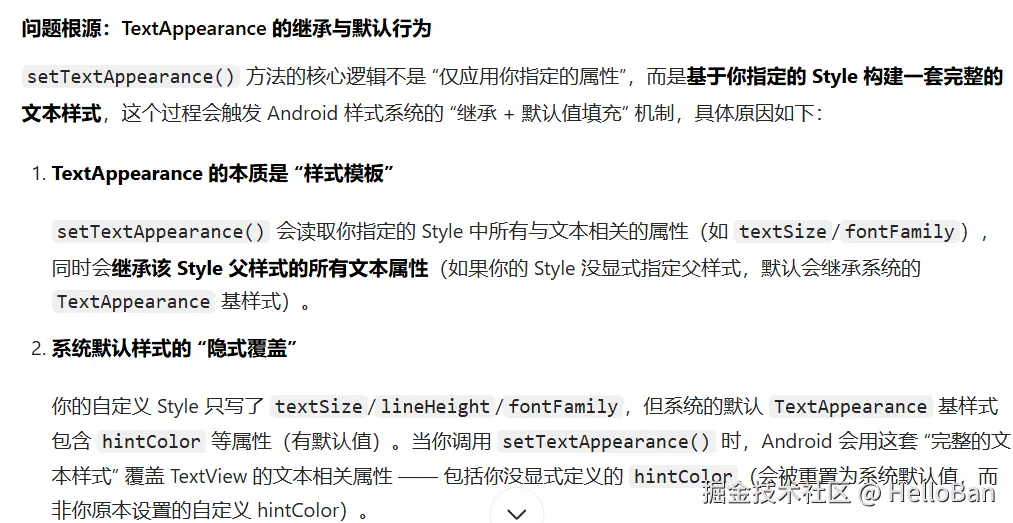
查看源码可知,读取的是R.styleable.TextAppearance
 找到此style
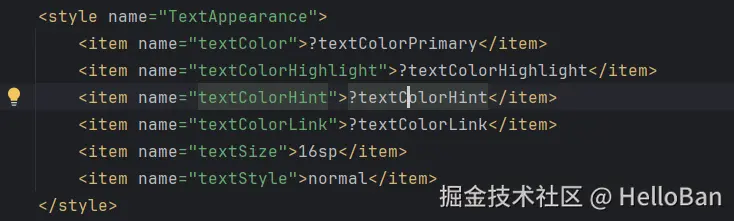 故可以看到,默认style带有textColorHint,解析之后将原本希望设置的覆盖掉了
解决办法
先setTextAppearance再setHintTextColor
交换下顺序即可
scss
setTextAppearance(R.style.font40);
setHintTextColor(Color.RED);
自行解析style(推荐)
只解析自定义的属性,不额外解析
ini
TypedArray array = textView.getContext().obtainStyledAttributes(style, new int[]{
        android.R.attr.textSize, android.R.attr.lineHeight});
textView.setTextSize(array.getDimensionPixelSize(0, 0));
textView.setLineHeight(array.getDimensionPixelSize(1, 0));
array.recycle();