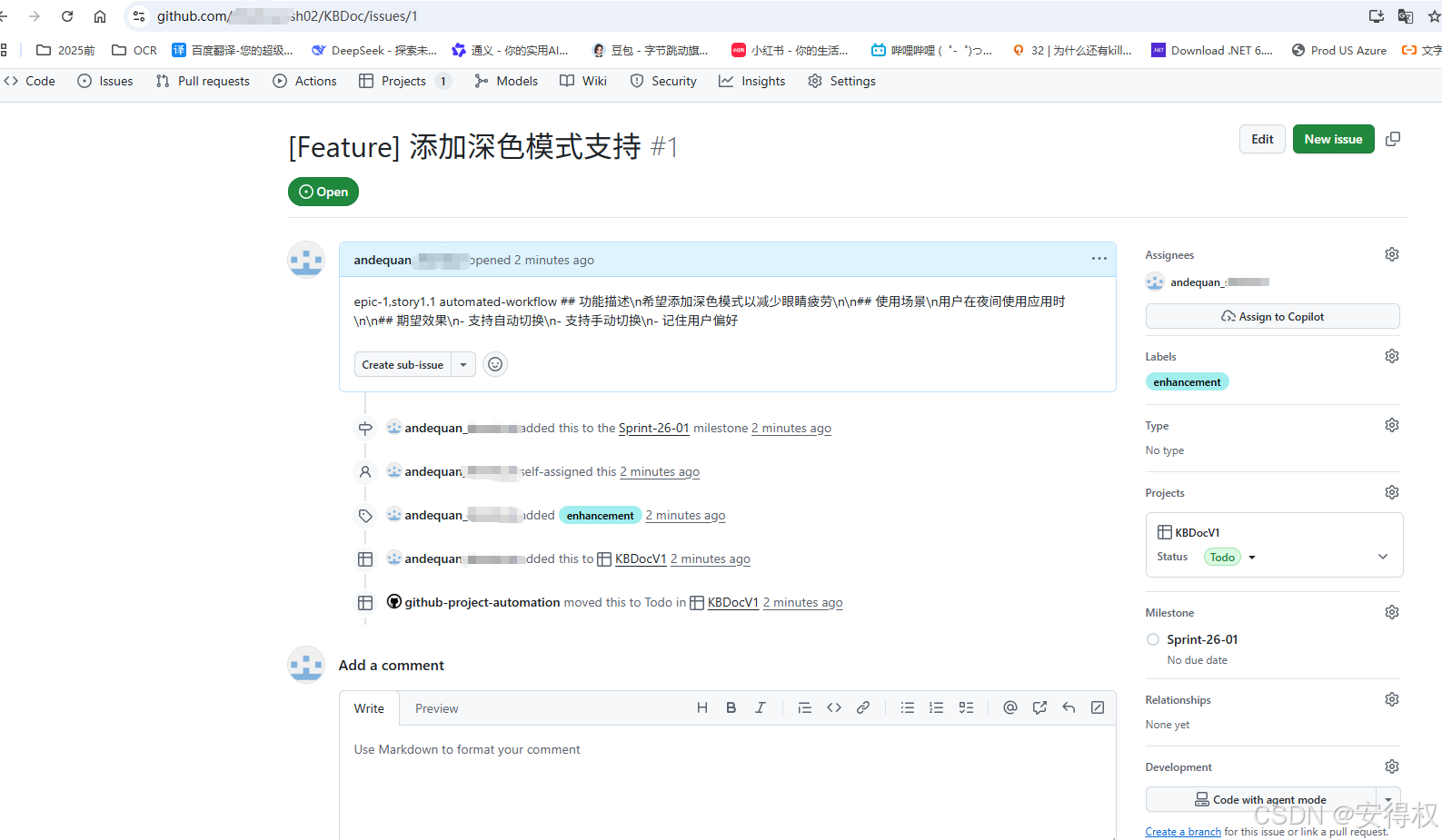
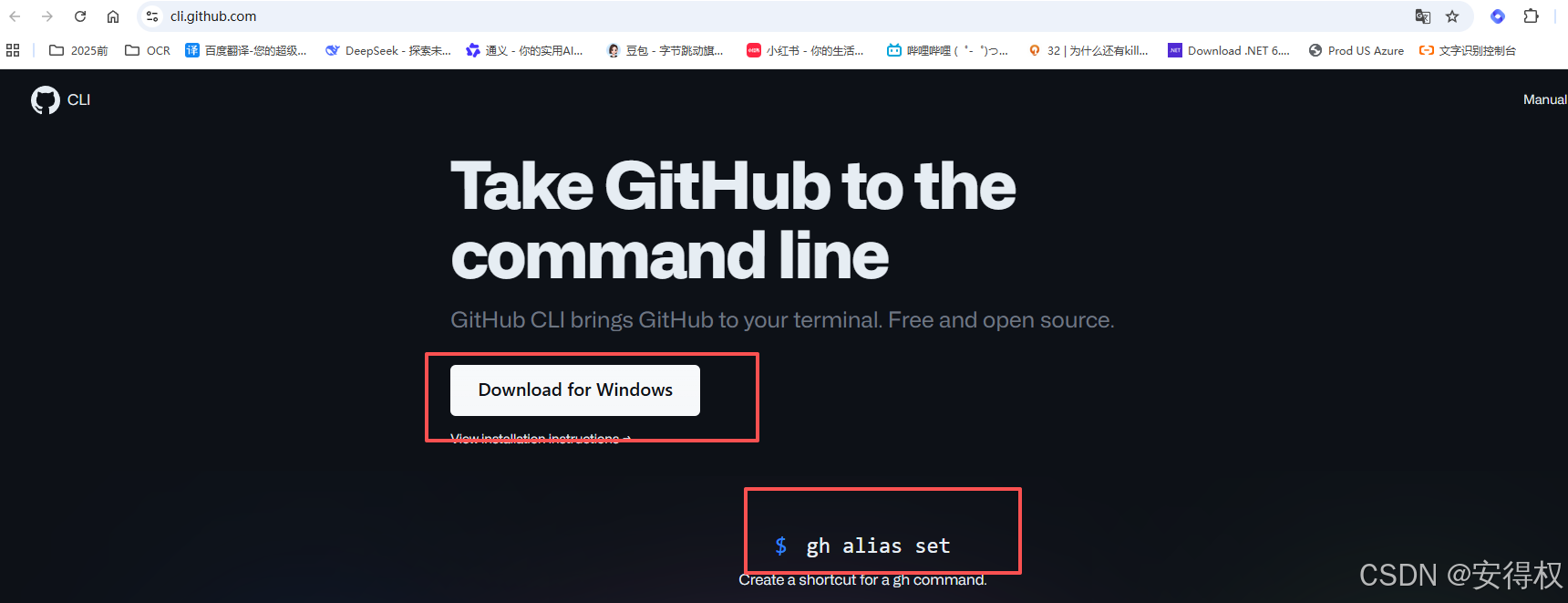
1. 安装GitHub CLI (Windows)
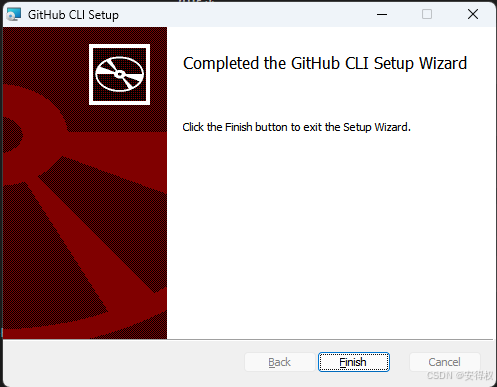
安装完毕
查看安装的版本:
bash
gh --version
bash
# 查看帮助信息
gh --help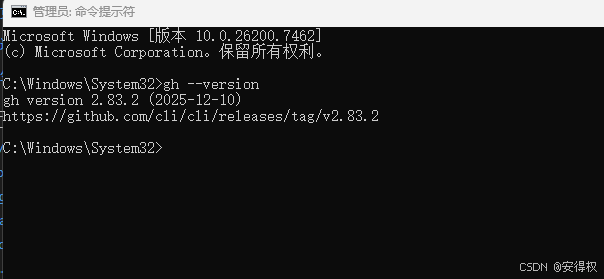
2. gh 登录
bash
# 检查认证状态
gh auth status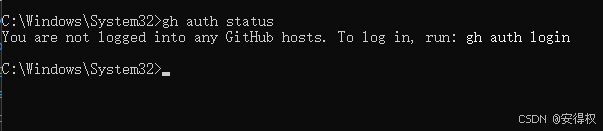
bash
# 登录/认证状态
gh auth login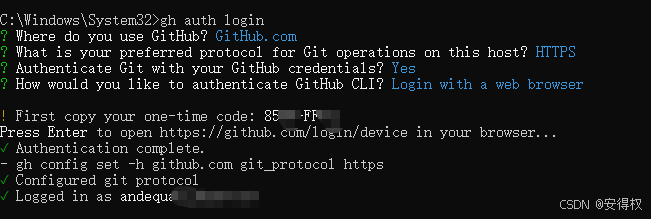
bash
# 认证令牌添加 read:project 权限
gh auth refresh -s read:project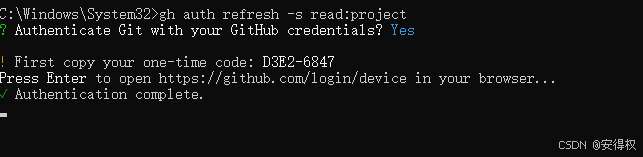
bash
# 完整的项目权限(读取和写入):
gh auth refresh -s project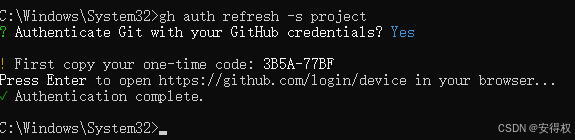
bash
# 检查认证状态
gh auth status
3.创建 issue
bash
# 查看正确的项目名称
gh project list --owner "组织名称/用户名"
bash
# 创建issue
gh issue create ^
--repo "Xxx-sh02/KBDoc" ^
--title "[Feature] 添加深色模式支持" ^
--body "epic-1,story1.1 automated-workflow ## 功能描述\n希望添加深色模式以减少眼睛疲劳\n\n## 使用场景\n用户在夜间使用应用时\n\n## 期望效果\n- 支持自动切换\n- 支持手动切换\n- 记住用户偏好" ^
--assignee @me ^
--label "enhancement" ^
--milestone "Sprint-26-01" ^
--project "KBDocV1"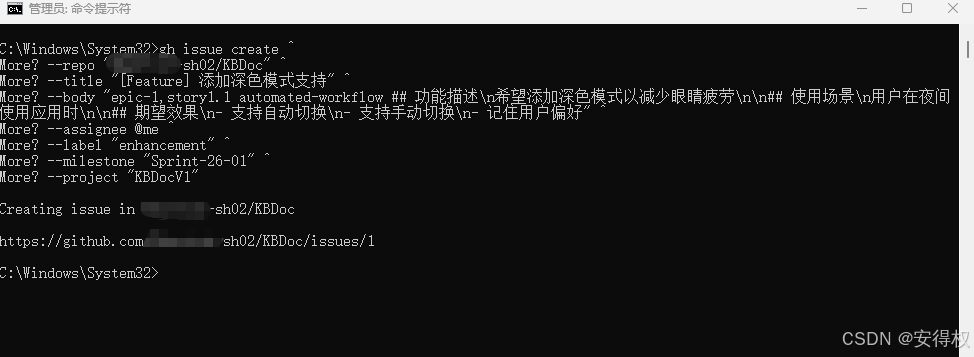
GitHub 上详情界面: