前言
笔者维护的 VitePress 博客主题已经集成了非常多的功能,为便于在主题之外复用,因此有计划将其一部分功能分离出来,形成独立的插件。
现在又有AI加持,再已经有通用插件模板前提下,使用AI就能完成95%的插件工作量!
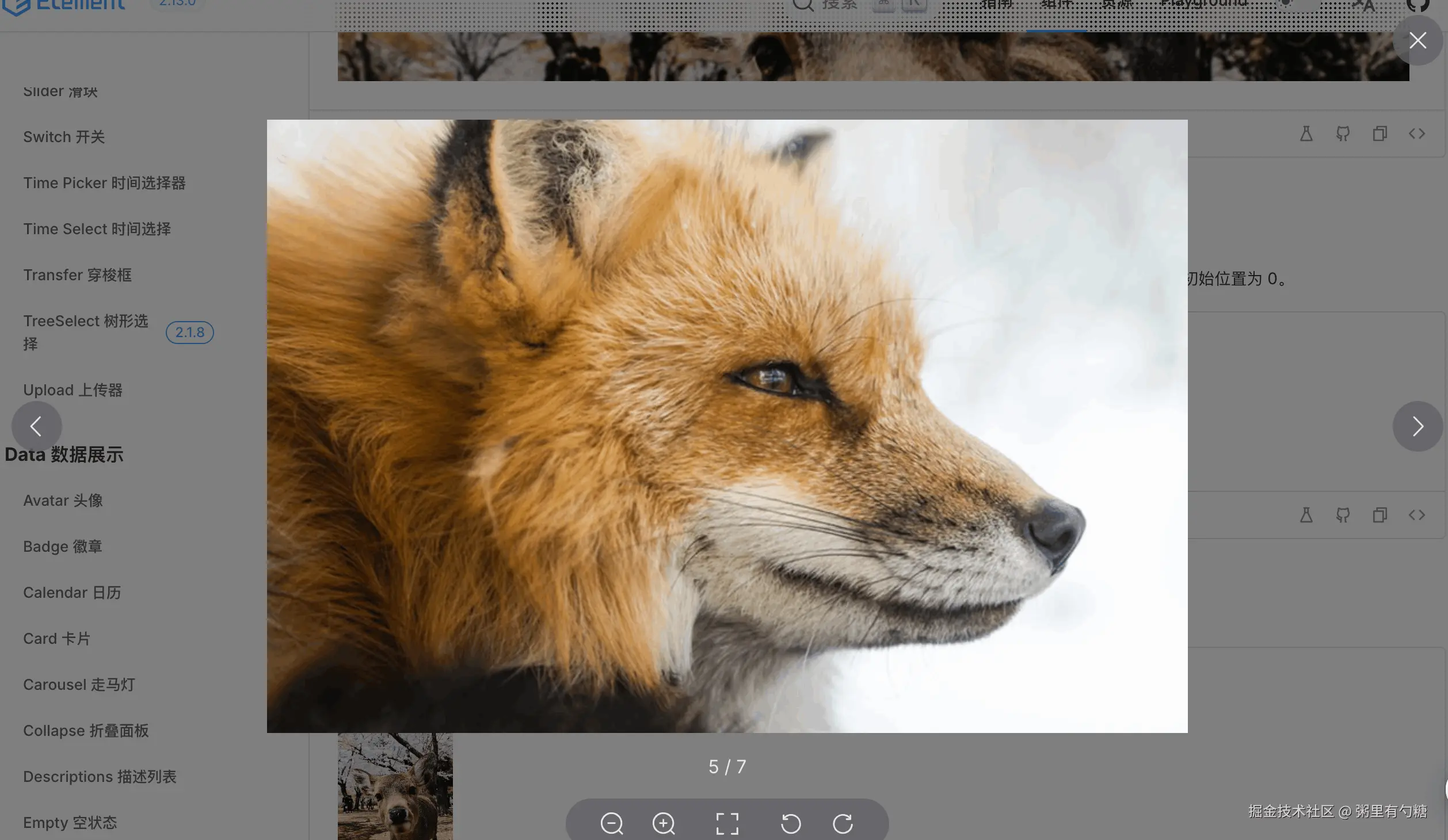
分离的 图片预览插件,效果如下:
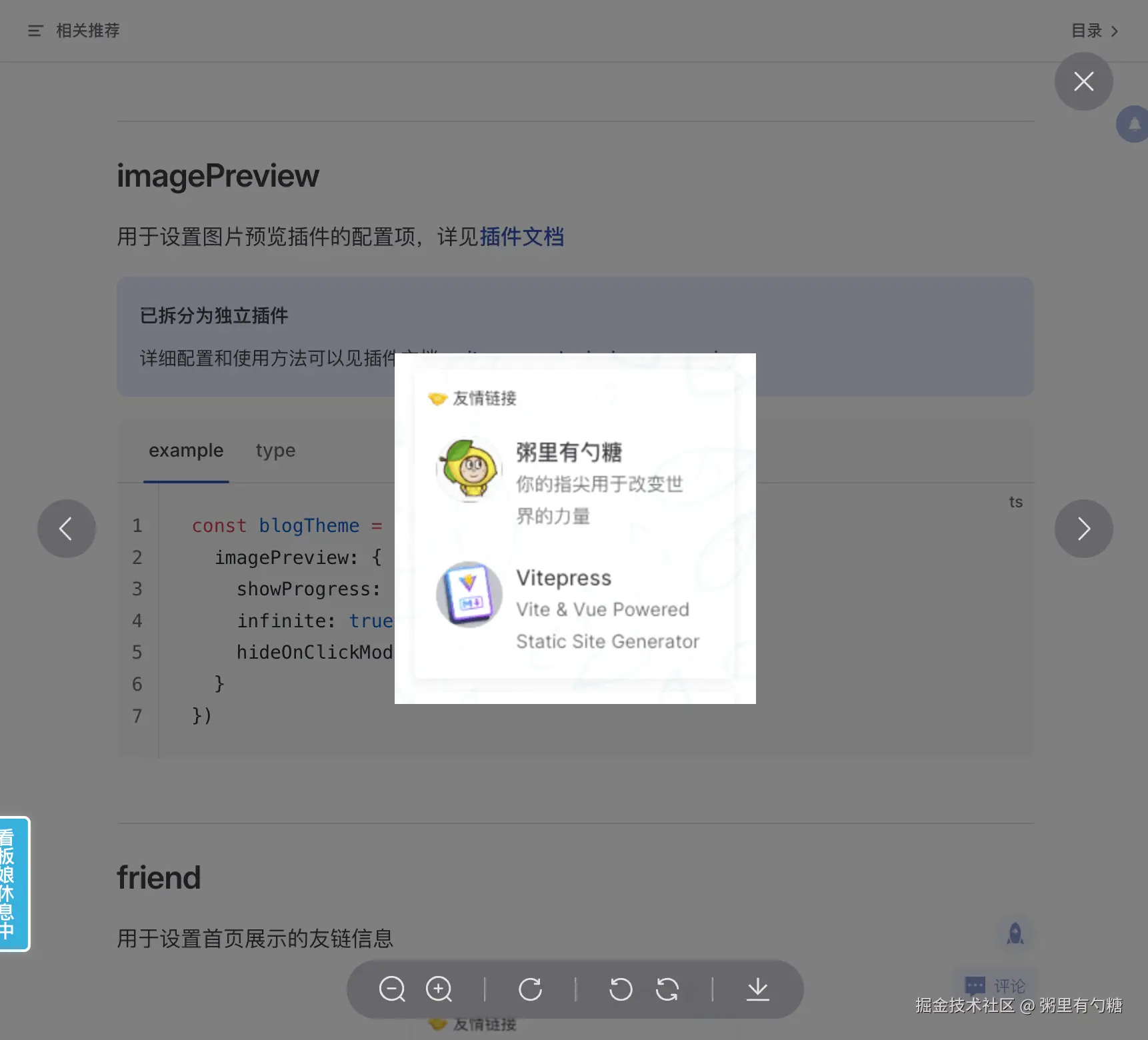
组件样式实现参考了 Element Plus Image Viewer
接下来先简单介绍一下用法,再快速讲解核心原理。
插件开发基于之前创建的一个通用模板,vitepress-plugin-slot-inject-template,在模板的基础上,插件95%的代码由 Gemini 3.0 生成。
如何使用
只需要 2 步:
- 安装插件
sh
pnpm add vitepress-plugin-image-preview- 配置插件
引入插件在 .vitepress/config.mts VitePress 配置文件中
ts
import { defineConfig } from 'vitepress'
import { ImagePreviewPlugin } from 'vitepress-plugin-image-preview'

export default defineConfig({
  vite: {
    plugins: [
      ImagePreviewPlugin()
    ]
  }
})
实现原理
这里只阐述关键点,细节与之前的公告插件类似,这里不做赘述。
VitePress 默认主题 Layout.vue 组件预设的一些插槽,只需将实现自定义组件注入到对应插槽为止即可。
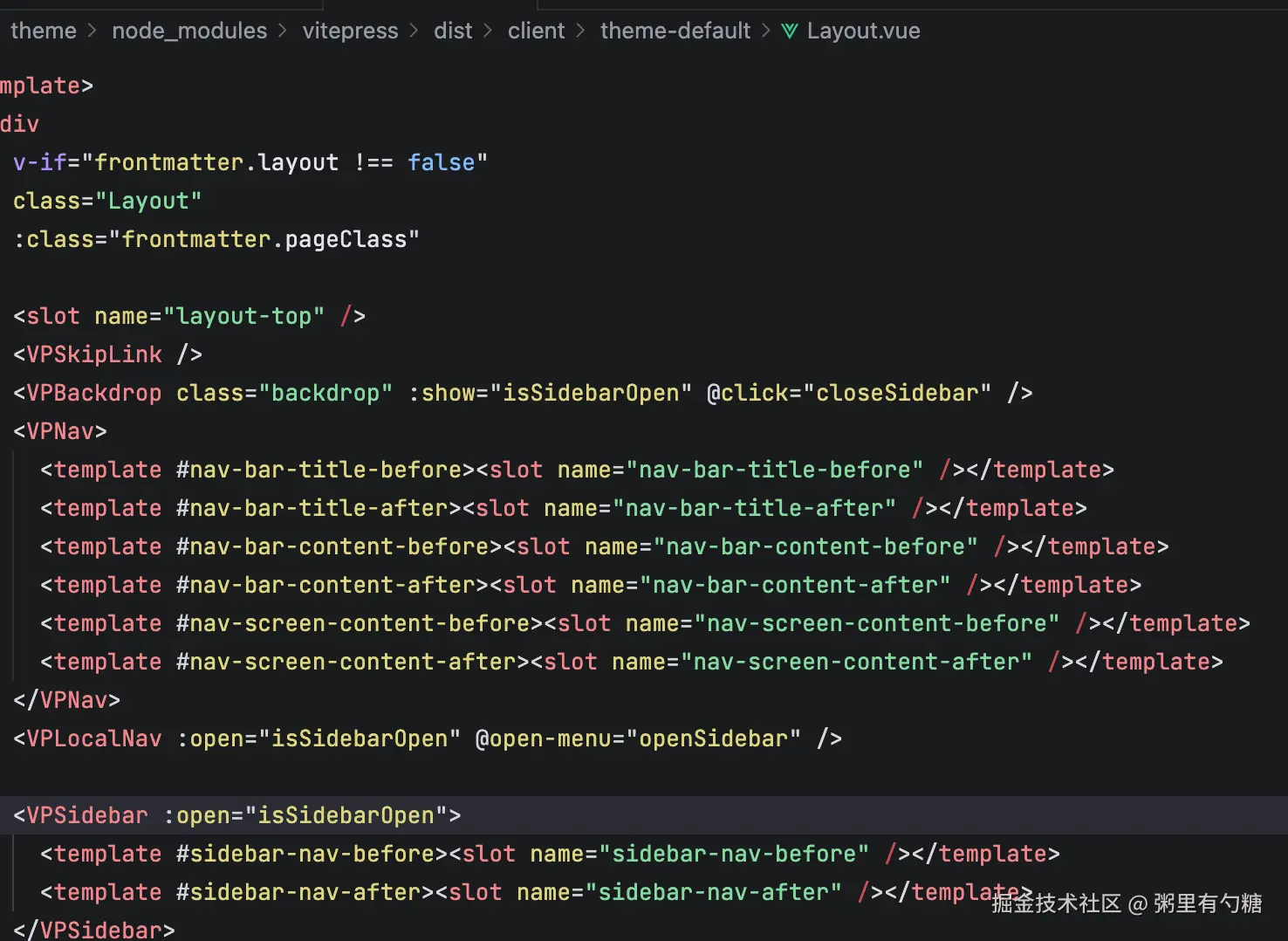
所有的 slots 在 VitePress 文档里也有介绍
注入自定义组件
利用插件的 transform 钩子,将我们的 <ImagePreview /> 组件插入到 Layout.vue 的特定插槽位置
图片预览组件我这里使用的是 doc-before 和 page-top 两个插槽。
使用 alias 保证引入组件的路径正确映射。
ts
// 仅包含关键代码
const componentName = 'ImagePreview'
const componentFile = `${componentName}.vue`
const aliasComponentFile = `${getDirname()}/components/${componentFile}`
function ImagePreviewPlugin(options = {}) {
  return {
    // 添加alias
    config: () => {
      return {
        resolve: {
          alias: {
            [`./${componentFile}`]: aliasComponentFile
          }
        }
      }
    },
    transform(code, id) {
      // 筛选出 Layout.vue
      if (id.endsWith('vitepress/dist/client/theme-default/Layout.vue')) {
        let transformResult = code

        // 插入组件
        const slots = [options.slots || ['doc-before', 'page-top']].flat()
        for (const slot of slots) {
          const slotPosition = `<slot name="${slot}" />`
          // 添加 ClientOnly 目的是避免组件在SSG的时候被渲染
          transformResult = transformResult.replace(slotPosition, `${slotPosition}\n<ClientOnly><${componentName} /></ClientOnly>`)
        }

        // 导入组件
        const setupPosition = '<script setup lang="ts">'
        transformResult = transformResult.replace(setupPosition, `${setupPosition}\nimport ${componentName} from './${componentFile}'`)
        return transformResult
      }
    },
  }
}
插件配置传递
采用虚拟模块的方式传递配置。
组件中导入配置:
ts
import options from 'virtual:image-preview-options'插件中处理虚拟模块:
ts
const virtualModuleId = 'virtual:image-preview-options'
const resolvedVirtualModuleId = `\0${virtualModuleId}`
function ImagePreviewPlugin(options = {}) {
  return {
    // 省略其它无关代码...
    resolveId(id) {
      if (id === virtualModuleId) {
        return resolvedVirtualModuleId
      }
    },
    load(this, id) {
      if (id === resolvedVirtualModuleId) {
        return `export default ${stringify(options)}`
      }
    },
  }
}
核心交互实现
图片预览的核心逻辑在于监听图片的点击事件,获取图片列表,并显示预览遮罩。
- 事件监听 :在
onMounted时,给内容的容器注册点击事件,在点击的时候获取容器中所有的图片元素,然后做后续操作。
ts
onMounted(() => {
  const wrapperId = imagePreviewOptions?.wrapperId || '#VPContent'
  const docDomContainer = document.querySelector(wrapperId)
  docDomContainer?.addEventListener('click', previewImage)
})

function previewImage(e: Event) {
  const target = e.target as HTMLElement
  const currentTarget = e.currentTarget as HTMLElement
  if (target.tagName.toLowerCase() === 'img') {
    const selector = imagePreviewOptions?.selector || '.content-container .main img,.VPPage img'
    const imgs = currentTarget.querySelectorAll<HTMLImageElement>(selector)
    const idx = Array.from(imgs).findIndex(el => el === target)
    const urls = Array.from(imgs).map(el => el.src)
    // 省略其它逻辑
  }
}- 预览组件 :参考了 Element Plus 的 图片预览组件的样式与功能,这部分完全由 AI 实现(Gemini 3.0),还原度非常高。
插件模板介绍
在开发插件的过程中,笔者把此类基于 slot 位置注入的插件分离了一个模板 vitepress-plugin-slot-inject-template
有相关诉求的朋友,可以基于此模板,配合 AI 快速的开发各种基于插槽就可以实现的组件能力。
最后
插件完整源码 vitepress-plugin-image-preview
最后再感叹一句,AI 太牛逼了,效率起飞。
欢迎评论区交流&指导。