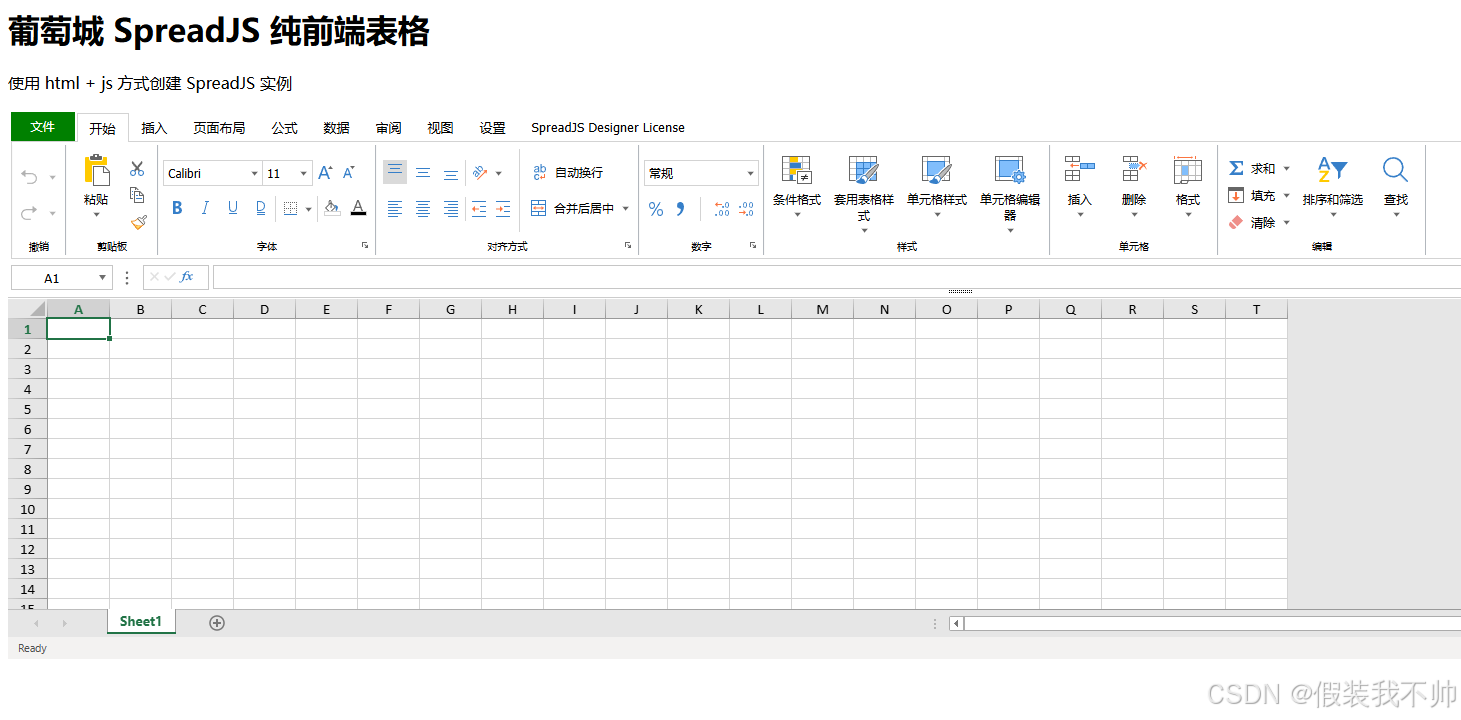
使用npm安装所需要的包
bash
# 基础的excel插件
npm i @mescius/spread-sheets
npm i @mescius/spread-sheets-resources-zh
# 加上设计菜单的功能
npm i @mescius/spread-sheets-designer
npm i @mescius/spread-sheets-designer-resources-cn
npm i @mescius/spread-sheets-barcode
npm i @mescius/spread-sheets-shapes
npm i @mescius/spread-sheets-charts
npm i @mescius/spread-sheets-print
npm i @mescius/spread-sheets-pdf
npm i @mescius/spread-excelio
npm i @mescius/spread-sheets-io
基础使用
html
<!doctype html>
<html lang="cn">
<head>
    <meta charset="UTF-8">
    <meta name="viewport" content="width=device-width, initial-scale=1">
    <title>spread sheet基础使用</title>
    <link rel="stylesheet" href="css/gc.spread.sheets.css">
    <style>
        .spread-container {
            height:calc(100vh - 100px);
            width: 100vw;
        }
    </style>

</head>
<body>
<h1>葡萄城 SpreadJS 纯前端表格</h1>
<p>使用 html + js 方式创建 SpreadJS 实例</p>
<div class="sample-container">
    <!-- b) 创建SpreadJS的目标DOM元素,id为ss的HTML DIV-->
    <div id="ss" class="spread-container"></div>
</div>
<script src="js/gc.spread.sheets.all.min.js"></script>
<script>
    window.onload = function ()
    {
        var spread = new GC.Spread.Sheets.Workbook(
            document.getElementById( "ss" ),
            { sheetCount: 1 }
        );
    };
</script>
</body>
</html>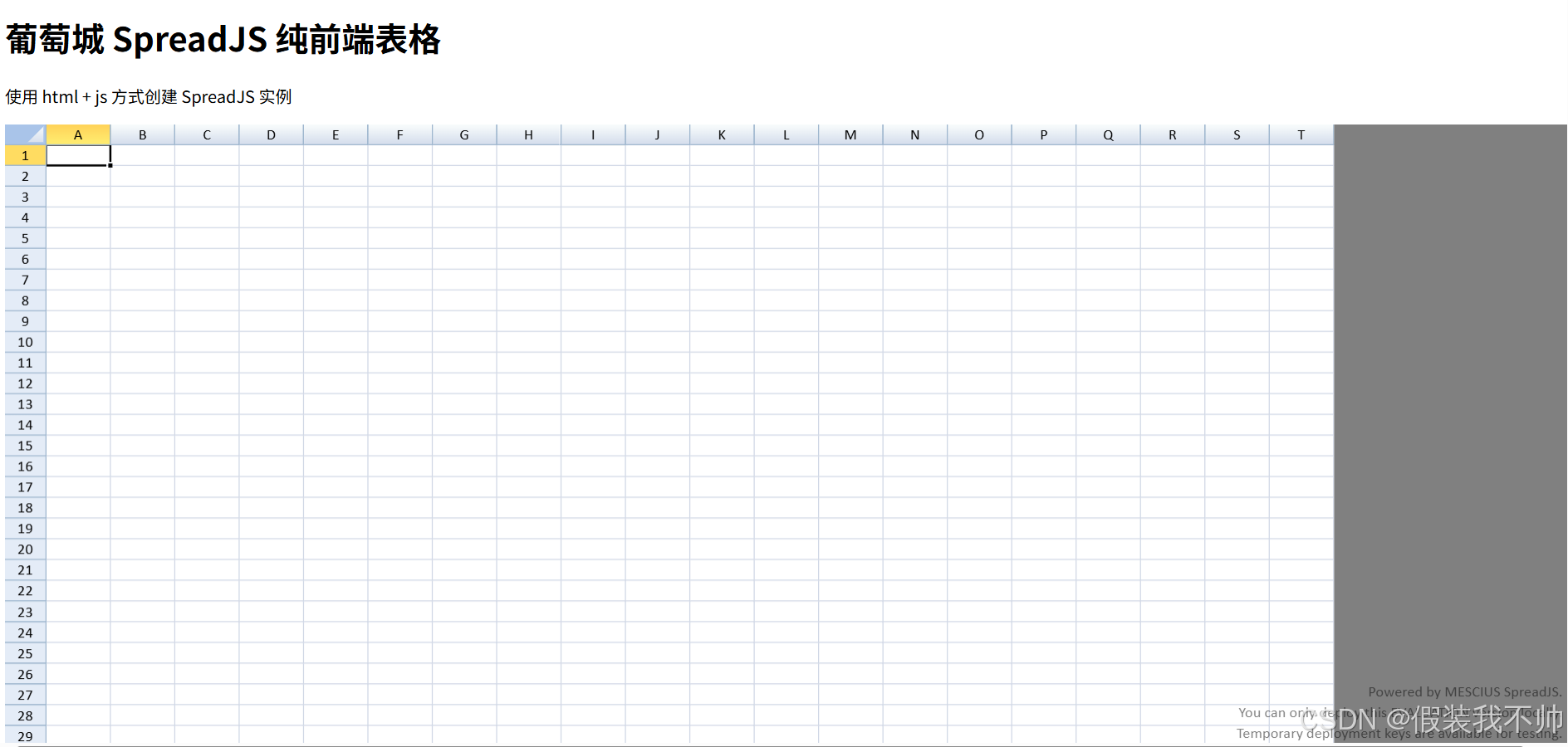
更改语言
目前是英文模式,可以引入中文资源
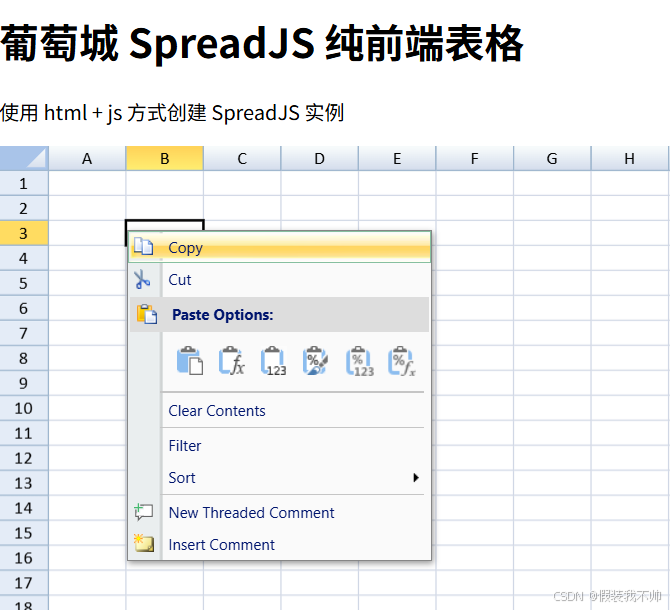
html
<!DOCTYPE html>
<html lang="en">

<head>
    <meta charset="UTF-8">
    <meta name="viewport" content="width=device-width, initial-scale=1.0">
    <title>spread sheet基础使用</title>
    <link rel="stylesheet" href="css/gc.spread.sheets.css">
    <style>
        .spread-container {
            height: 550px;
        }
    </style>
</head>

<body>
    <h1>葡萄城 SpreadJS 纯前端表格</h1>
    <p>使用 html + js 方式创建 SpreadJS 实例</p>
    <div class="sample-container">
        <div id="ss" class="spread-container"></div>
    </div>
    <script type="text/javascript" src="js/gc.spread.sheets.all.js"></script>
    <!--看这里-->
    <script src="js/gc.spread.sheets.resources.zh.min.js"></script>
    <script>
        window.onload = function () {
        	//看这里
            GC.Spread.Common.CultureManager.culture('zh-cn')
            var spread = new GC.Spread.Sheets.Workbook(
                document.getElementById("ss"),
                { sheetCount: 1 }
            );
        };
    </script>
</body>

</html>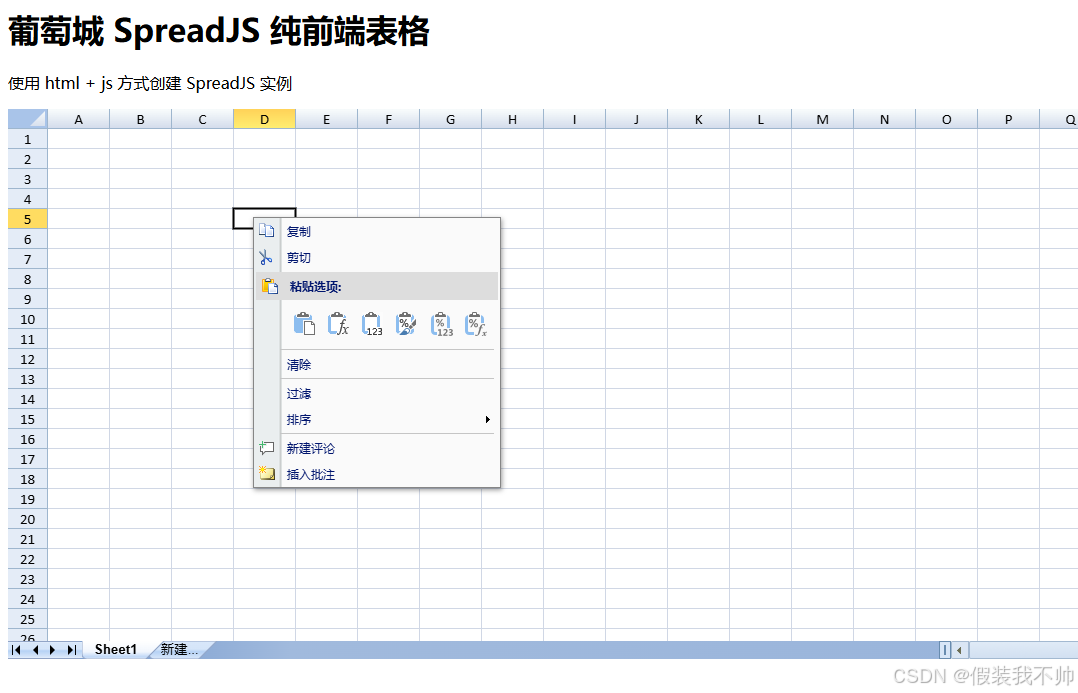
更换皮肤
html
<!DOCTYPE html>
<html lang="en">

<head>
    <meta charset="UTF-8">
    <meta name="viewport" content="width=device-width, initial-scale=1.0">
    <title>spread sheet基础使用</title>
    <!--看这里-->
    <link rel="stylesheet" href="css/gc.spread.sheets.excel2016colorful.css">
    <style>
        .spread-container {
            height: 550px;
        }
    </style>
</head>

<body>
    <h1>葡萄城 SpreadJS 纯前端表格</h1>
    <p>使用 html + js 方式创建 SpreadJS 实例</p>
    <div class="sample-container">
        <div id="ss" class="spread-container"></div>
    </div>
    <script type="text/javascript" src="js/gc.spread.sheets.all.js"></script>
    <script src="js/gc.spread.sheets.resources.zh.min.js"></script>
    <script>
        window.onload = function () {
            GC.Spread.Common.CultureManager.culture('zh-cn')
            var spread = new GC.Spread.Sheets.Workbook(
                document.getElementById("ss"),
                { sheetCount: 1 }
            );
        };
    </script>
</body>

</html>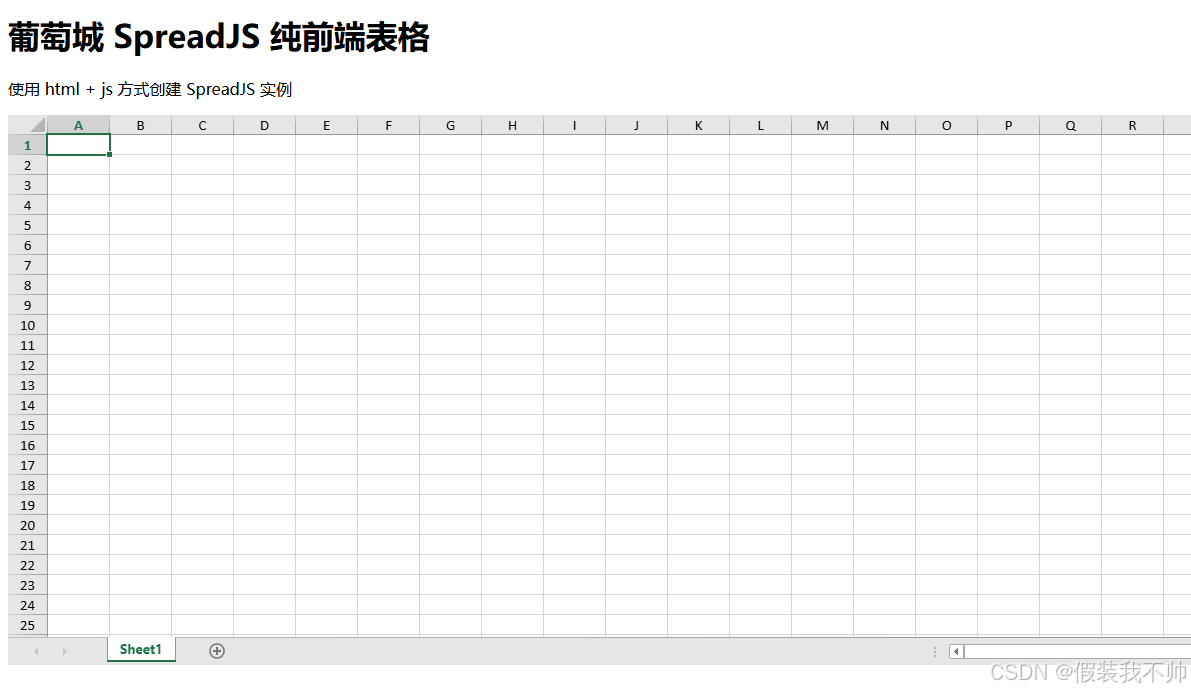
加入设计模式
html
<!DOCTYPE html>
<html lang="en">

<head>
    <meta charset="UTF-8">
    <meta name="viewport" content="width=device-width, initial-scale=1.0">
    <title>spread sheet基础使用</title>
    <!-- <link rel="stylesheet" href="css/gc.spread.sheets.css"> -->
    <link rel="stylesheet" href="css/gc.spread.sheets.excel2016colorful.css">
    <link rel="stylesheet" href="css/gc.spread.sheets.designer.min.css">
    <style>
        .spread-container {
            height: 550px;
        }
    </style>
</head>

<body>
    <h1>葡萄城 SpreadJS 纯前端表格</h1>
    <p>使用 html + js 方式创建 SpreadJS 实例</p>
    <div class="sample-container">
        <div id="ss" class="spread-container"></div>
    </div>
    <script type="text/javascript" src="js/gc.spread.sheets.all.js"></script>
    <script src="js/gc.spread.sheets.barcode.min.js"></script>
    <script src="js/gc.spread.sheets.shapes.min.js"></script>
    <script src="js/gc.spread.sheets.charts.min.js"></script>
    <script src="js/gc.spread.sheets.print.min.js"></script>
    <script src="js/gc.spread.sheets.pdf.min.js"></script>
    <script src="js/gc.spread.excelio.min.js"></script>
    <!-- <script src="js/gc.spread.sheets.io.min.js"></script> -->
    <script src="js/gc.spread.sheets.resources.zh.min.js"></script>
    <script src="js/gc.spread.sheets.designer.resource.cn.min.js"></script>
    <script src="js/gc.spread.sheets.designer.all.min.js"></script>

    <script>
        window.onload = function () {
            var config = GC.Spread.Sheets.Designer.DefaultConfig;
            var designer = new GC.Spread.Sheets.Designer.Designer(document.getElementById("ss"), config);
        };
    </script>
</body>

</html>