PowerShell 修改编码为 UTF-8 教程

查看当前编码

打开 PowerShell,输入

复制代码
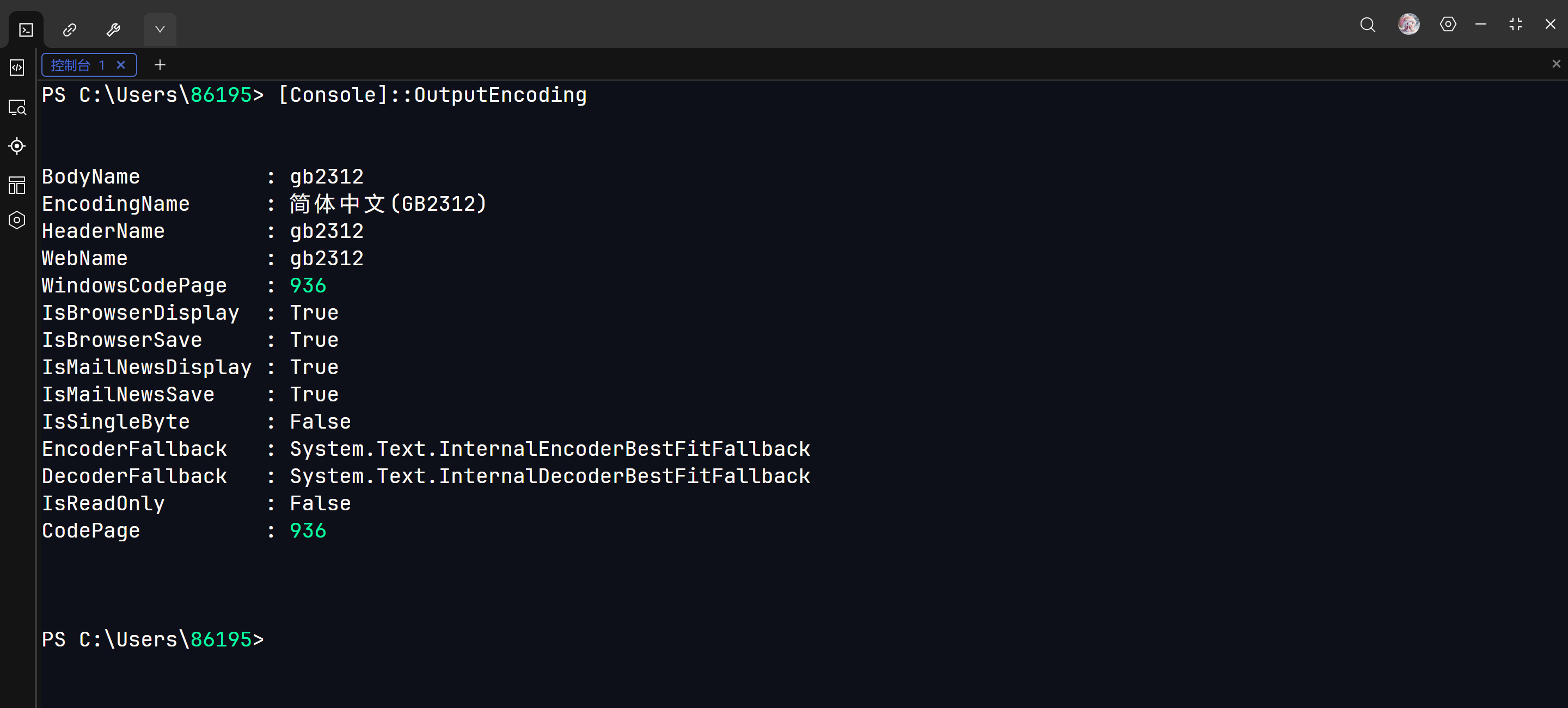
[Console]::OutputEncoding

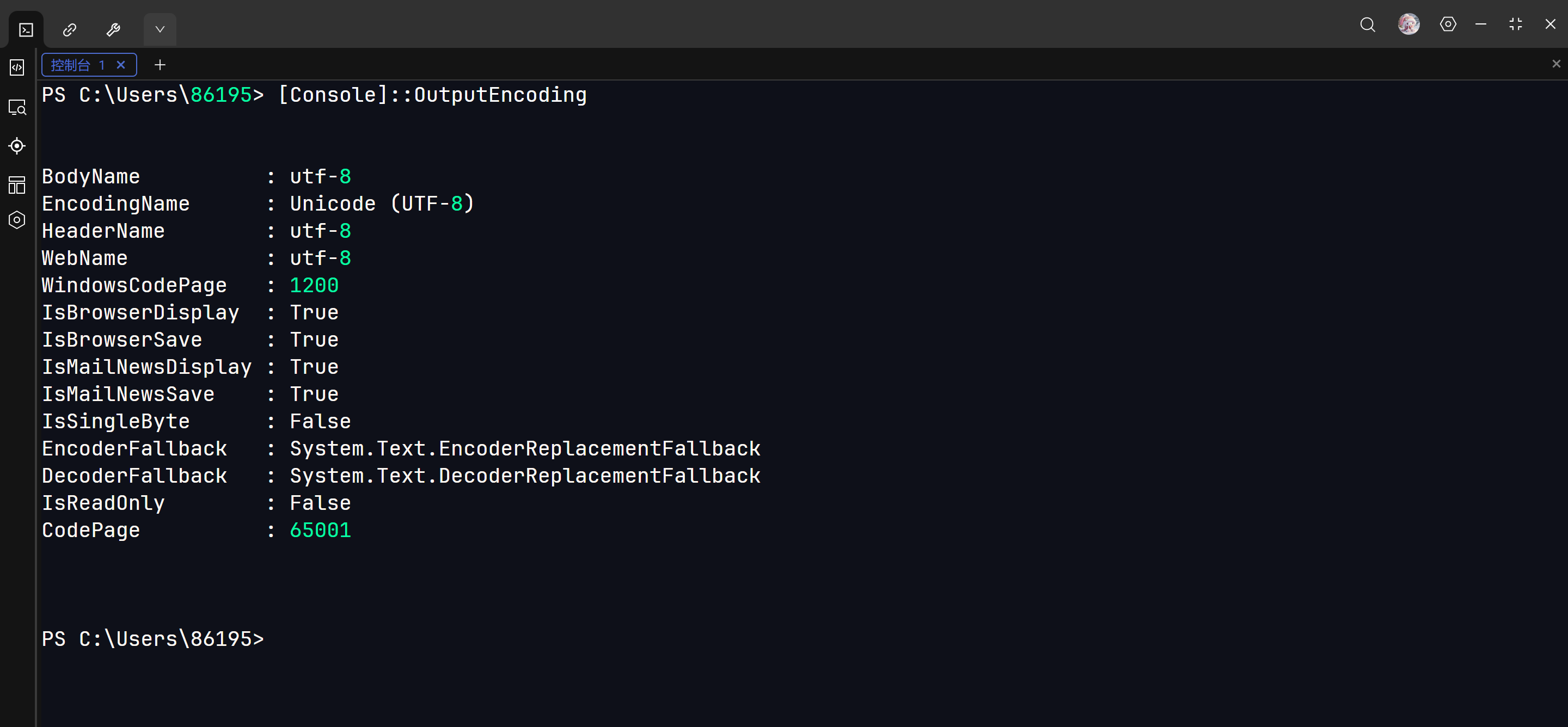
如果 CodePage 显示 936:说明当前是 GBK 编码

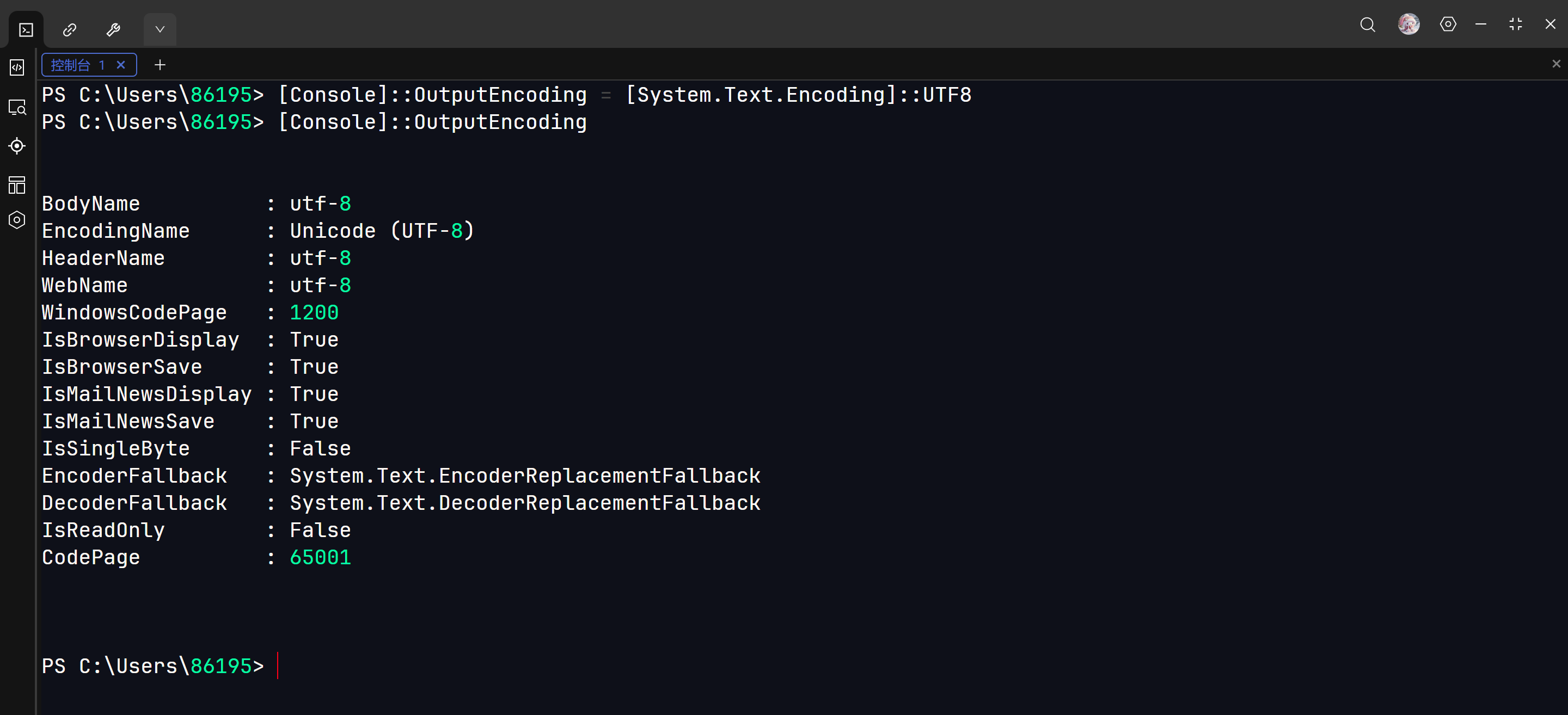
如果 CodePage 显示 65001:说明当前是 UTF-8 编码

临时修改

复制代码
[Console]::OutputEncoding = [System.Text.Encoding]::UTF8
永久修改

检查配置文件是否存在

复制代码
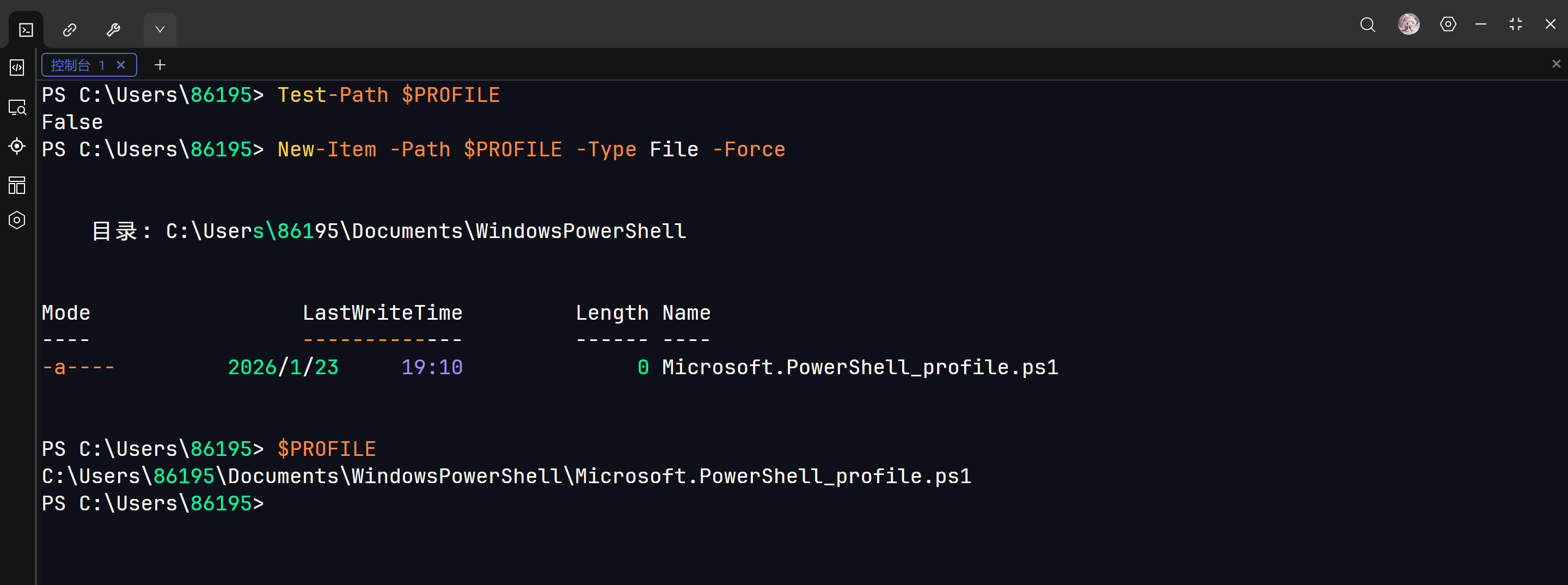
Test-Path $PROFILE

返回 True:文件存在

返回 False:文件不存在

创建配置文件(如果不存在)

复制代码
New-Item -Path $PROFILE -Type File -Force

查看配置文件位置

这句命令会打印出当前正在使用的那个配置文件的绝对路径

复制代码
$PROFILE

编辑配置文件

我使用 VScode,可以输入

复制代码
code $PROFILE

也可以找到文件位置,手动打开

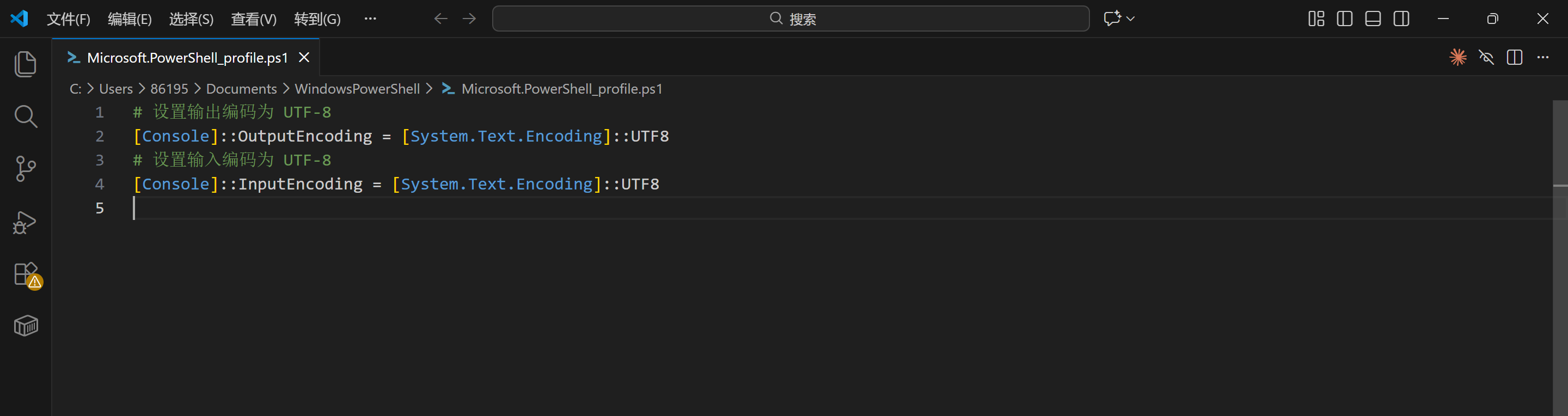
写入配置代码

复制代码
# 设置输出编码为 UTF-8
[Console]::OutputEncoding = [System.Text.Encoding]::UTF8
# 设置输入编码为 UTF-8 
[Console]::InputEncoding = [System.Text.Encoding]::UTF8
重新打开 PowerShell 试试

复制代码
[Console]::OutputEncoding
相关推荐
bosins10 天前
Windows IIS 配置本地HTTPS 全流程指南:自签名证书 + 端口绑定 + 避坑详解
powershell·openssl
DogDaoDao21 天前
Windows 开发提效工具全景指南:60+ 工具的工程化分层配置
windows·git·程序员·开发工具·powershell·everything·msys2
winfredzhang1 个月前
用 wxPython 打造「Claude Code 任务启动器」:一个把 AI CLI 变成一键工作流的桌面工具
python·wxpython·powershell·剪贴板·claudecodecli
鬼手点金1 个月前
Hermes‑Agent 使用教程
python·ubuntu·powershell·cmd·ai agent·opencode·hermes
寒水馨2 个月前
macOS下载、安装PowerShell-v7.6.4(附安装包powershell-7.6.4-osx-arm64.pkg)
macos·自动化·跨平台·shell·脚本·命令行·powershell
寒水馨2 个月前
Linux下载、安装PowerShell-v7.6.4(附安装包powershell-7.6.4-linux-x64.tar.gz)
linux·跨平台·自动化运维·devops·命令行·powershell·脚本语言
儒雅的烤地瓜2 个月前
计算机网络 | 网络诊断双刃剑:Tracert路由追踪实战与Windows防火墙端口配置指南
tcp/ip·计算机网络·wireshark·防火墙·powershell·cmd
vortex52 个月前
PowerShell Provider 机制详解:从文件系统到注册表的统一抽象
windows·powershell
无为之士3 个月前
Windows 批量打印 PDF 工具分享:支持文件夹、指定文件、当天文件、预览列表
windows·powershell
阆遤3 个月前
Windows环境安装Hermes Desktop安装
powershell·ai agent·hermes desktop