如图,开启虚拟机后显示Give root password for maintenance (or type Control-D to continue):
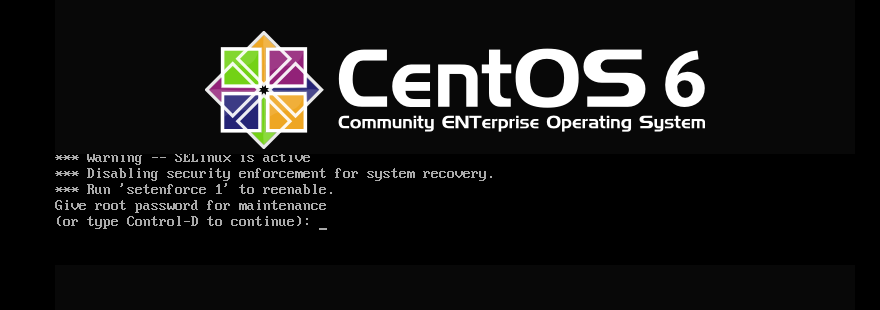
如果不知道root密码:
- 在GRUB启动菜单出现时迅速按ESC中断倒计时;
- 光标移到要启动的内核行,按e进入编辑模式;
- 找到以kernel开头的行,在行尾删除 rhgb quite 后添加:
bash
init=/bin/bash4.按b或ctrl+x启动。
系统会直接进入bash shell,无需密码,且提示符为bash-4.1#。
5.重置root密码:
bash
passwd执行后输入两次新密码。
6.重启系统
bash
exec /sbin/init7.在启动页面输入root密码
8.之后进行分区修复:
bash
mount -o remount,ro /
fsck -f /dev/sda3
修复完成后系统正常开启。