App.vue 删除所有结构和脚本
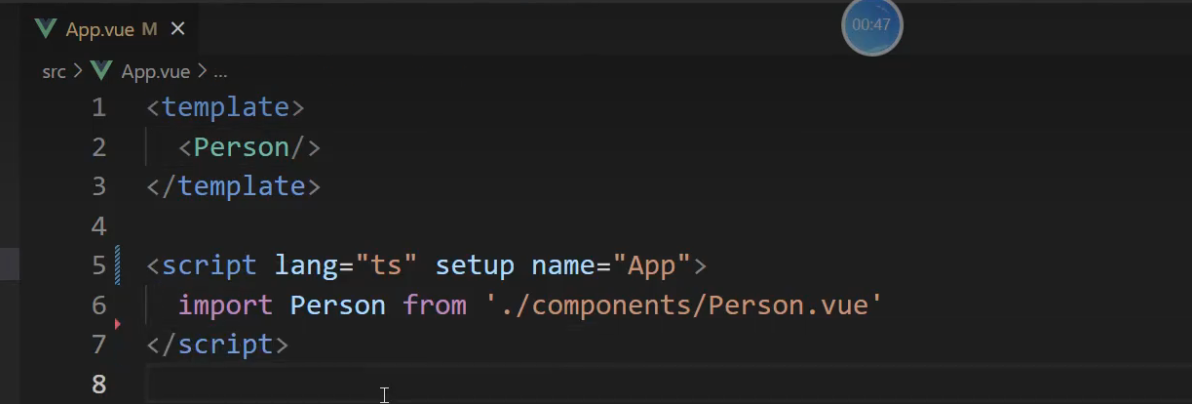
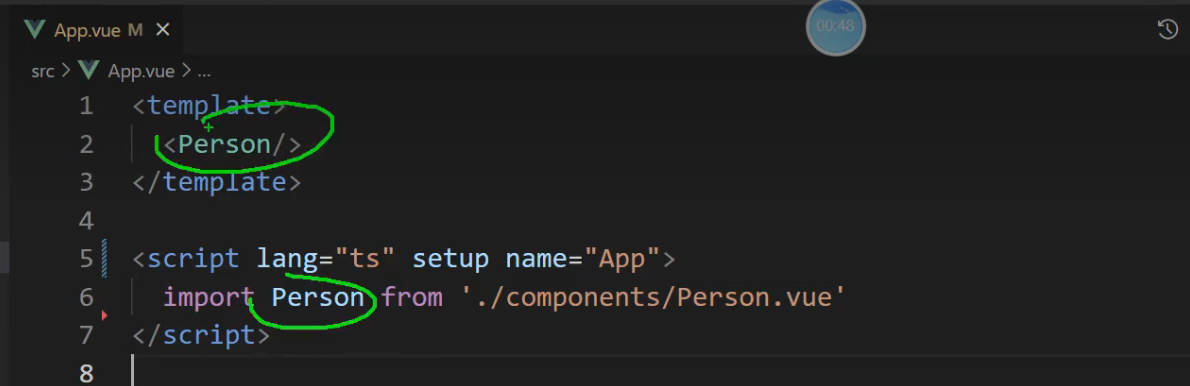
vue3 引入组件,使用组件就可以了
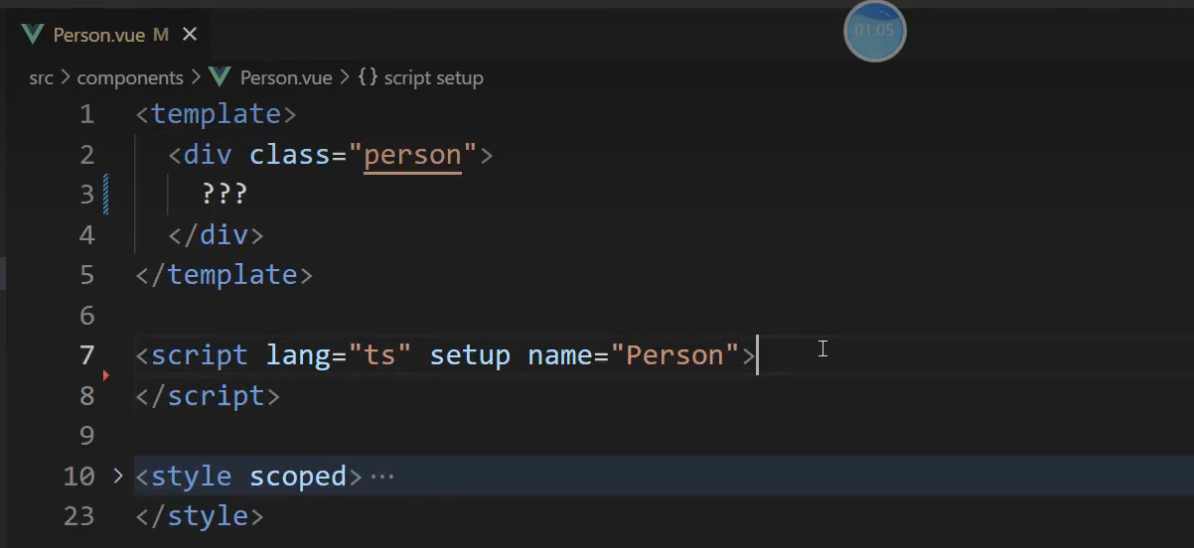
Person.vue 删除所有结构和脚本
效果图
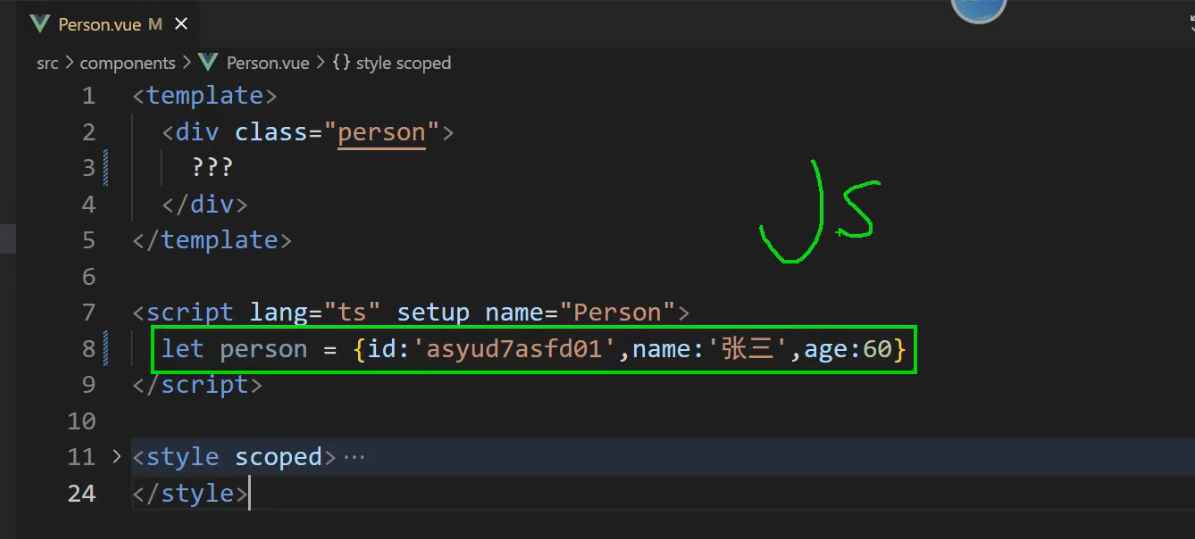
JS 与 TS
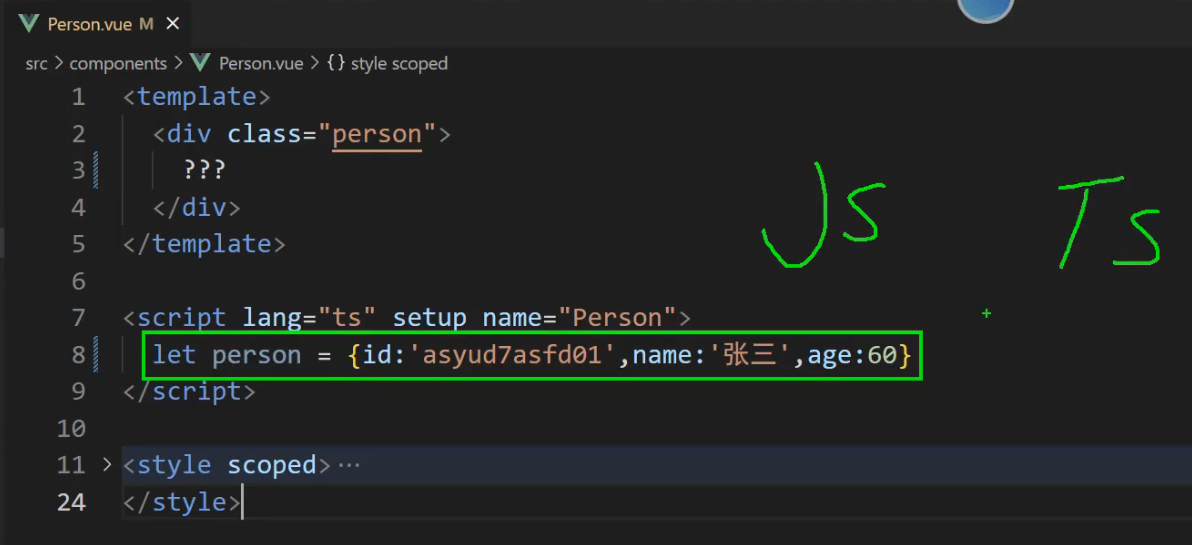
报错
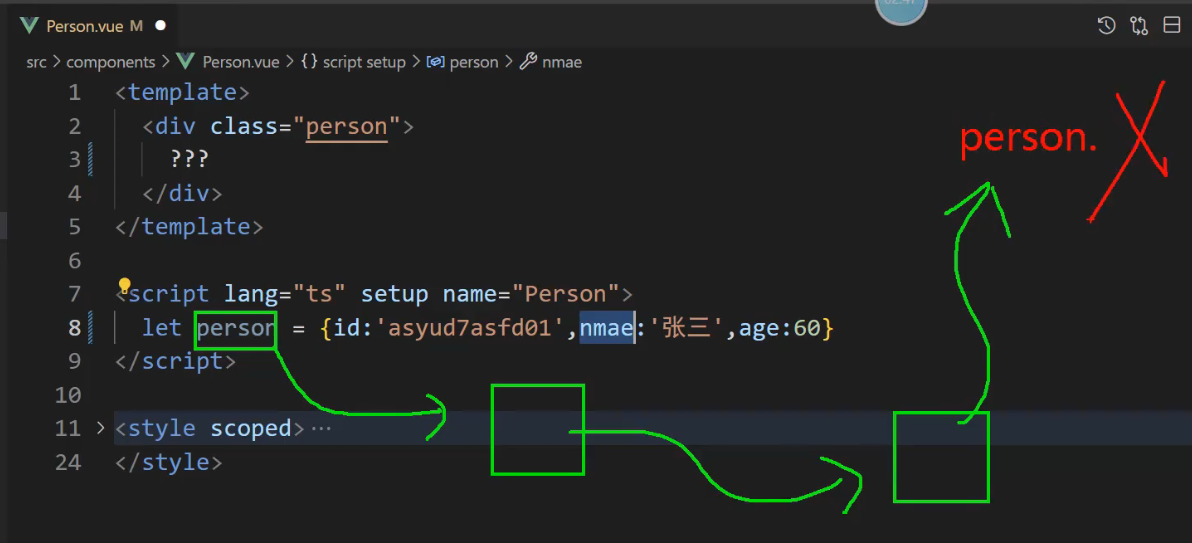
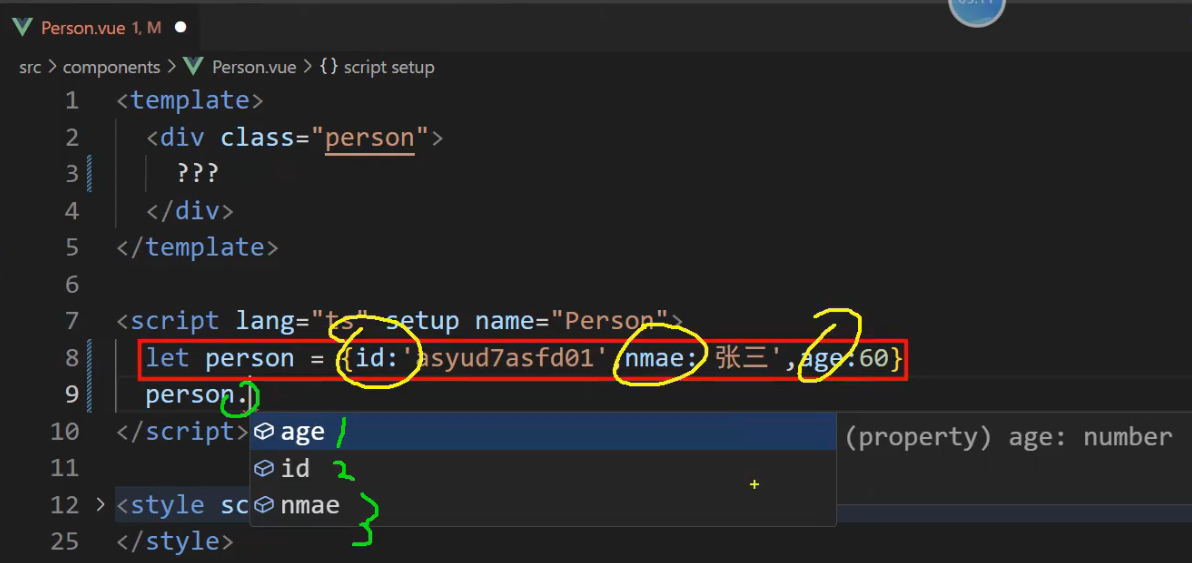
传输层级过多,有单词错的,到最后报错
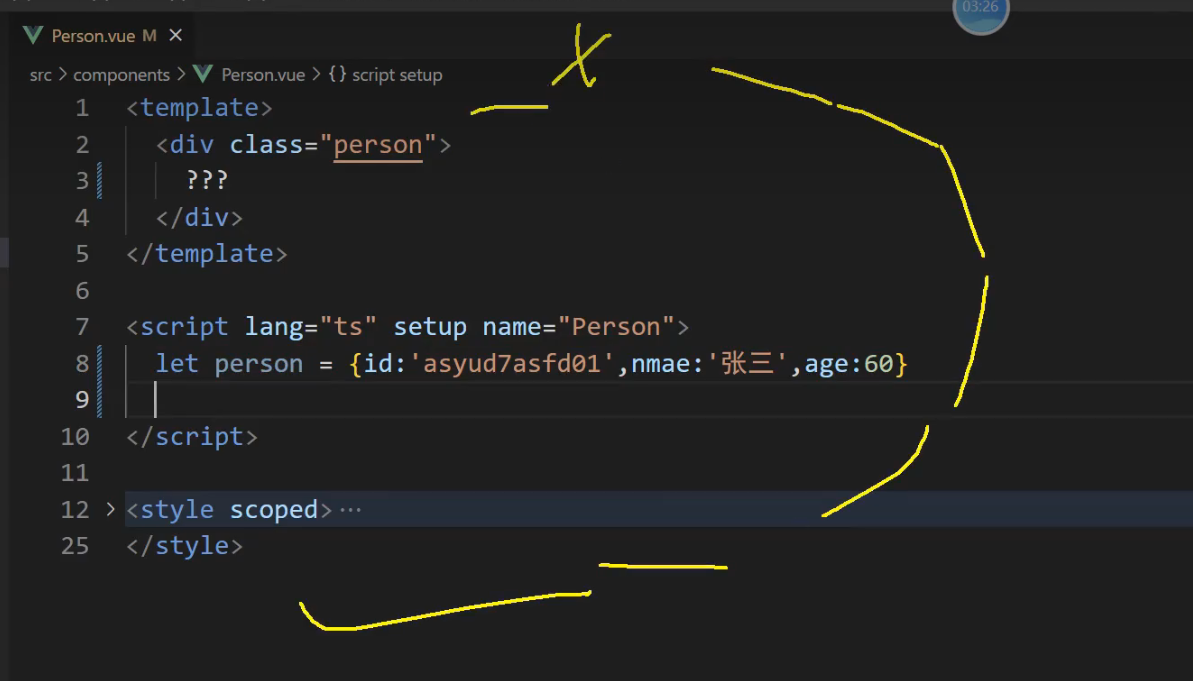
人的三个属性 id,name,age不能写错
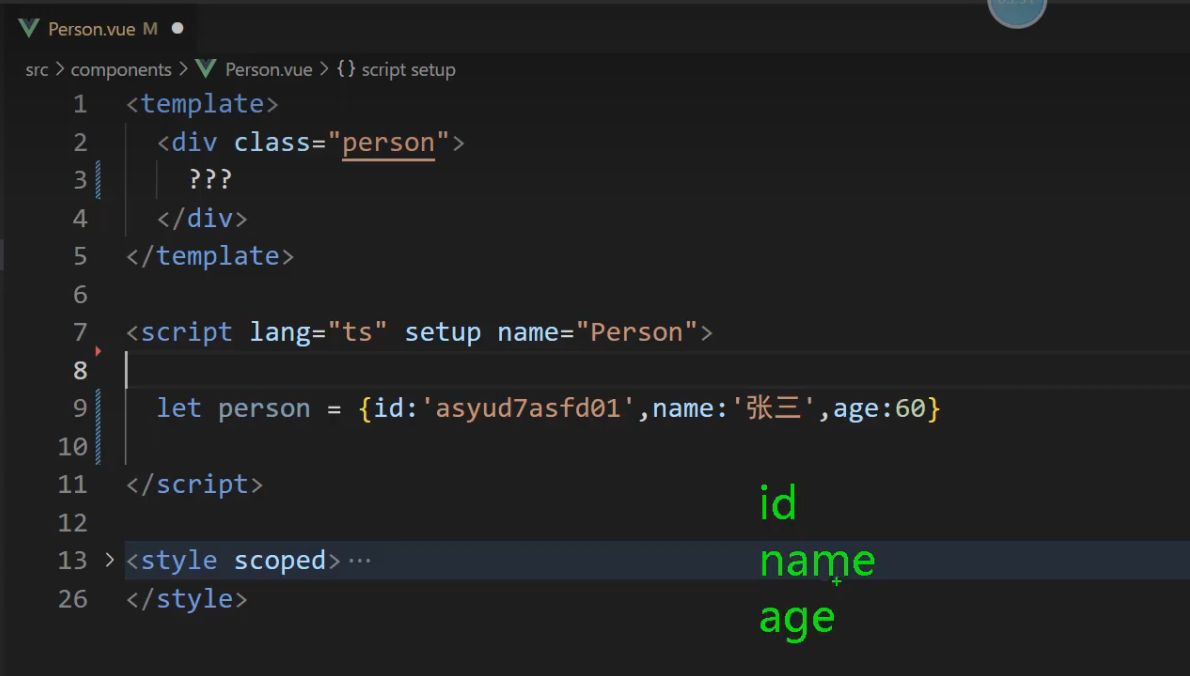
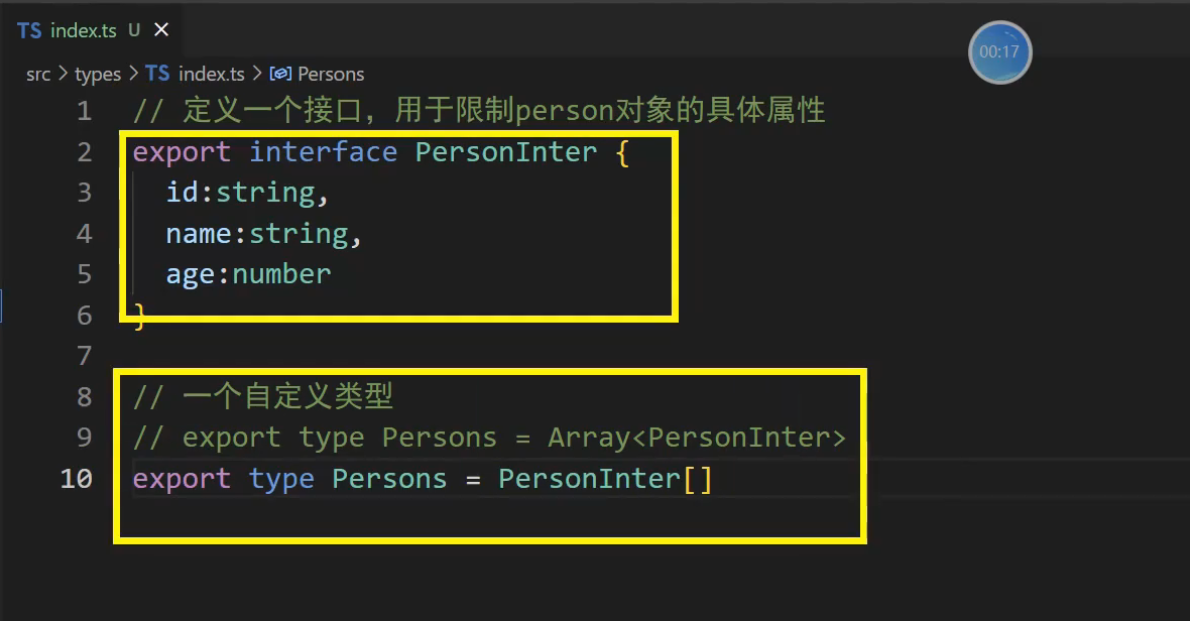
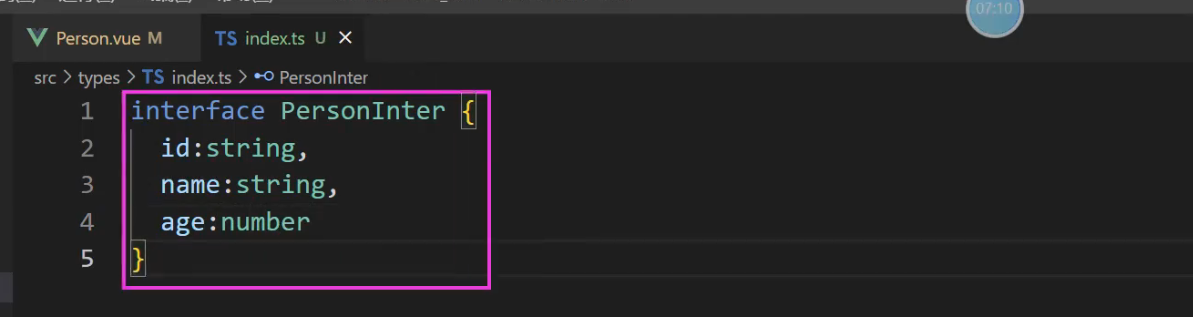
src/types/index.ts 分别暴露
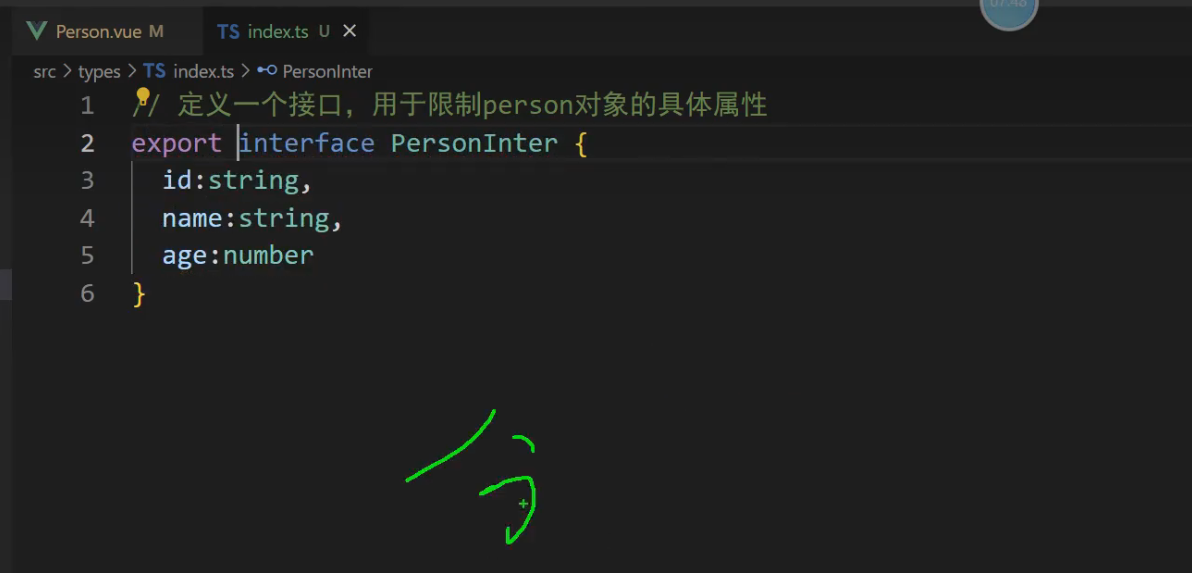
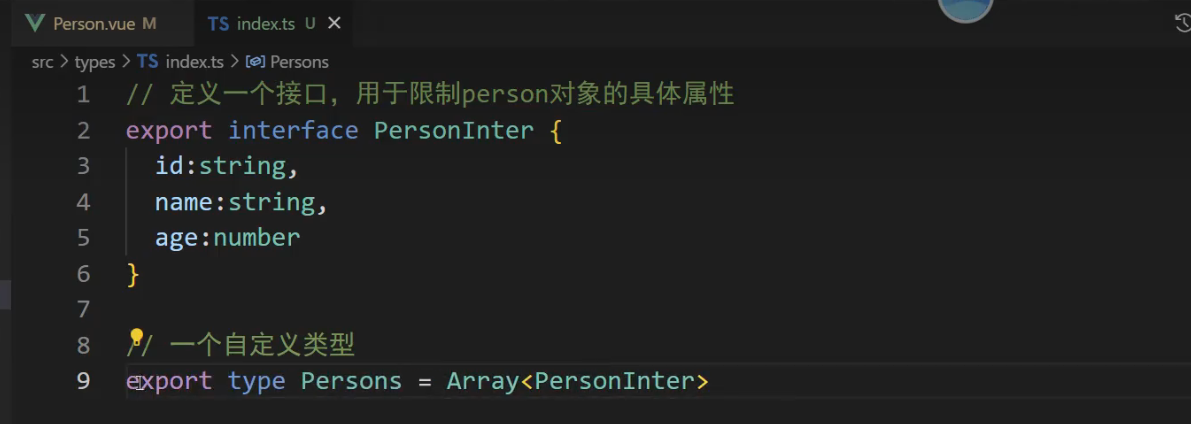
// 定义一个接口,用于限制person对象的具体属性和类型
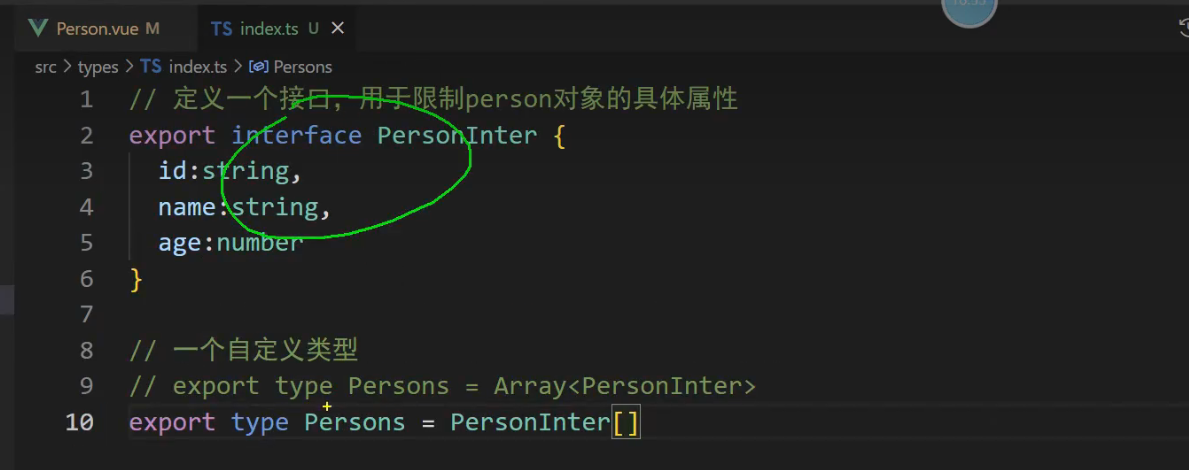
export interface PersonInter {
    id: string,
    name: string,
    age: number
}
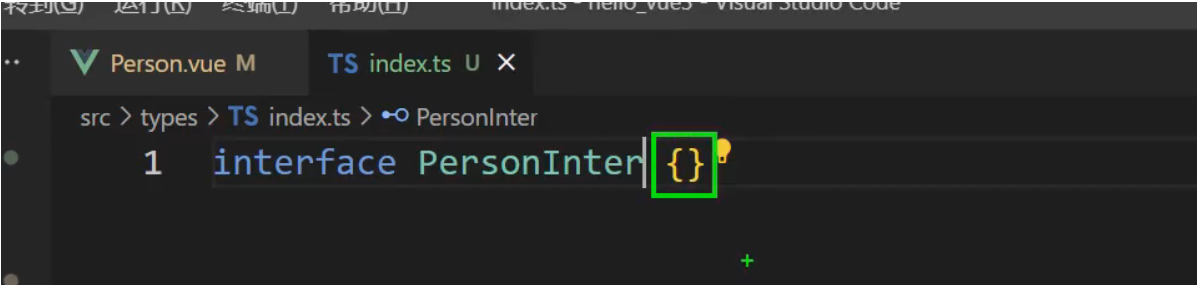
ts 设计的规范!

接口里面的字段属性是小写
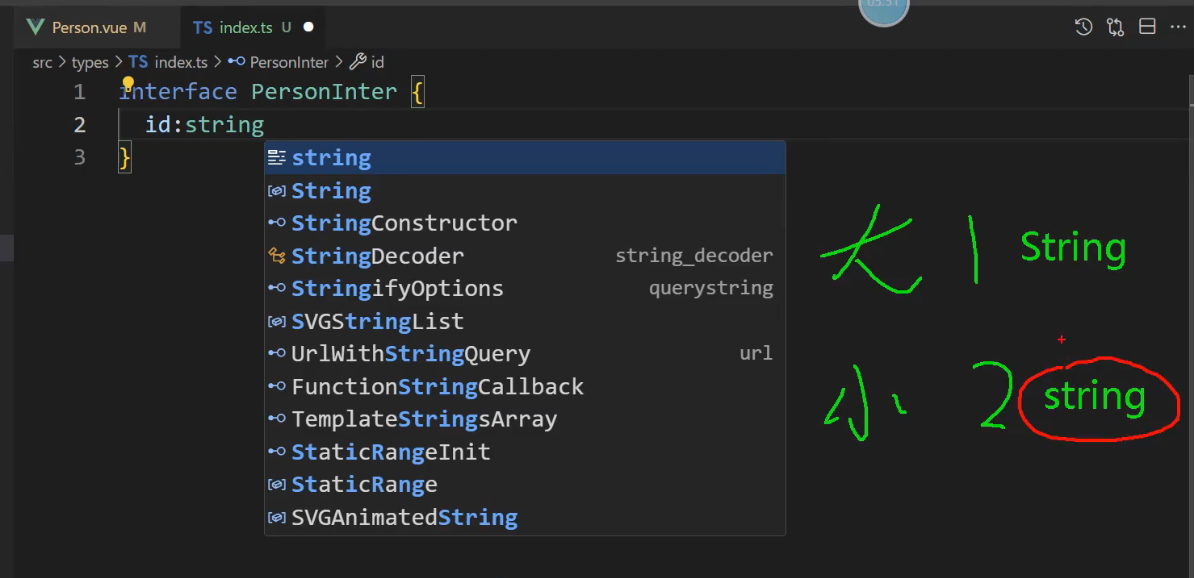
定义一个接口,用于限制person对象的具体属性和类型
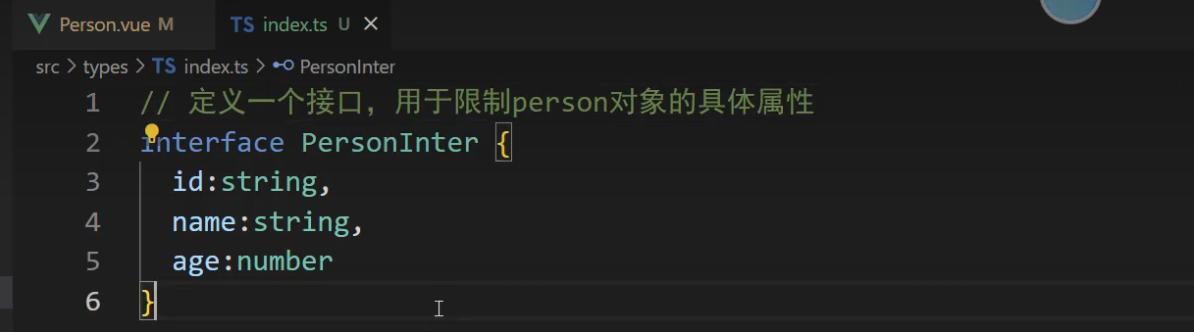
代码写好了,还要交出去,才好使用,有三种暴露方式
1,  默认暴露

2, 分别暴露-> 在接口或者方法最前面添加 export ,叫分别暴露

3, 统一暴露
这里使用分别暴露
值与接口的区别 a为值 PersonInter他不是值,他是一种规范,是一种类型。
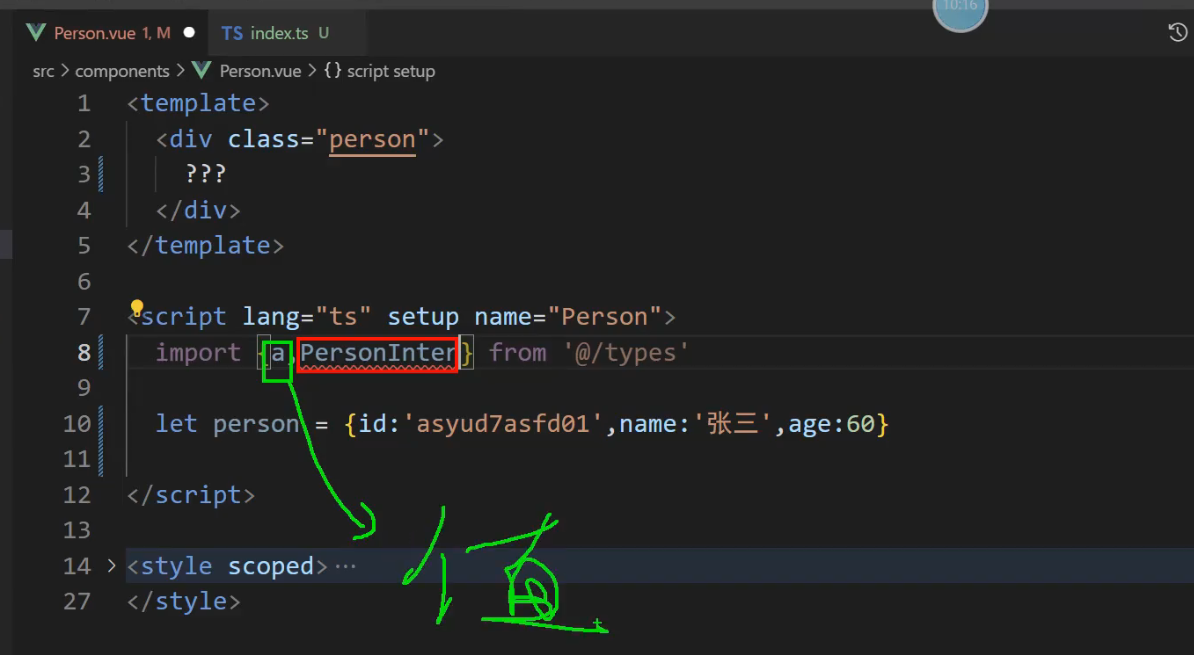
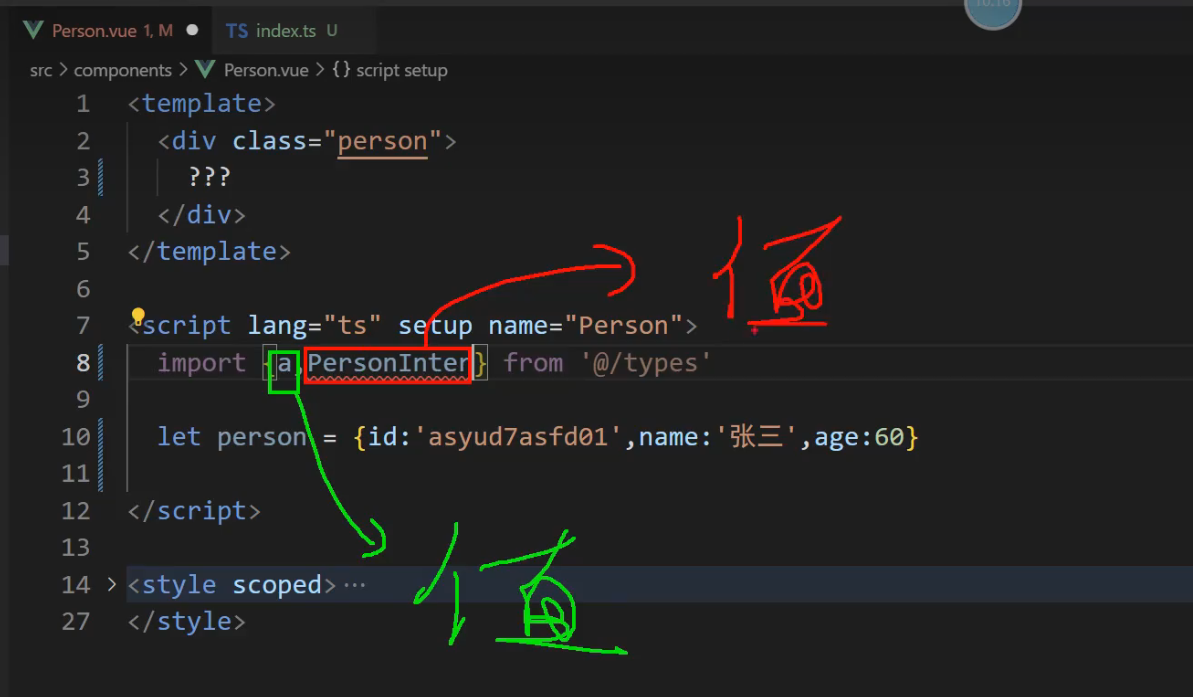
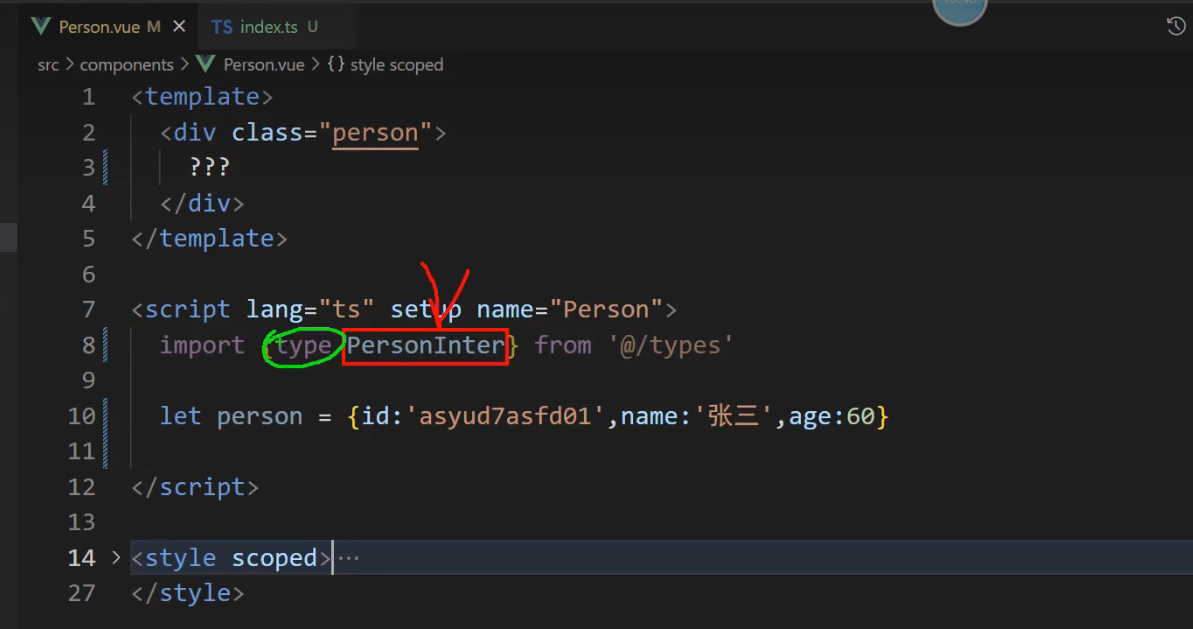
要求引入前面添加一个type,引入才不会报错
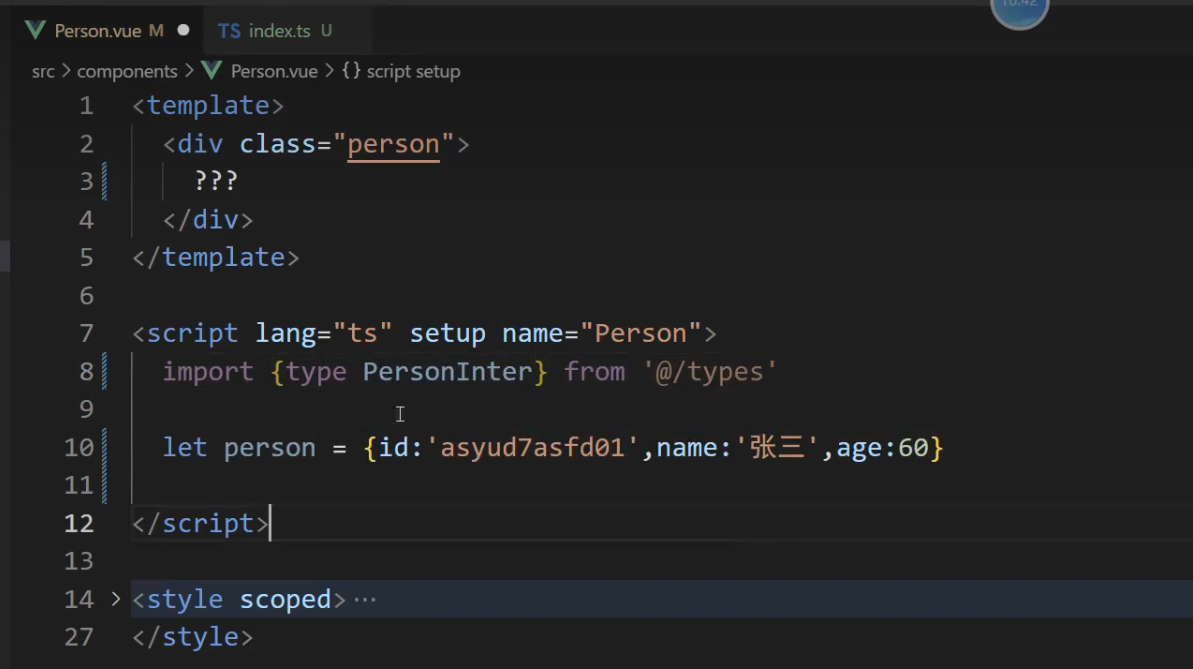
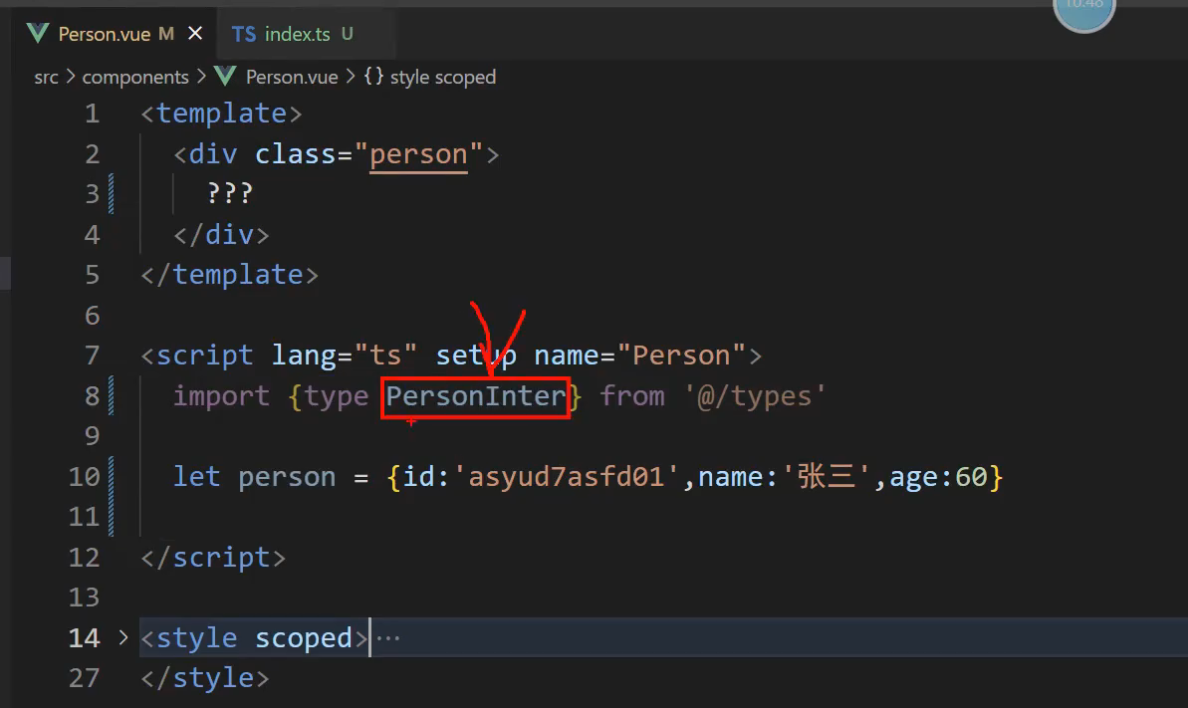
告诉你引入的PersonInter是一个type
如何使用 直接在person:PersonInter 添加就可以了
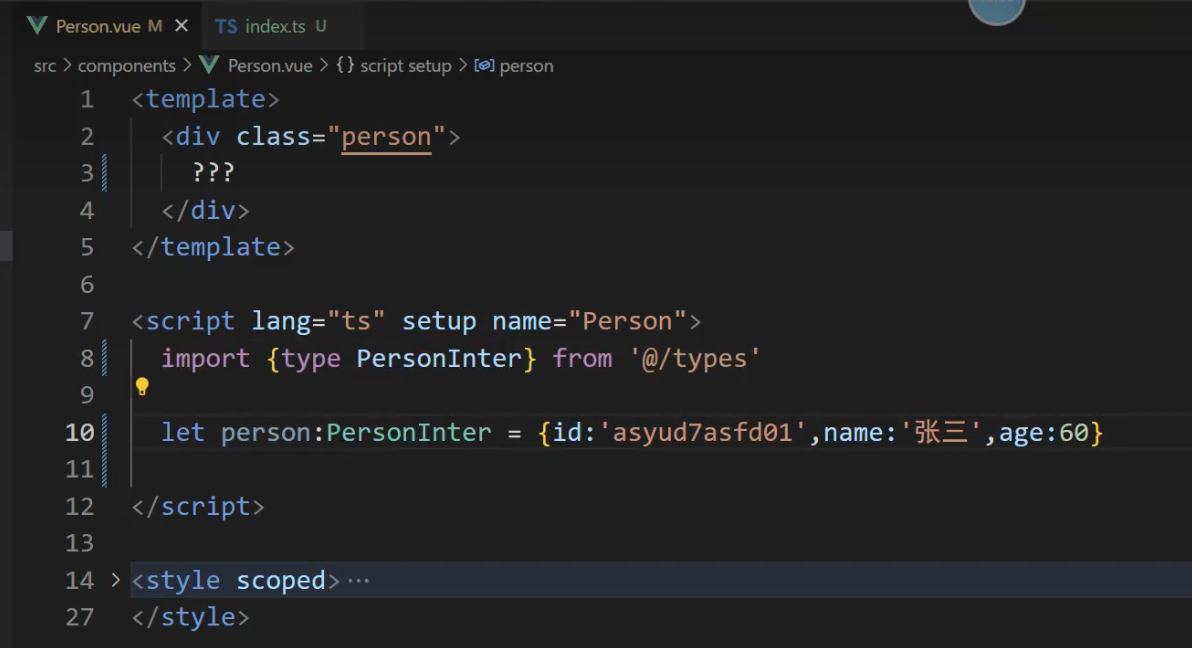
绿色代码的意思是: 我要定义一个变量person, person必须符合 PersonInter的接口规范。
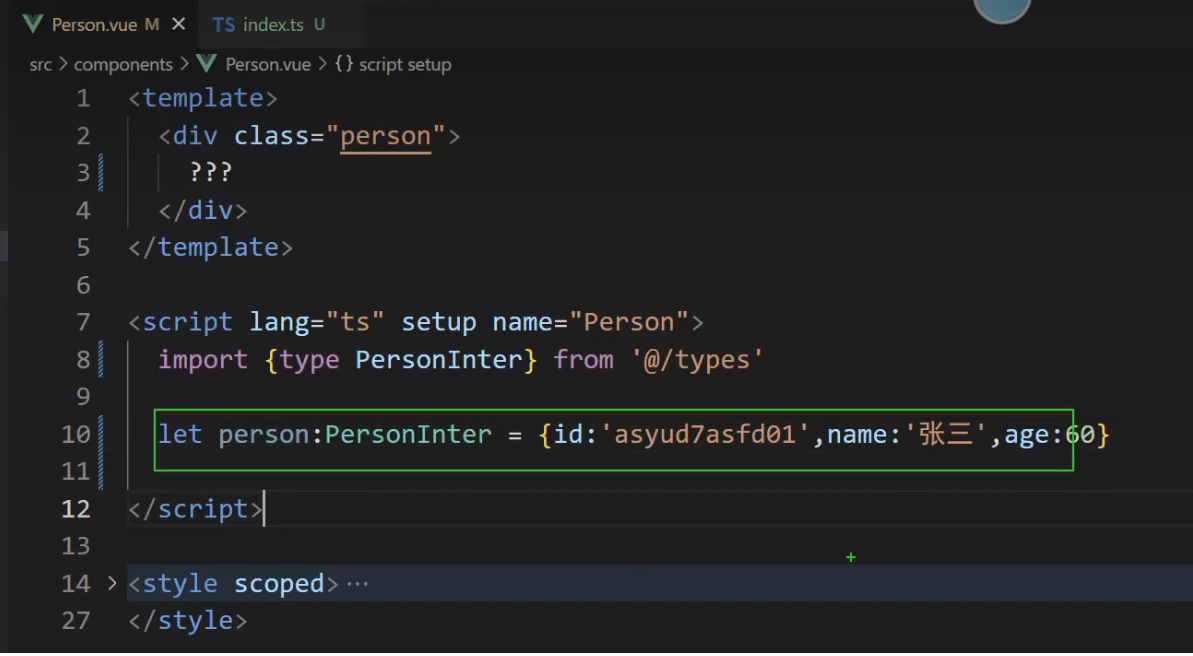
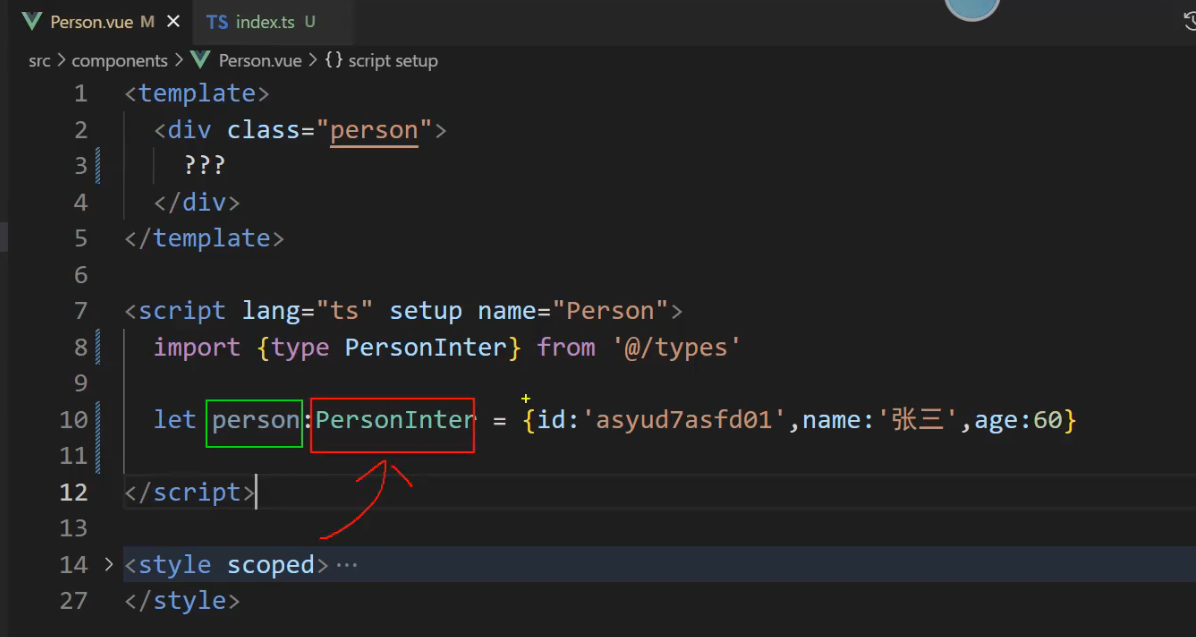
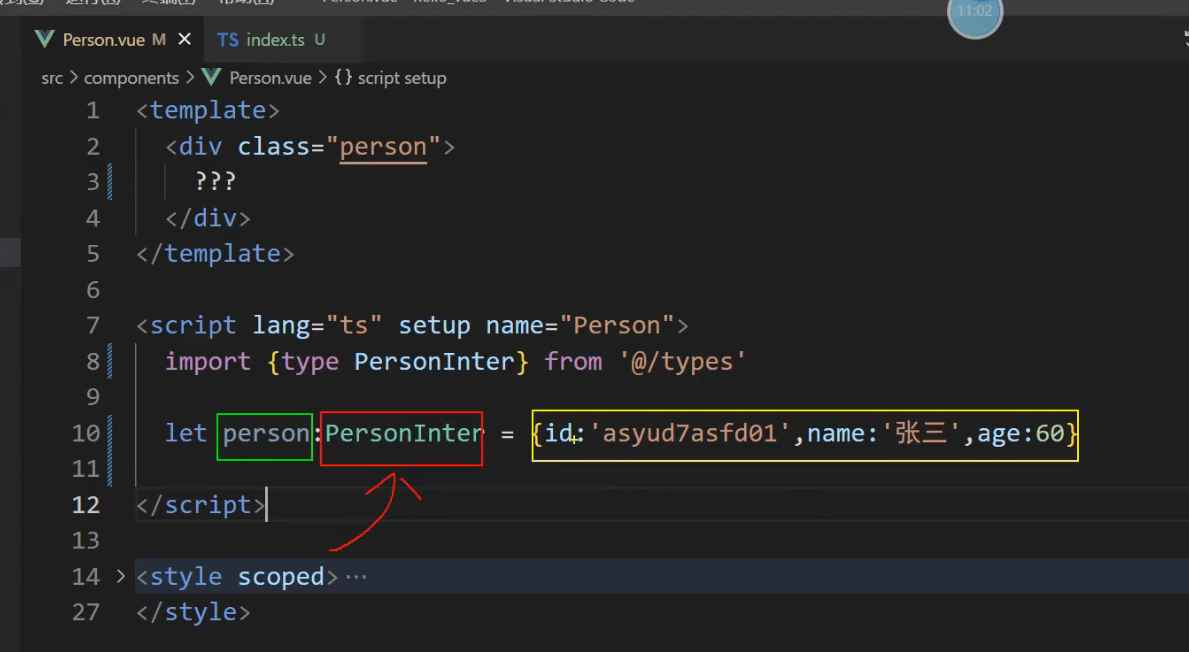
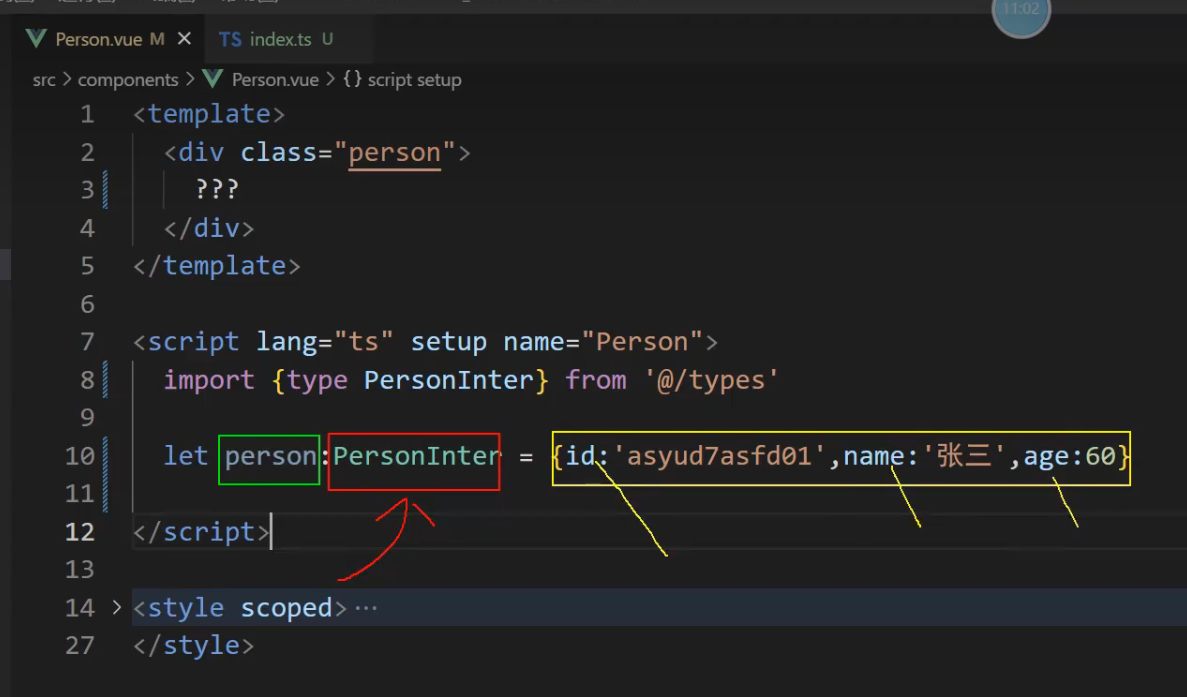
只要不小心写错了,马上就飘红了
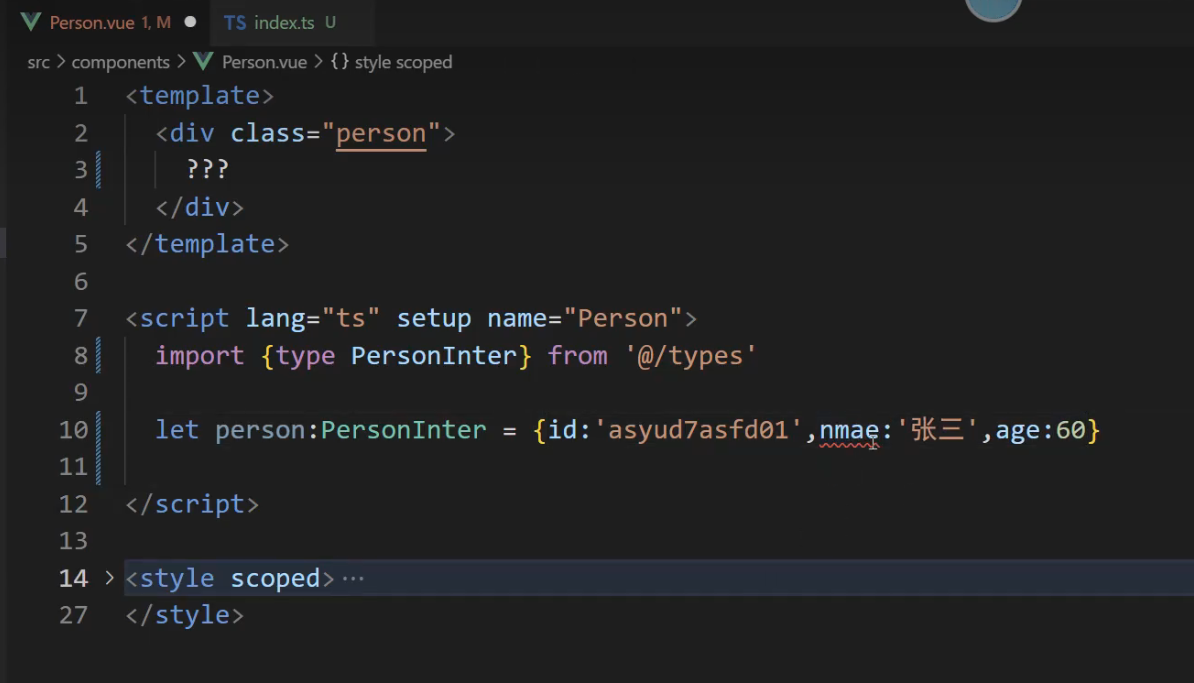
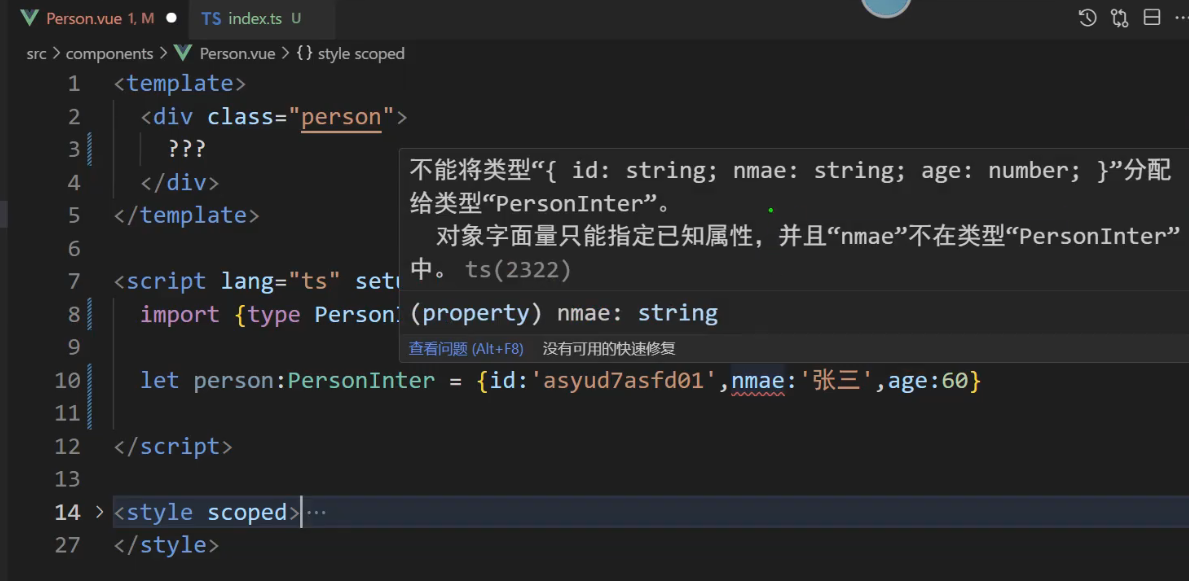
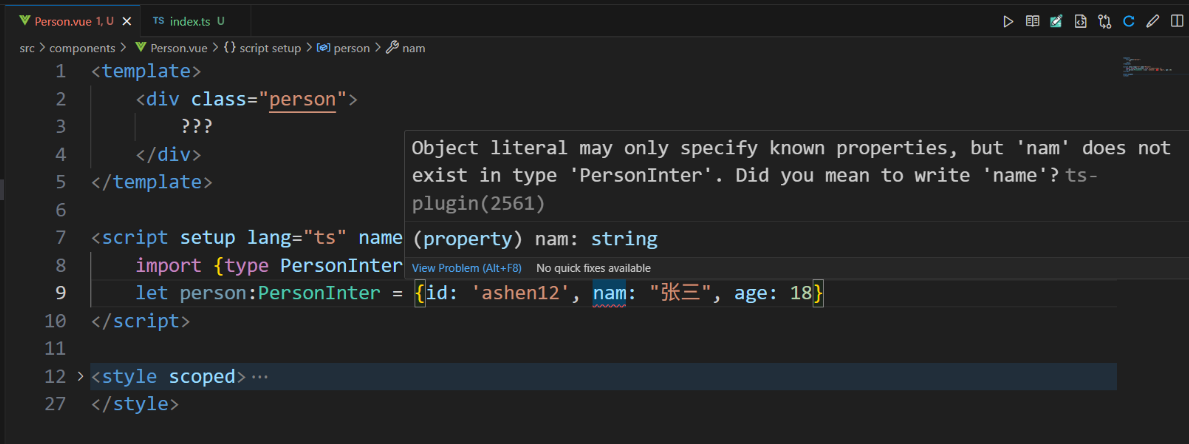
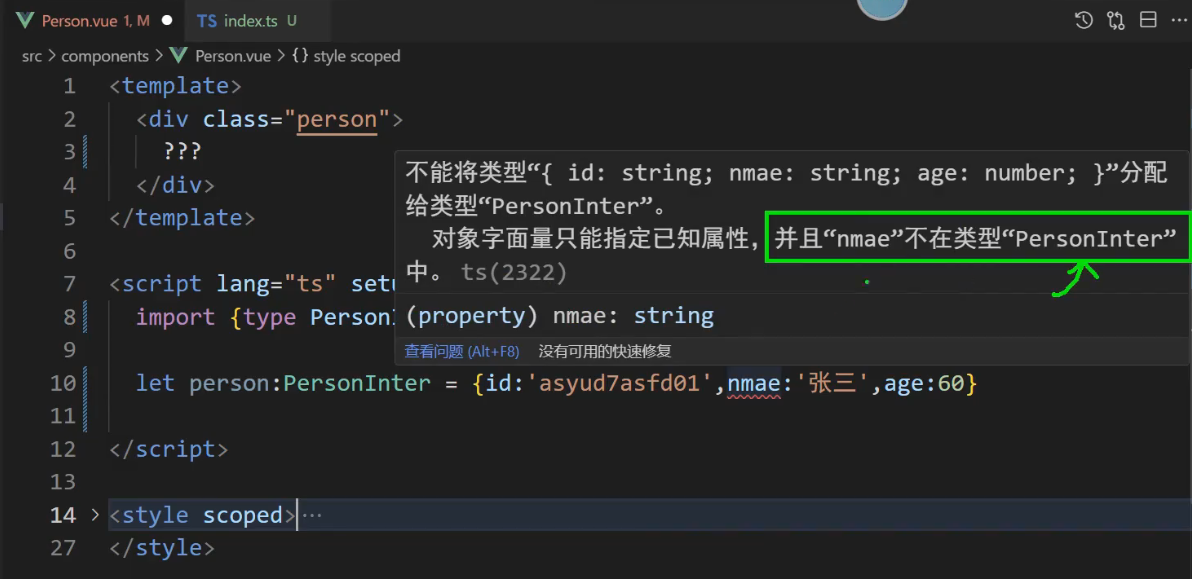
我们想对红色的进行限制,该如何处理?
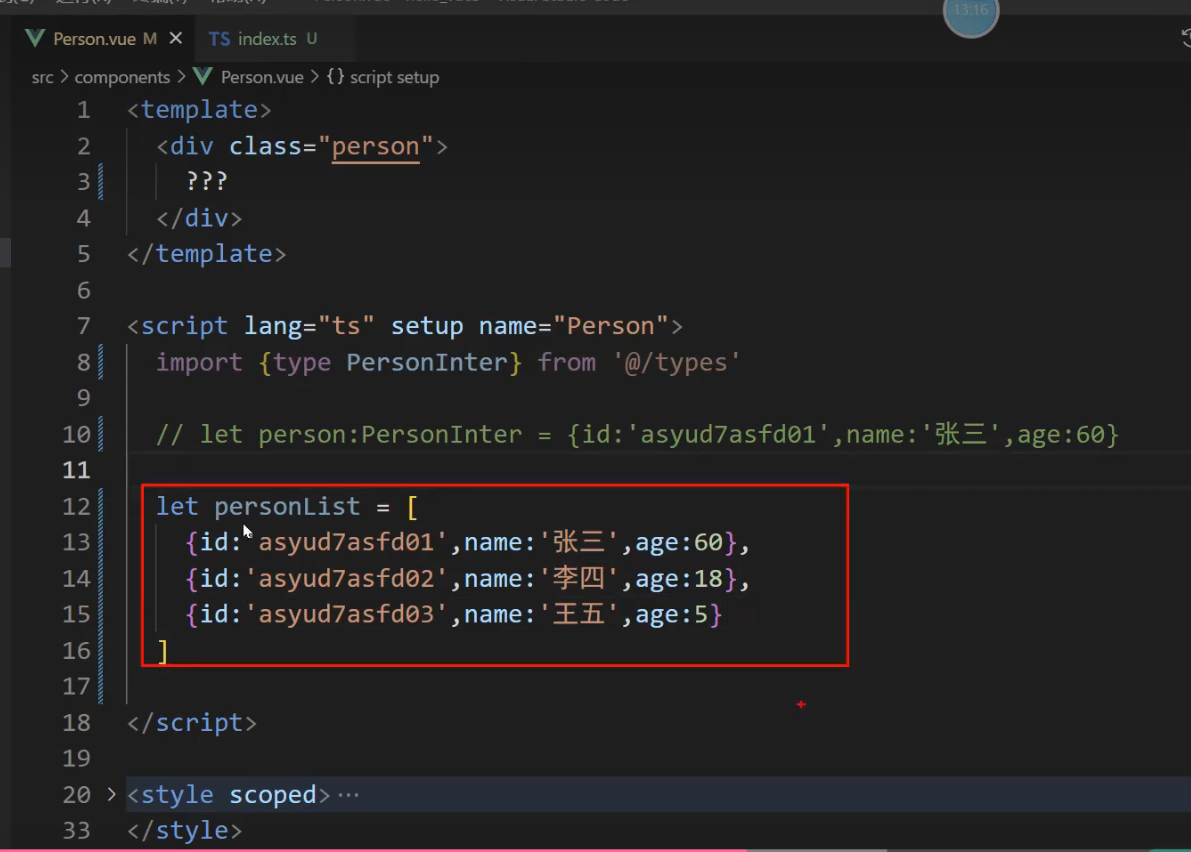
首先 personList是数组 Array,并且要限制数组里面的每一项
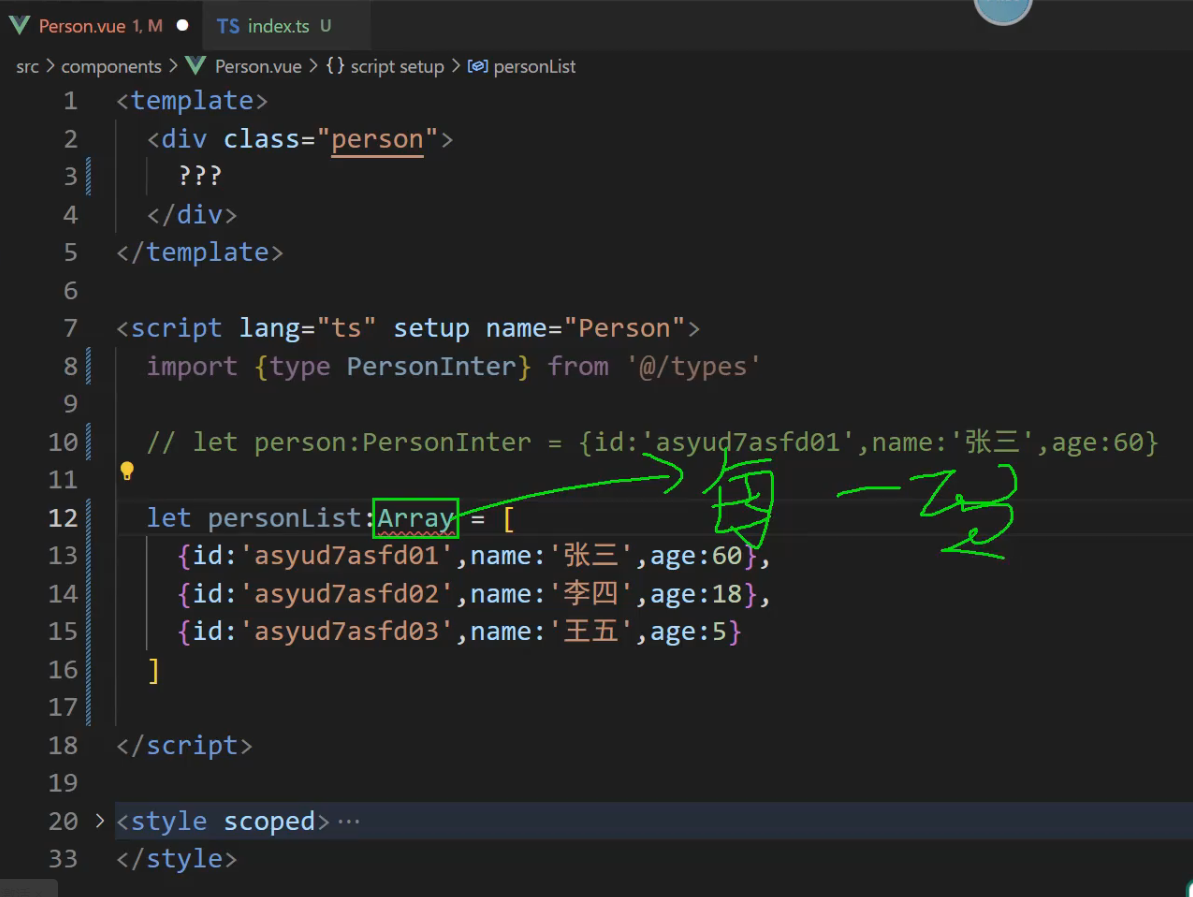
给数组里面的每一项传一个泛型
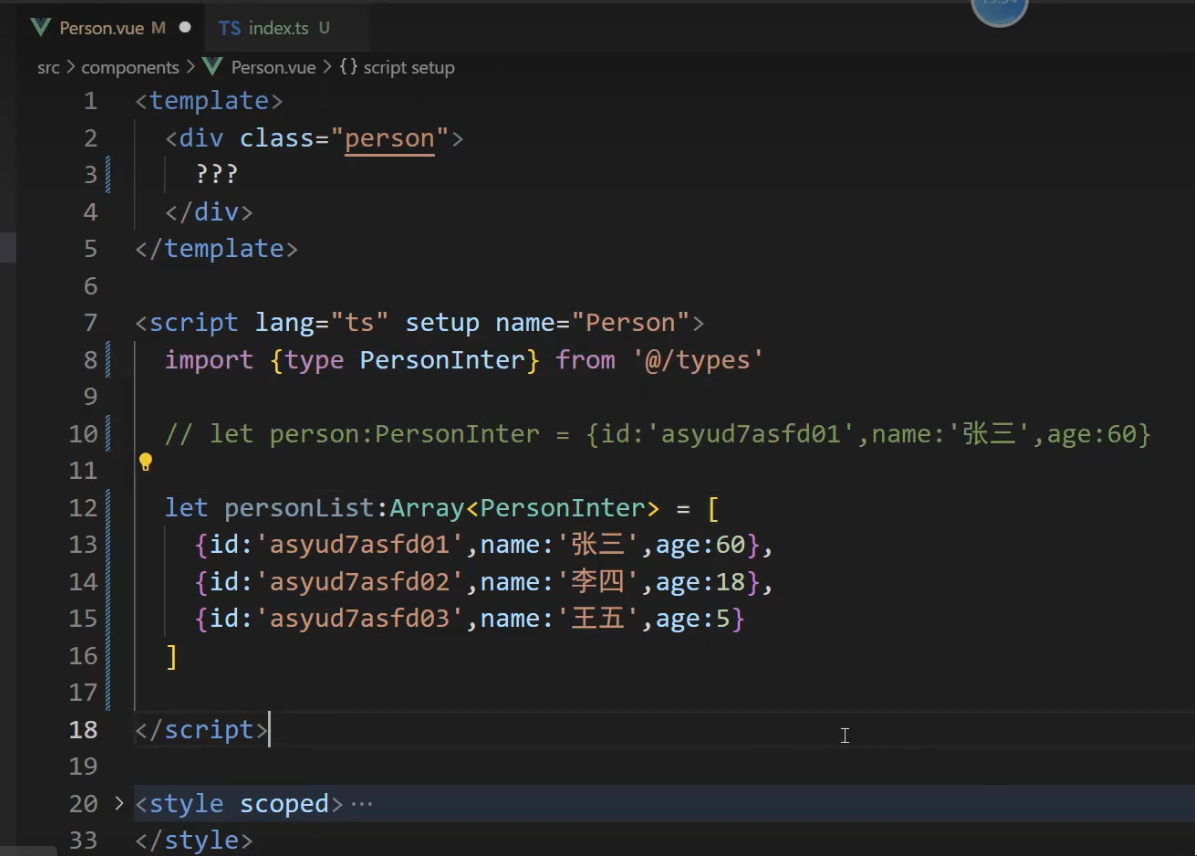
解释:我们要定义一个变量personList,他一定得是一个数组Array,并且每一项都得符合 PersonInter 接口规范
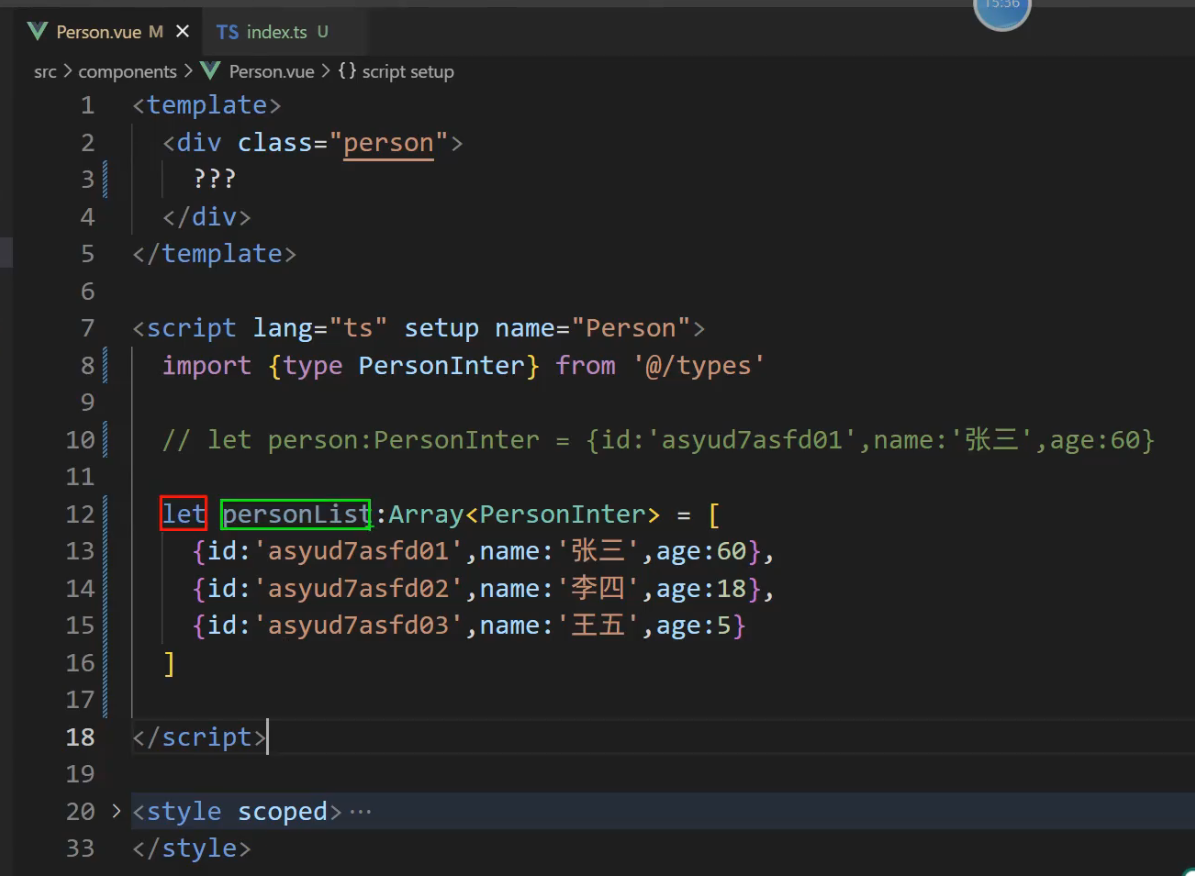
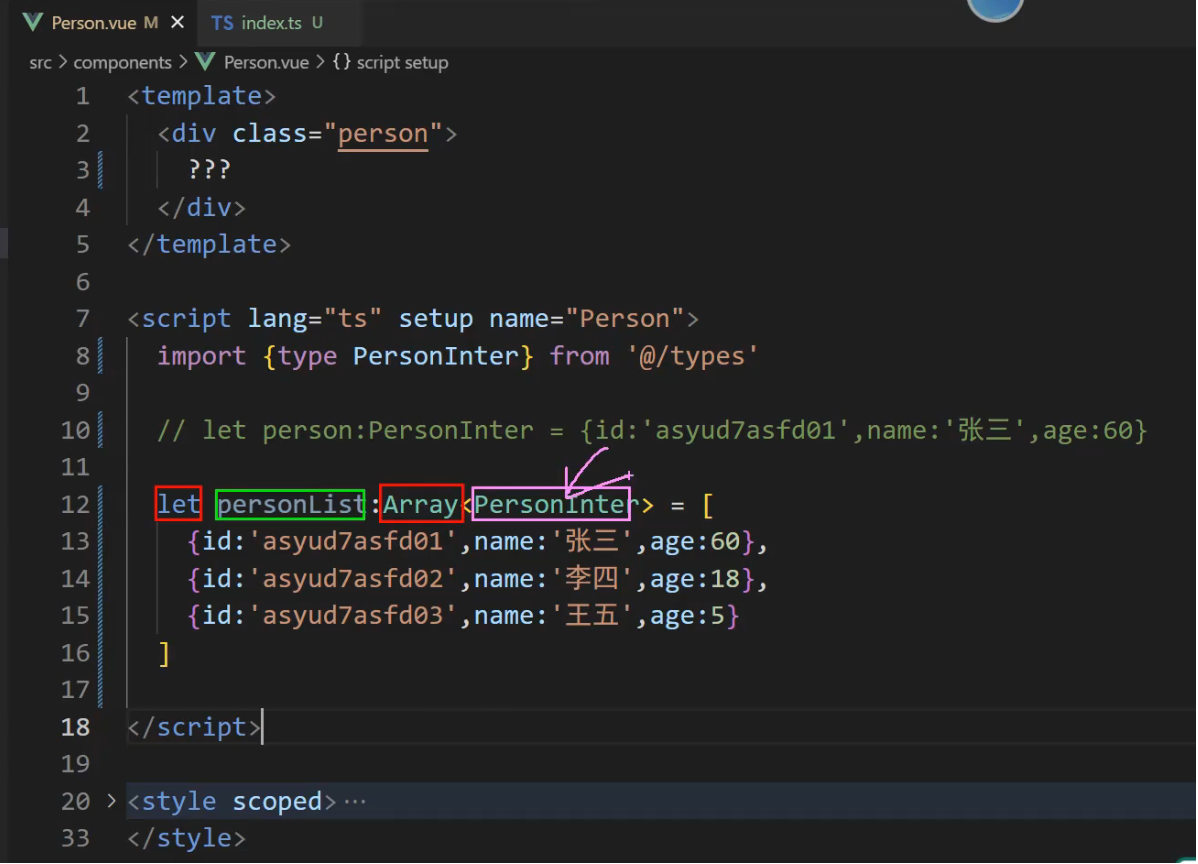
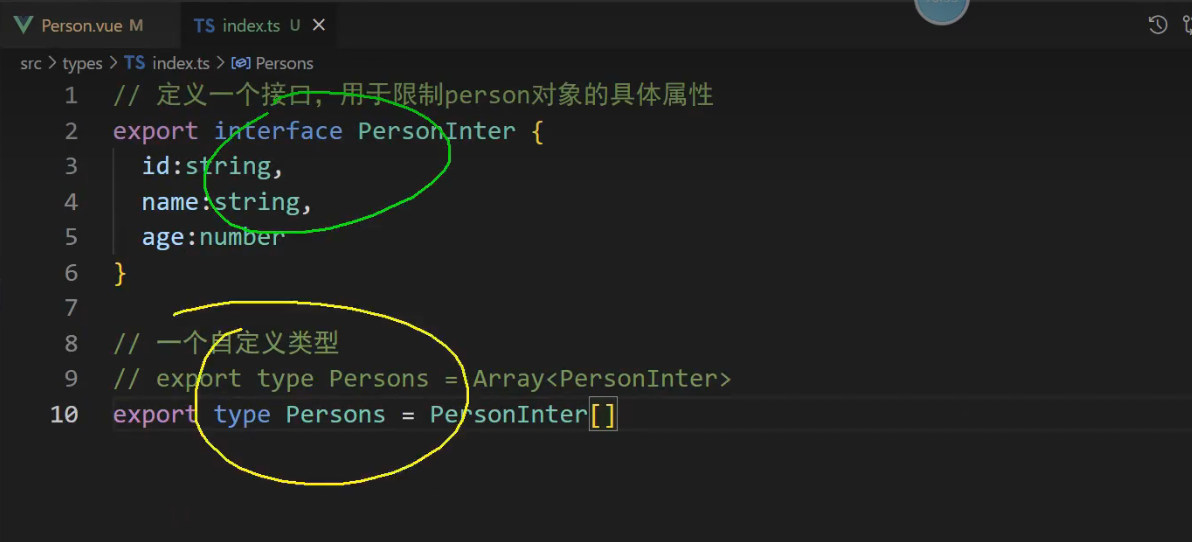
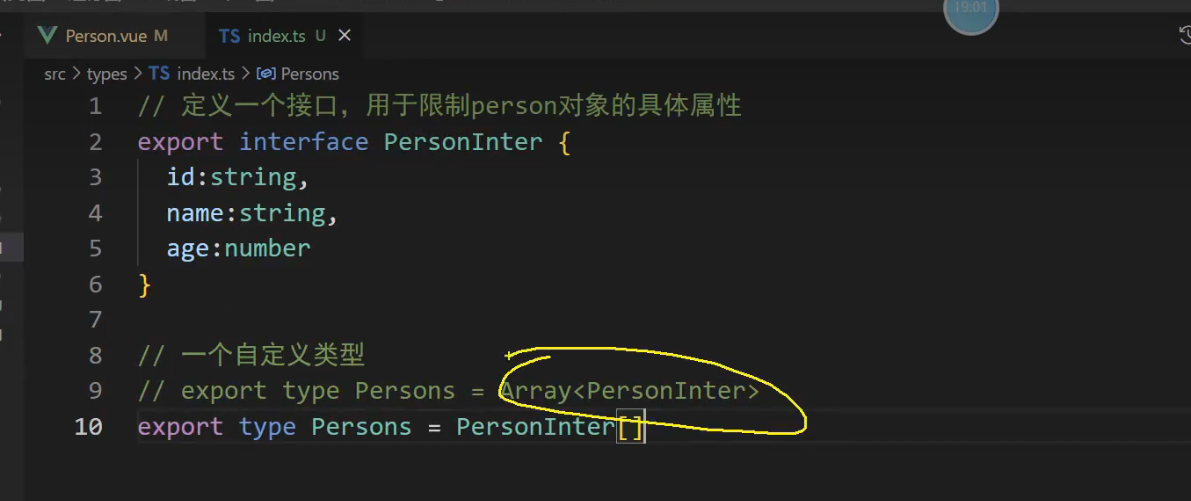
解释: Persons 符合规范之后,那他肯定是一个数组Array,数组里面的每一项必须符合 PersonInter规范.
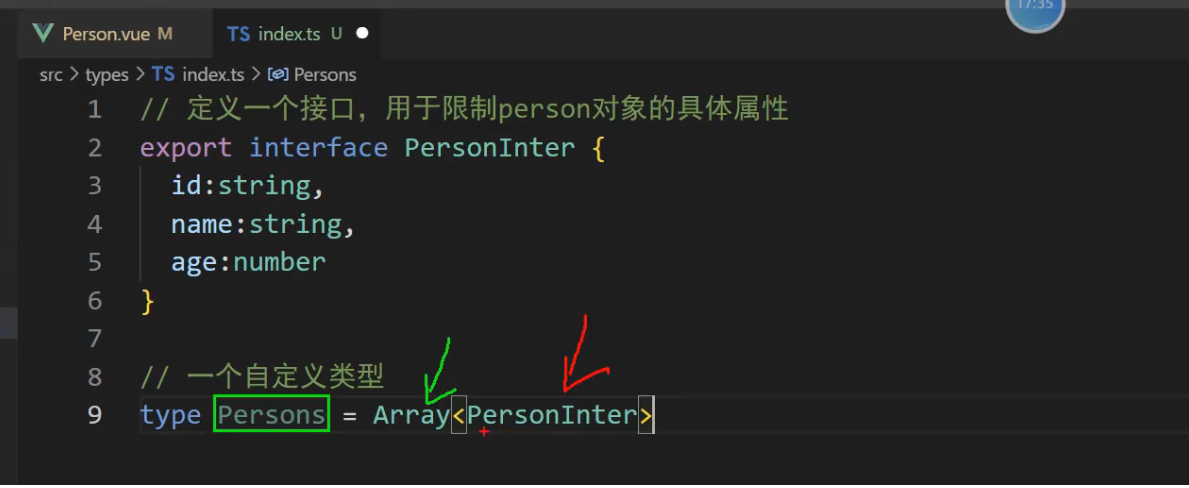
红色里面的接口规范又再一次服务Array,然后赋值给自定义类型Persons
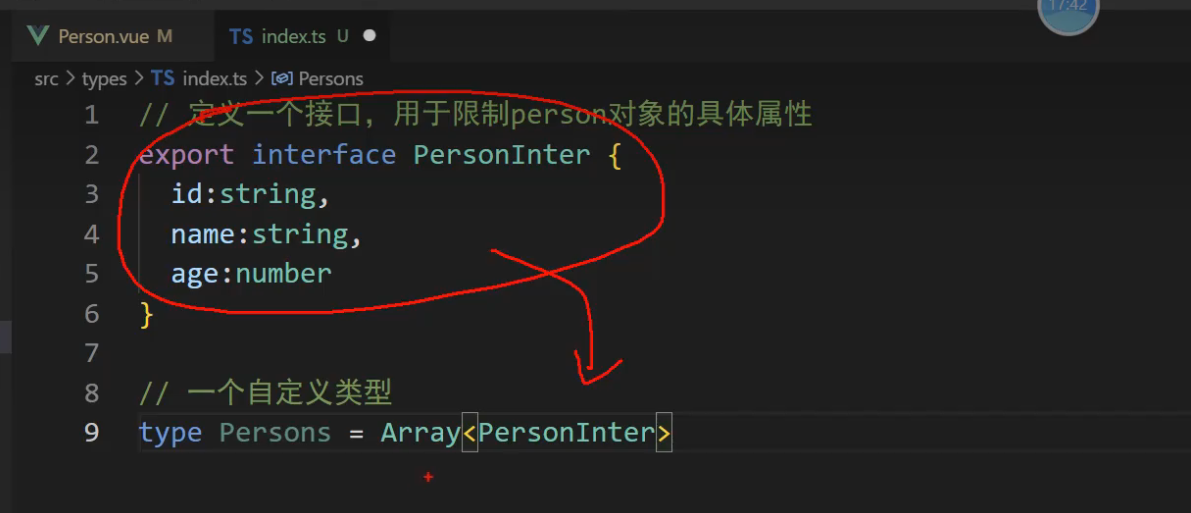
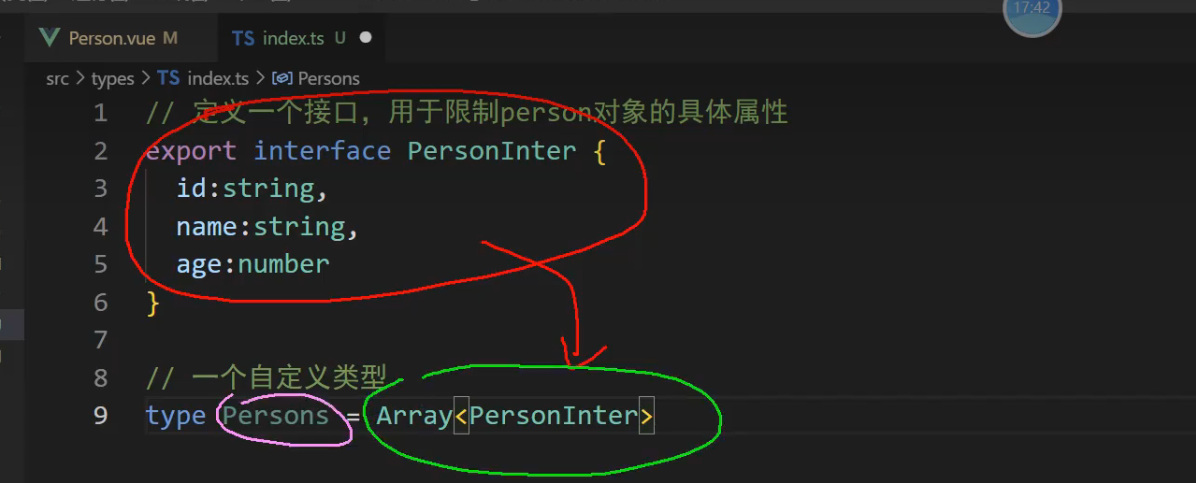
然后在自定义类型前面添加一个 export 将他交出去使用
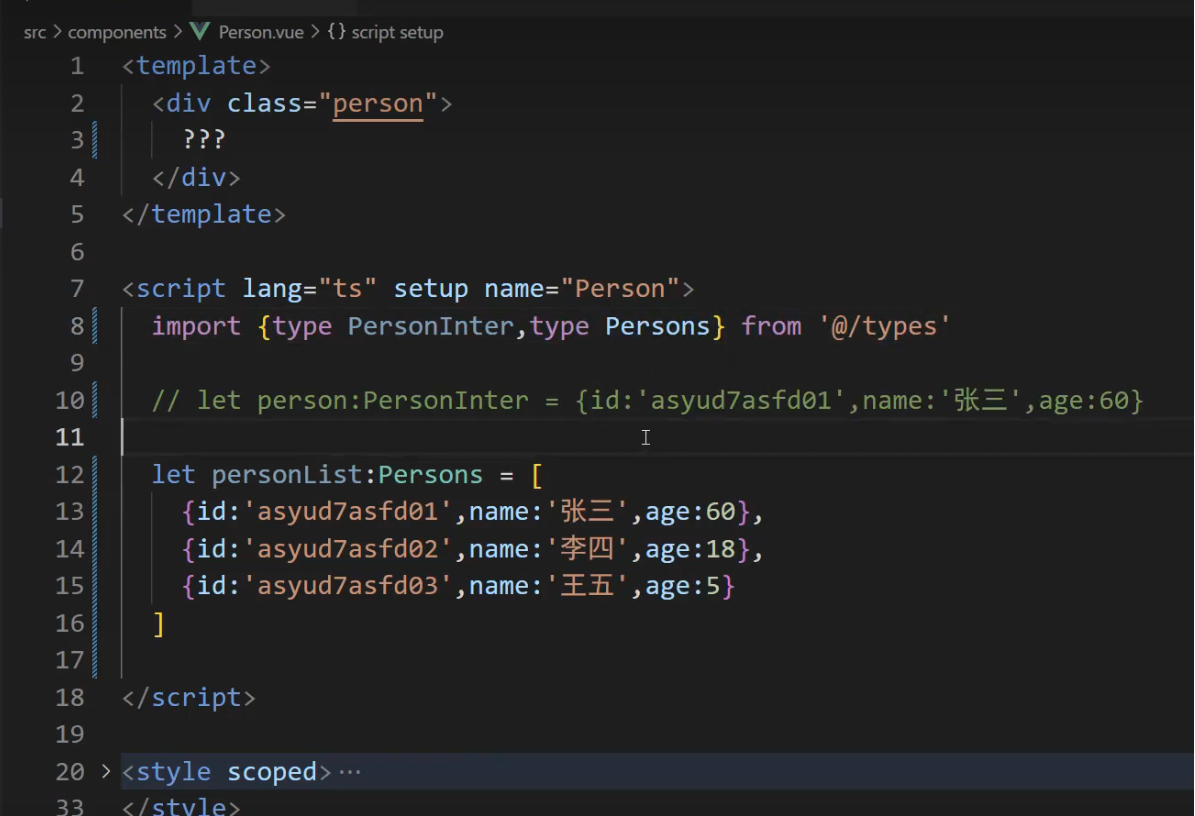
使用
import {type PersonInter,type Persons} from '@/types'

// 第一种写法
// let personList:Array<PersonInter> = [
// 	{id: 'ashen12', name: "张三", age: 88},
// 	{id: 'ashen13', name: "李四", age: 66},
// 	{id: 'ashen14', name: "王五", age: 58}
// ]

// 第二种写法
let personList:Persons = [
    {id: 'ashen12', name: "张三", age: 88},
    {id: 'ashen13', name: "李四", age: 66},
    {id: 'ashen14', name: "王五", age: 58}
]
回顾了TS的3样东西,第一个是接口,如下图所示
回顾了TS的3样东西,第一个是自定义类型,如下图所示
回顾了TS的3样东西,第一个是泛型,如下图所示
总结:
接口的规范,到底有什么属性,不是我们随便写,以后你得看接口文档,后端返回几个接口你就必须写几个接口。
回顾TS中的-接口-泛型-自定义事件 实现代码如下
1, src/components/Person.vue
<template>
	<div class="person">
		???
	</div>
</template>

<script setup lang="ts" name="Person">
	import {type PersonInter,type Persons} from '@/types'
	// let person:PersonInter = {id: 'ashen12', name: "张三", age: 18}
	// 第一种写法
	// let personList:Array<PersonInter> = [
	// 	{id: 'ashen12', name: "张三", age: 88},
	// 	{id: 'ashen13', name: "李四", age: 66},
	// 	{id: 'ashen14', name: "王五", age: 58}
	// ]

	// 第二种写法
	let personList:Persons = [
		{id: 'ashen12', name: "张三", age: 88},
		{id: 'ashen13', name: "李四", age: 66},
		{id: 'ashen14', name: "王五", age: 58}
	]

</script>

<style scoped>
	.person {
		background-color: skyblue;
		box-shadow: 0 0 10px;
		border-radius: 10px;
		padding: 20px;
	}

	button {
		margin: 0 5px;
	}

	li {
		font-size: 20px;
	}
</style>


2, src/types/index.ts
// 定义一个接口,用于限制person对象的具体属性和类型
// 自定义接口限制一个人的
export interface PersonInter {
    id: string,
    name: string,
    age: number
}

// 一个自定义类型,用于限制person对象的具体属性和类型
// 第一种写法
export type Persons = Array<PersonInter>

// 第二种写法
export type Persons2 = PersonInter[]
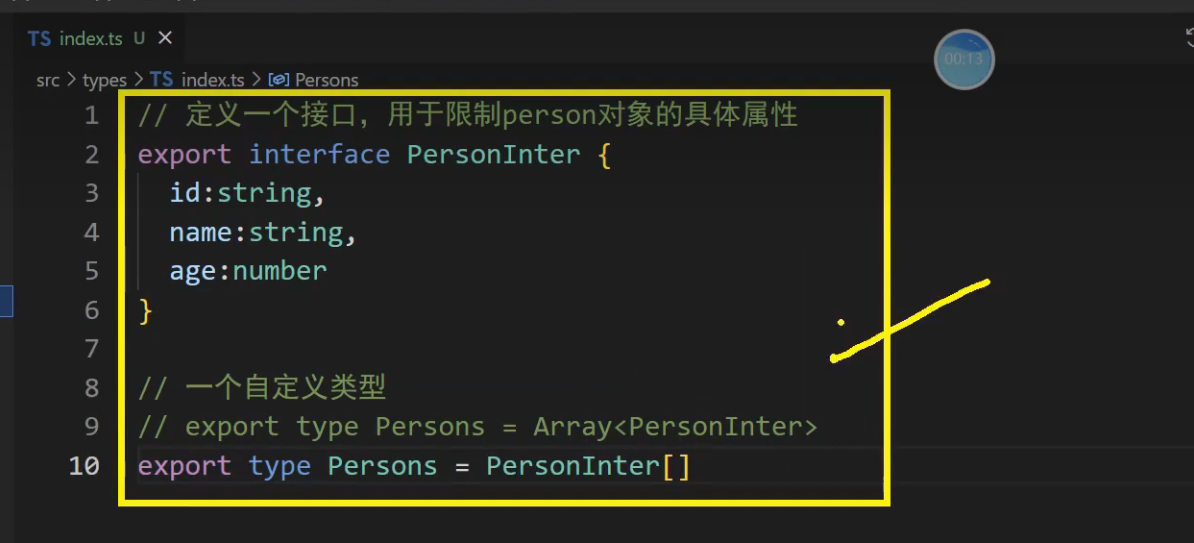
PersonInter是自定义接口,限制一个人的,Persons是自定义类型,限制一堆人的