vscode未定义标识符报错的解决方法
一、引言
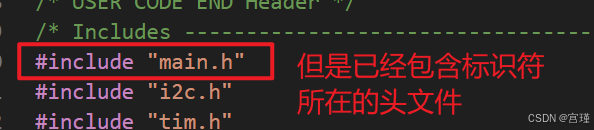
问题描述:VS Code中出现"未定义标识符",可以右键"转到声明",但会一直出现红色提醒。
问题原因:VS Code intellisense不能自动找到需要的头文件路径,需要在用户设置中强制intellisense使用Tag Parser,递归方式检索头文件。

二、解决方法
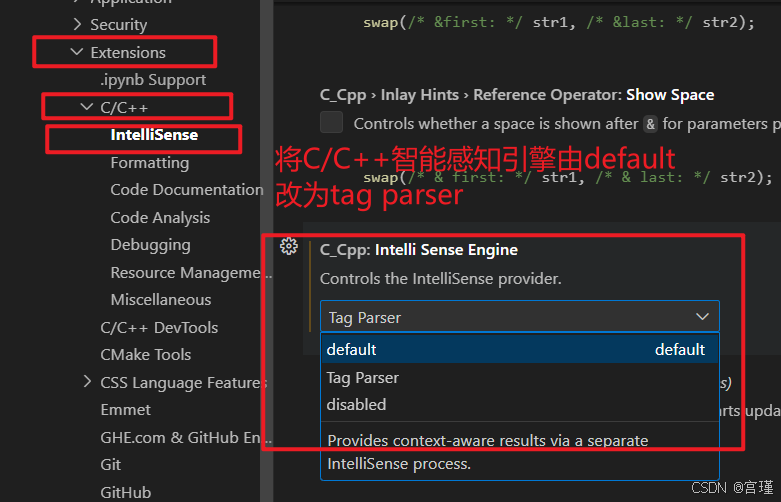
设置中,找到C/C++的智能感知引擎intelliSenseEngine,将默认改为tag parser(标签解析器)
或者进入设置界面,直接搜索下面的关键字。然后进行修改。
"C_Cpp.intelliSenseEngine"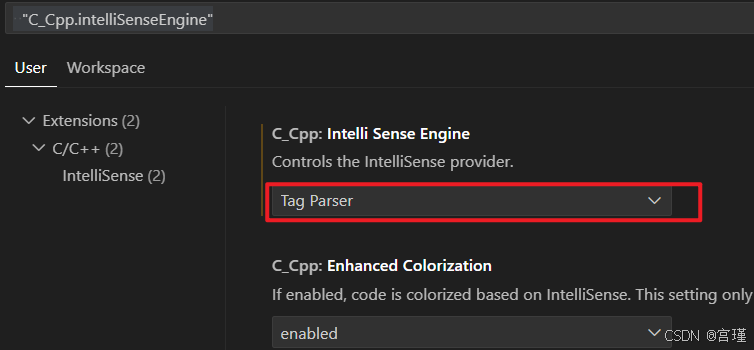
三、结果
修改后报错消除。
四、说明

