复杂的项目还需要一些内容,mysql 做关系型数据库、redis 做缓存和临时数据存储、minio 做 OSS 服务、docker 和 docker compose 做部署、typeorm 做 ORM 框架
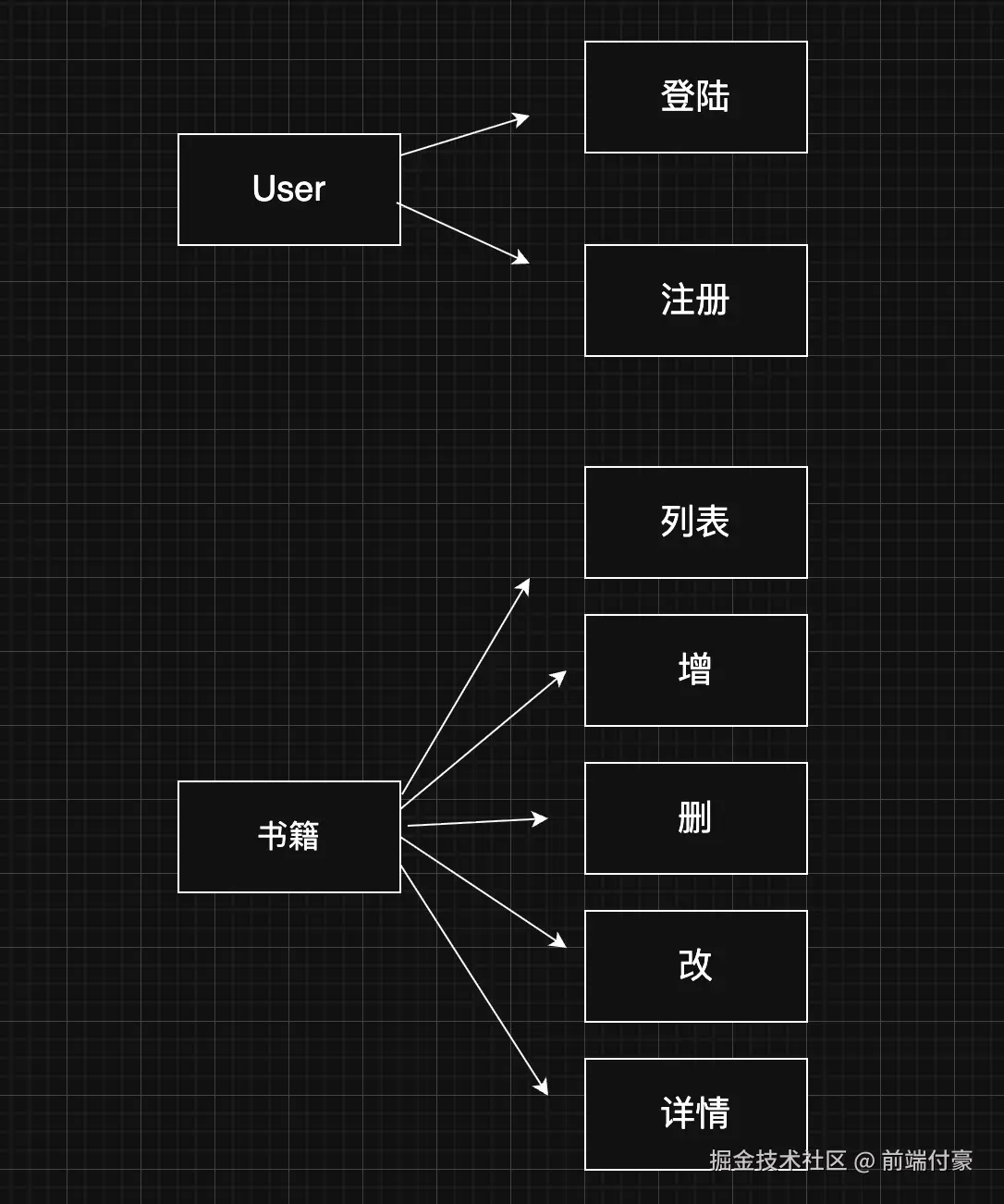
目前可以实现这样的功能
新建
sql
nest new book-management-system-backend跑起来
arduino
npm run start:dev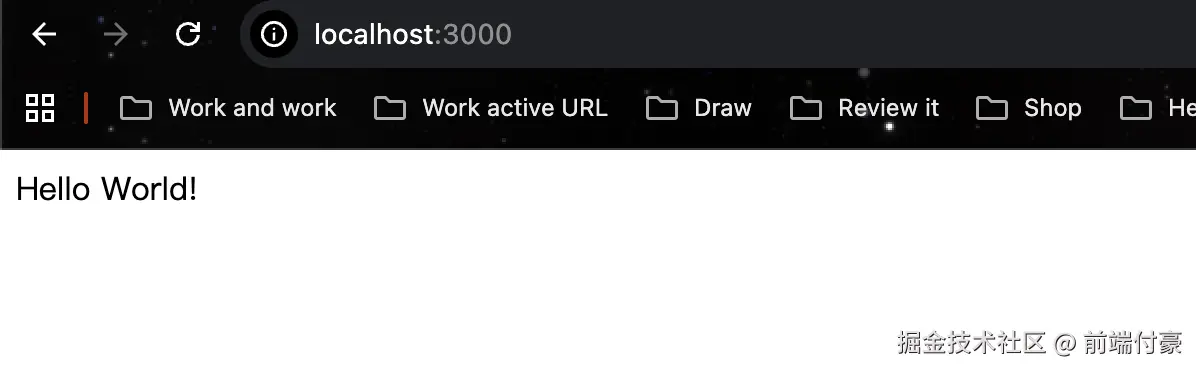
先实现下登录、注册
创建一个 user 模块
sql
nest g resource user --no-spec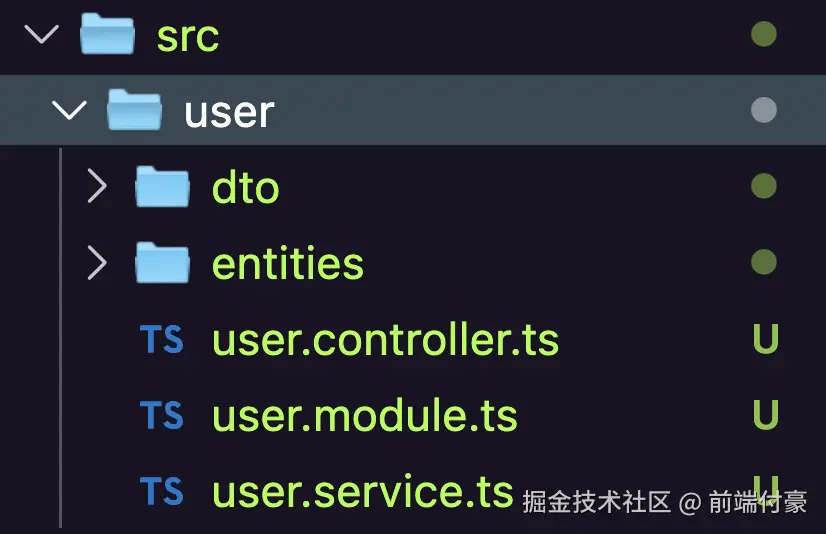
会自动引入
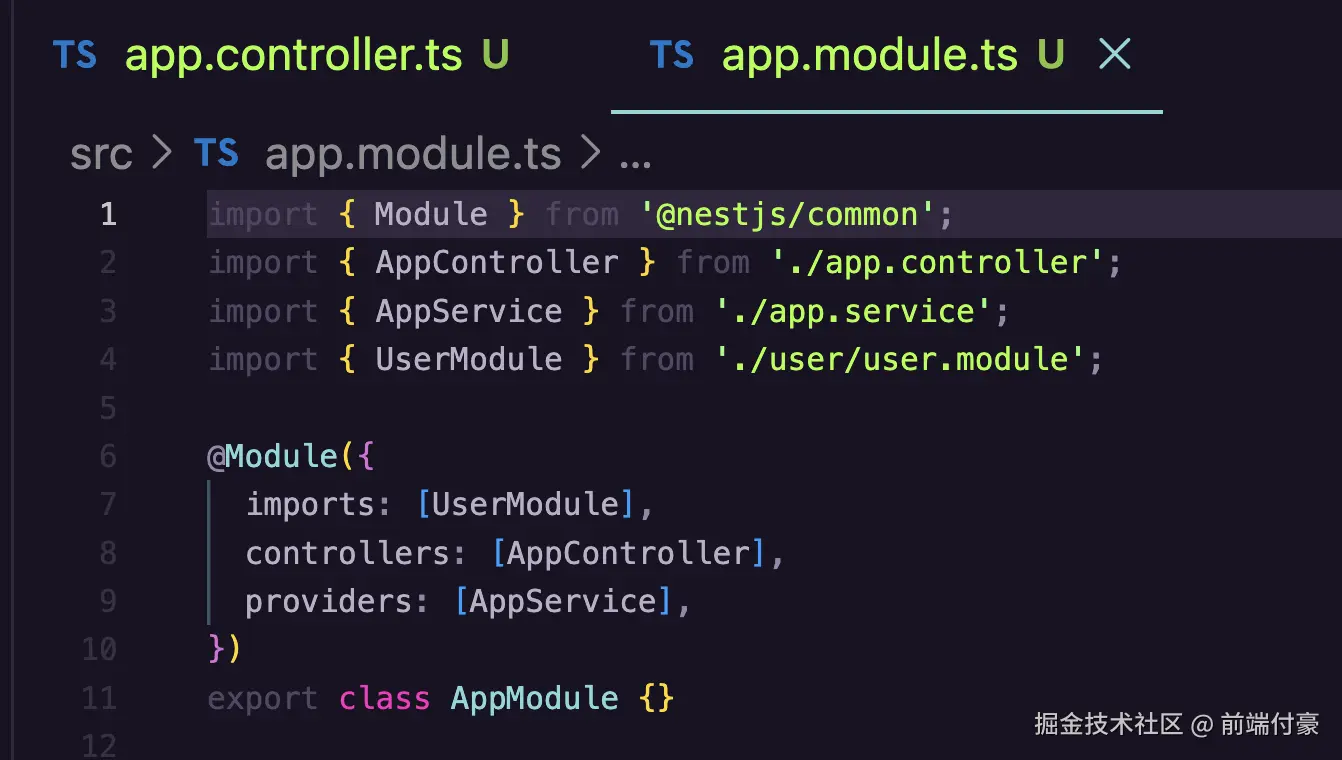
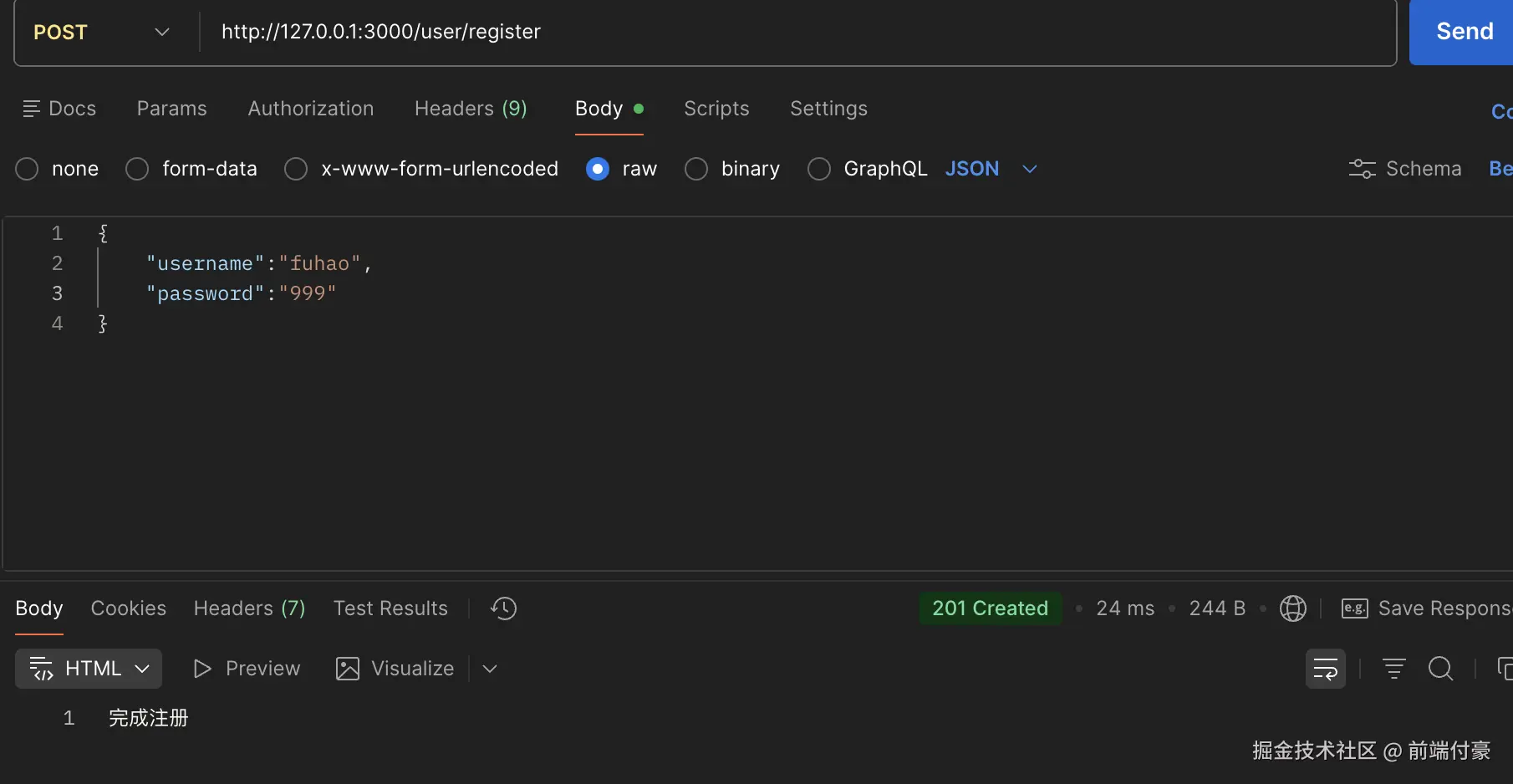
在 User下的Constructor 添加注册接口
less
@Controller('user')
export class UserController {
    constructor(private readonly userService: UserService) { }

    @Post('register')
    register(@Body() registerUserDto: RegisterUserDto) {
    console.log(registerUserDto);
    return '完成注册';
  }
新建dto/register-user.dto.ts
typescript
export class RegisterUserDto {
    username: string;
    password: string;
}
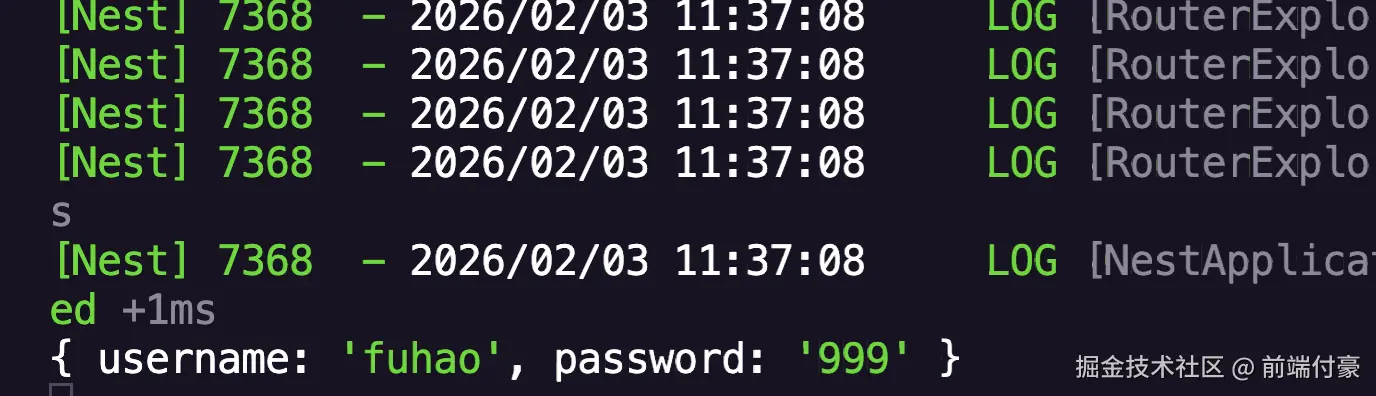
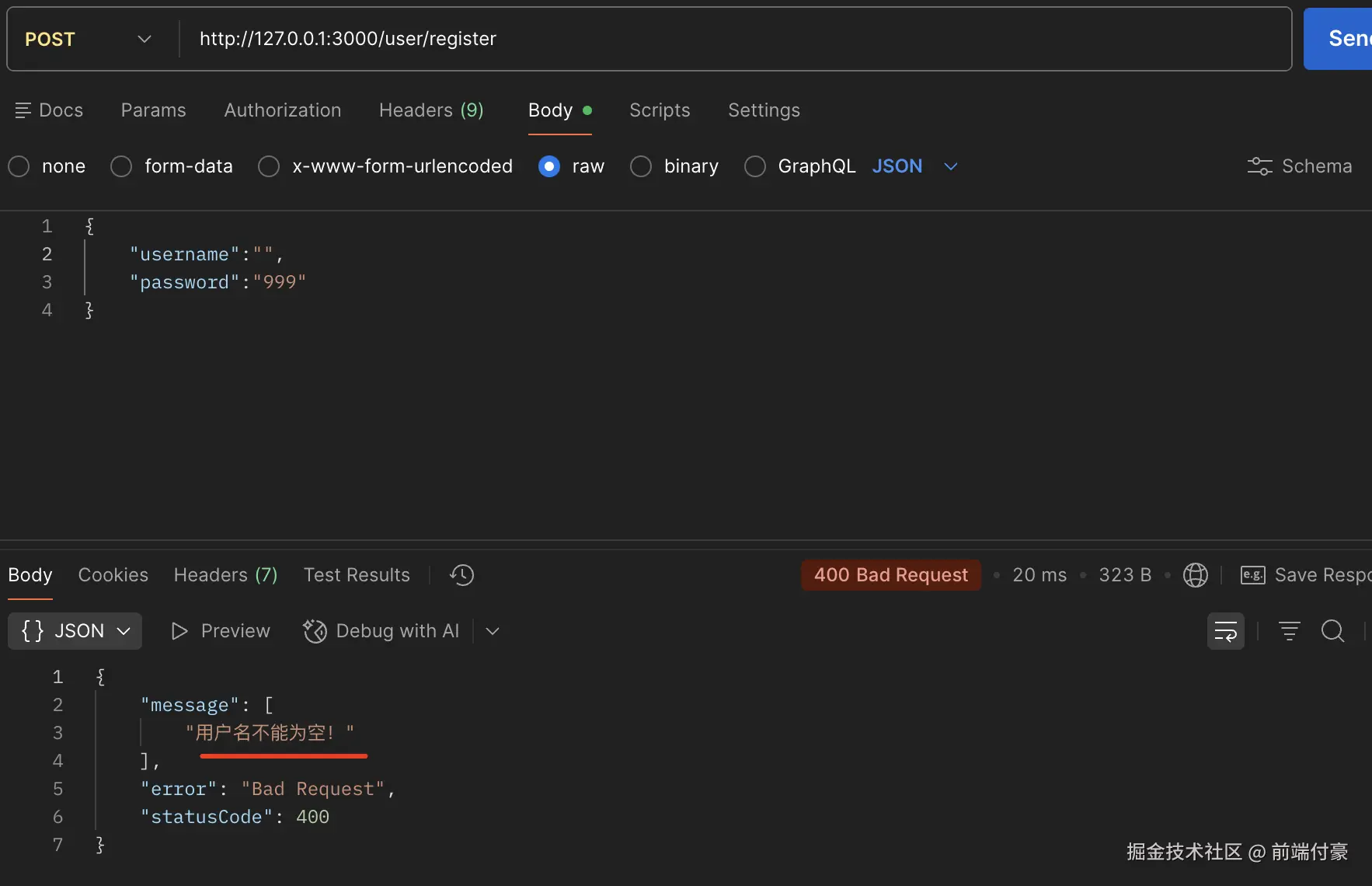
需要对参数校验
在 main.ts 里全局启用 ValidationPipe
arduino
app.useGlobalPipes(new ValidationPipe())安装需要的包
arduino
npm install --save class-transformer class-validatordto/register-user.dto.ts
less
import { IsNotEmpty, MinLength } from "class-validator";

export class RegisterUserDto {
    @IsNotEmpty({ message: '用户名不能为空!' })
    username: string;

    @IsNotEmpty({ message: '密码不能为空!' })
    @MinLength(3, { message: '密码至少需要 3 位'})
    password: string;
}
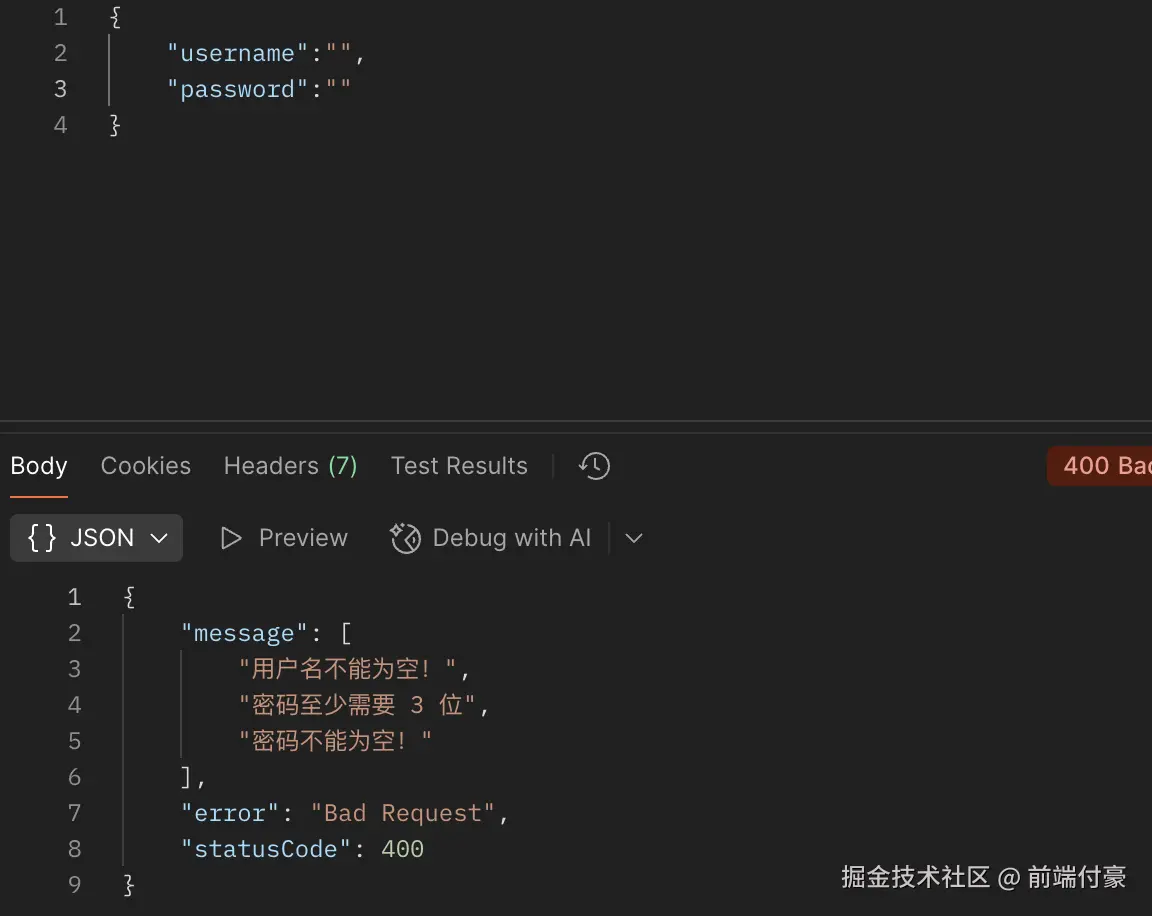
如果在 ValidationPipe 指定 transform: true 之后,就会转为 dto 的实例

创建一个 db 模块 先用json 代替数据库存储
arduino
nest g module db
nest g service db
希望 DbModule 用的时候可以传入 json 文件的存储路径
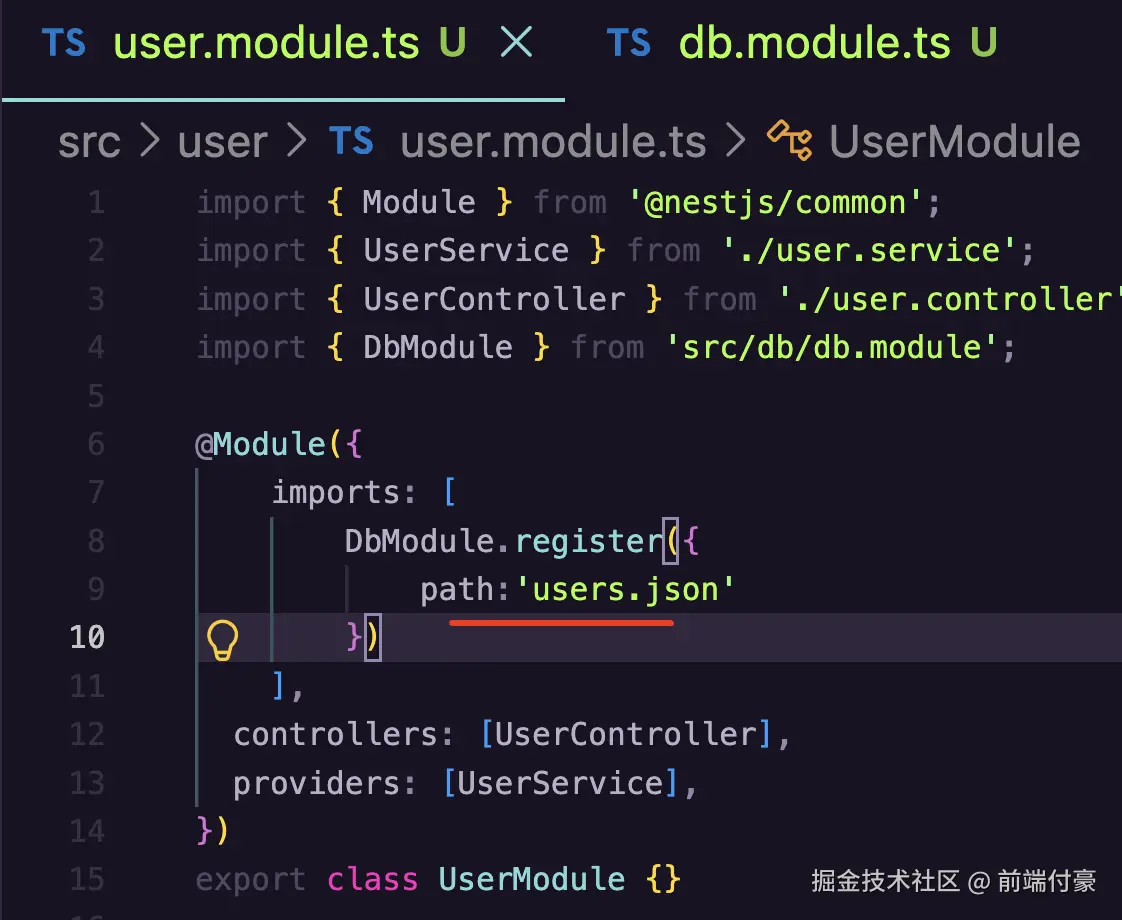
db.module.ts
typescript
import { DynamicModule, Module } from '@nestjs/common';
import { DbService } from './db.service';

export interface DbModuleOptions {
  path: string
}

@Module({})
export class DbModule {
  static register(options: DbModuleOptions ): DynamicModule {
    return {
      module: DbModule,
      providers: [
        {
          provide: 'OPTIONS',
          useValue: options,
        },
        DbService,
      ],
      exports: [DbService]
    };
  }
}
在 register 方法里接收 options 参数,返回 providers、exports 等模块配置
把传入的 options 用 useValue 来声明为 provider,token 为 OPTIONS
在 DbService 里实现下 read、write 方法
typescript
import { Inject, Injectable } from '@nestjs/common';
import { DbModuleOptions } from './db.module';
import { access, readFile, writeFile } from 'fs/promises';

@Injectable()
export class DbService {

    @Inject('OPTIONS')
    private options: DbModuleOptions;

    async read() {
        const filePath  = this.options.path;

        try {
            await access(filePath)
        } catch(e) {
            return [];
        }

        const str = await readFile(filePath, {
            encoding: 'utf-8'
        });

        if(!str) {
            return []
        }

        return JSON.parse(str);

    }

    async write(obj: Record<string, any>) {
        await writeFile(this.options.path, JSON.stringify(obj || []), {
            encoding: 'utf-8'
        });
    }
}
在 UserController 里调用下 UserService 的 register 方法
less
@Controller('user')
export class UserController {
    constructor(private readonly userService: UserService) { }

    @Post('register')
    async register(@Body() registerUserDto: RegisterUserDto) {
        return this.userService.register(registerUserDto);
    }
UserService 需要加一个 register 方法
typescript
import { CreateUserDto } from './dto/create-user.dto';
import { UpdateUserDto } from './dto/update-user.dto';
import { BadRequestException, Inject, Injectable } from '@nestjs/common';
import { RegisterUserDto } from './dto/register-user.dto';
import { DbService } from 'src/db/db.service';
import { User } from './entities/user.entity';

@Injectable()
export class UserService {
  create(createUserDto: CreateUserDto) {
    return 'This action adds a new user';
  }

  findAll() {
    return `This action returns all user`;
  }

  findOne(id: number) {
    return `This action returns a #${id} user`;
  }

  update(id: number, updateUserDto: UpdateUserDto) {
    return `This action updates a #${id} user`;
  }

  remove(id: number) {
    return `This action removes a #${id} user`;
  }

    @Inject(DbService)
    dbService: DbService;

    async register(registerUserDto: RegisterUserDto) {
        const users: User[] = await this.dbService.read();

        const foundUser = users.find(item => item.username === registerUserDto.username);

        if(foundUser) {
            throw new BadRequestException('该用户已经注册');
        }

        const user = new User();
        user.username = registerUserDto.username;
        user.password = registerUserDto.password;
        users.push(user);

        await this.dbService.write(users);
        return user;
    }
}
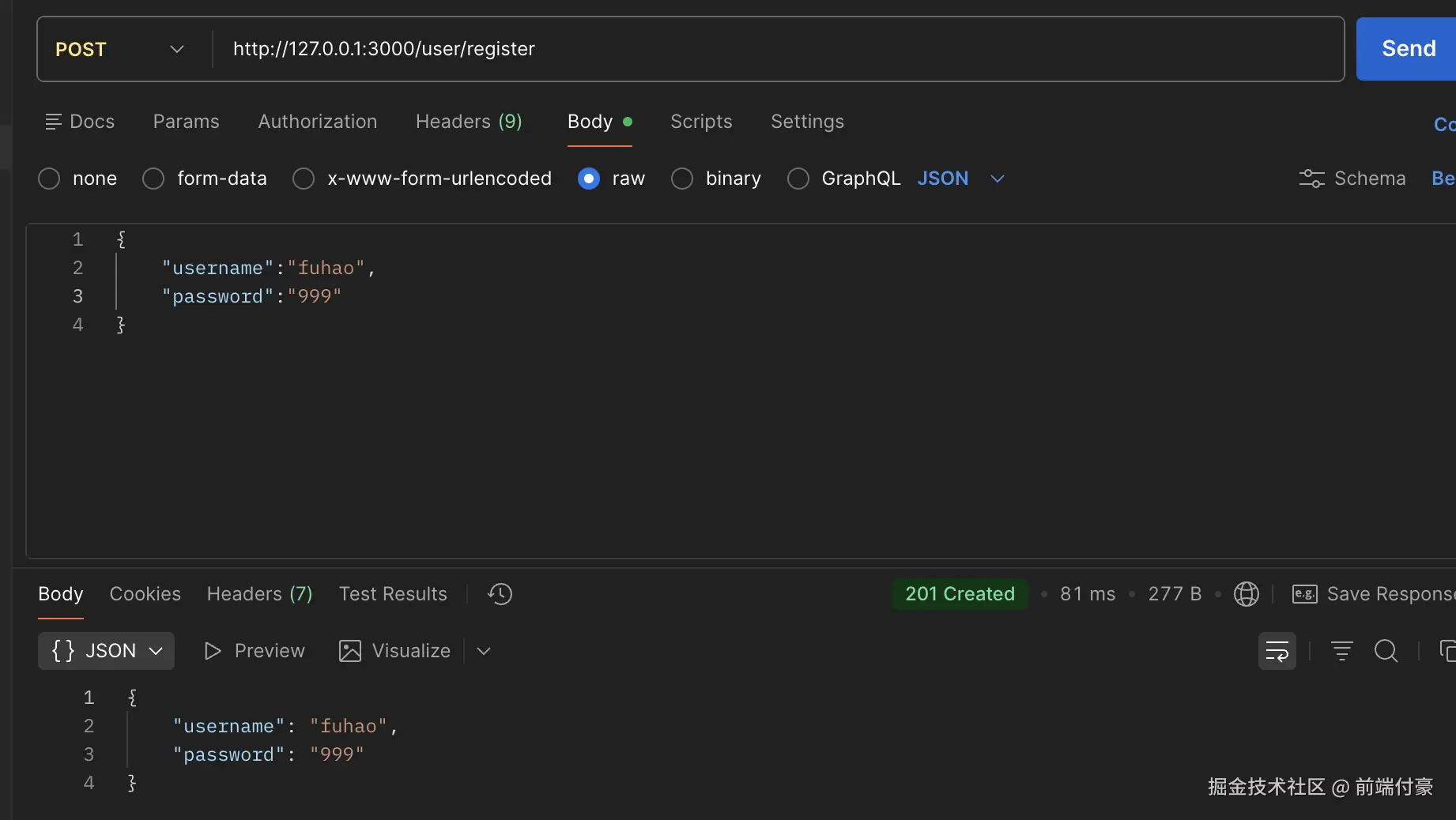
注入 DbService 来读写数据。
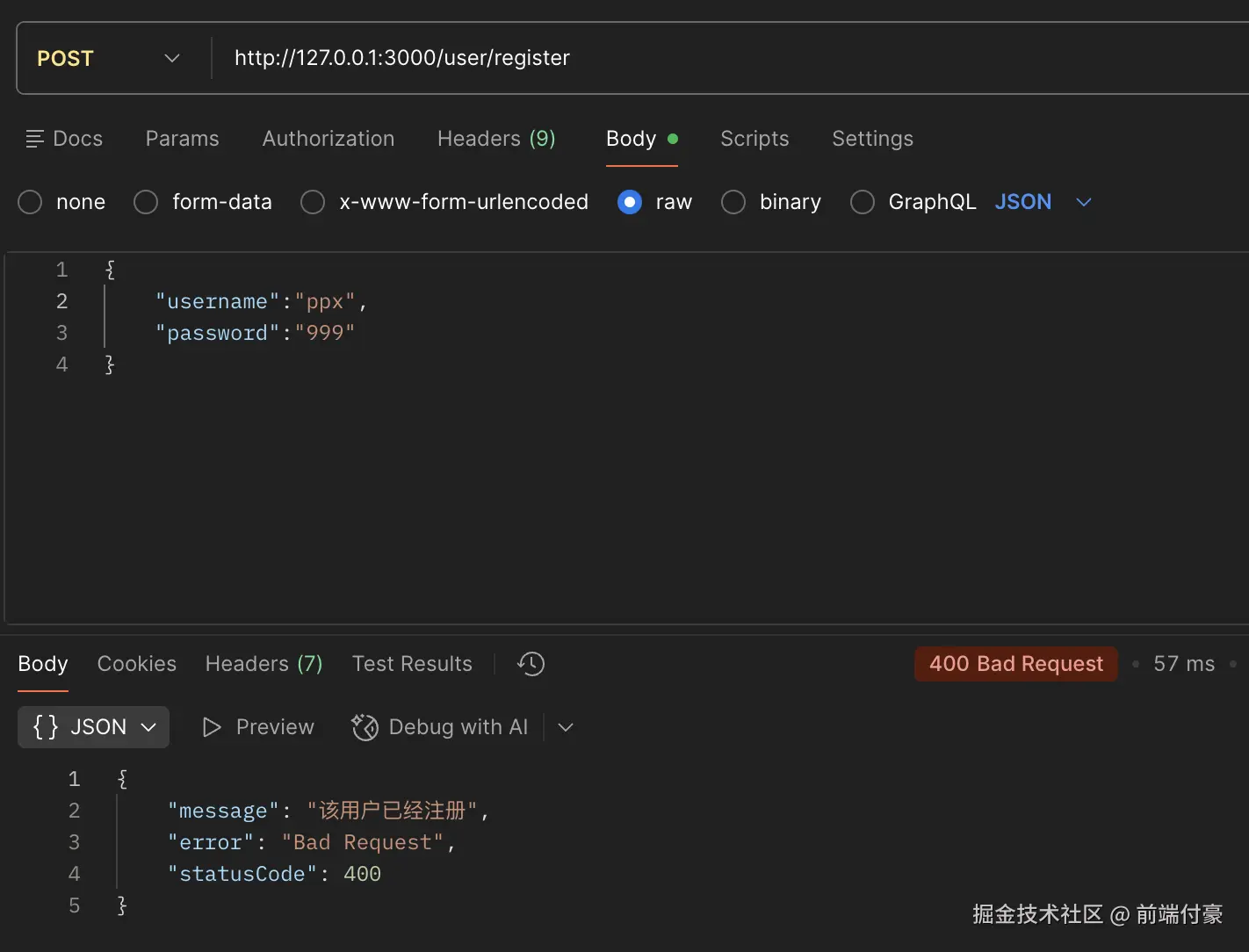
首先读取出 users 的数据,如果找到当前 username,那就返回 400 的响应提示用户已注册。
否则创建一个新的用户,写入 user.json 文件中(此处代替数据库)
user.entity.ts
typescript
export class User {
    username: string;
    password: string;
}
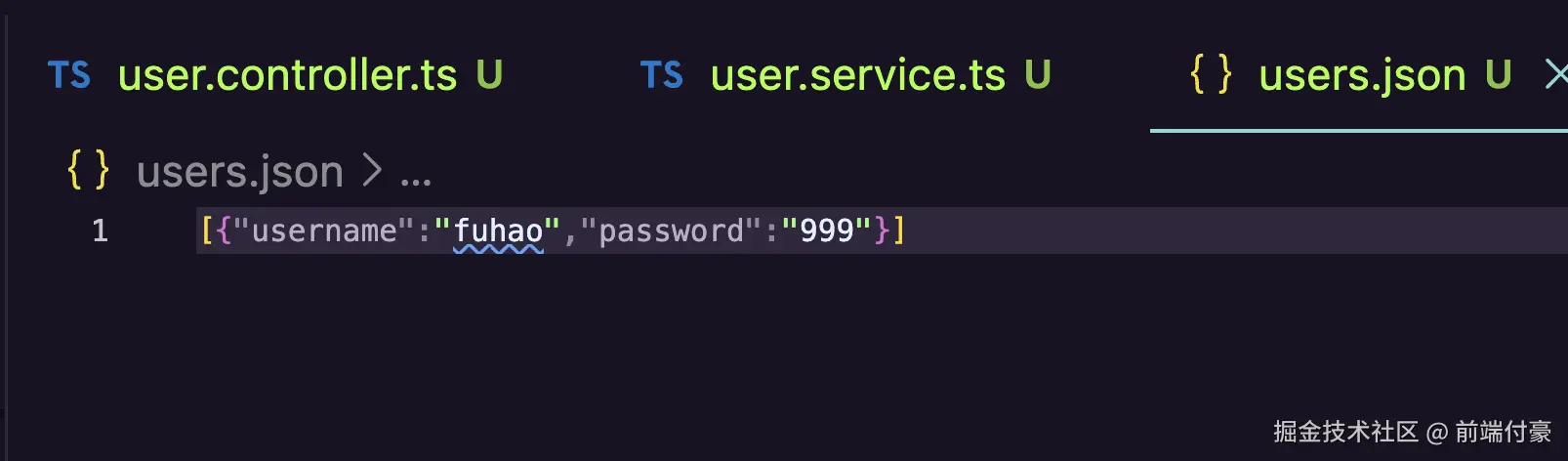
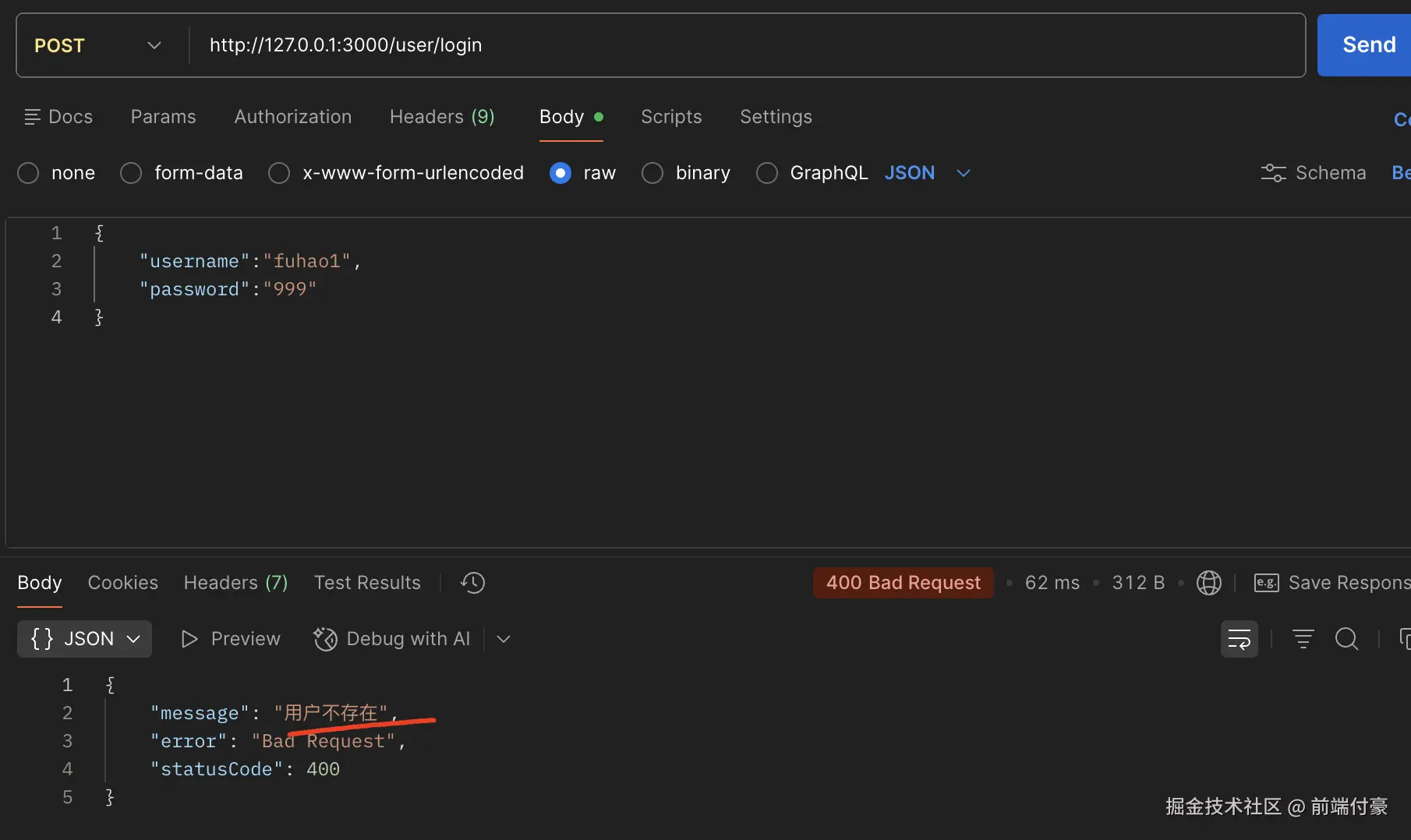
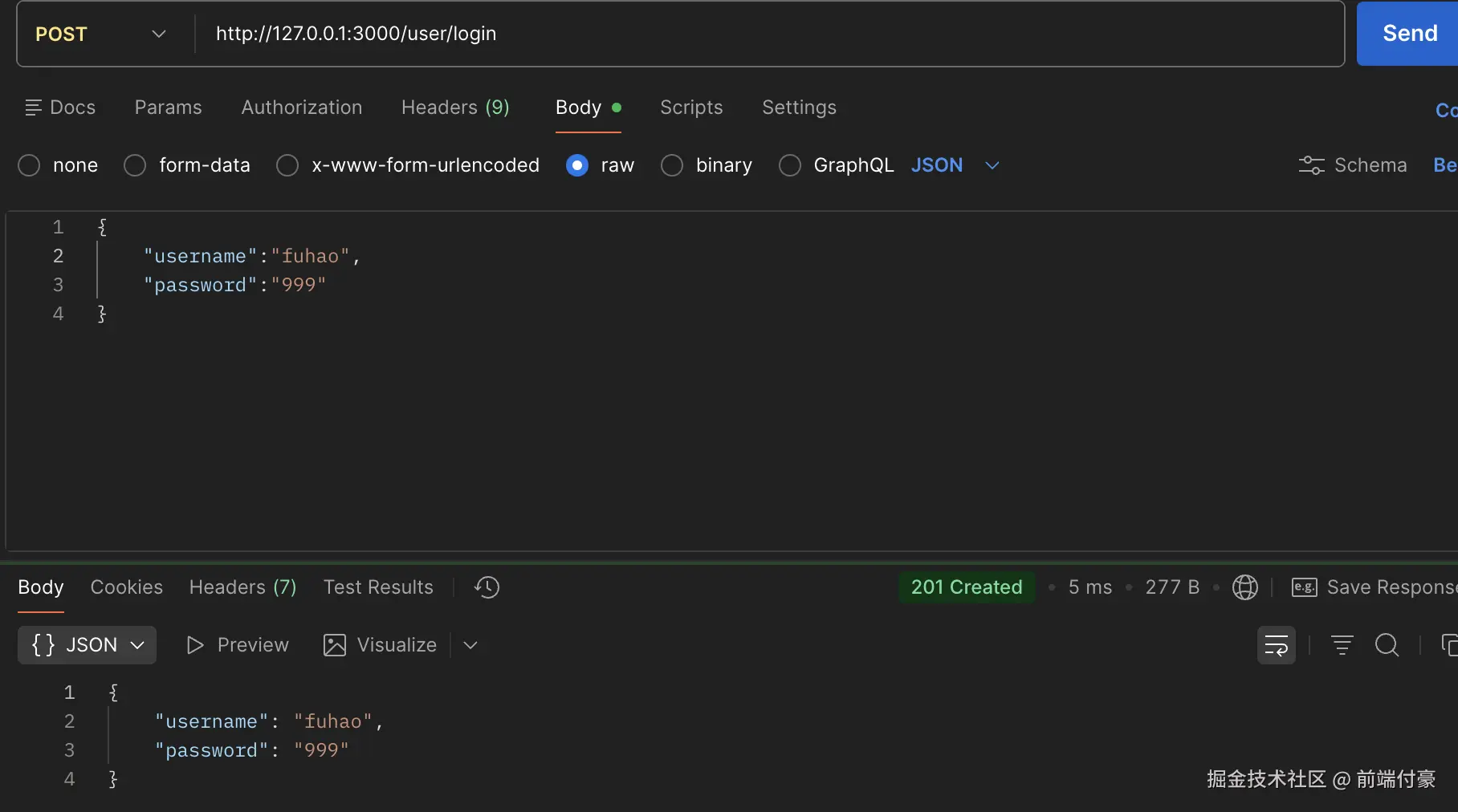
再加一个用户
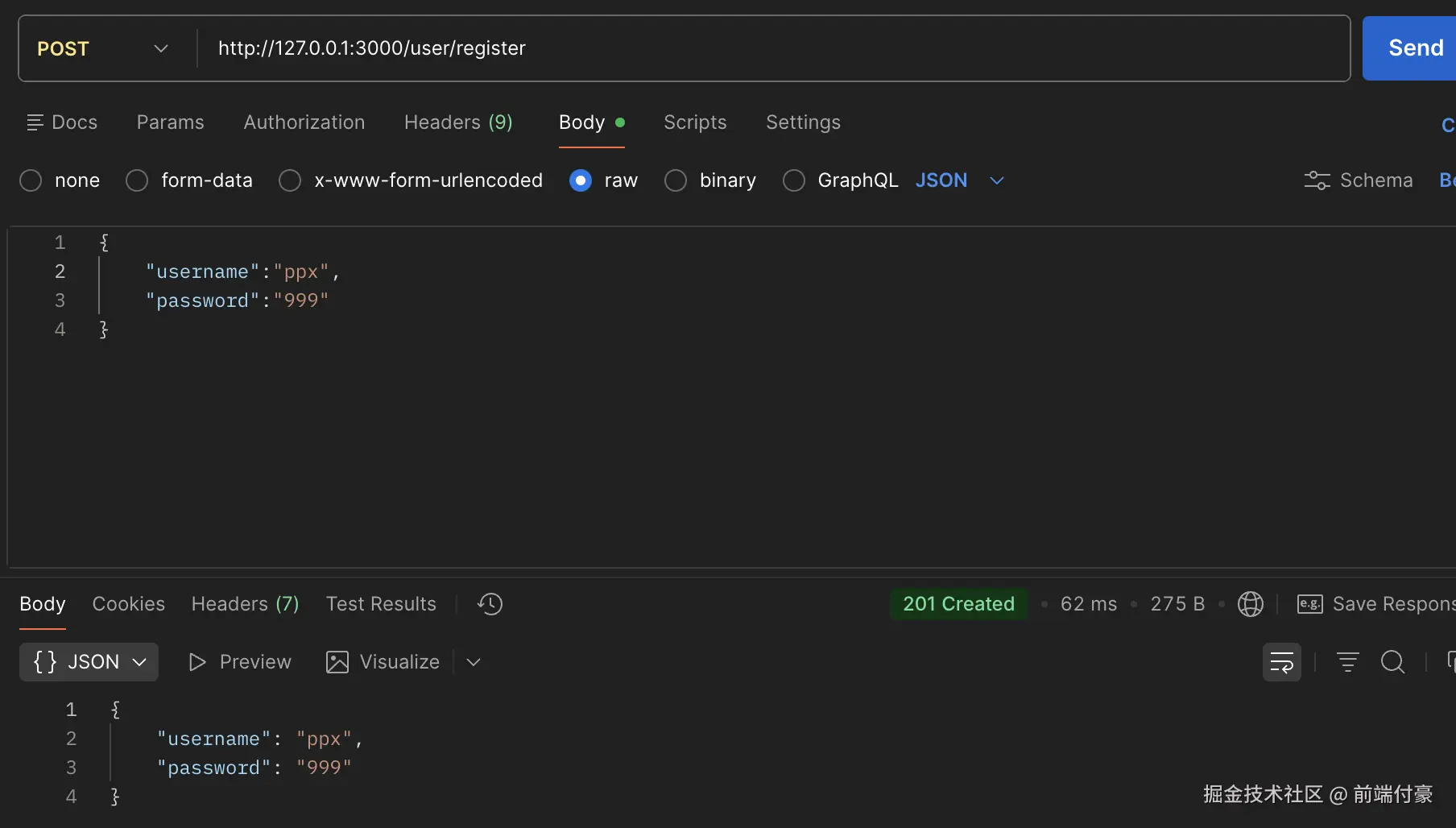

重复注册 报错 也没问题
类似的流程 写登陆
user.controller.ts
less
    @Post('login')
    async login(@Body() loginUserDto: LoginUserDto) {
    return this.userService.login(loginUserDto);
    }
user.service.ts
javascript
    async login(loginUserDto: LoginUserDto) {
    const users: User[] = await this.dbService.read();

    const foundUser = users.find(item => item.username === loginUserDto.username);

    if(!foundUser) {
        throw new BadRequestException('用户不存在');
    }

    if(foundUser.password !== loginUserDto.password) {
        throw new BadRequestException('密码不正确');
    }

    return foundUser;
    }
login-user.dto.ts
less
import { IsNotEmpty, MinLength } from "class-validator";

export class LoginUserDto {
    @IsNotEmpty({ message: '用户名不能为空!' })
    username: string;

    @IsNotEmpty({ message: '密码不能为空!' })
    @MinLength(3, { message: '密码至少需要 3 位'})
    password: string;
}