大家好,我的开源项目PakePlus可以将网页/Vue/React项目打包为桌面/手机应用并且小于5M只需几分钟,官网地址:pakeplus.com
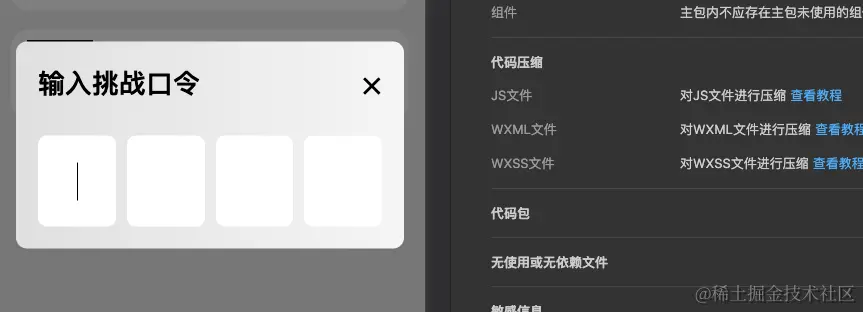
这里面有一个问题点,如果这四个输入框使用for循环遍历出来,当使用自动切换到下一个输入框并获取焦点的时候,可能会出现键盘隐藏又弹出的效果。这个需要解决。所以需要使用input四个输入框写死,而不用for遍历。
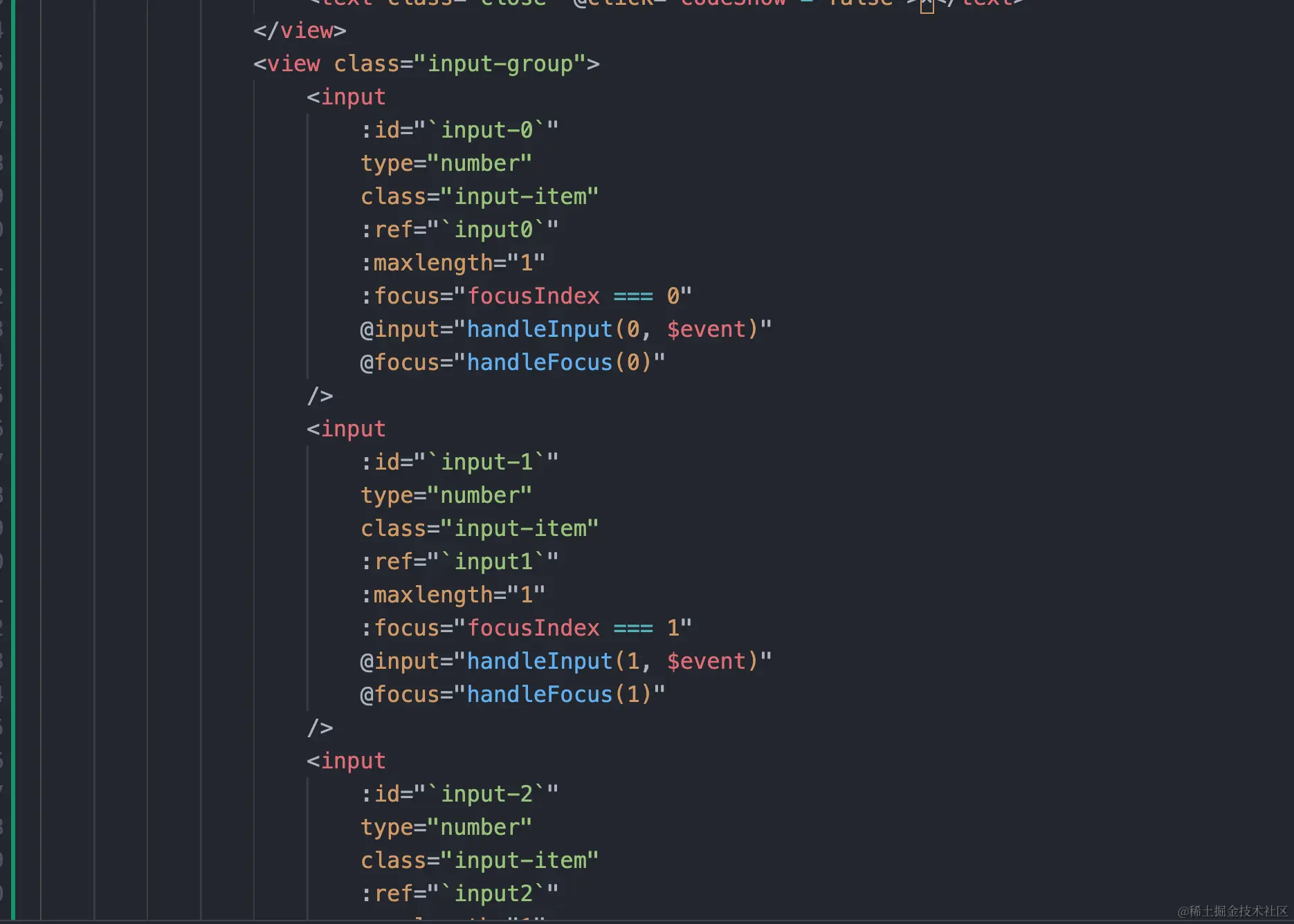
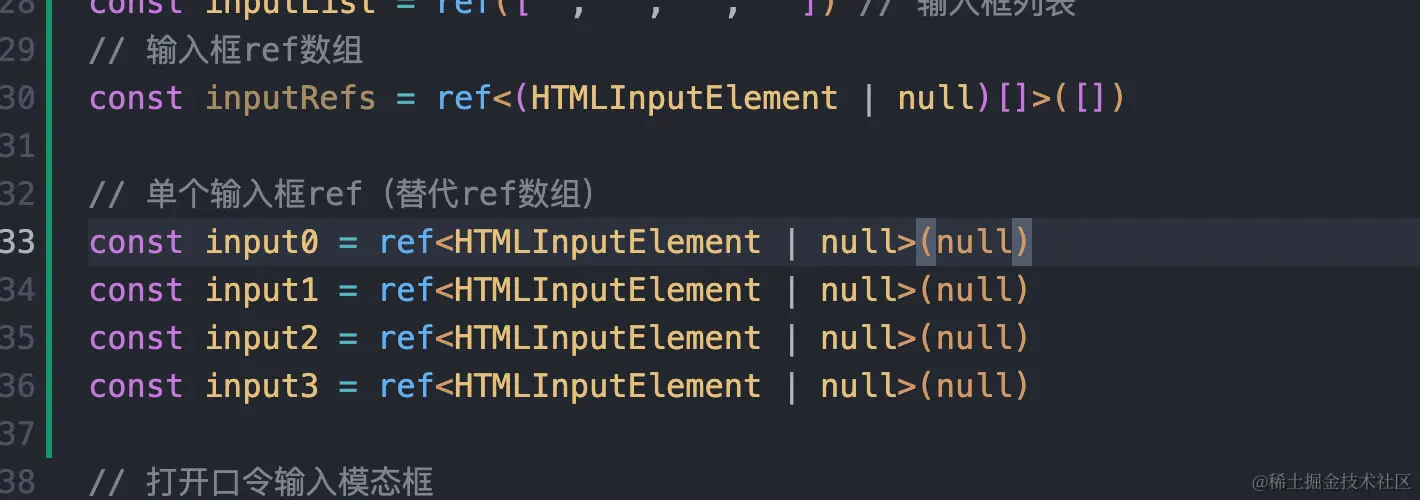
如果使用input写死4个的话,就不能用vue3的动态ref来自动获取四个输入框元素,而是要把四个ref元素都写出来:
整体代码:
html
<template>
  <view class="container">
    <view class="input-container">
      <!-- 手动声明4个输入框,统一绑定通用的handleInput,传入索引 -->
      <view class="verify-input">
        <input
          type="number"
          class="input-field"
          ref="input0"
          maxlength="1"
          :focus="focusIndex === 0"
          @input="handleInput(0, $event)"
          @focus="handleFocus(0)"
        />
      </view>
      <view class="verify-input">
        <input
          type="number"
          class="input-field"
          ref="input1"
          maxlength="1"
          :focus="focusIndex === 1"
          @input="handleInput(1, $event)"
          @focus="handleFocus(1)"
        />
      </view>
      <view class="verify-input">
        <input
          type="number"
          class="input-field"
          ref="input2"
          maxlength="1"
          :focus="focusIndex === 2"
          @input="handleInput(2, $event)"
          @focus="handleFocus(2)"
        />
      </view>
      <view class="verify-input">
        <input
          type="number"
          class="input-field"
          ref="input3"
          maxlength="1"
          :focus="focusIndex === 3"
          @input="handleInput(3, $event)"
          @focus="handleFocus(3)"
        />
      </view>
    </view>
  </view>
</template>

<script lang="ts" setup>
import { ref, onMounted, nextTick } from 'vue'

// 焦点索引
const focusIndex = ref(0)
// 单个输入值(用对象/数组存储,避免多个独立变量)
const values = ref<Record<number, string>>({
  0: '',
  1: '',
  2: '',
  3: ''
})
// 单个输入框ref(用对象存储,统一管理)
const inputRefs = {
  0: ref<HTMLInputElement | null>(null),
  1: ref<HTMLInputElement | null>(null),
  2: ref<HTMLInputElement | null>(null),
  3: ref<HTMLInputElement | null>(null)
}

/**
 * 通用的输入处理函数(核心优化点)
 * @param index 输入框索引(0-3)
 * @param event 输入事件对象
 */
const handleInput = (index: number, event: Event) => {
  const input = event.target as HTMLInputElement
  const value = input.value
  // 更新当前输入框的值
  values.value[index] = value

  if (value) {
    // 输入有值:聚焦下一个输入框(如果存在)
    const nextIndex = index + 1
    if (nextIndex <= 3) {
      focusIndex.value = nextIndex
      nextTick(() => inputRefs[nextIndex].value?.focus())
    }
    // 检查是否全部输入完成
    checkComplete()
  } else {
    // 输入为空:聚焦上一个输入框(如果存在)
    const prevIndex = index - 1
    if (prevIndex >= 0) {
      focusIndex.value = prevIndex
      nextTick(() => inputRefs[prevIndex].value?.focus())
    } else {
      // 第一个输入框清空后,聚焦自己
      focusIndex.value = 0
    }
  }
}

// 处理焦点事件(通用)
const handleFocus = (index: number) => {
  focusIndex.value = index
}

// 检查是否全部输入完成
const checkComplete = () => {
  const code = Object.values(values.value).join('')
  if (code.length === 4) {
    console.log('验证码输入完成:', code)
  }
}

onMounted(() => {
  // 初始化聚焦第一个输入框
  nextTick(() => inputRefs[0].value?.focus())
})
</script>

<style>
.input-container {
  display: flex;
  justify-content: space-between;
}
.verify-input {
  width: 60px;
  height: 60px;
  display: flex;
  justify-content: center;
  align-items: center;
}
.input-field {
  width: 100%;
  height: 100%;
  text-align: center;
  font-size: 24px;
  border: none;
  border-bottom: 2px solid #ccc;
  outline: none;
}
</style>