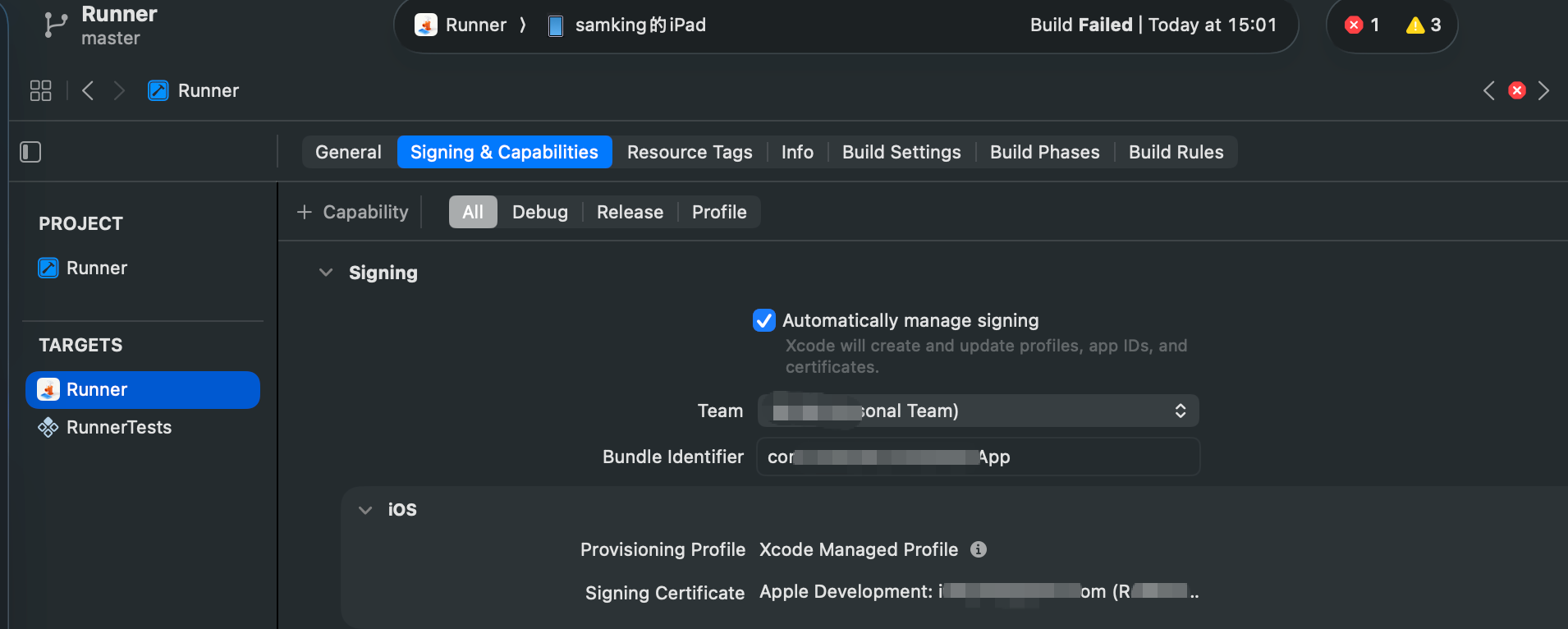
先说结论: 截至2026年03月12日我测试为止,flutter 3.32.8无法实现iOS 26 的真机调试。
以下是官方文档:
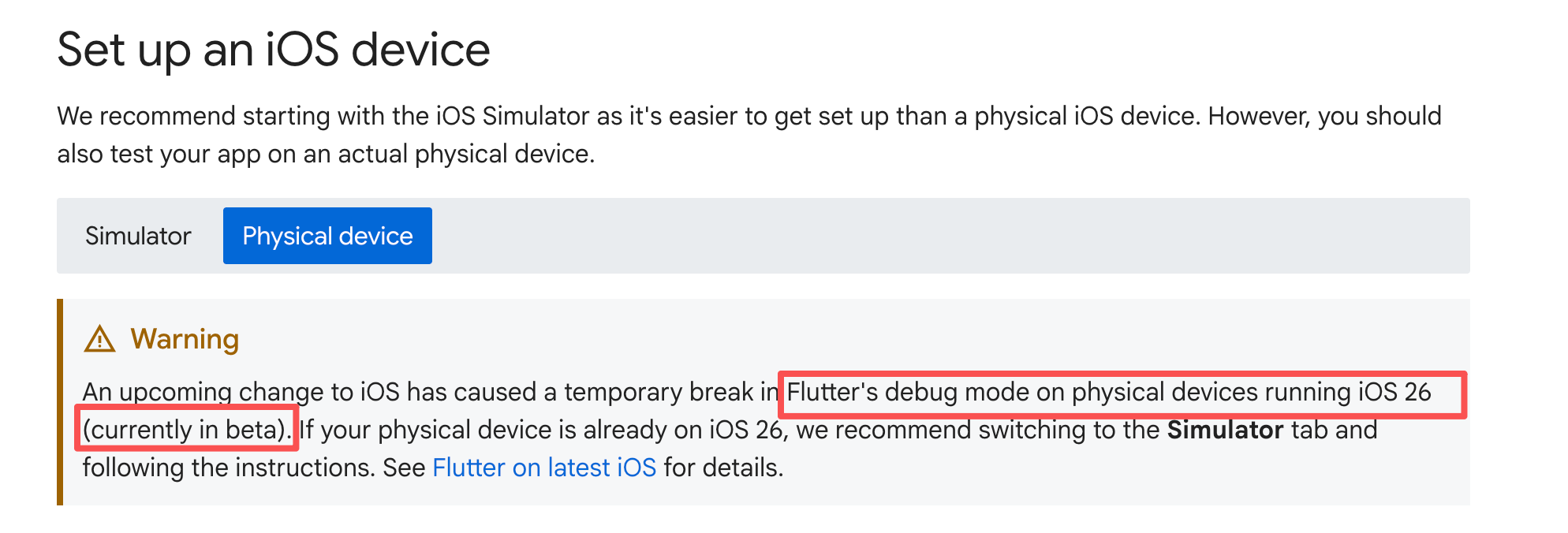
https://docs.flutter.dev/platform-integration/ios/setup
在我看到这个文档之前真的很崩溃,因为我浪费了很多时间,我都没想过是flutter不支持。我一直以为是我自己哪里没做好。
2026年03月12日 16:56 补充
经测试当前的最新版本flutter(Flutter 3.41.4) 已经可以在iPad OS 26上正常调试了,看来是时候升级SDK了,但愿不要在出什么差错了。
以下是我探索过程,也许有一定参考价值,我就没有删。
准备工作
- 已经有苹果开发者账号,如果没有我不确定是否可以。
- 有macOS的电脑。
- 有iOS的设备,并开启开发者模式。
ipad开启开发者模式
-
打开设置应用。
-
进入通用 > 关于本机。
-
连续点击设备名称或序列号,直到提示进入开发者模式(适用于部分iOS版本)。
-
设置-> 隐私与安全性=> 开发者模式
详细操作见:
《iPad mini7开启开发者模式》
https://blog.csdn.net/lxyoucan/article/details/158923687
xcode运行hello
为了方便测试设备连接,证书等问我建议先不运行flutter,而是先用xcode创建一个"空"项目运行。
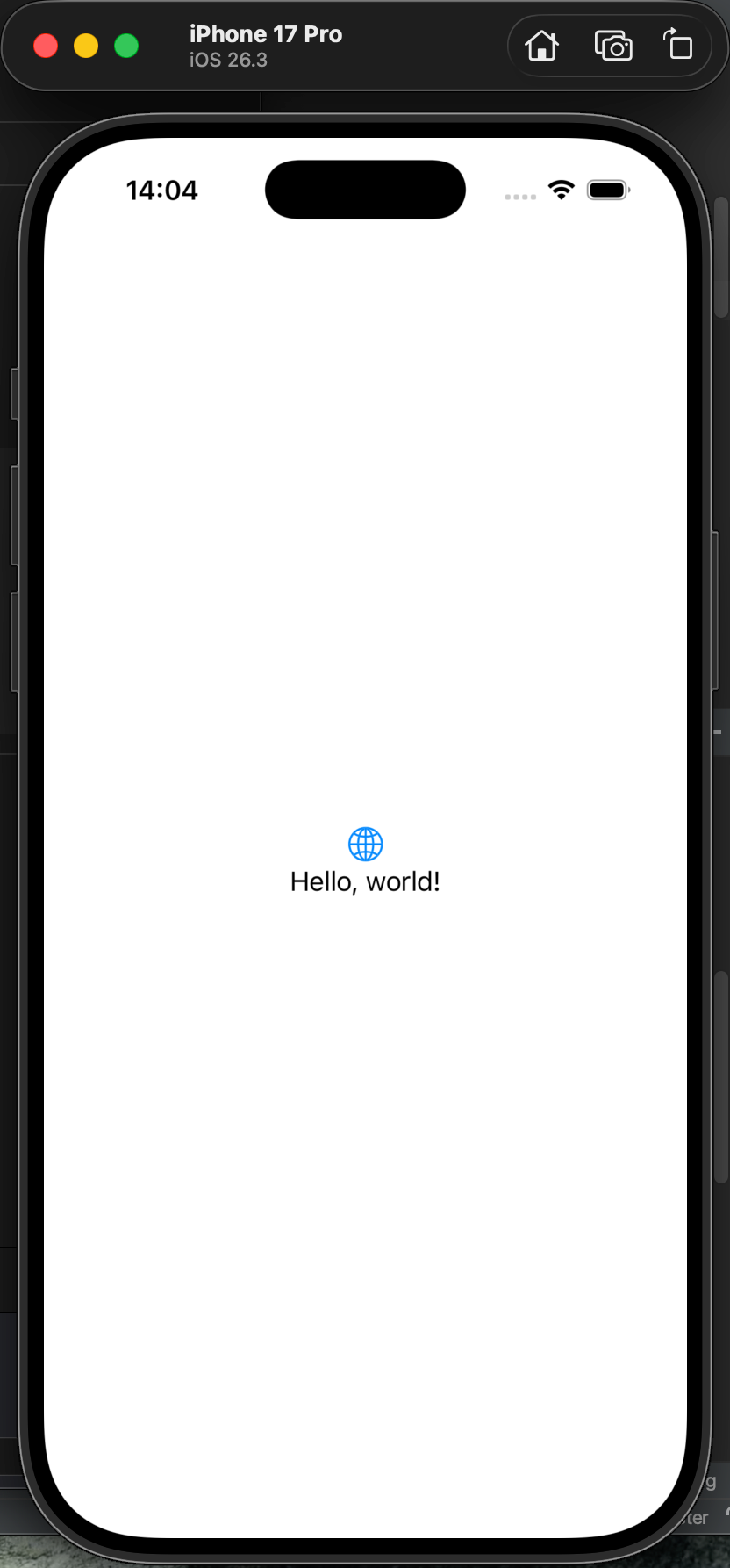
比如我就创建了一个名为helloios的测试项目。 创建完成以后可以直接在模拟器中运行。
但是此时如果在真机执行就会报错如下:
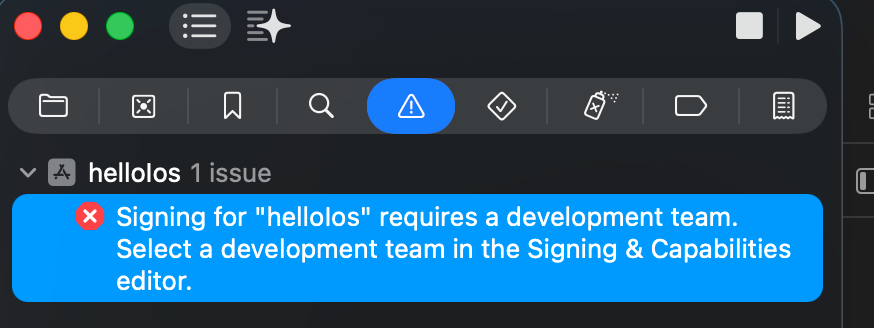
/Users/samking/Documents/helloIos/helloIos.xcodeproj Signing for "helloIos" requires a development team. Select a development team in the Signing & Capabilities editor.
看这个意思,应该就是要登录一个开发者账号了。
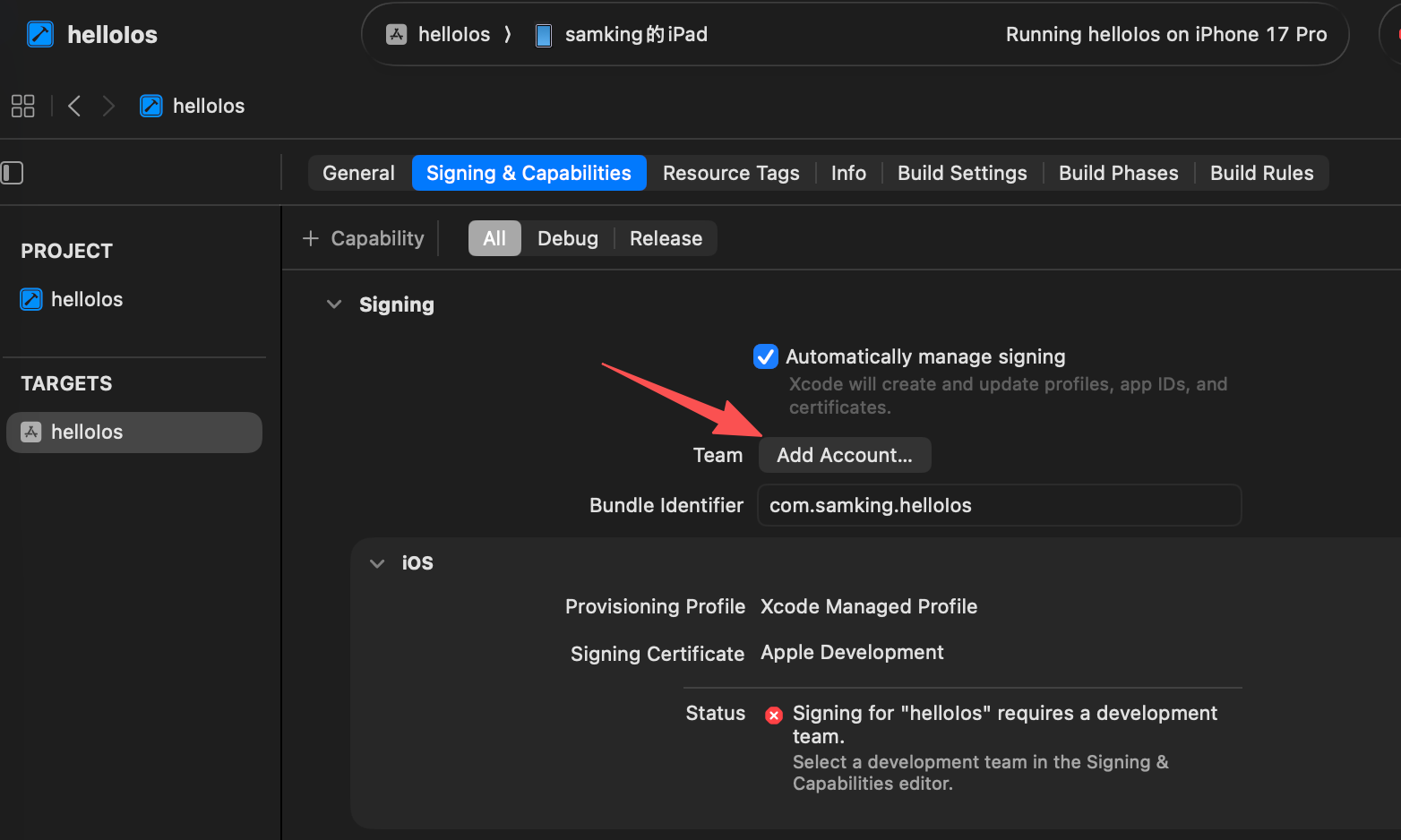
登录一下自己的开发者账号
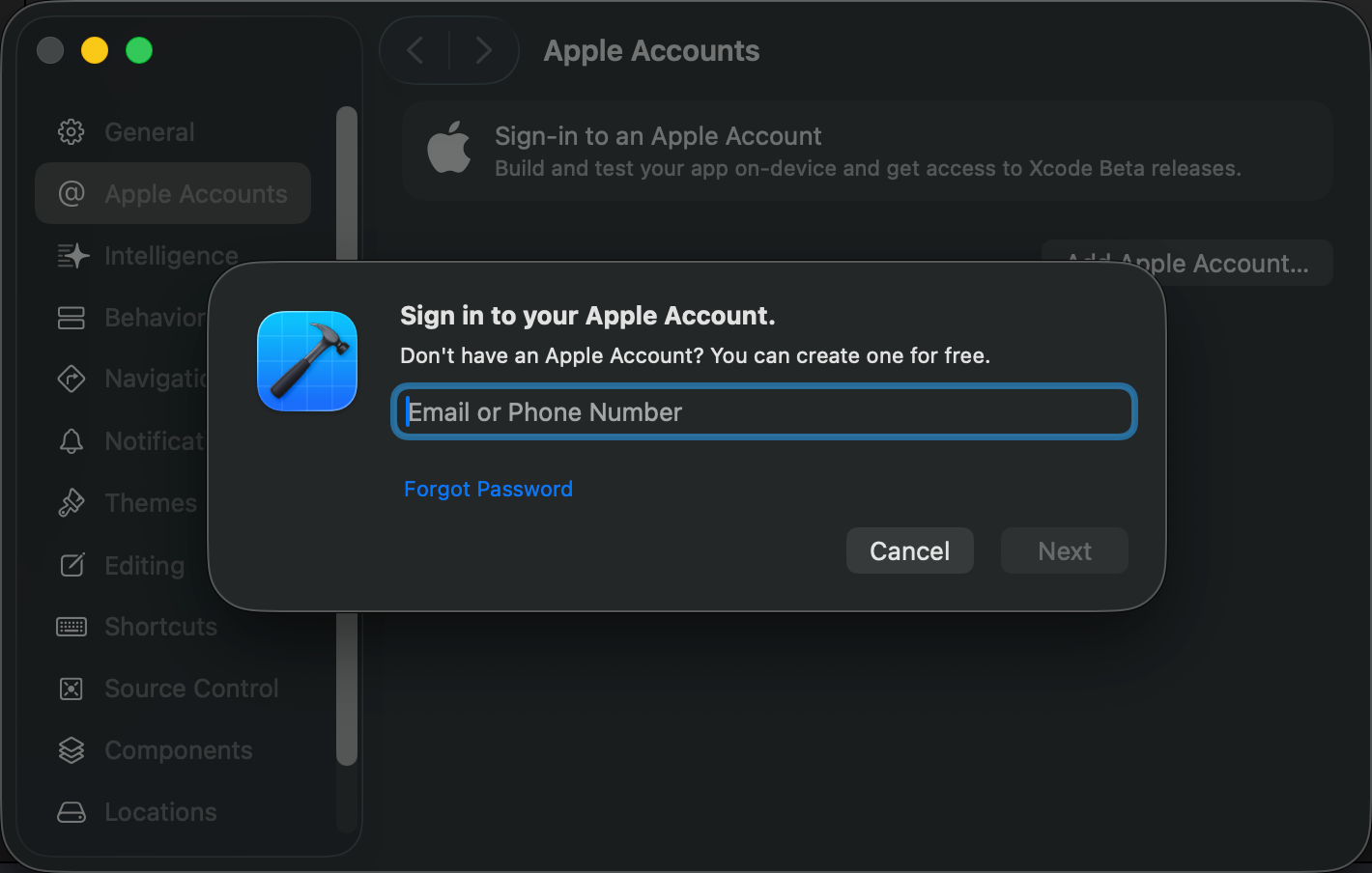
登录以后显示如下:
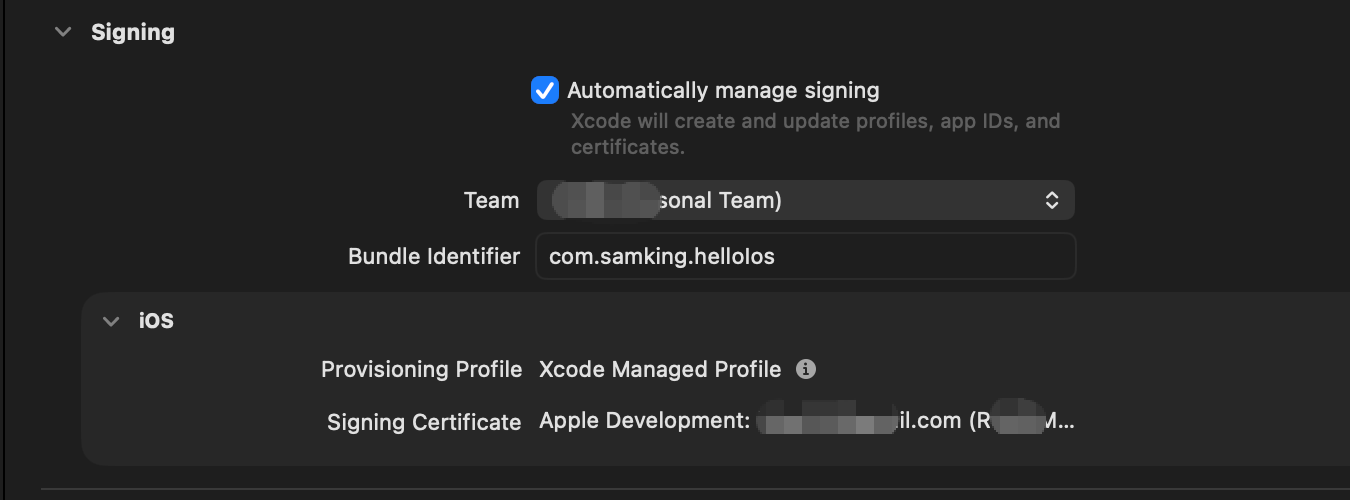
然后在运行一次就不会报之前的错了。会有如下提示:
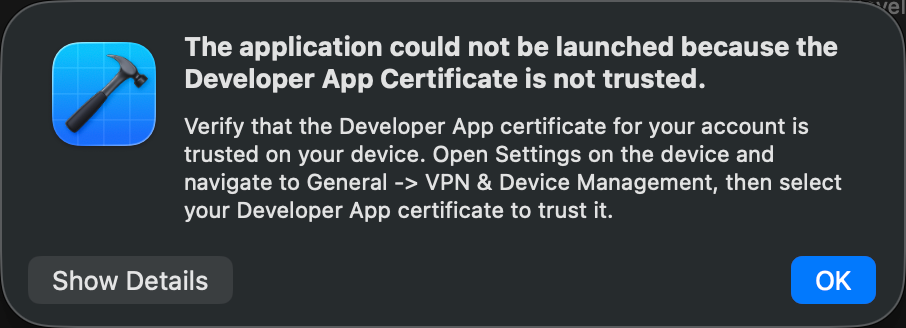
这时到ipad中打开设置=> 通用=> VPN与设备管理
找到下面的开发者App,
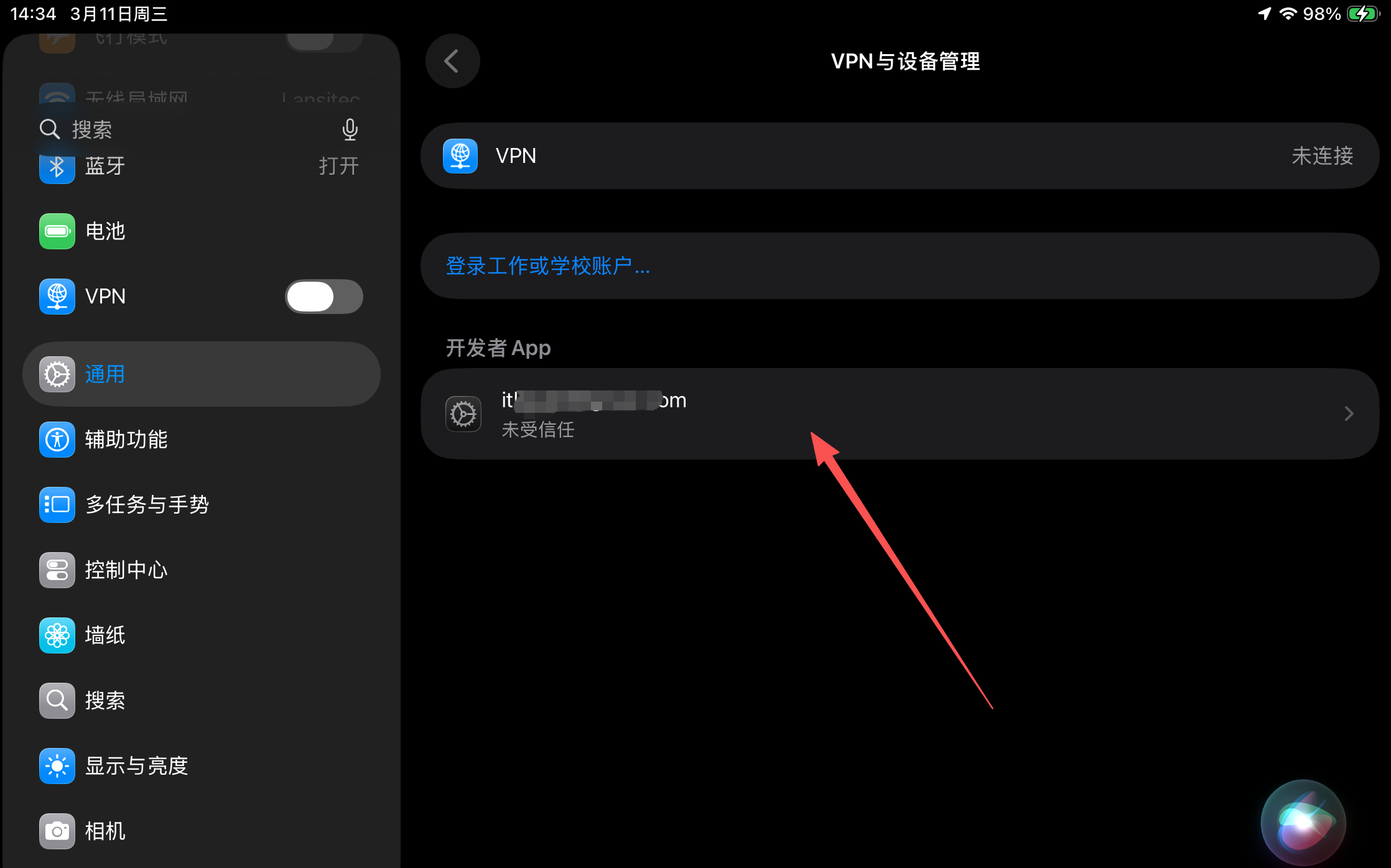
点击进去,然后信任证书即可。
我的账号是苹果开发者账号,如果你的账号不是苹果开发者账号有可能不行。
到了这一步,我们就成功的在真机上测试iOS应用了。
开发者账号增加设备
这里有一步我是做了,是否有影响我不确定。如果你没有成功运行,可以尝试一下。把设备的UUID添加的开发者账号之中。
https://developer.apple.com/account/resources/devices/list
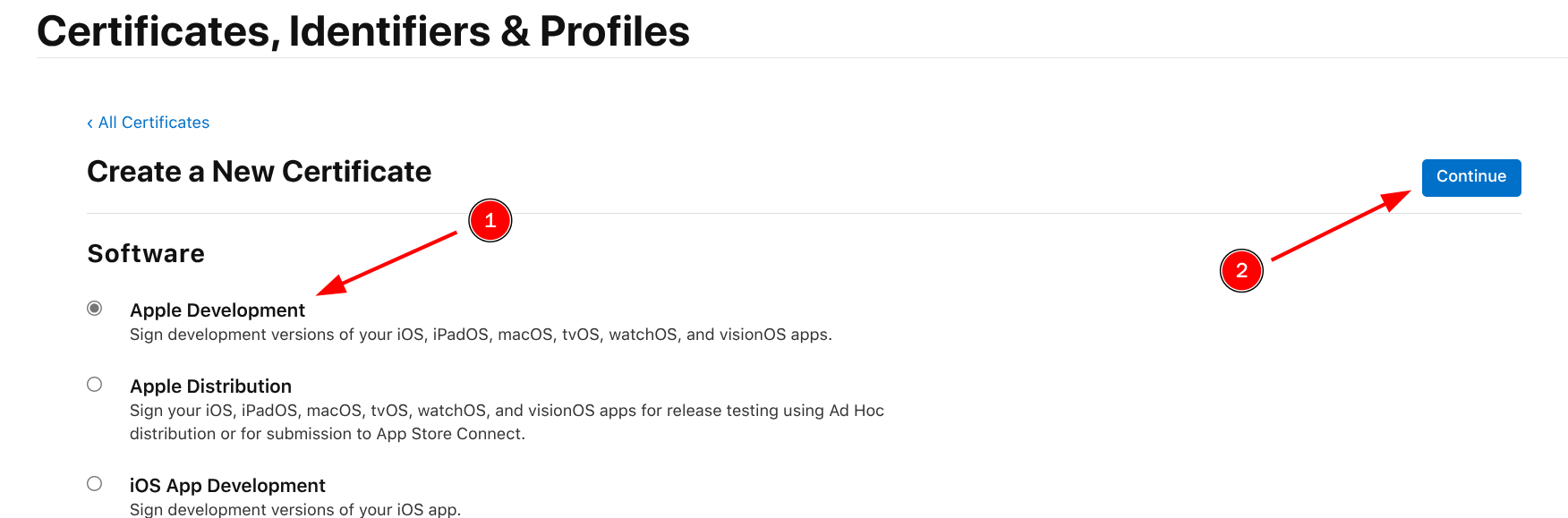
Apple Development Certificate申请
这一步可能是非必须的操作,但是推荐申请一下。
可以通过https://developer.apple.com/account/resources/certificates/add
https://developer.apple.com/account/resources/profiles/add
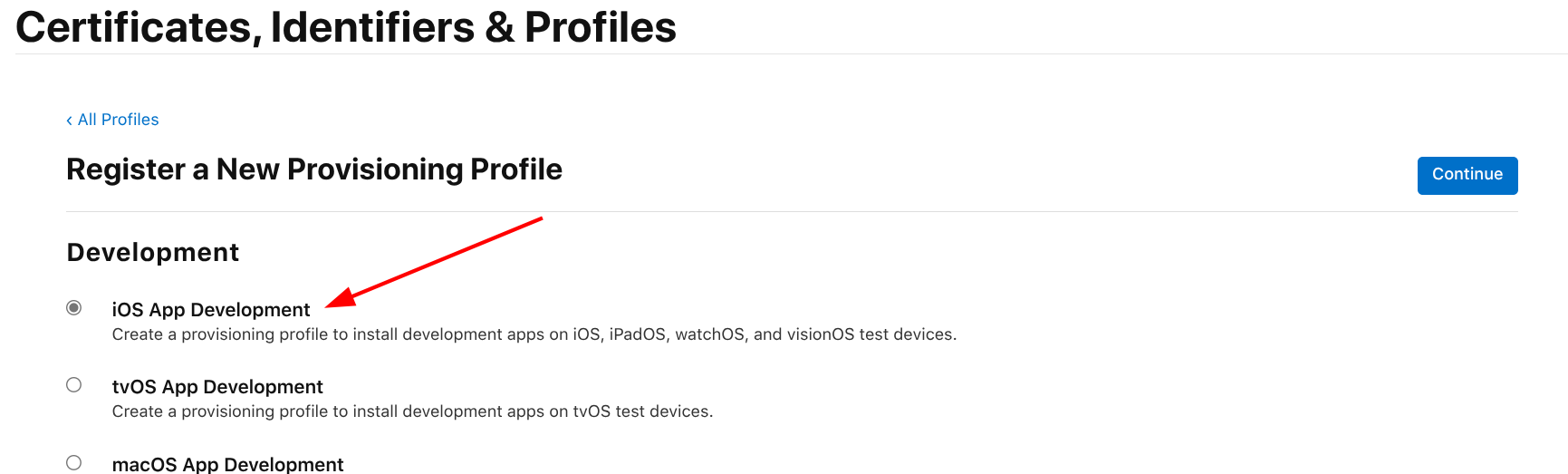
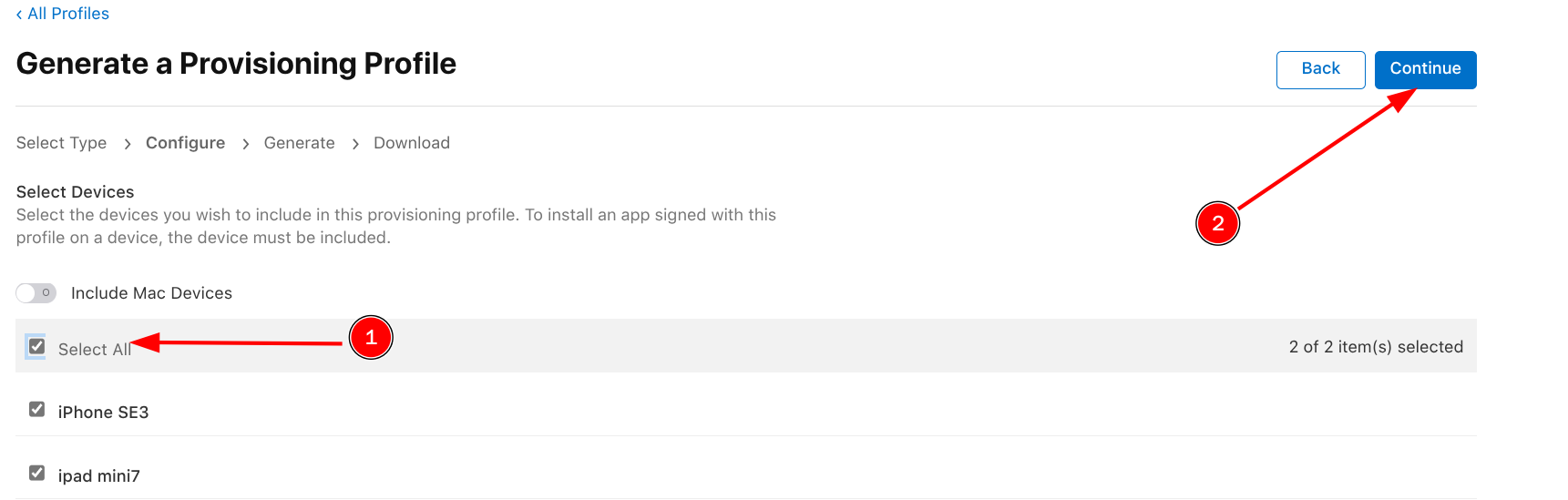
然后根据提示操作即可。设备选择的地方,把要调试的设备全选了。
flutter
可运行设备列表
bash
flutter devices执行这个命令返回值如下
bash
 flutter devices
Found 3 connected devices:
  samking的iPad (mobile) • 00008130-000234C60140001C • ios            • iOS 26.3 23D127
  macOS (desktop)       • macos                     • darwin-arm64   • macOS 26.2 25C56 darwin-arm64
Chrome (web) • chrome • web-javascript • Google Chrome 145.0.7632.160这里的第2列数据是我们想要的,我的iPad就是对应的00008130-000234C60140001C
设备运行
bash
flutter run -d 00008130-000234C60140001C这里的00008130-000234C60140001C替换成你自己的设备就可以了。
如果你遇到这样的报错,说明你的证书没有设置正确。
bash
Launching lib/main.dart on samking的iPad in debug mode...
════════════════════════════════════════════════════════════════════════════════
No valid code signing certificates were found
You can connect to your Apple Developer account by signing in with your Apple ID
in Xcode and create an iOS Development Certificate as well as a Provisioning
Profile for your project by:
  1- Open the Flutter project's Xcode target with
       open ios/Runner.xcworkspace
  2- Select the 'Runner' project in the navigator then the 'Runner' target
     in the project settings
  3- Make sure a 'Development Team' is selected under Signing & Capabilities > Team.
     You may need to:
         - Log in with your Apple ID in Xcode first
         - Ensure you have a valid unique Bundle ID
         - Register your device with your Apple Developer Account
         - Let Xcode automatically provision a profile for your app
  4- Build or run your project again
  5- Trust your newly created Development Certificate on your iOS device
     via Settings > General > Device Management > [your new certificate] > Trust

For more information, please visit:
  https://developer.apple.com/library/content/documentation/IDEs/Conceptual/
  AppDistributionGuide/MaintainingCertificates/MaintainingCertificates.html

Or run on an iOS simulator without code signing
════════════════════════════════════════════════════════════════════════════════
Error: No development certificates available to code sign app for device deployment
运行报错The Dart VM Service was not discovered after 60 seconds
bash
The Dart VM Service was not discovered after 60 seconds. This is taking much longer than expected...
Open the Xcode window the project is opened in to ensure the app is running. If the app is not running, try selecting "Product > Run" to fix the problem.
the Dart compiler exited unexpectedly.
如果你在模拟器中可以正常运行,但是真机运行报了如上的错。 可以这么处理。在运行的过程中xcode会把打开名为Runner的窗口。
注意看这个Team是否有正常登录。