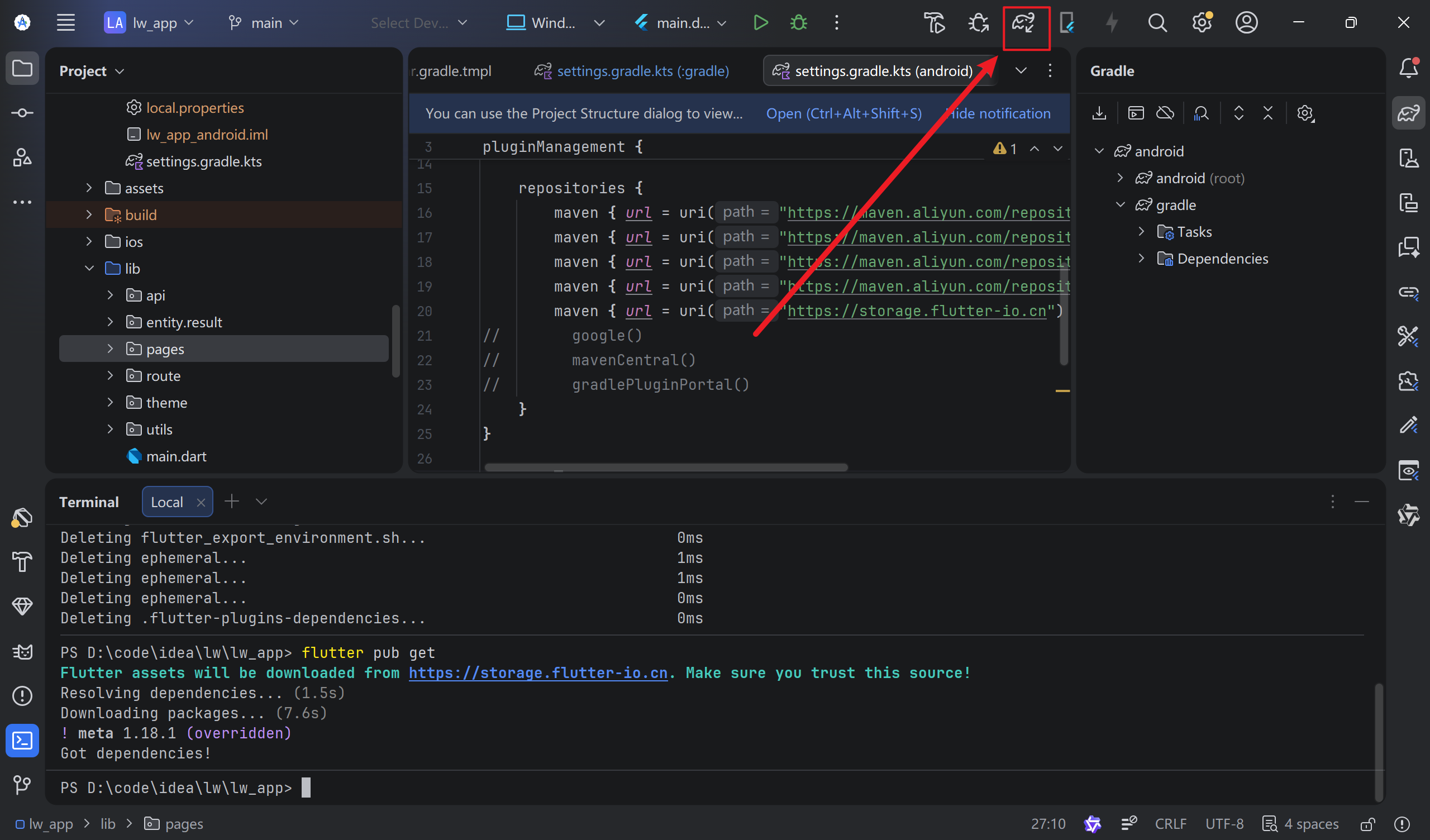
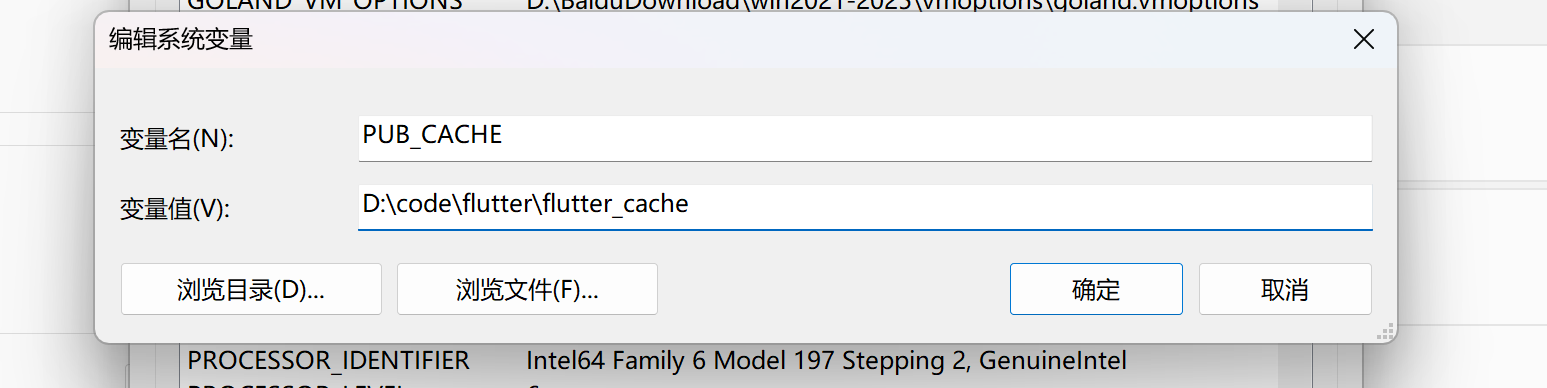
遇到这个问题,就是缓存和文件不在同一个系统盘,我们把增量编译关闭就好,然后把系统的flutter缓存位置修改(环境变量中)
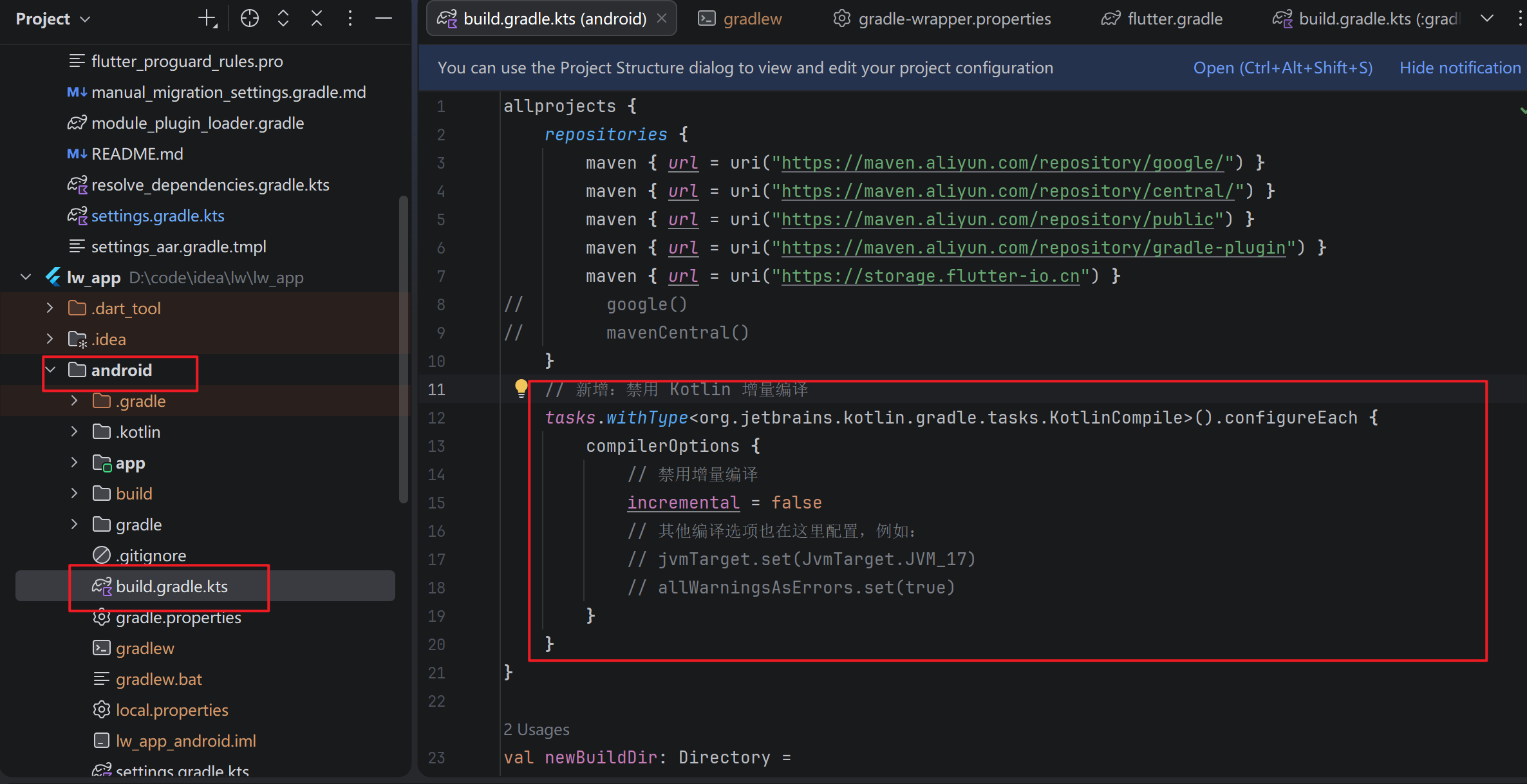
// 新增:禁用 Kotlin 增量编译
    tasks.withType<org.jetbrains.kotlin.gradle.tasks.KotlinCompile>().configureEach {
        compilerOptions {
            // 禁用增量编译
            incremental = false
            // 其他编译选项也在这里配置,例如:
            // jvmTarget.set(JvmTarget.JVM_17)
            // allWarningsAsErrors.set(true)
        }
    }
环境名
PUB_CACHE值
自己系统找一个位置

D:\code\flutter\flutter_cache
原来的缓存删除
# 1. 清空 Flutter Pub 缓存(包括新旧路径)
flutter pub cache clean

flutter clean
然后重新点击