ubuntu 编译,推送.so文件和模型至安卓执行。
部分内容参考:
https://github.com/ggml-org/ggml?tab=readme-ov-file
注意下载模型时
../examples/gpt-2/download-ggml-model.sh文件默认是huggingface,可以将网址替换为

https://hf-mirror.com

export HF_HUB_OFFLINE=0
export HF_ENDPOINT=https://hf-mirror.com
pip install -U huggingface_hub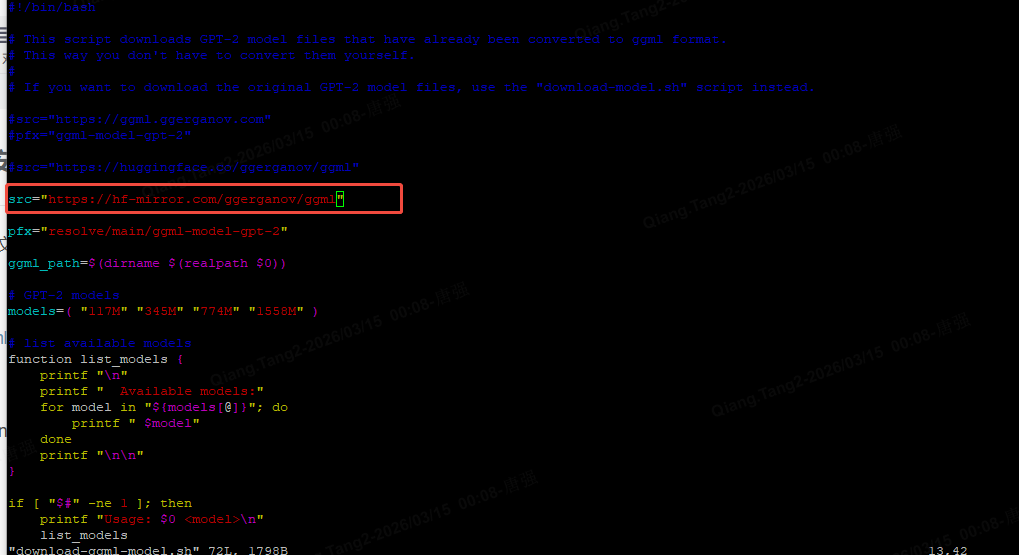
git clone https://github.com/ggml-org/ggml
cd ggml
conda create -n ggml python==3.10
# build the examples
mkdir build && cd build
cmake ..
cmake --build . --config Release -j 8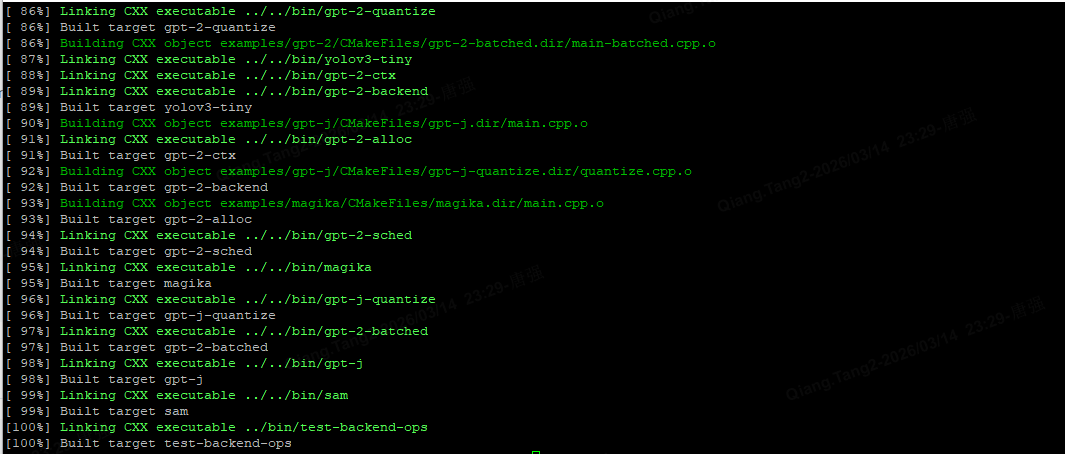
# run the GPT-2 small 117M model
../examples/gpt-2/download-ggml-model.sh 117M


将models文件夹拷贝至build目录下

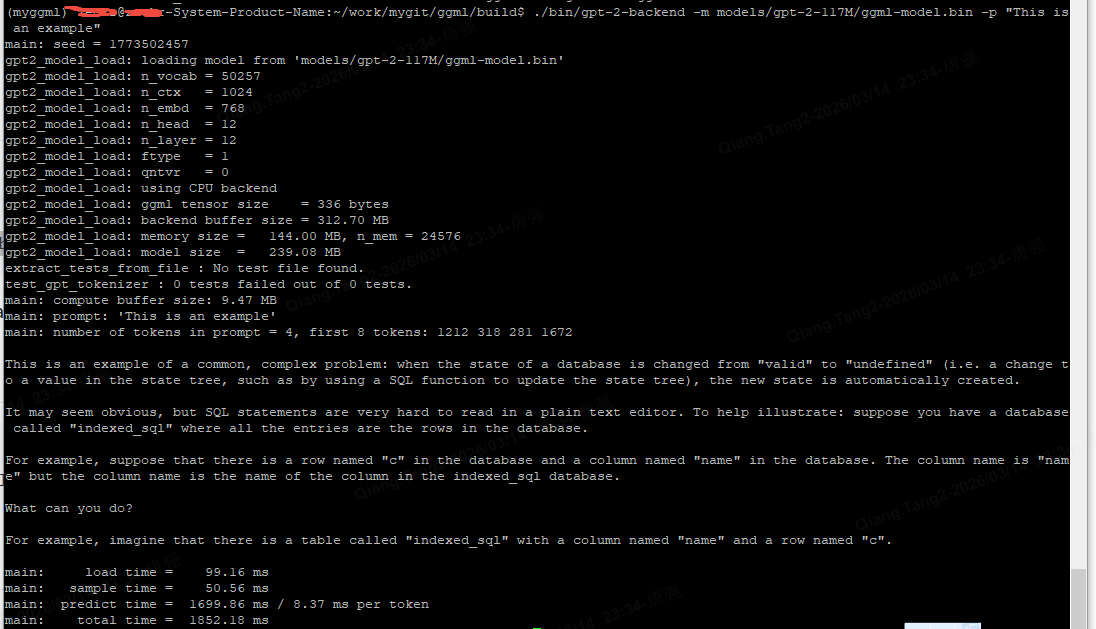
./bin/gpt-2-backend -m models/gpt-2-117M/ggml-model.bin -p "This is an example"
执行成功界面
交叉编译,推至安卓端执行
以下内容保存为.sh文件,执行该文件生成对应的安卓端执行文件
#!/bin/bash

# 👇 这里改成你自己的 NDK 路径
NDK_PATH=/opt/android-ndk-r26c

# 编译目录
BUILD_DIR=build-android-arm64
rm -rf $BUILD_DIR
mkdir -p $BUILD_DIR
cd $BUILD_DIR

cmake .. \
  -DCMAKE_TOOLCHAIN_FILE=$NDK_PATH/build/cmake/android.toolchain.cmake \
  -DANDROID_ABI=arm64-v8a \
  -DANDROID_PLATFORM=android-24 \
  -DCMAKE_BUILD_TYPE=Release \
  -DBUILD_EXAMPLES=ON \
  -DBUILD_TESTS=OFF

make -j$(nproc)
生成以下内容在build-android-arm64目录下
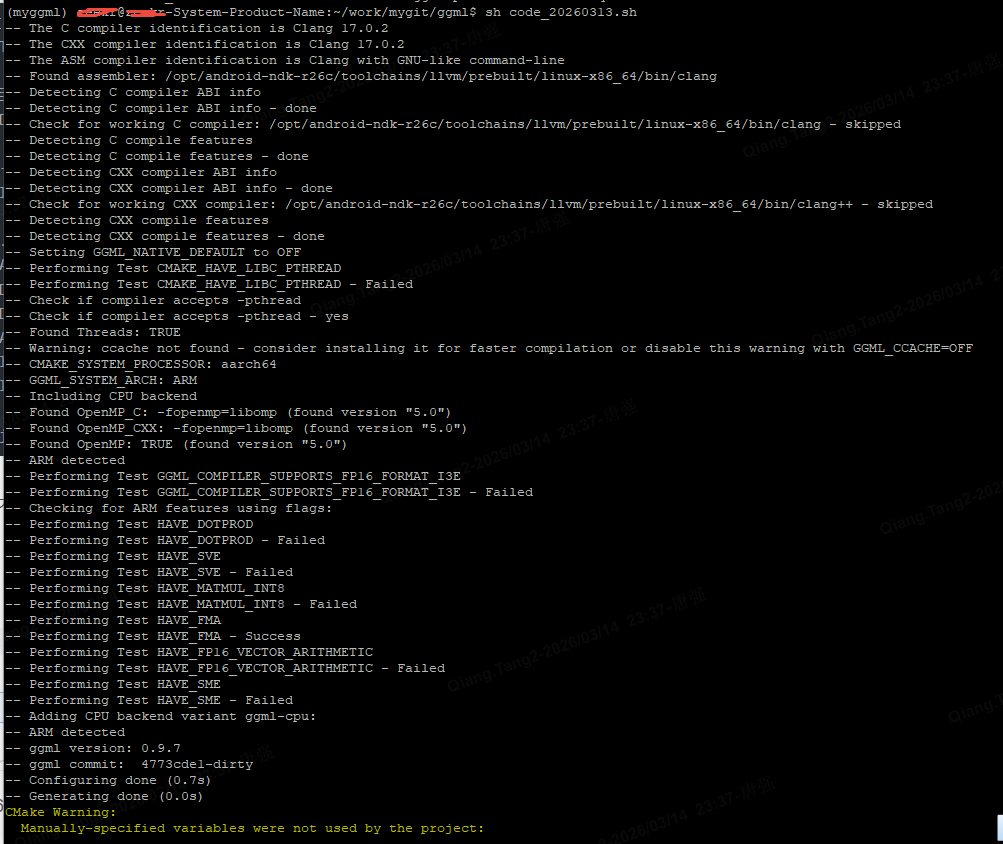
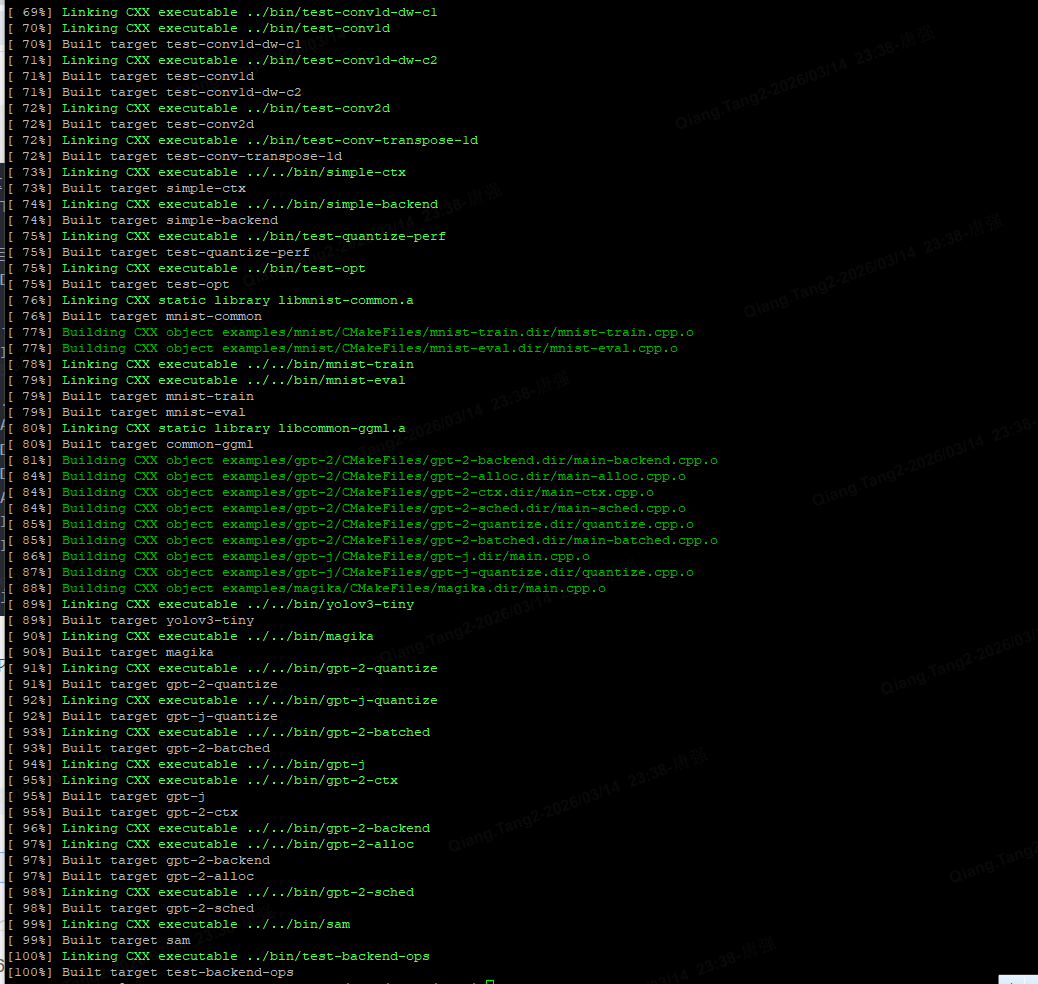
编译好的文件在build-android-arm64目录下,注意查看libggml.so是否为安卓可执行的文件

# create directories
adb shell 'mkdir /data/local/tmp/bin'
adb shell 'mkdir /data/local/tmp/models'

# push the compiled binaries to the folder
cd
adb push build-android-arm64/bin/* /data/local/tmp/bin/

# push the ggml library
adb push build-android-arm64/src libggml-base.so libggml-cpu.so  libggml.so /data/local/tmp/

# push model files
adb push models/gpt-2-117M/ggml-model.bin /data/local/tmp/models/

adb shell
cd /data/local/tmp
export LD_LIBRARY_PATH=/data/local/tmp
./bin/gpt-2-backend -m models/ggml-model.bin -p "this is an example"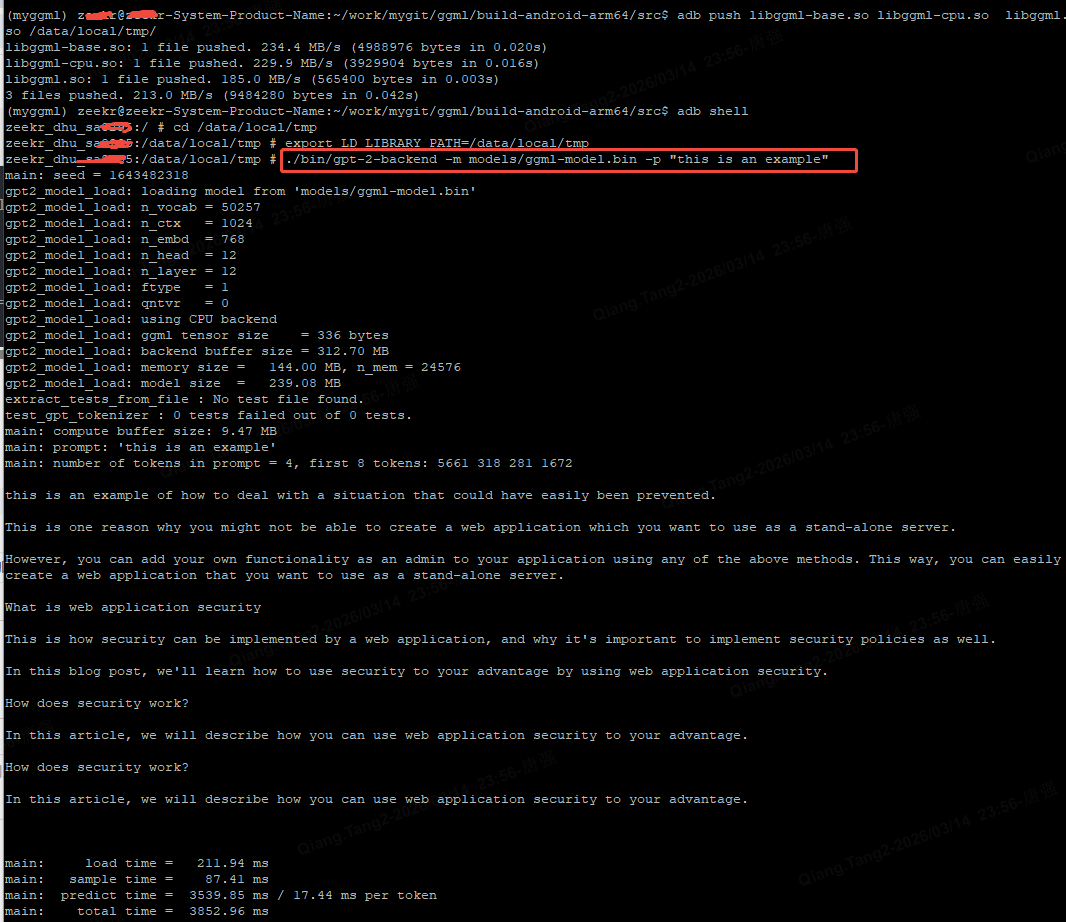
异常错误处理:/system/bin/sh: *** not executable: 64-bit ELF file
如果在安卓端执行以下命令时,出现/system/bin/sh: *** not executable: 64-bit ELF file错误,说明交叉编译生成.so库不是安卓端可执行的文件,需要重新进行编译
./bin/gpt-2-backend -m models/ggml-model.bin -p "this is an example"