RouterLink 是 Vue Router 官方提供的路由跳转专用组件 ,核心作用是在 Vue 应用中实现无刷新的前端路由跳转,同时解决了原生 <a> 标签跳转的痛点,如页面刷新、激活态手动管理、参数传递繁琐等。
RouterLink
js
const RouterLink: _RouterLinkI = RouterLinkImpl as anyRouterLinkImpl
js
export const RouterLinkImpl = /*#__PURE__*/ defineComponent({
  name: 'RouterLink',
  compatConfig: { MODE: 3 }, // 配置 Vue 3 兼容模式
  props: {
    to: {
      type: [String, Object] as PropType<RouteLocationRaw>,
      required: true,
    },
    replace: Boolean,
    activeClass: String, // 可选:自定义激活态类名
    // inactiveClass: String,
    exactActiveClass: String, // 自定义精确激活态类名
    custom: Boolean, // 是否自定义渲染(不生成<a>标签)
    // 可选:无障碍属性值
    ariaCurrentValue: {
      type: String as PropType<RouterLinkProps['ariaCurrentValue']>,
      default: 'page',
    },
    viewTransition: Boolean, // 可选:是否启用视图过渡
  },

  useLink, // 挂载useLink方法

  setup(props, { slots }) {
    const link = reactive(useLink(props)) // 调用useLink获取路由状态,并转为响应式
    const { options } = inject(routerKey)! // 注入路由器实例,获取全局配置

    // 计算激活态CSS类名(响应式)
    const elClass = computed(() => ({
      // 普通激活类名:优先级 props.activeClass > 全局配置 > 默认值
      [getLinkClass(
        props.activeClass,
        options.linkActiveClass,
        'router-link-active'
      )]: link.isActive,
      // [getLinkClass(
      //   props.inactiveClass,
      //   options.linkInactiveClass,
      //   'router-link-inactive'
      // )]: !link.isExactActive,
      // 精确激活类名:优先级 props.exactActiveClass > 全局配置 > 默认值
      [getLinkClass(
        props.exactActiveClass,
        options.linkExactActiveClass,
        'router-link-exact-active'
      )]: link.isExactActive,
    }))

    return () => {
      // 执行默认插槽,传递link状态(isActive/navigate等),并优先返回单个VNode
      // 如果 <RouterLink>首页</RouterLink> → slots.default 存在(函数);
      // 如果 <RouterLink /> → slots.default 为 undefined,此时 children 直接为 undefined
      const children = slots.default && preferSingleVNode(slots.default(link))

      // custom模式判断:决定渲染方式
      return props.custom
        ? children // 直接返回插槽内容(自定义渲染)
        // 渲染原生<a>标签
        : h(
            'a',
            {
              // 无障碍属性:精确激活时添加 aria-current,默认值page
              'aria-current': link.isExactActive
                ? props.ariaCurrentValue
                : null,
              href: link.href,
              // this would override user added attrs but Vue will still add
              // the listener, so we end up triggering both
              onClick: link.navigate,
              class: elClass.value,
            },
            children // 插槽内容(如<RouterLink>包裹的文字)
          )
    }
  },
})RouterView组件接收的props有哪些?
to, 必传。要解析的路由。replace, 路由跳转时使用router.replace()替代默认的router.push()。activeClass, 路由激活时(模糊)类名。exactAtiveClass, 路由激活时(精确)类名。custom,custom模式下,RouterLink不再渲染原生<a>标签,仅暴露路由状态(isActive/navigate等),由开发者自定义渲染内容ariaCurrentValue,适配无障碍访问(WCAG 标准),精确激活时自动添加aria-current属性,值由ariaCurrentValue指定。默认值page(表示当前页面),也可设置为step/location/date/time等。
RouterView 组件插槽接收哪些信息?
html
  <router-link to="/role/123" v-slot="{ href }">
    角色详情{{ href }} 信息
  </router-link>

  <router-link to="/role/1212">角色详情</router-link>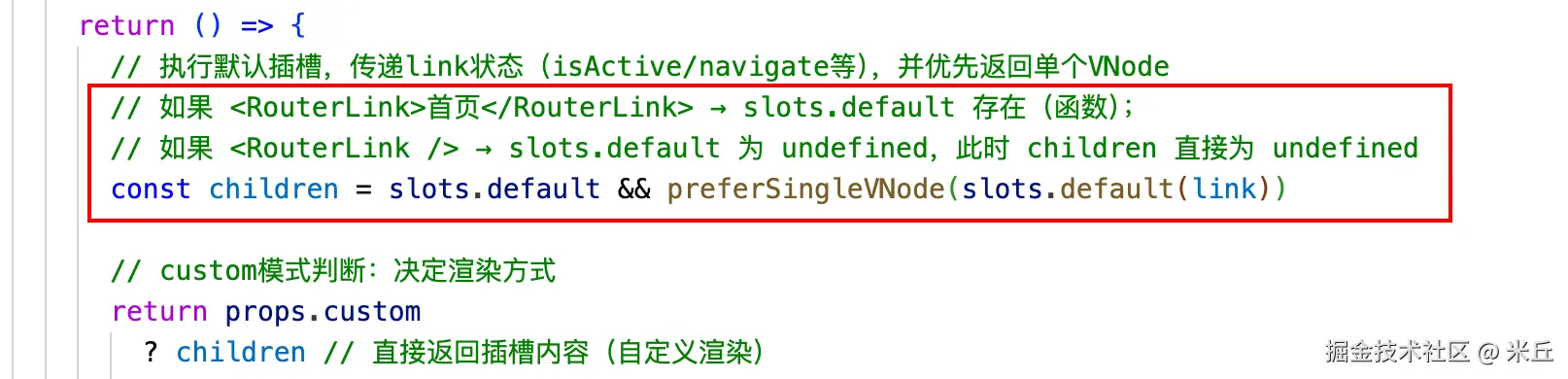
useLink
1、做了什么?
- 注入路由实例
router。 - 注入当前激活路由对象
currentRoute。 - 计算解析
props.to为标准的路由对象route。 - 激活记录索引
activeRecordIndex计算。 - 激活态判断
isActive/isExactActive计算。 - 生成导航方法
navigate。
2、返回了什么?
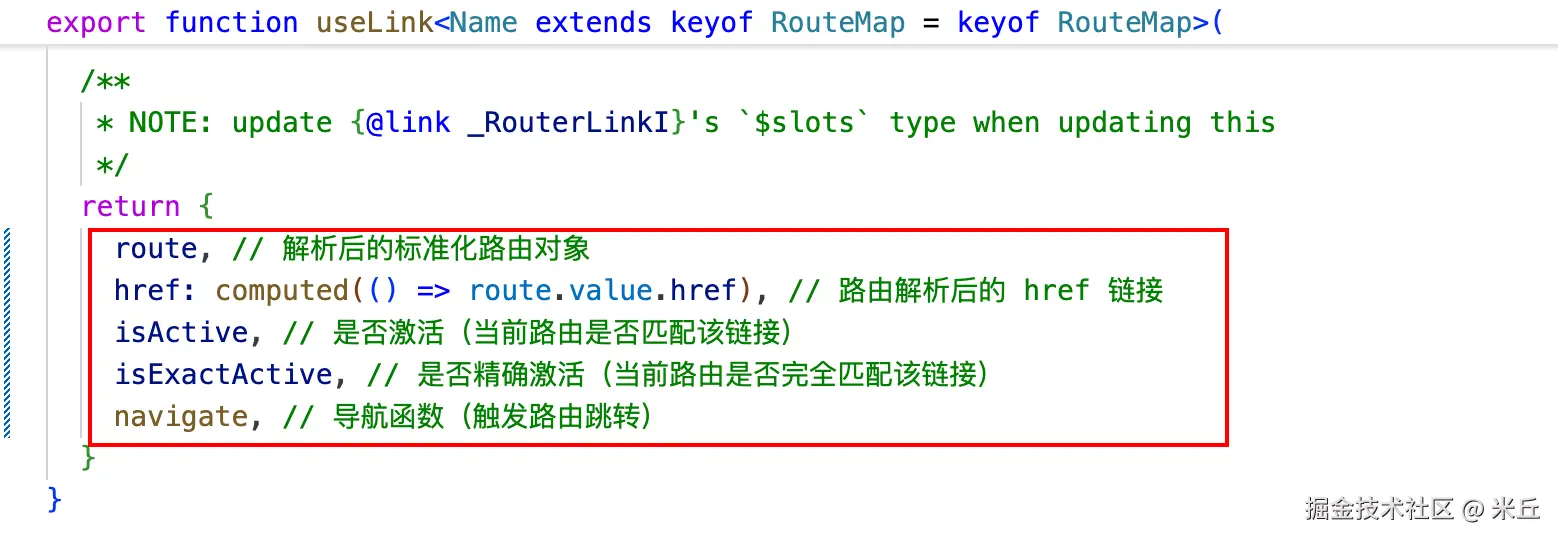
route, 解析后的标准化路由对象。href, 路由解析后的 href 链接。isActive, 是否激活(当前路由是否匹配该链接)。isExactActive, 是否精确激活(当前路由是否完全匹配该链接)。navigate, 导航函数(触发路由跳转)。
js
// TODO: we could allow currentRoute as a prop to expose `isActive` and
// `isExactActive` behavior should go through an RFC
/**
 * 负责解析路由链接、计算激活状态(isActive/isExactActive)、生成跳转方法(navigate)
 * Returns the internal behavior of a {@link RouterLink} without the rendering part.
 *
 * @param props - a `to` location and an optional `replace` flag
 */
export function useLink<Name extends keyof RouteMap = keyof RouteMap>(
  props: UseLinkOptions<Name>
): UseLinkReturn<Name> {

  // 注入路由器实例(必传,非空断言)
  const router = inject(routerKey)!
  // 注入当前激活的路由对象(必传,非空断言)
  const currentRoute = inject(routeLocationKey)!

  // 记录上一次的 to 值,避免重复警告
  let hasPrevious = false
  let previousTo: unknown = null

  // 路由解析:route 计算属性
  const route = computed(() => {
    const to = unref(props.to) // 解包响应式的 to 属性(支持 ref/普通值)

    if (__DEV__ && (!hasPrevious || to !== previousTo)) {
      if (!isRouteLocation(to)) {
        if (hasPrevious) {
          warn(
            `Invalid value for prop "to" in useLink()\n- to:`,
            to,
            `\n- previous to:`,
            previousTo,
            `\n- props:`,
            props
          )
        } else {
          warn(
            `Invalid value for prop "to" in useLink()\n- to:`,
            to,
            `\n- props:`,
            props
          )
        }
      }

      previousTo = to
      hasPrevious = true
    }

    return router.resolve(to) // 通过路由器解析 to 值为标准化路由对象
  })

  // 激活记录索引
  const activeRecordIndex = computed<number>(() => {
    const { matched } = route.value
    const { length } = matched
    const routeMatched: RouteRecord | undefined = matched[length - 1]
    const currentMatched = currentRoute.matched // 当前激活路由的匹配记录数组

    // 无匹配记录 → 未激活
    if (!routeMatched || !currentMatched.length) return -1

    // 查找当前路由记录中是否包含目标路由记录
    const index = currentMatched.findIndex(
      isSameRouteRecord.bind(null, routeMatched)
    )
    if (index > -1) return index // 找到 → 返回索引

    // possible parent record
    // 处理嵌套路由的特殊场景(空子路由)
    const parentRecordPath = getOriginalPath(
      matched[length - 2] as RouteRecord | undefined
    )

    return (
      // we are dealing with nested routes
      length > 1 &&
        // if the parent and matched route have the same path, this link is
        // referring to the empty child. Or we currently are on a different
        // child of the same parent
        getOriginalPath(routeMatched) === parentRecordPath &&
        // avoid comparing the child with its parent
        currentMatched[currentMatched.length - 1].path !== parentRecordPath
        ? currentMatched.findIndex(
            isSameRouteRecord.bind(null, matched[length - 2])
          )
        : index
    )
  })

  // 普通激活:包含目标路由记录,且参数匹配
  const isActive = computed<boolean>(
    () =>
      activeRecordIndex.value > -1 &&
      includesParams(currentRoute.params, route.value.params)
  )

  // 精确激活:激活记录是最后一条,且参数完全匹配
  const isExactActive = computed<boolean>(
    () =>
      activeRecordIndex.value > -1 &&
      activeRecordIndex.value === currentRoute.matched.length - 1 &&
      isSameRouteLocationParams(currentRoute.params, route.value.params)
  )

  function navigate(
    e: MouseEvent = {} as MouseEvent
  ): Promise<void | NavigationFailure> {

    // 守卫事件:判断是否需要阻止默认行为(如右键/ctrl+点击等)
    if (guardEvent(e)) {
      // 调用路由器的 push/replace 方法
      const p = router[unref(props.replace) ? 'replace' : 'push'](
        unref(props.to)
        // avoid uncaught errors are they are logged anyway
      ).catch(noop)

      // 兼容浏览器原生视图过渡,提升跳转体验
      if (
        props.viewTransition &&
        typeof document !== 'undefined' &&
        'startViewTransition' in document
      ) {
        document.startViewTransition(() => p)
      }
      return p
    }
    return Promise.resolve()
  }

  // devtools only
  if ((__DEV__ || __FEATURE_PROD_DEVTOOLS__) && isBrowser) {
    const instance = getCurrentInstance()
    if (instance) {
      const linkContextDevtools: UseLinkDevtoolsContext = {
        route: route.value,
        isActive: isActive.value,
        isExactActive: isExactActive.value,
        error: null,
      }

      // @ts-expect-error: this is internal
      instance.__vrl_devtools = instance.__vrl_devtools || []
      // @ts-expect-error: this is internal
      instance.__vrl_devtools.push(linkContextDevtools)
      watchEffect(
        () => {
          linkContextDevtools.route = route.value
          linkContextDevtools.isActive = isActive.value
          linkContextDevtools.isExactActive = isExactActive.value
          linkContextDevtools.error = isRouteLocation(unref(props.to))
            ? null
            : 'Invalid "to" value'
        },
        { flush: 'post' }
      )
    }
  }

  /**
   * NOTE: update {@link _RouterLinkI}'s `$slots` type when updating this
   */
  return {
    route, // 解析后的标准化路由对象
    href: computed(() => route.value.href), // 路由解析后的 href 链接
    isActive, // 是否激活(当前路由是否匹配该链接)
    isExactActive, // 是否精确激活(当前路由是否完全匹配该链接)
    navigate, // 导航函数(触发路由跳转)
  }
}
useLink接收哪些 props?
js
/**
 * Options passed to {@link useLink}.
 */
export interface UseLinkOptions<Name extends keyof RouteMap = keyof RouteMap> {
  // 必选:路由目标(支持多种格式 + 响应式)
  to: MaybeRef<
    | RouteLocationAsString
    | RouteLocationAsRelativeTyped<RouteMap, Name>
    | RouteLocationAsPath
    | RouteLocationRaw
  >

   // 可选:是否使用 replace 模式(支持响应式)
  replace?: MaybeRef<boolean | undefined>

  /**
   * Pass the returned promise of `router.push()` to `document.startViewTransition()` if supported.
   * 可选:是否启用视图过渡(View Transition API)
   */
  viewTransition?: boolean
}
guardEvent
js
function guardEvent(e: MouseEvent) {
  // don't redirect with control keys
  // 元键(Meta/Alt/Ctrl/Shift)
  if (e.metaKey || e.altKey || e.ctrlKey || e.shiftKey) return

  // 不处理默认事件阻止
  // don't redirect when preventDefault called
  if (e.defaultPrevented) return

  // 不处理右键点击
  // don't redirect on right click
  if (e.button !== undefined && e.button !== 0) return

  // don't redirect if `target="_blank"`
  // @ts-expect-error getAttribute does exist
  if (e.currentTarget && e.currentTarget.getAttribute) {
    // @ts-expect-error getAttribute exists
    const target = e.currentTarget.getAttribute('target')
    if (/\b_blank\b/i.test(target)) return // 不处理 target="_blank" 情况
  }

  // this may be a Weex event which doesn't have this method
  if (e.preventDefault) e.preventDefault()

  return true
}
应用
RouterLink 与原生 <a> 标签的区别?
- 路由跳转。
RouterLink组件, 前端路由跳转(router.push/replace),无页面刷新;- 原生
a标签触发浏览器刷新,重新请求页面。
- 激活态管理。
RouterLink组件 自动添加router-link-active/router-link-exact-active类名。- 原生
a标签需手动监听路由变化,手动添加类名。
- 原生行为。
RouterLink组件 保留href属性(支持右键新标签页打开)。- 原生
a标签 原生行为,但跳转触发页面刷新。
- 无障碍适配。
RouterLink组件 自动添加aria-current属性。- 原生
a标签需手动添加,适配成本高。
- 参数传递。
RouterLink组件 支持命名路由、动态参数、查询参数。- 原生
a标签需手动拼接 URL,易出错。
最后
- github github.com/hannah-lin-...
- vue-router router.vuejs.org/zh/guide/ad...