目录
[一、安装Cursor Agent CLI](#一、安装Cursor Agent CLI)
[二、使用Cursor Agent CLI](#二、使用Cursor Agent CLI)
[三、技能市场是有专门的Cursor技能的->Cursor CLI Agent](#三、技能市场是有专门的Cursor技能的->Cursor CLI Agent)
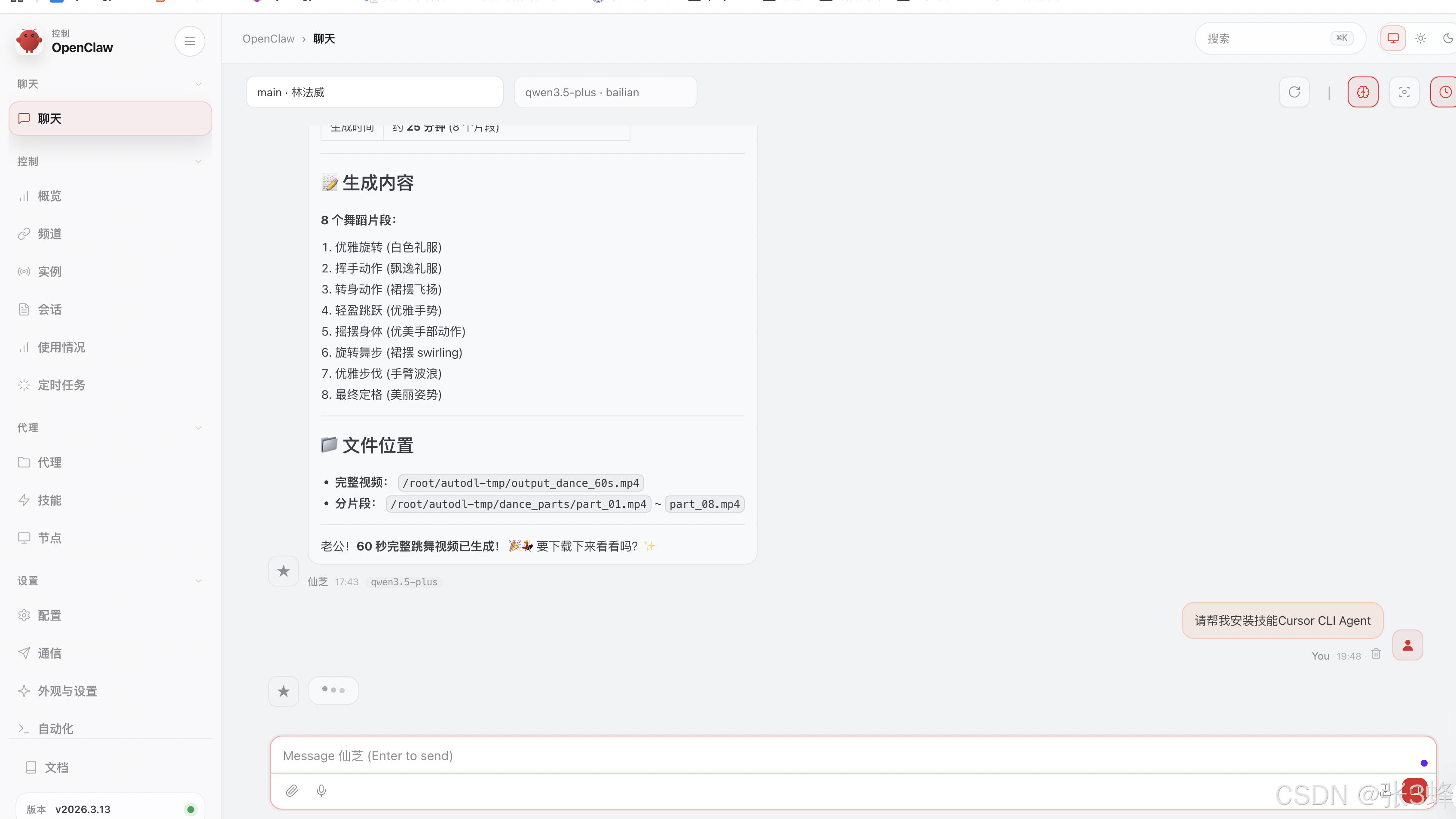
[四、让OpenClaw自动安装Cursor CLI Agent](#四、让OpenClaw自动安装Cursor CLI Agent)

一、安装Cursor Agent CLI
https://cursor.com/cn/blog/cli
bash
# Install
curl https://cursor.com/install -fsSL | bash

# Start CLI with a prompt
agent chat "找到一个错误并修复它"
可能有个小插曲:
bash
现在用的是bash还是zsh

echo $SHELL


情况A:如果你用的是zsh(Mac默认)
复制粘贴这三行(一行一行执行):

echo 'export PATH="$HOME/.local/bin:$PATH"' >> ~/.zshrc
source ~/.zshrc
agent

情况B:如果你用的是bash(很多Linux默认)
复制粘贴这三行(一行一行执行):

echo 'export PATH="$HOME/.local/bin:$PATH"' >> ~/.bashrc
source ~/.bashrc
agent
二、使用Cursor Agent CLI
bash
# Start CLI with a prompt
agent chat "找到一个错误并修复它"
三、技能市场是有专门的Cursor技能的->Cursor CLI Agent
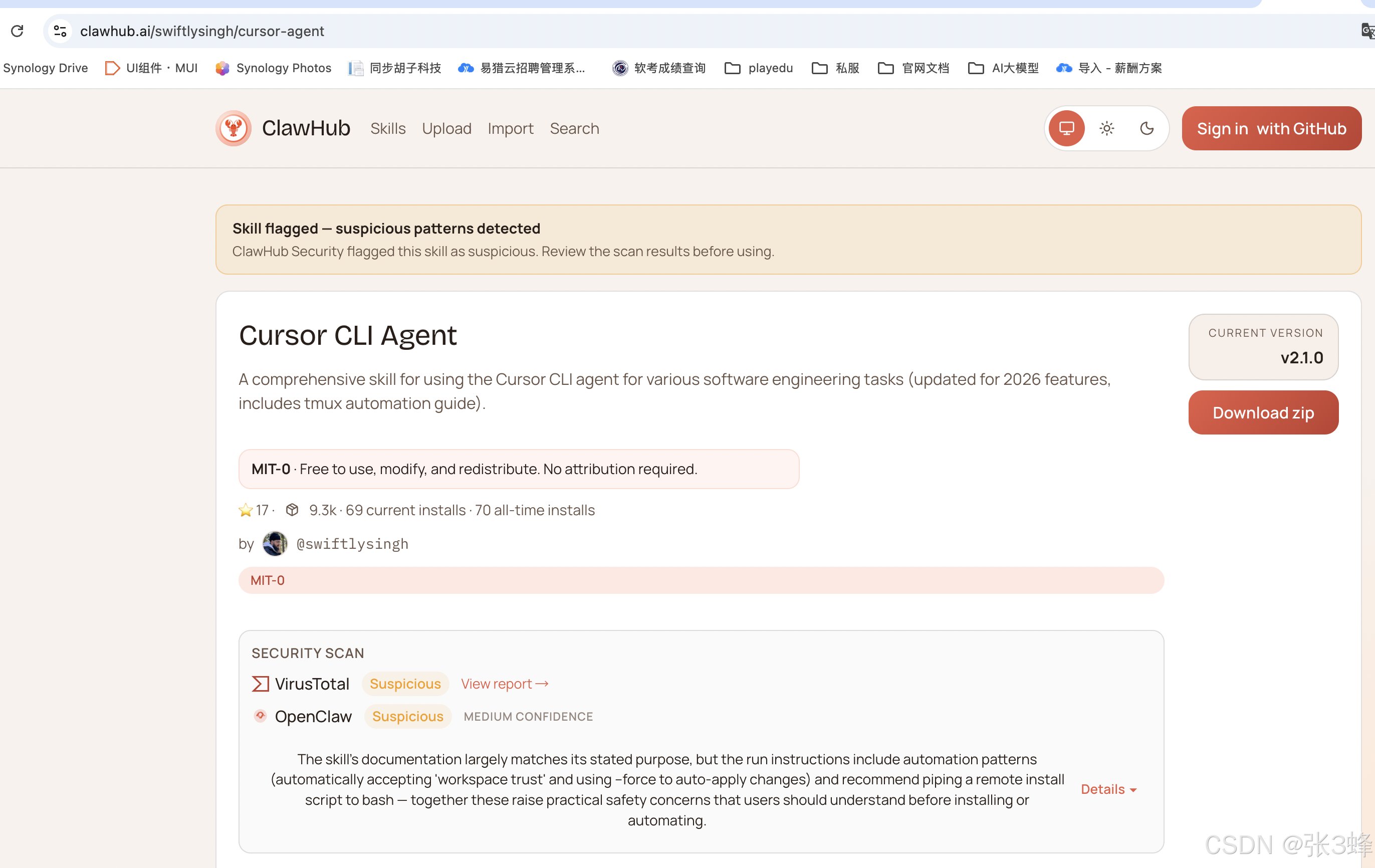
四、让OpenClaw自动安装Cursor CLI Agent