系统信息
bash
uname -a

Linux rtos 5.11.0-37-generic #41-Ubuntu SMP Mon Sep 20 16:39:20 UTC 2021 x86_64 x86_64 x86_64 GNU/Linux
Git配置
~/.bashrc中开启git的调试模式
bash
export GIT_TRACE_PACKET=1

export GIT_TRACE=1

export GIT_CURL_VERBOSE=1

git config --global user.email "yourmail@xx.com"

git config --global user.name "yourname"
编译依赖
bash
sudo apt install automake bc bison build-essential cscope curl device-tree-compiler expect flex autoconf ftp-upload gdisk acpica-tools libattr1-dev libc6:i386 libcap-dev libfdt-dev libftdi-dev libglib2.0-dev libhidapi-dev libncurses5-dev libpixman-1-dev libssl-dev libstdc++6:i386 libtool zlib1g:i386 make mtools netcat unzip uuid-dev xdg-utils xterm xz-utils zlib1g-dev adb fastboot autoconf -f

sudo pip3 install pycrypto
sudo apt install python3-pyelftools
sudo pip3 install pwntools
sudo pip3 install pycryptodomex
下载代码
bash
mkdir tee3.15

cd tee3.15

repo init -u https://github.com/OP-TEE/manifest.git --depth 1 -m qemu_v8.xml --repo-url=https://mirrors.tuna.tsinghua.edu.cn/git/git-repo -b 3.15.0

repo sync -j4
如果没有意外,下载成功截图如下:
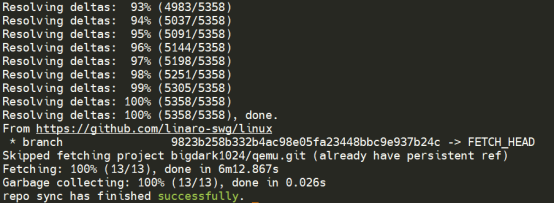
获取交叉编译工具
bash
cd build/

make -f toolchain.mk toolchains -j4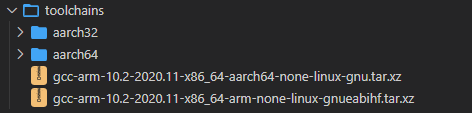
编译O P-TEE
bash
cd build/
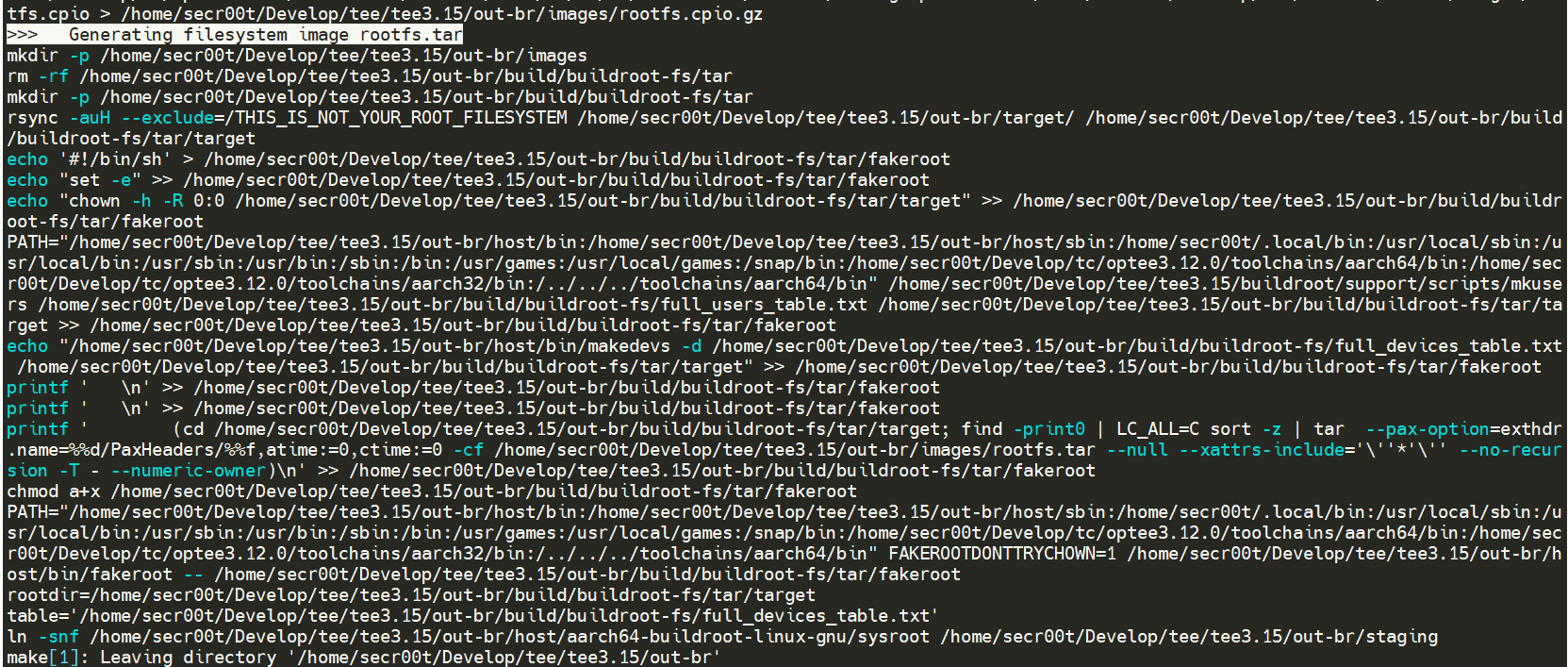
make -f qemu_v8.mk -j4
需要做的就是耐心等待编译完成,如图所示给虚拟机分配了4颗CPU,编译过程可以看到CPU占用率比较高。

还可以运行make check测试编译是否成功,会运行xtest用例。
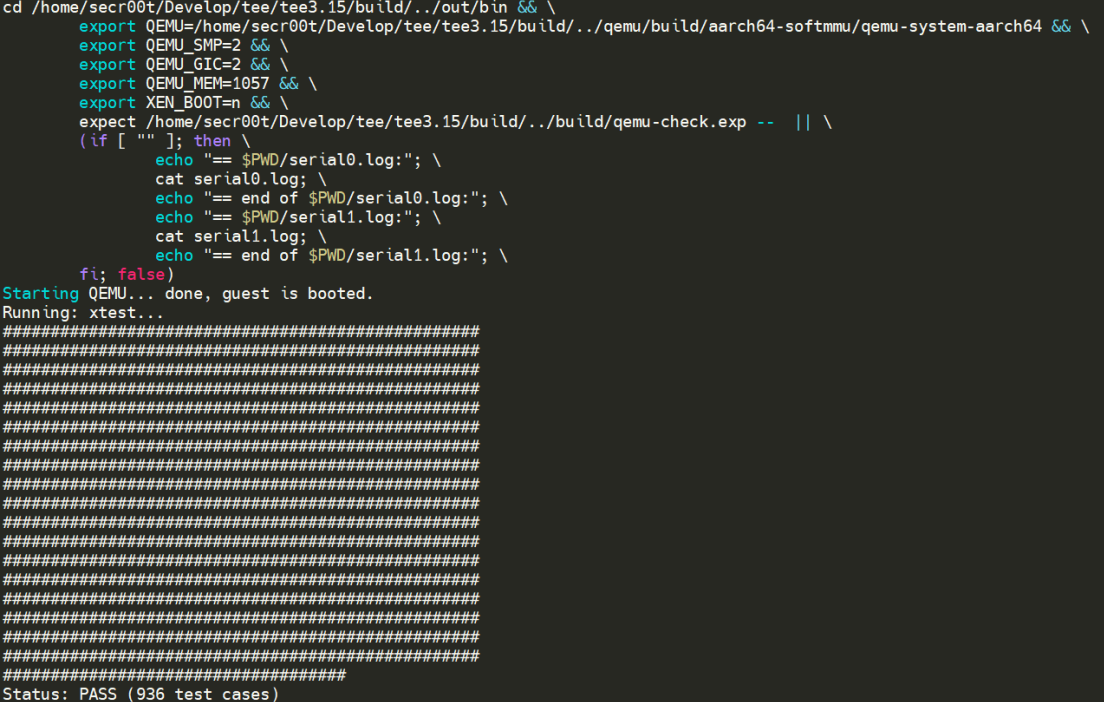
运行
观察soc_term.py源码,可以看到支持端口入参。
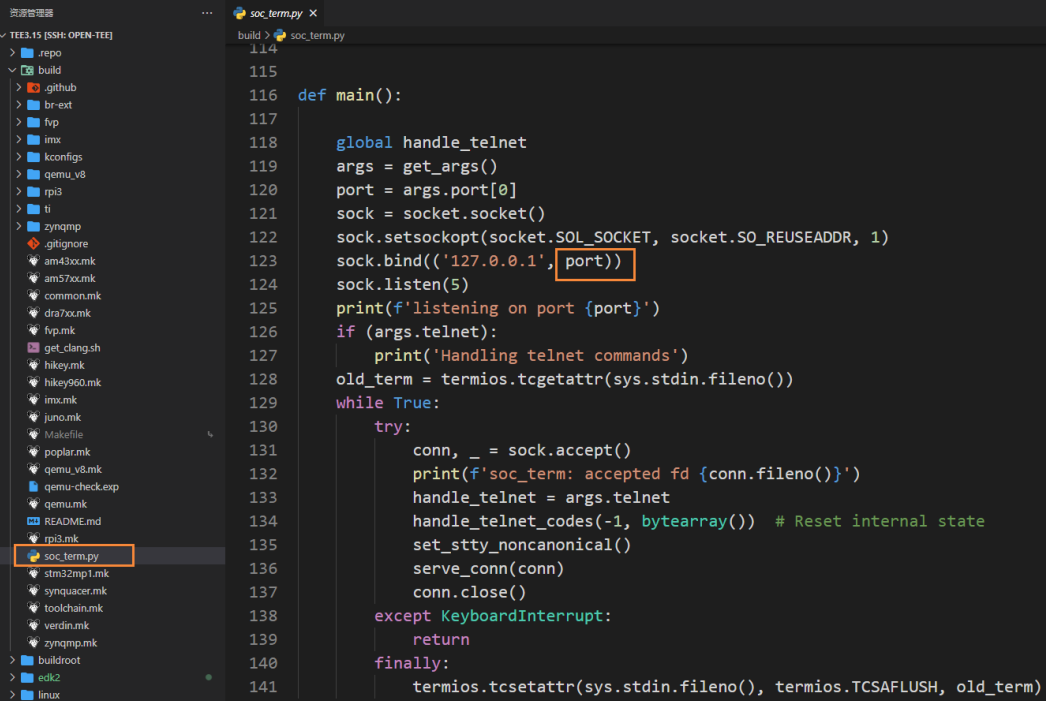
可以开启两个shell命令行,分别使用python3 soc_term.py 54320和python3 sco_term.py 54321分别监听Normal World和Secure World两个世界的端口。
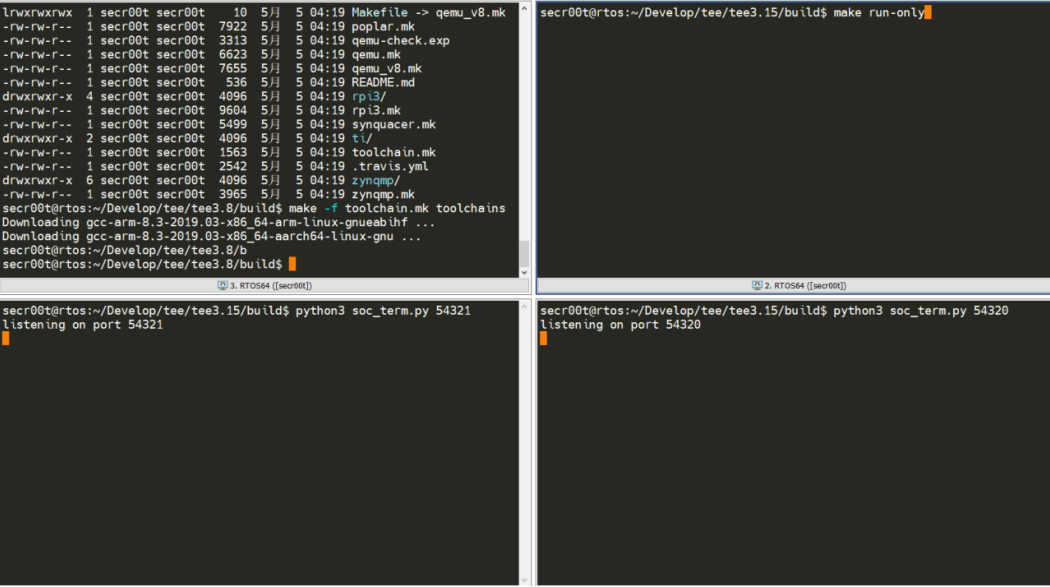
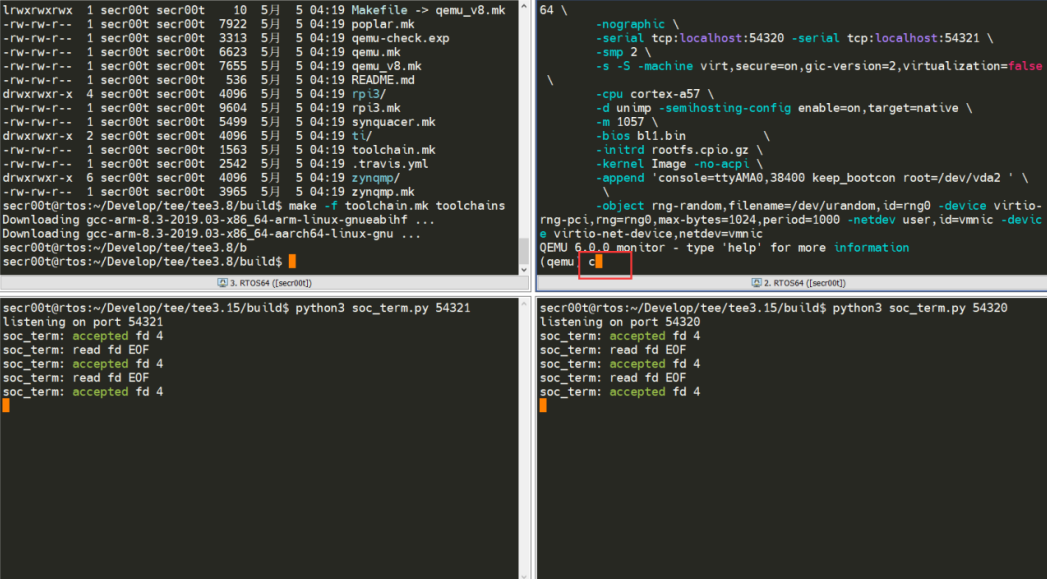
然后进入到build目录,运行make run-only即可进入到交互状态,然后按照提示输入c字母,回车确认:
接着Normal World以root用户登录:
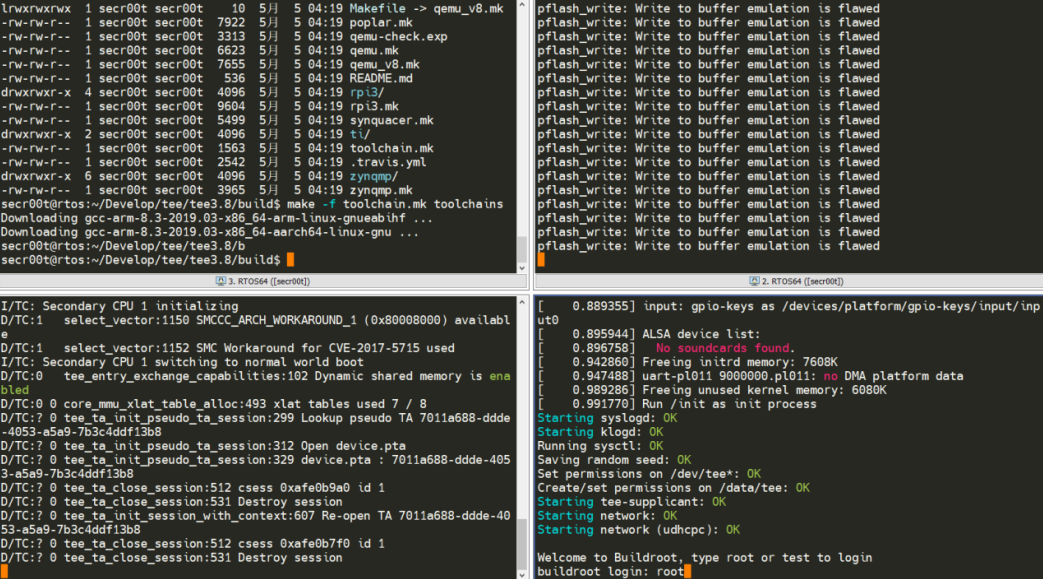
并运行xtest进行测试:
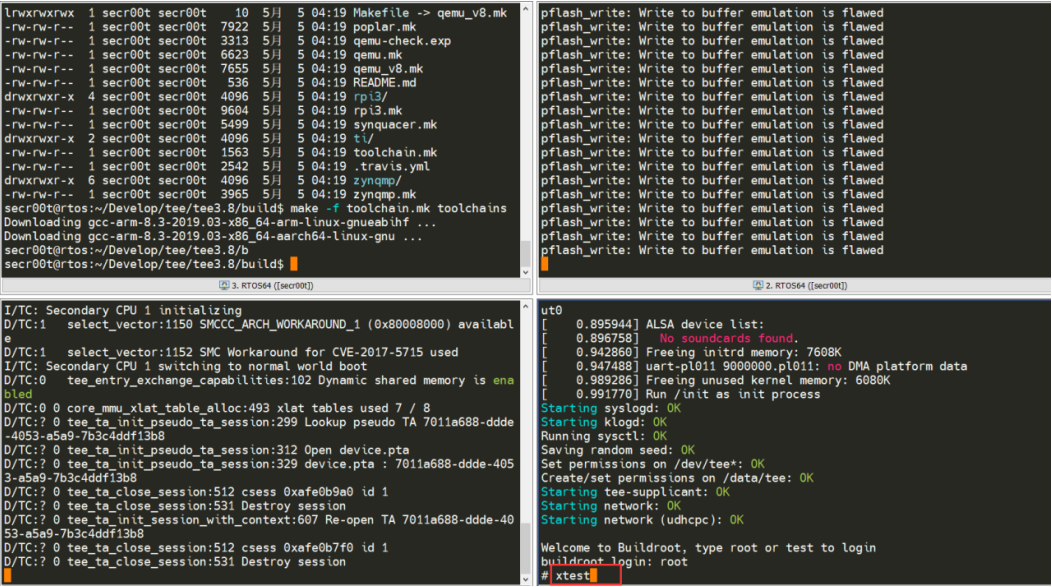
如果顺利,你将会看到:
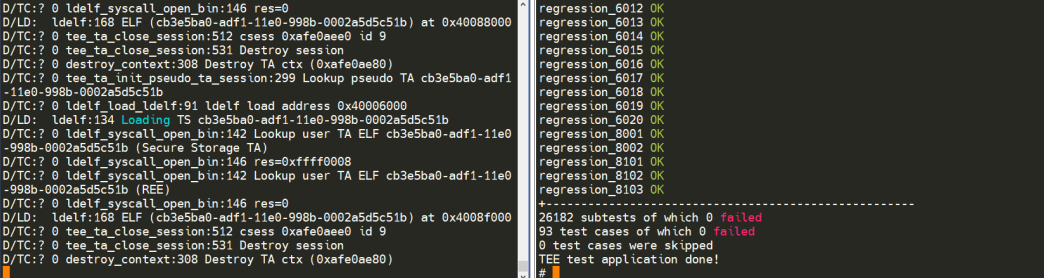
参考资料
OP-TEE Documentation --- OP-TEE documentation documentation (optee.readthedocs.io)
FAQ
RPC failed; curl 56 GnuTLS recv error (-9): A TLS packet with unexpected length was received
bash
sudo apt-get purge git
sudo apt-get install git
ModuleNotFoundError: No module named 'Cryptodome'
#pycrypto、pycrytodome和crypto是一个东西,crypto在python上面的名字是pycrypto,
bash
pip3 uninstall pycryptodome
pip3 install pycryptodomeed k2相关错误
编译edk2 提示莫名奇怪错误,可能是编译过程中没能正常下载相关依赖导致。
进edk2, 执行下载相即可。
bash
git submodule update --init --recursive e d k2 boringssl下载失败
bash
tianocore/edk2.git/CryptoPkg/Library/OpensslLib/openssl/boringssl:

fatal: unable to access 'https://hub.fastgit.org/google/boringssl.git/': gnutls_handshake() failed: Error in the pull function.

error: Cannot fetch tianocore/edk2.git/CryptoPkg/Library/OpensslLib/openssl/boringssl from https://boringssl.googlesource.com/boringssl

Fetching: 100% (1/1), done in 4.610s

解决思路是使用git config --global url.A.insteadOf B

命令将boringssl.googlesource.com替换为谷歌的github镜像库
https://github.com/google/boringssl.git,方法如下:

git config --global url."https://github.com/google/boringssl.git".insteadOf "https://boringssl.googlesource.com/boringssl"