安装Git,打开Git Bash
地址:https://git-scm.com/download/win
输入
cpp
git --version输出
cpp
git version 2.47.1.windows.1安装Node.js
输入
cpp
node --version输出
cpp
v24.14.0输入
cpp
npm --version输出
cpp
11.9.0安装Claude Code
输入
cpp
npm install -g @anthropic-ai/claude-code
claude --version
输出
cpp
2.1.81 (Claude Code)配置Claude Code的settings.json文件
输入
第一行创建隐藏文件夹
第二行创建配置文件settings.json
第三行用记事本方式打开settings.json
bash
mkdir -p ~/.claude
touch ~/.claude/settings.json
nodepad ~/.claude/settings.json配置settings.json
bash
{
	"permissions": {
	"allow": [
		"Bash(pip install:*)",
		"Bash(cd:*)",
		"Bash(ls:*)",
		"Bash(python:*)",
		"Bash(pip uninstall:*)",
		"Bash(npm install:*)",
		"WebSearch",
		"WebFetch"
	],
	"deny": [
		"Bash(rm -rf:/)",
		"Bash(format:*)"
	]
	},
	"appearance": {
	"theme": "dark",
	"fontSize": 15
	}
}运行Claude
环境变量问题
输入
bash
claude输出
bash
Claude Code on Windows requires git-bash (https://git-scm.com/downloads/win). If installed but not in PATH, set environment variable pointing to your bash.exe, similar to: CLAUDE_CODE_GIT_BASH_PATH=C:\Program Files\Git\bin\bash.exe原因
安装的Git没有环境变量,Claude无法获取到Git安装目录下的Bash.exe文件
环境变量解决
右键此电脑->打开属性->高级系统设置->环境变量->系统变量右侧点击新建
变量名:CLAUDE_CODE_GIT_BASH_PATH
变量值:电脑上Git安装目录下\bin\bash.exe文件位置
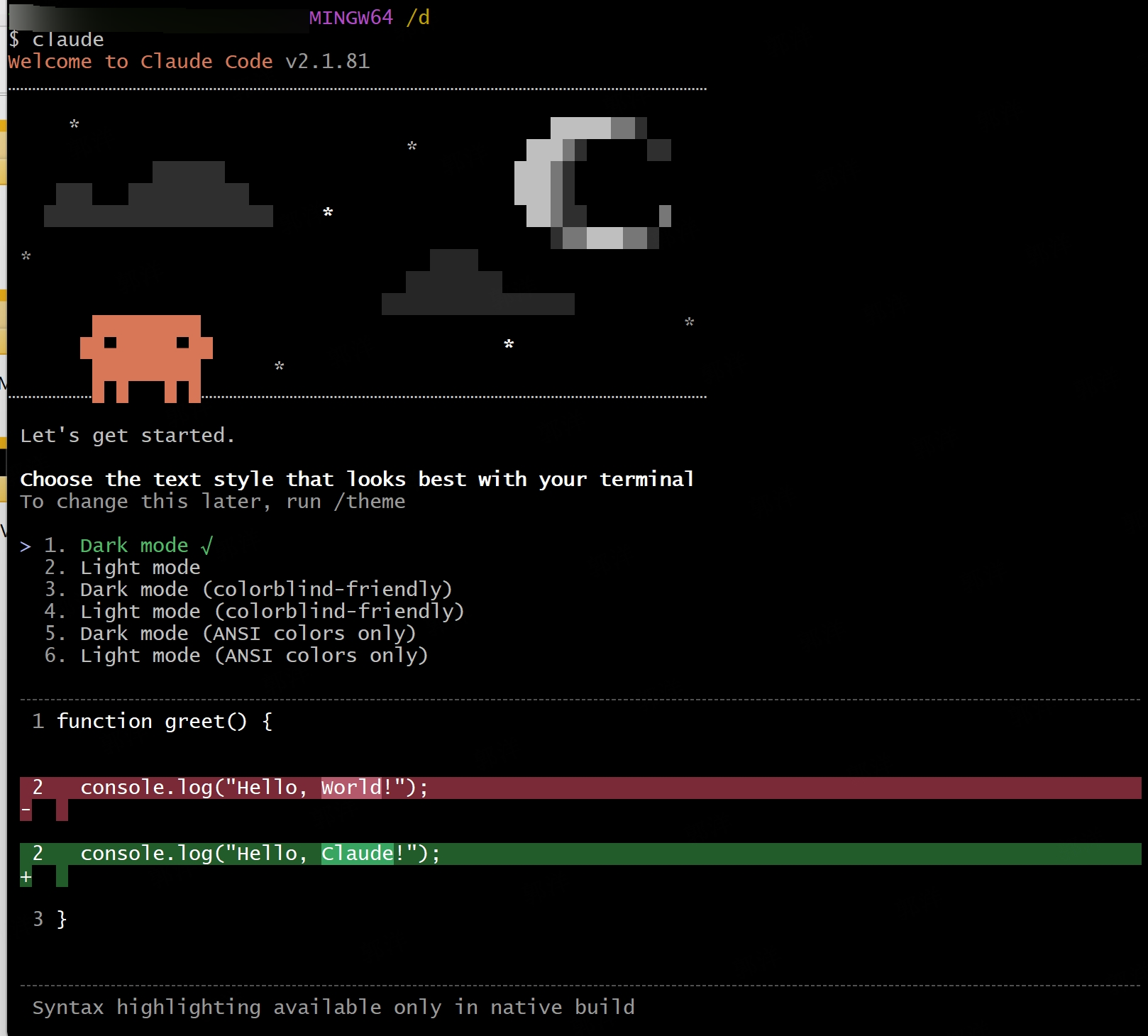
再次在Git Bash中输入Claude