1. 拉取代码
python
git clone https://github.com/crawlab-team/crawlab2. 安装 Node 环境
bash
https://github.com/coreybutler/nvm-windows/releases
bash
nvm install 20.18.0
nvm use 20.18.0
3.安装MongoDB
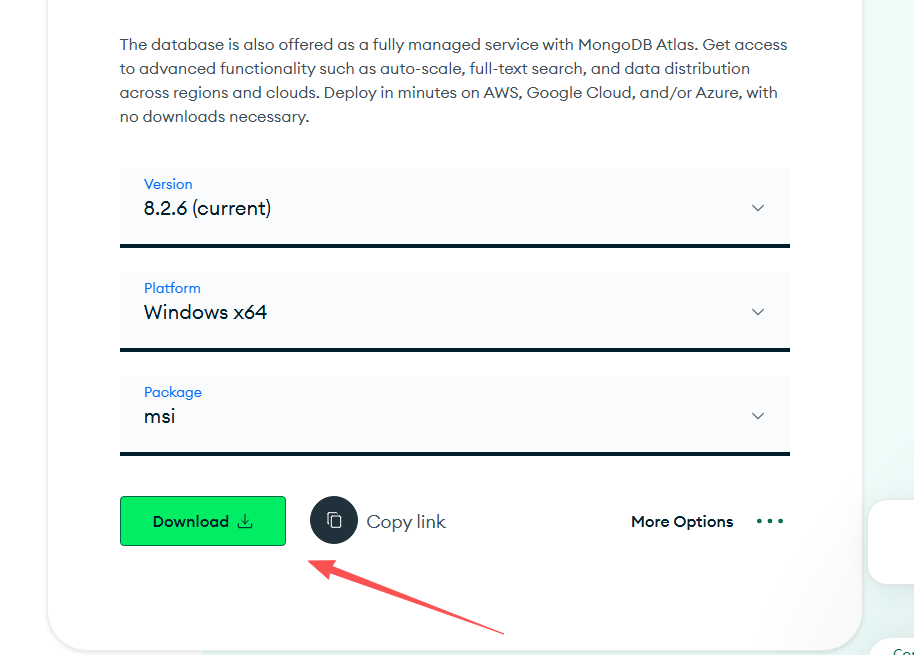
bash
https://www.mongodb.com/try/download/community4.安装Redis
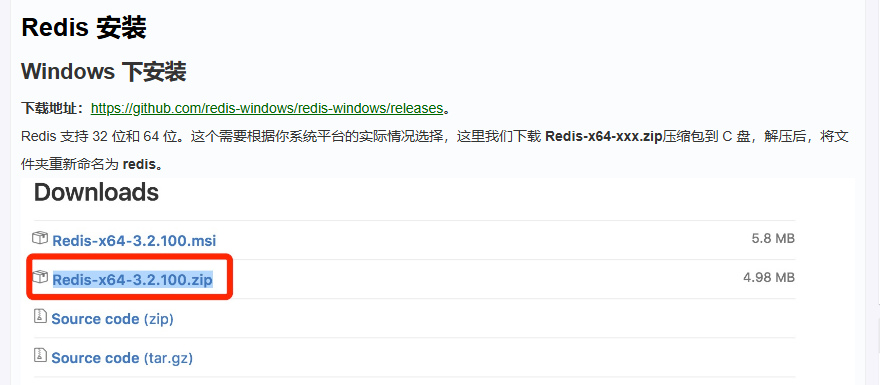
bash
https://www.runoob.com/redis/redis-install.html5.安装前后端
5.1 安装前端所需库
bash
npm install -g servecd frontend
bash
npm install5.2 修改后端配置
bash
crawlab/backend/conf
bash
api:
  address: "http://localhost:8000"  # API 地址
mongo:
  host: 127.0.0.1  # MongoDB host
  port: 27017  # MongoDB port
  db: crawlab_test  # MongoDB database
  username: ""  # MongoDB username
  password: ""  # MongoDB password
  authSource: "admin"  # MongoDB auth source database
redis:
  address: 127.0.0.1  # Redis host
  password: ""  # Redis password
  database: 1  # Redis database
  port: 6379  # Redis port
log:
  level: info  # Log Level
  path: "/var/logs/crawlab"  # Log Path
  isDeletePeriodically: "N"  # 是否定期删除日志(默认为否)
  deleteFrequency: "@hourly"  # 删除日志频率
server:
  host: 0.0.0.0  # 后端监听地址
  port: 8000  # 后端监听端口
  master: "Y"  # 是否为主节点
  secret: "crawlab"  # JWT secret
  register:
    # mac地址 或者 ip地址,如果是ip,则需要手动指定IP
    type: "mac"
    ip: ""
  lang: # 安装语言环境, Y 为安装,N 为不安装
    python: "Y"
    node: "N"
    java: "N"
    dotnet: "N"
spider:
  path: "/app/spiders"  # 爬虫路径
task:
  workers: 4  # 同时运行任务的执行器数量
other:
  tmppath: "/tmp"  # 临时文件目录
version: 0.4.7  # 版本号
setting:
  allowRegister: "N"  # 是否允许注册
  enableTutorial: "N"  # 是否弃用教程
  runOnMaster: "Y"  # 是否在主节点上运行任务
  demoSpiders: "N"  # 是否加载demo爬虫
  checkScrapy: "Y"  # 是否自动检查Scrapy
notification: # 消息通知
  mail: # 邮箱通知
    server: '' # SMPT 服务器地址
    port: ''  # SMTP 服务器端口
    senderEmail: ''  # 发送者邮箱
    senderIdentity: ''  # 发送者身份
    smtp:  # SMTP
      user: ''  # SMTP 用户名
password: '' # SMTP 密码参考配置https://docs-v05.crawlab.cn/zh/Config/
5.3 安装后端
bash
cd ../backend
go install ./...
5.4 设置master节点
bash
C:\Users\用户名\.crawlab\config.json将配置中is_master 改为true
这一步主要解决启动不是master节点导致服务无法启动问题
bash
info current node type: worker
context deadline exceeded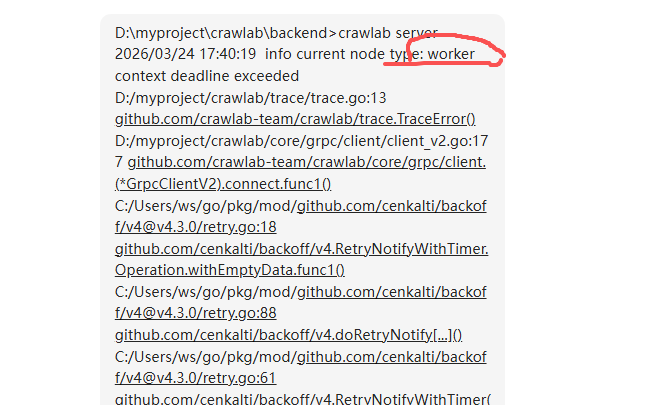
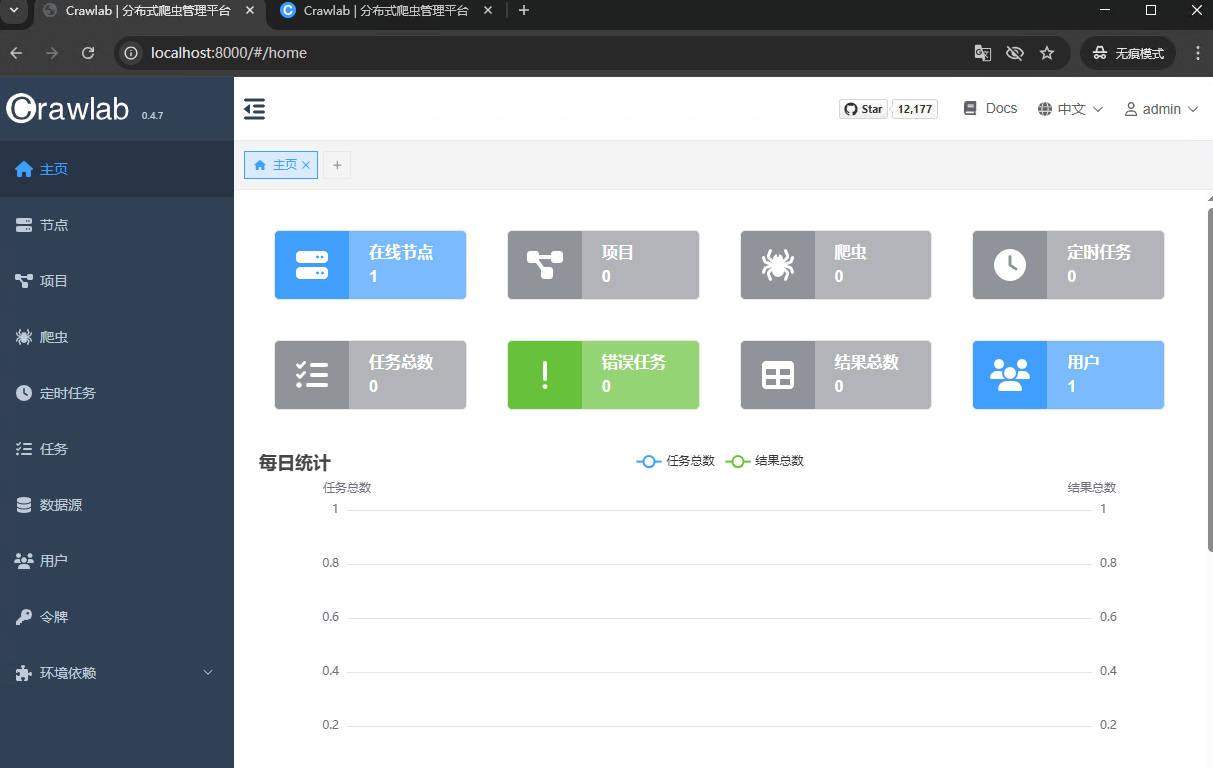
5.5 启动后端
bash
$env:CRAWLAB_NODE_MASTER="true"
go run main.go server
5.6 启动前端
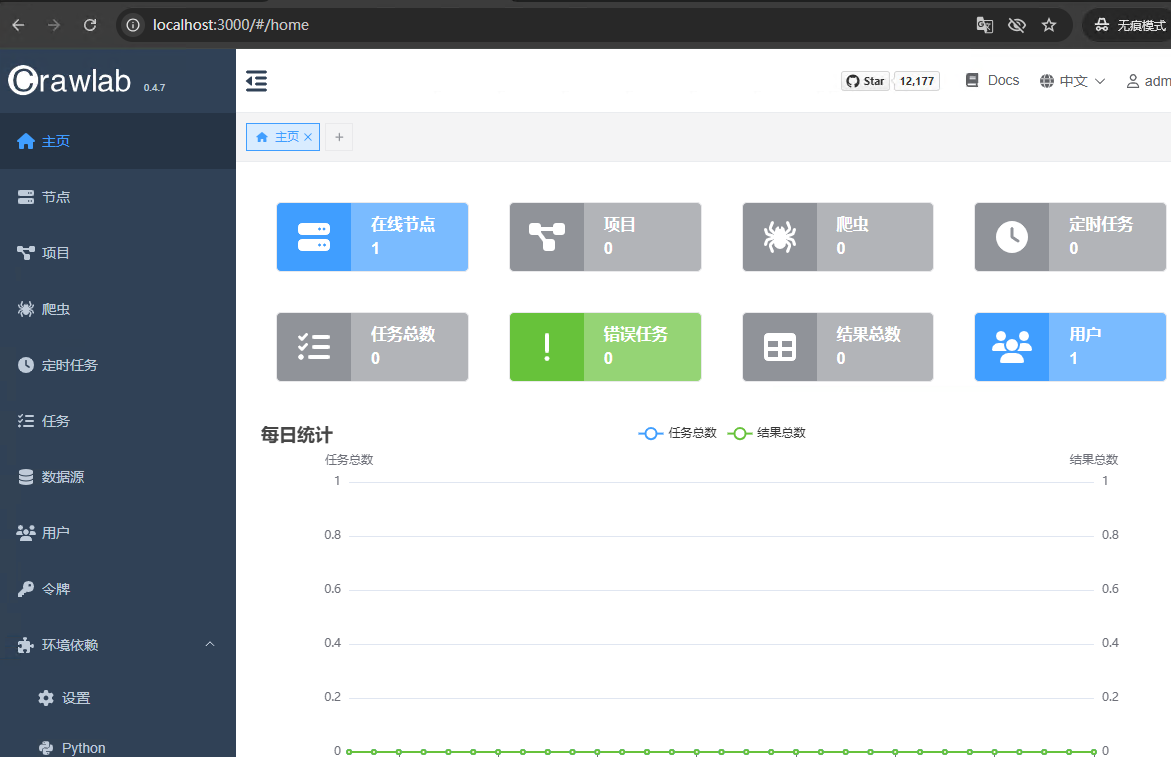
bash
# 本地环境运行
npm run serve

# 生产环境运行
npm run build
npm run serve:dist
6.安装Nginx
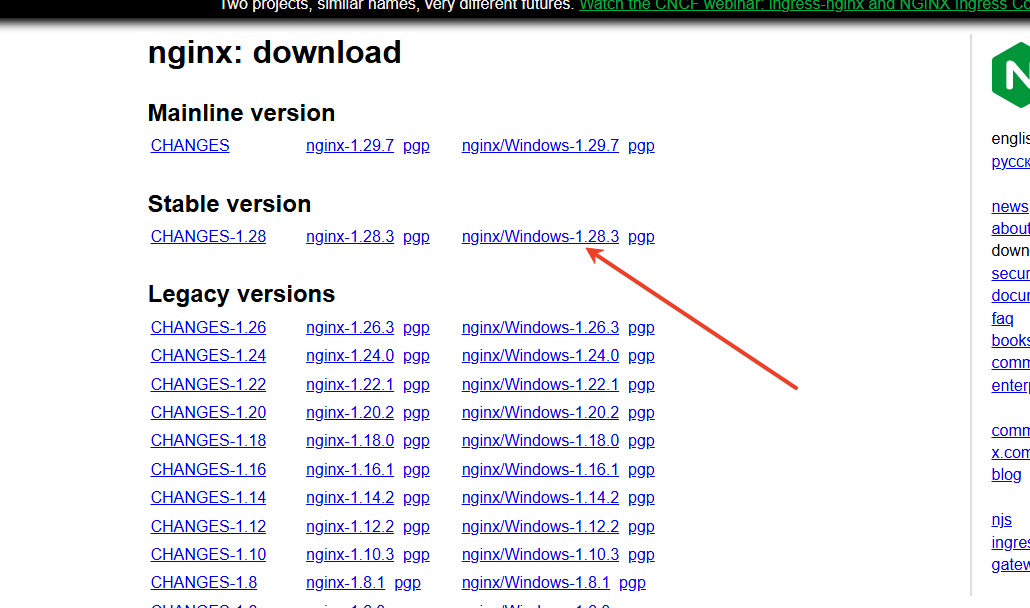
bash
https://nginx.org/en/download.html项目地址 https://github.com/Cocktailpy/crawlab
参考 Crawlab 中文文档