win11安装opencode
一、安装方式
首先opencode官网地址为:https://opencode.ai/。可以看到有如下安装方式:
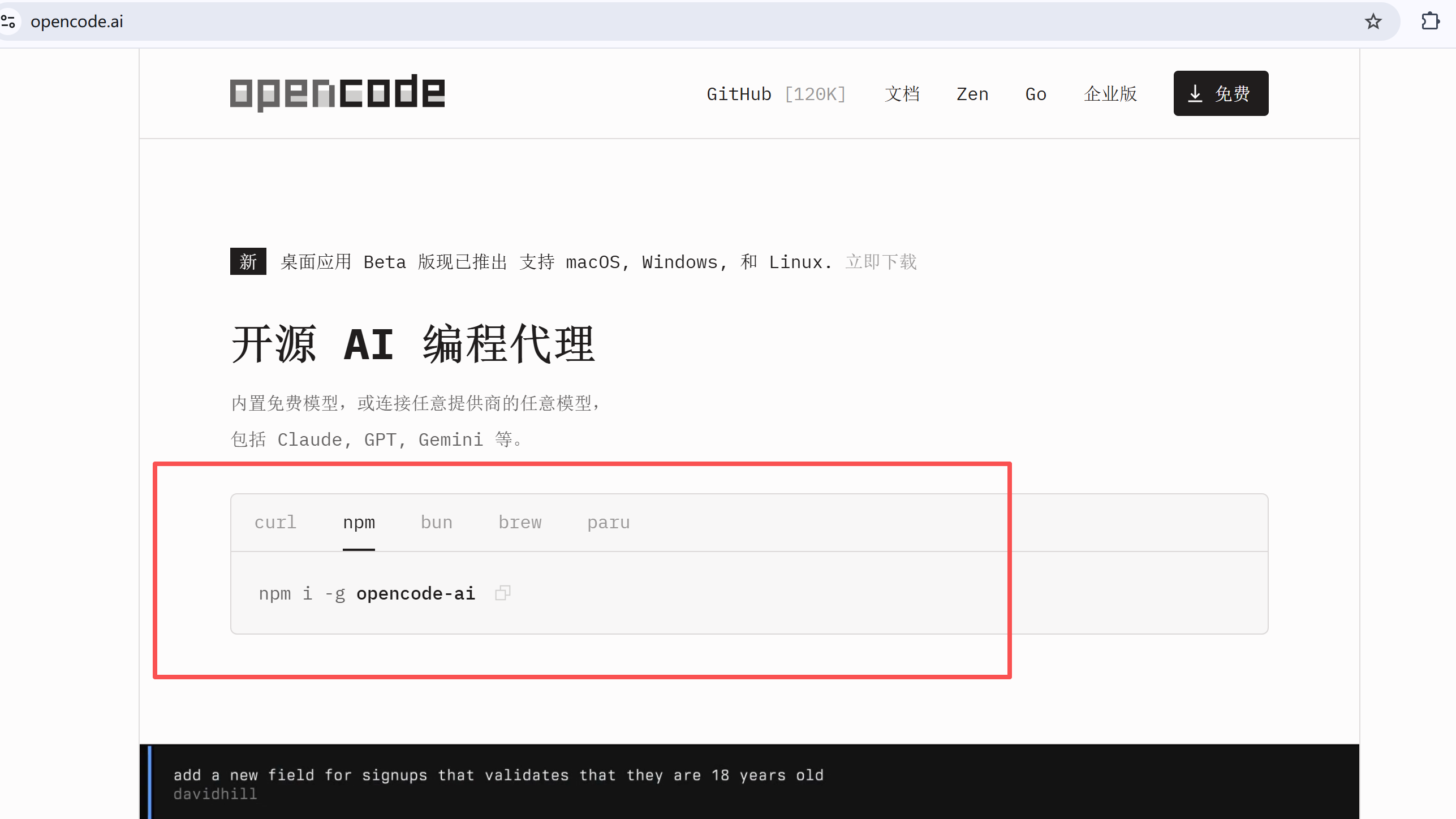
这里我采用第二种安装方式:npm。前提确保本地已经安装了node。
所以打开命令行
执行如下命令:
bash
npm i -g opencode-ai执行完之后采用如下命令验证:
bash
opencode -version如果命令不被识别,则需要把node的包管理路径加入环境变量。我的路径是这里:
bash
E:\soft\commonSoft\nodejs\data\node_global如此opencode就安装完成了。
二、配置skills
下载的skill需要放在这里:
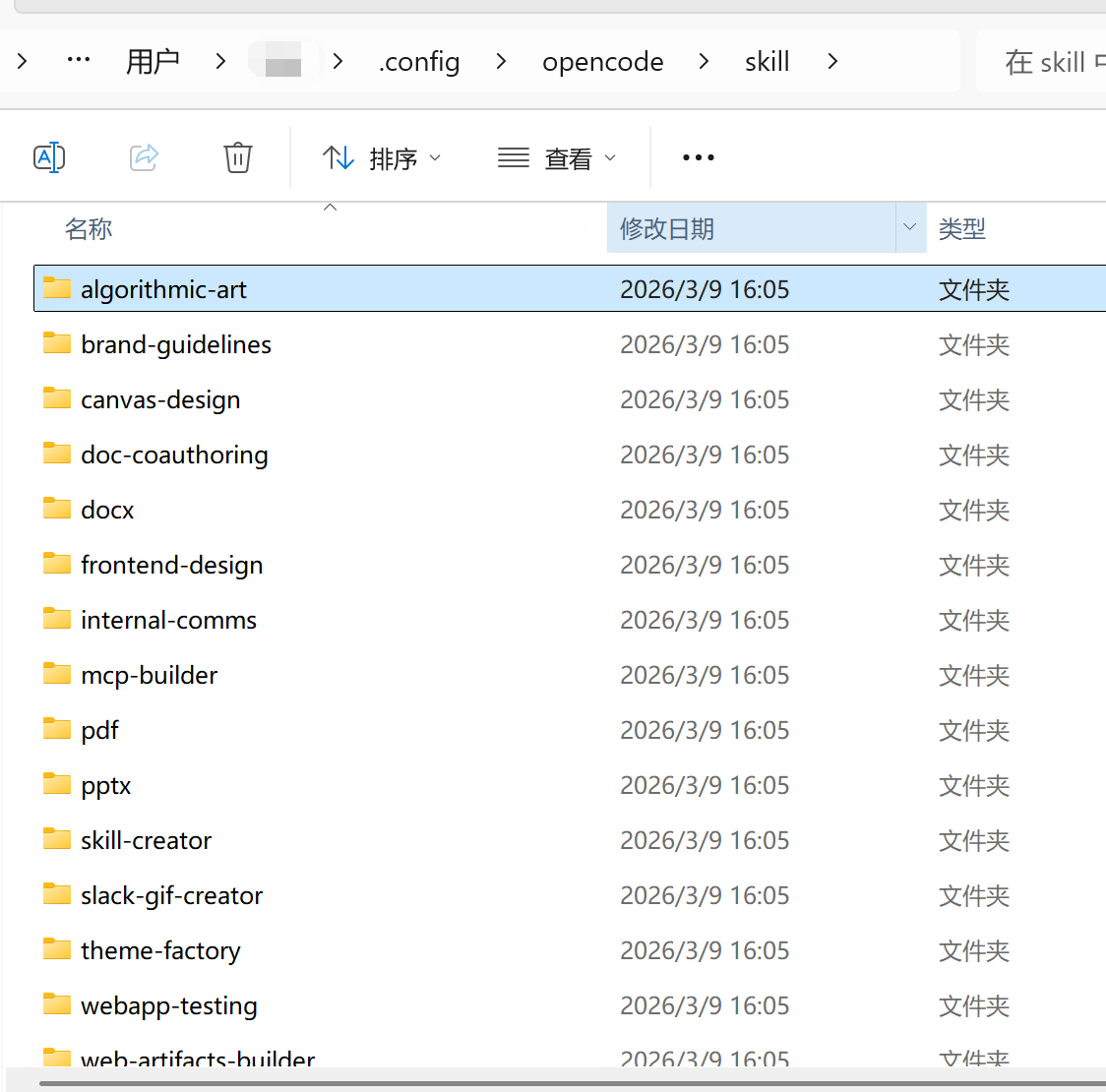
skill可以在https://skills.sh/上找,也可以在https://github.com/anthropics/skills这个地址找。