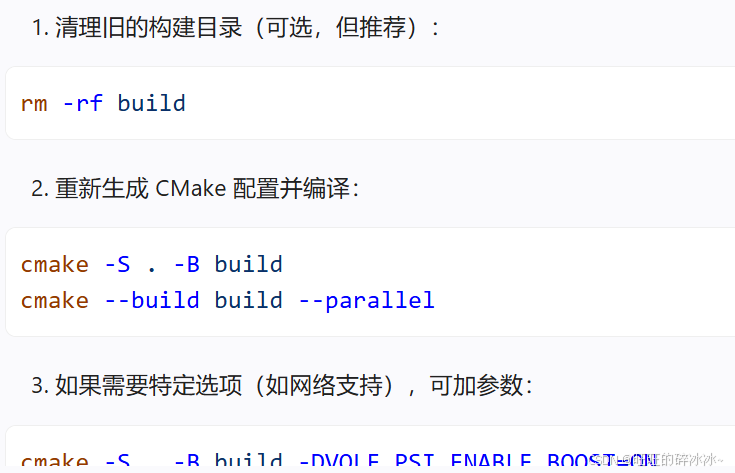
使用AI编辑器生成的命令行在Vscode中无法显示:
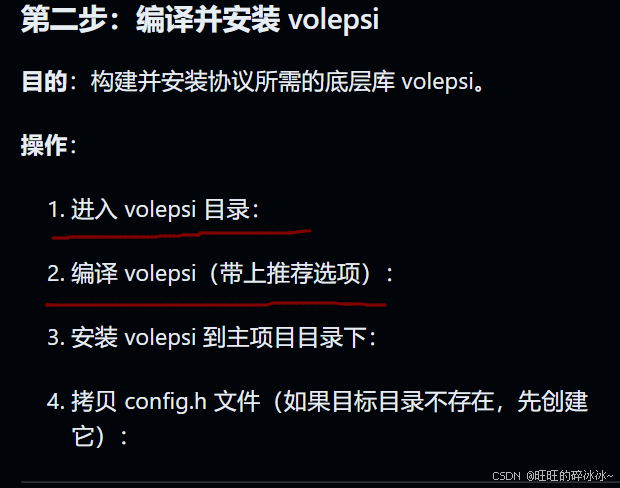
原因是终端配置导致的。解决方法很简单:
使用命令行Ctrl+shift+P,选择首选项:

然后将下面四行代码粘贴到最后即可:
bash
"github.copilot.chat.terminalExecutionEnabled": true,
"github.copilot.chat.commandPreview.enabled": true,
"chat.editor.commandExecution.enabled": true,
"chat.commandExecution.enabled": true
添加这两行代码到最后。
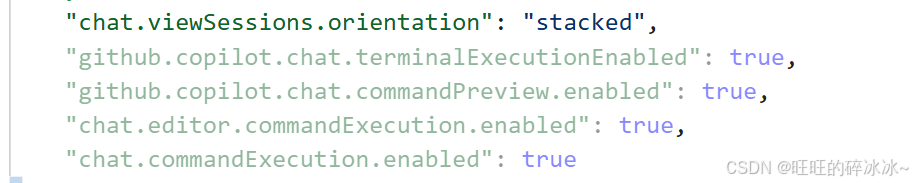
重启Vscode即可解决。