下载依赖包
javascript
npm install @wangeditor/editor --save
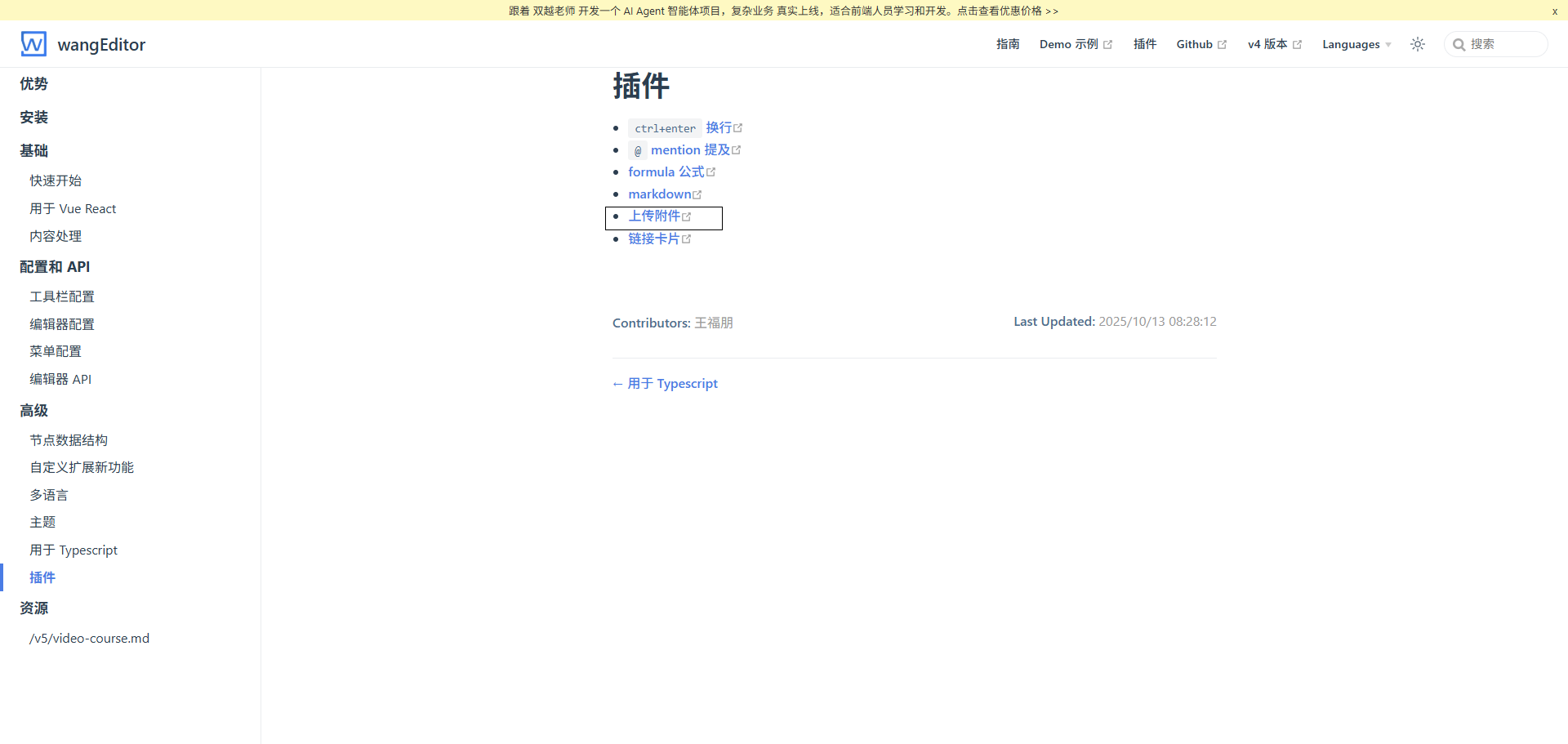
上传excel,word等文件插件
npm install @wangeditor/plugin-upload-attachment
引入
javascript
import '@wangeditor/editor/dist/css/style.css';
import { Editor, Toolbar } from '@wangeditor/editor-for-vue';
import { Boot } from '@wangeditor/editor'
import UploadAttachmentModule from '@wangeditor/plugin-upload-attachment'
dom结构
javascript
<div>
	<Toolbar
    :editor="editorRef"
    :defaultConfig="toolbarConfig"
    :mode="'default'"
    style="border-bottom: 1px solid #ccc"
/>
<Editor
    :defaultConfig="editorConfig"
    :mode="'default'"
    v-model="state.ruleForm.nr"
    style="height: 400px; overflow-y: hidden"
    @onCreated="handleCreated"
    @customPaste="customPaste"
/>
</div>
方法配置
javascript
const editorRef = shallowRef();
// 插件注册,只需要注册一次即可
onMounted(() => {
    Boot.registerModule(UploadAttachmentModule)
})
const toolbarConfig = {
    insertKeys: {
        index: 21, // 自定义插入的位置
        keys: ['uploadAttachment'], // "上传附件"菜单
    },
};
const editorConfig = {
    placeholder: '请输入内容...',
    hoverbarKeys: {
        attachment: {
            menuKeys: ['downloadAttachment'], // "下载附件"菜单
        },
    },
    MENU_CONF: {
    	//	上传文件配置
        uploadAttachment: {
            server: '上传接口',
            fieldName: 'files', // 上传文件名称
            headers: {
                Authorization: 'token'
            },
            customInsert(res:any, file:any, insertFn:any) {
            	// 回显
                insertFn(file.name, res.data)
            }
        },
        // 上传图片
        uploadImage: {
            server: '上传接口',
            fieldName: 'files', // 上传文件名称
            meta: {
                Authorization: 'token'
            },
            headers: {
                Authorization: getToken()
            },
            customInsert(res:any, insertFn:any) {
            	// 回显
                insertFn(res.data)
            }
        },
    }
};
// 组件销毁时,也及时销毁编辑器,重要!
onBeforeUnmount(() => {
    const editor = editorRef.value;
    if (editor == null) return;

    editor.destroy();
});
// 可控制复制粘贴显示内容
const customPaste = (editor:any, event:any, callback:any) => {
    //   console.log('ClipboardEvent 粘贴事件对象', event);

    // 自定义插入内容
    // editor.insertText('xxx');

    // 返回值(注意,vue 事件的返回值,不能用 return)
    // callback(text); // 返回 false ,阻止默认粘贴行为
    callback(true) // 返回 true ,继续默认的粘贴行为
};
官网: https://www.wangeditor.com/
demo: https://stackblitz.com/edit/vue3-wangeditor-demo?file=src%2Fcomponents%2FBasicEditor.vue