1.下载node.js
2.下载git
3.连接代理
(使用 npx create-video@latest 创建项目链接会用到
git config --global http.proxy http://127.0.0.1:你的代理端口(电脑输入代理就看见了)
git config --global https.proxy http://127.0.0.1:你代理端口
(没做的话顺便↓)
git config --global user.name "你的名字"
git config --global user.email "你的邮箱@example.com"
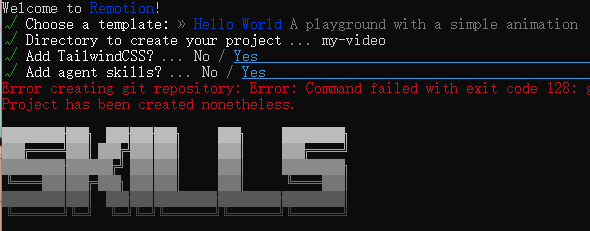
4.npx create-video@latest
可得↓ 一路回车下去
1.2.推送到本地git 3.远程仓库GitHub
git add .(把修改的文件"打包")git commit -m "你的备注"(给这次修改写个"标题")git push(把"标题"和"内容"一起"发布"到 GitHub)
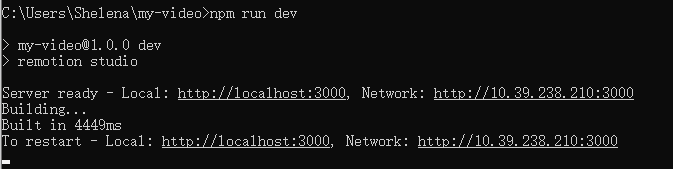
5.npm run dev