自定义列表样式,不使用原始的上一页下一页翻页效果,替换为上拉加载数据,无限滚动的形式
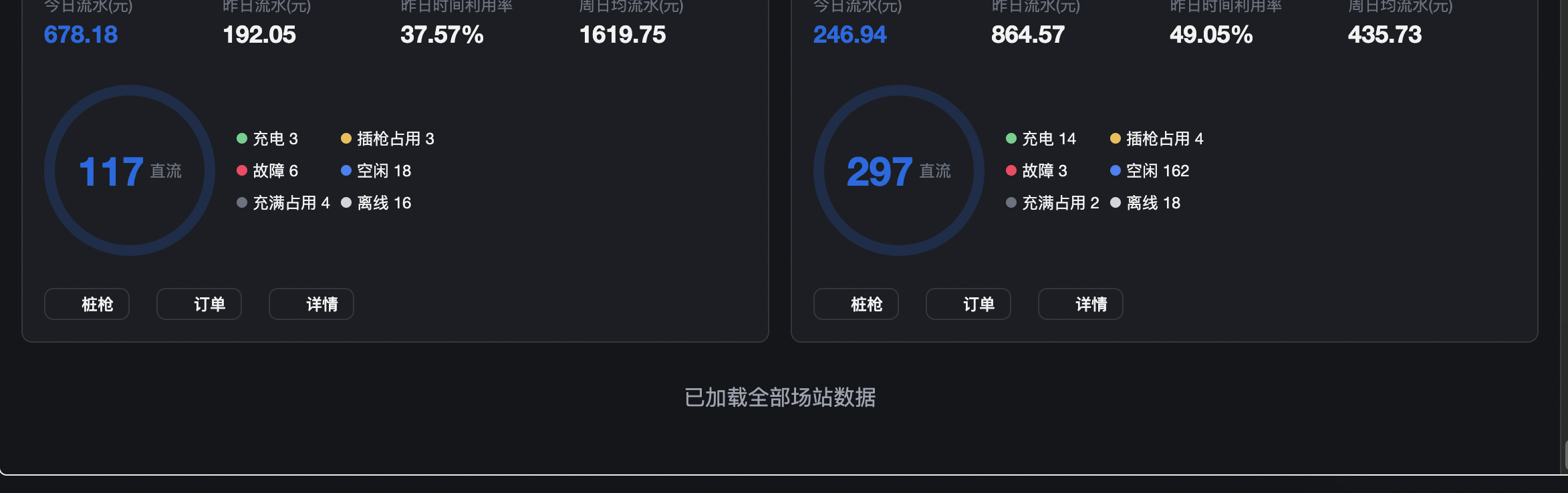
定义变量
const listContainer = ref<HTMLElement>(); // 滚动容器Ref
const stationList = ref<any\[\]>(\[\]); // 列表
const loading = ref(false); // 加载中(防重复请求)
const noMore = ref(false); // 无更多数据
const page = ref(1); // 当前页码
const pageSize = ref(10); // 每页固定10条
const total = ref(45); // 总数据量(模拟45条,可加载5页,最后一页5条)
// 加载场站数据(真实项目替换此函数)const fetchStationList = async () => {
if (loading.value) return; // 防止重复触发
loading.value = true;
try {
// 真实项目替换为下面的接口请求
// const res = await defHttp.get({
// url: '/api/charging/station/list', // 实际接口地址
// params: { ...filters.value, page: page.value, pageSize: pageSize.value }
// });
// const { list, total: totalNum } = res;
// stationList.value = ...stationList.value, ...list;
// total.value = totalNum;
// 模拟接口请求(测试用,真实项目删除)
await new Promise(resolve => setTimeout(resolve, 600)); // 模拟接口延迟
const mockList = Array(pageSize.value).fill(0).map((_, index) => {
const id = (page.value - 1) * pageSize.value + index + 1;
return {
id,
name: `列表${id}`,
todayAmount: (Math.random() * 800).toFixed(2),
yesterdayAmount: (Math.random() * 2500).toFixed(2),
utilizationRate: (Math.random() * 100).toFixed(2) + '%',
weekAvgAmount: (Math.random() * 1800).toFixed(2),
dcCount: Math.floor(Math.random() * 300) + 4,
charging: Math.floor(Math.random() * 15),
gunOccupy: Math.floor(Math.random() * 8),
fault: Math.floor(Math.random() * 10),
idle: Math.floor(Math.random() * 200),
fullOccupy: Math.floor(Math.random() * 6),
offline: Math.floor(Math.random() * 25),
};
});
stationList.value = ...stationList.value, ...mockList;
// 判断是否无更多数据
if (stationList.value.length >= total.value) {
noMore.value = true;
ElMessage.info('已加载全部数据');
}
} catch (error) {
console.error('加载数据失败:', error);
ElMessage.error('数据加载失败,请稍后重试');
} finally {
loading.value = false;
}
};
滚动监听核心逻辑
javascript
const handleScroll = () => {
  const container = listContainer.value;
  if (!container || loading.value || noMore.value) return;

  // 只要加载过1页(>=10条)就允许触发下一页
  const hasLoadOnePage = stationList.value.length >= pageSize.value;
  if (!hasLoadOnePage) return;

  const { scrollTop, scrollHeight, clientHeight } = container;
  // 提前20px触发加载,避免浏览器渲染误差
  const isNearBottom = scrollTop + clientHeight >= scrollHeight - 20;


  if (isNearBottom) {
    page.value += 1;
    fetchStationList();
  }
};