一、电脑上开发包安装情况
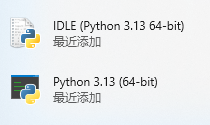
已经安装了ESP-IDF框架,并安装了Python3.13。如下图所示:
二、现象
在Vscode的Terminal(终端)里执行命令idf.py --version时,提示下图所示错误:
No module named 'click'
This usually means that "idf.py" was not spawned within an ESP-IDF shell environment or the python virtual environment used by "idf.py" is corrupted.
Please use idf.py only in an ESP-IDF shell environment. If problem persists, please try to install ESP-IDF tools again as described in the Get Started guide.
三、问题分析
该错误说明:Python 环境缺少依赖(click)。
造成这个问题的原因:通常是因为没有在 ESP-IDF 的虚拟环境中运行 idf.py 或该 venv 未正确创建或损坏。
四、解决过程
第一步:在D:\esp-idf-v5.5.2(这个是esp-idf根目录)里,执行.\install.ps1。
install.ps1 是 ESP‑IDF 在 Windows 上的安装脚本,用来自动为该 ESP‑IDF 版本安装并配置所需的工具链与依赖。
命令正确执行后,会看到下图所示内容。内容很多,仅截取最后的一部分。重点看第一行和倒数第二行。倒数第一行给出了第二步要执行的命令。
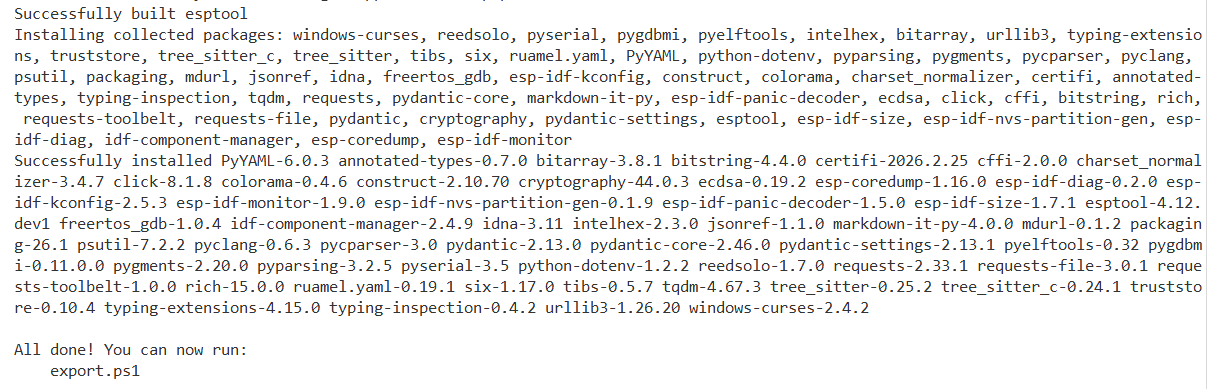
第二步: 在D:\esp-idf-v5.5.2(这个是esp-idf根目录)里,执行.\export.ps1 ,执行后,看到如下提示:
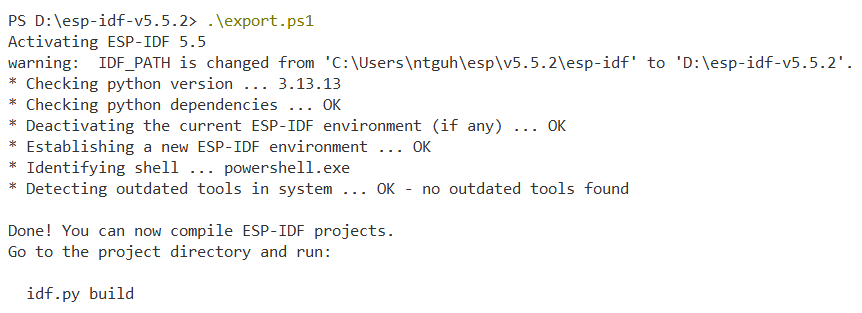
至此,Vscode里的构建环境就成功激活了!
五、验证
环境激活后,可以再构建一下当前的项目,以验证环境配置是否成功。
特别要注意,刚才配置和激活环境时,我们把当前路径切换到了esp-idf的根目录,现在要构建项目,必须切换到项目文件夹里。或者使用绝对路径。
下图是我的项目文件结构:
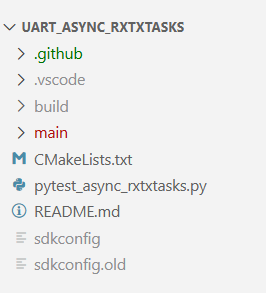
构建时,应该把当前目录切换到uart_async_rxtxtasks这个文件夹,命令是:
cd D:\esp-idf-v5.5.2\examples\peripherals\uart\uart_async_rxtxtasks 或者
cd .\examples\peripherals\uart\uart_async_rxtxtasks
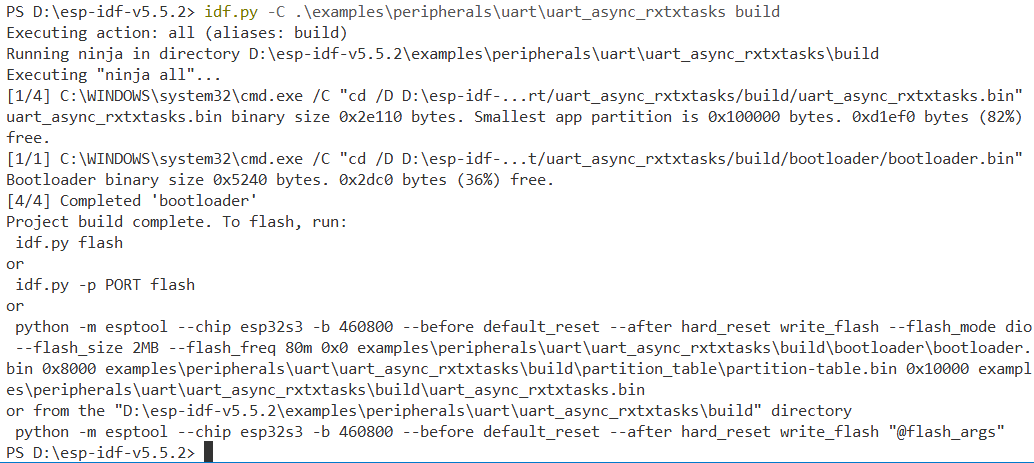
若直接在 D:\esp-idf-v5.5.2 下执行build,进行项目构建,使用下面的两种方法也可以:
构建成功后,可以看到下图所示提示信息: