渲染管线基础流程
基础流程
c#
using System.Collections.Generic;
using UnityEngine;
using UnityEngine.Rendering;

namespace LiteRP
{
    public class LiteRenderPipeline : RenderPipeline
    {
        // 老版本
        protected override void Render(ScriptableRenderContext context, Camera[] cameras)
        {
            // 不实现
        }

        // 新版本
        protected override void Render(ScriptableRenderContext context, List<Camera> cameras)
        {
            // 开始渲染上下文
            BeginContextRendering(context, cameras);

            // 渲染相机
            for(int i = 0; i < cameras.Count; ++i)
            {
                Camera camera = cameras[i];
                RenderCamera(context, camera);
            }

            // 结束渲染上下文
            EndContextRendering(context, cameras);
        }

        private void RenderCamera(ScriptableRenderContext context, Camera camera)
        {
            // 开始渲染相机
            BeginCameraRendering(context, camera);

            // 结束渲染相机
            EndCameraRendering(context, camera);
        }
    }
}
剔除
目前在 profiler 里看不到 culling 相关的内容

c#
private void RenderCamera(ScriptableRenderContext context, Camera camera)
{
    // 开始渲染相机
    BeginCameraRendering(context, camera);
    // 获取相机剔除参数,并进行剔除
    ScriptableCullingParameters cullingParameters;
    if (!camera.TryGetCullingParameters(out cullingParameters))
        return;
    CullingResults cullingResults = context.Cull(ref cullingParameters);

    // 结束渲染相机
    EndCameraRendering(context, camera);
}

性能复杂度会随着场景复杂度提升而提升,在自定义渲染管线中,我们只能通过 CullingParameters 的设置来有限的干预这个过程,一旦 CullScriptable 的性能开销过高,只能通过降低场景复杂度的方式来进行优化。
相机渲染流程
c#
private void RenderCamera(ScriptableRenderContext context, Camera camera)
{
    // 开始渲染相机
    BeginCameraRendering(context, camera);
    // 获取相机剔除参数,并进行剔除
    ScriptableCullingParameters cullingParameters;
    if (!camera.TryGetCullingParameters(out cullingParameters))
        return;
    CullingResults cullingResults = context.Cull(ref cullingParameters);

    // 为相机创建 CommandBuffer
    CommandBuffer cmd = CommandBufferPool.Get(camera.name);
    // 设置相机属性参数
    context.SetupCameraProperties(camera);
    // 清理渲染目标
    // 指定渲染排序设置 SortSettings
    // 指定渲染状态设置 DrawSettings
    // 指定渲染过滤设置 FilterSettings
    // 创建渲染列表
    // 绘制渲染列表
    // 提交命令缓冲区
    context.ExecuteCommandBuffer(cmd);
    // 释放命令缓冲区
    cmd.Clear();
    CommandBufferPool.Release(cmd);
    // 提交渲染上下文
    context.Submit();
    // 结束渲染相机
    EndCameraRendering(context, camera);
}
额外:
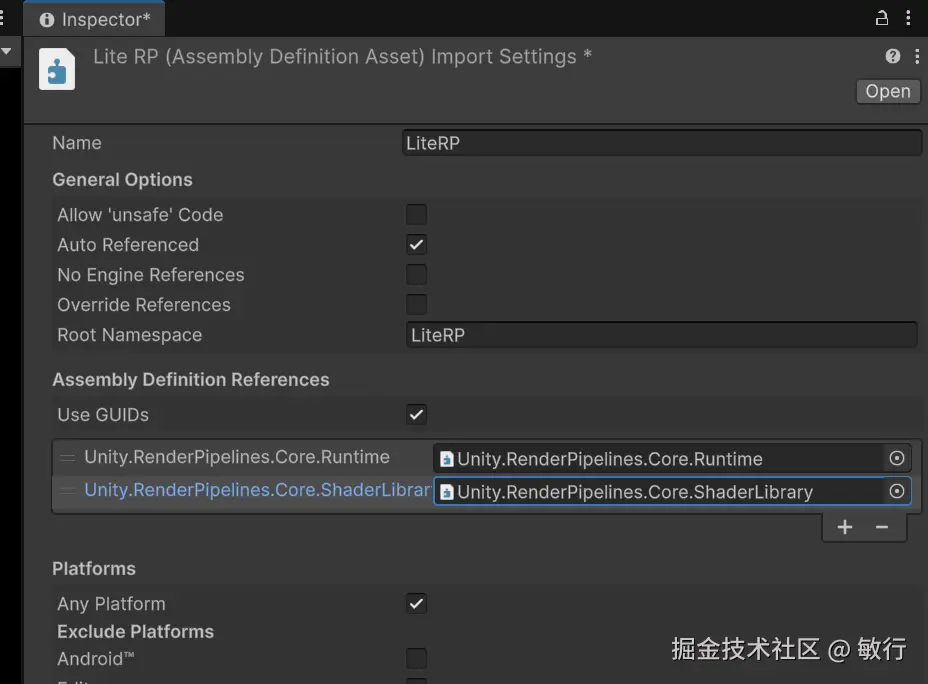
因为使用到了 CommandBufferPool,需要添加额外程序集引用。
结果
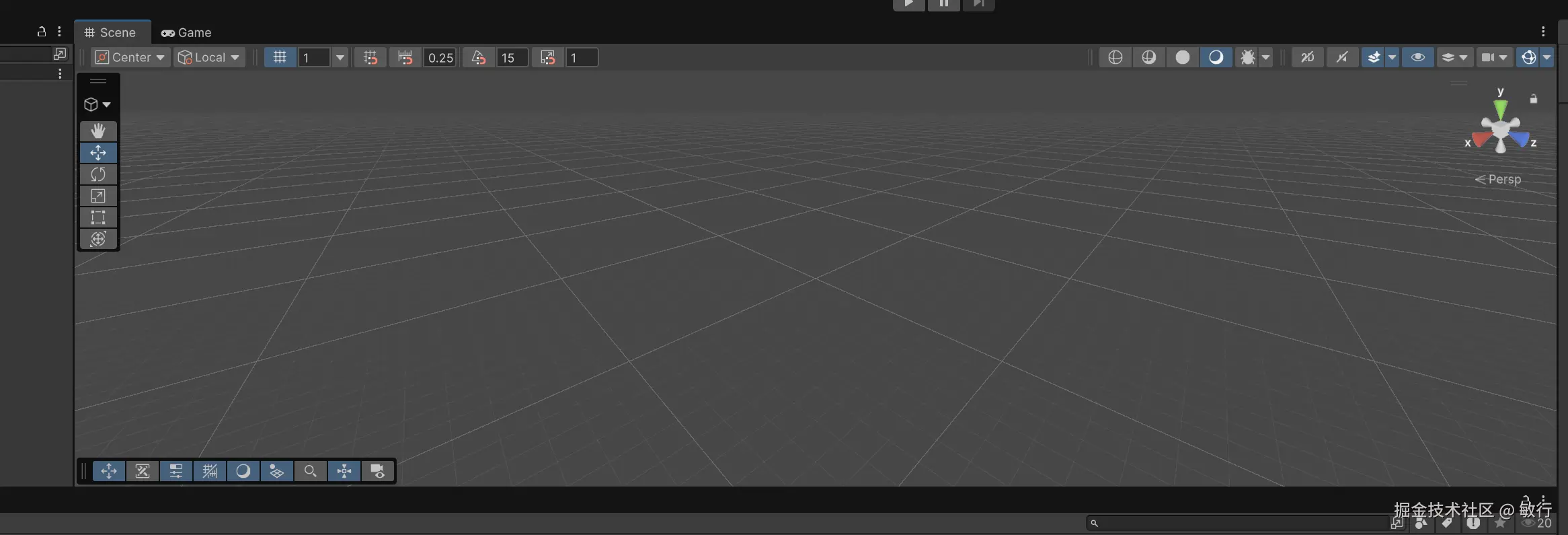
目前可以看到一个基础场景了